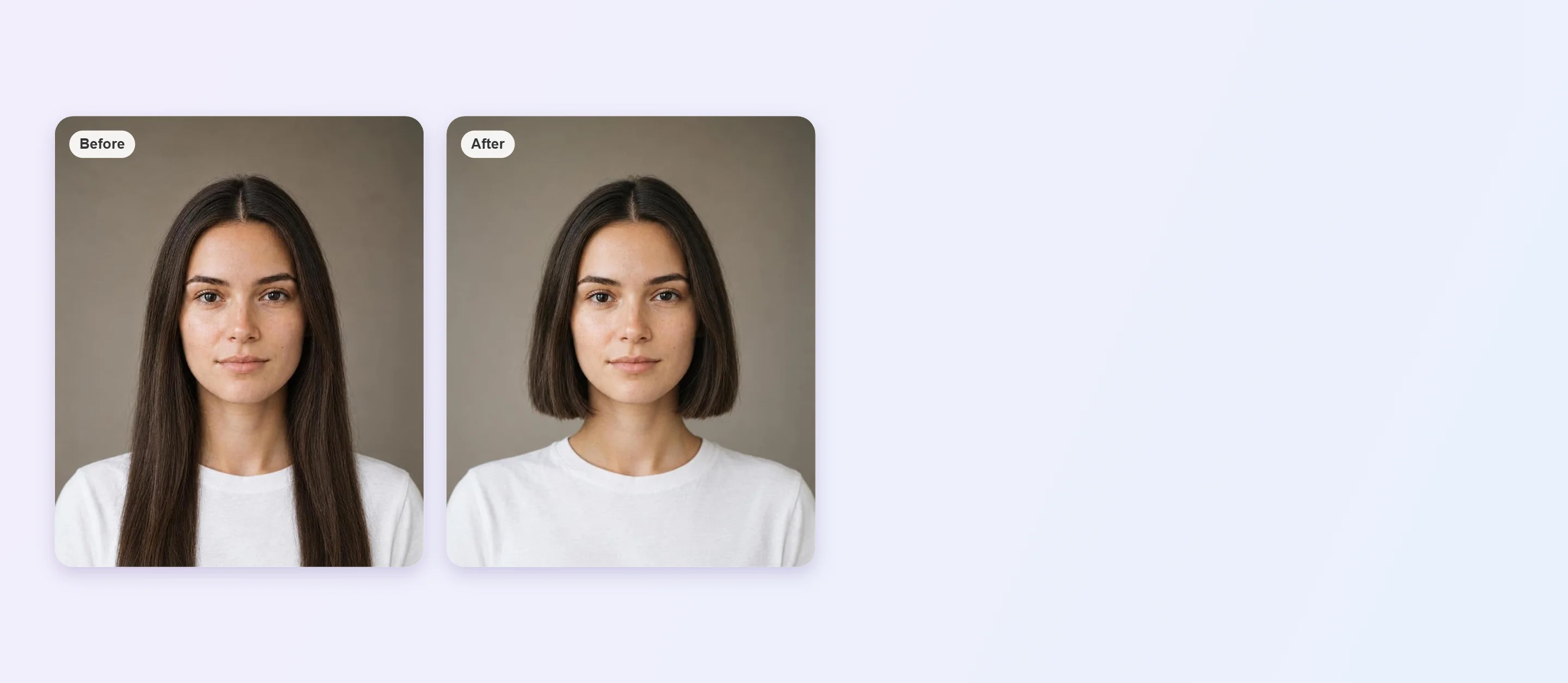


Bob Haircut Filter Online
Looking for a bob haircut filter? Upload a front-facing photo and use the AI Hairstyle Generator as a virtual hair try-on to see bob haircut on your own hair before you book the cut.





How to Try a Bob Haircut on Your Photo

Upload a Clear Photo
Choose a well-lit, front-facing photo with your hair down and your jawline and neck visible so the AI can see where the bob should end.

Pick a Bob Haircut
Open the AI Hairstyle Generator and choose a bob style from the library, such as a blunt, layered or wavy bob, to see it applied to your photo.

Compare and Save
Try a few lengths, compare each with your original photo and save the version you like best.
Sleek Chin-Length Bob
A chin-length bob with a slight inward curve gives a clean, polished outline that frames the jaw. Preview the length on your own photo before you commit to the cut.

Shoulder-Length Wavy Bob
A longer, textured bob adds movement and softens the face. Check how the length sits against your shoulders and how the waves look on your hair color before you book a trim.
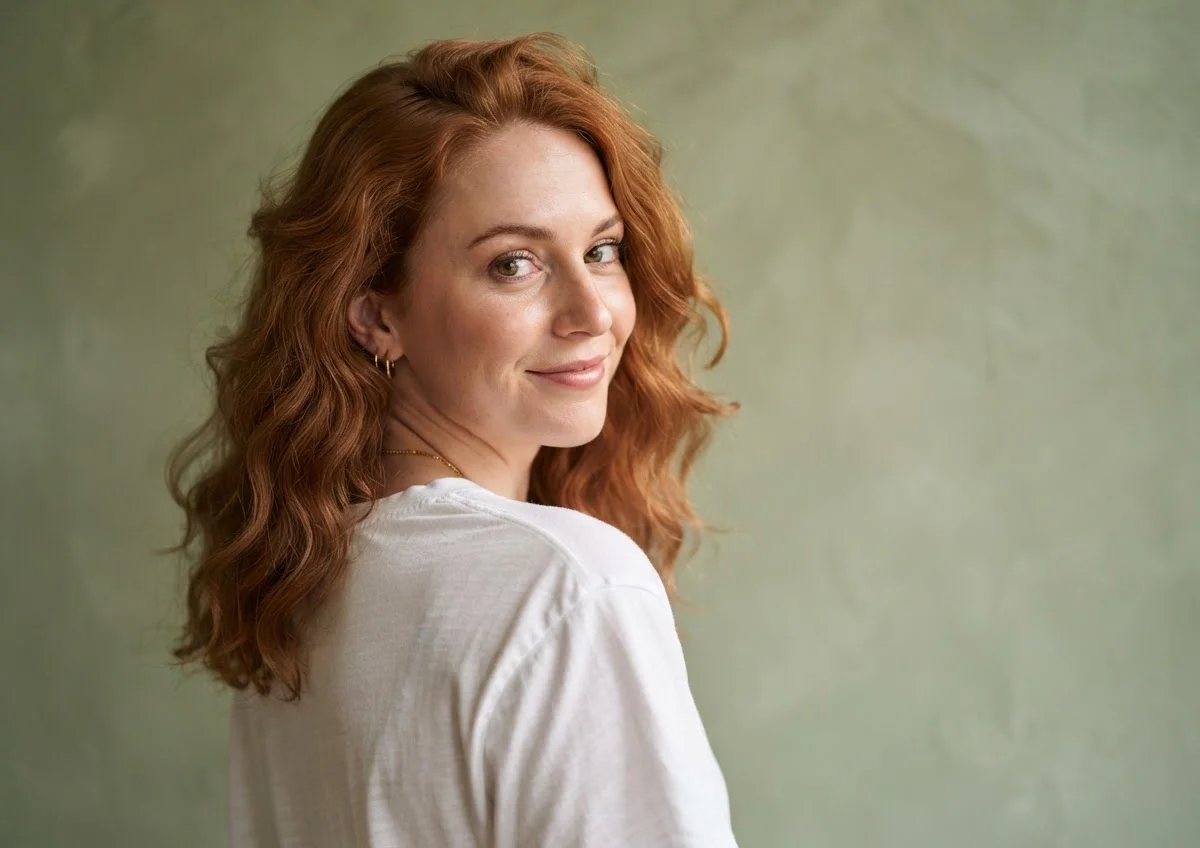
Who Suits a Bob Haircut?
Bob Haircut FAQs
What is a bob haircut?
A bob is a short to medium cut where the hair is trimmed to one length around the head, usually between the chin and the shoulders. It can be blunt, layered, curved or textured.
Can I preview a bob haircut on my own photo?
Yes. Upload a front-facing photo to the AI Hairstyle Generator and it applies the style to your hair so you can see the result before cutting.
Which bob length should I try first?
A chin-length bob is the classic starting point. If you want to stay closer to your current length, try a shoulder-grazing bob and compare both on your photo.
Which photo gives the best result?
Use a sharp, evenly lit, front-facing photo with your hair down and your jawline and shoulders visible. Heavy filters or hats can lower the accuracy of the preview.
Does a bob work on wavy or curly hair?
It can. Wavy hair adds texture to a bob, while very curly hair may sit shorter once it dries, so ask your stylist about length.
Is the preview exactly what my cut will look like?
No. It is a visual guide, and the real result depends on your hair texture, density and how a stylist cuts it. Bring the preview to your stylist as a reference.

