

AI Body Shape Visualizer Online
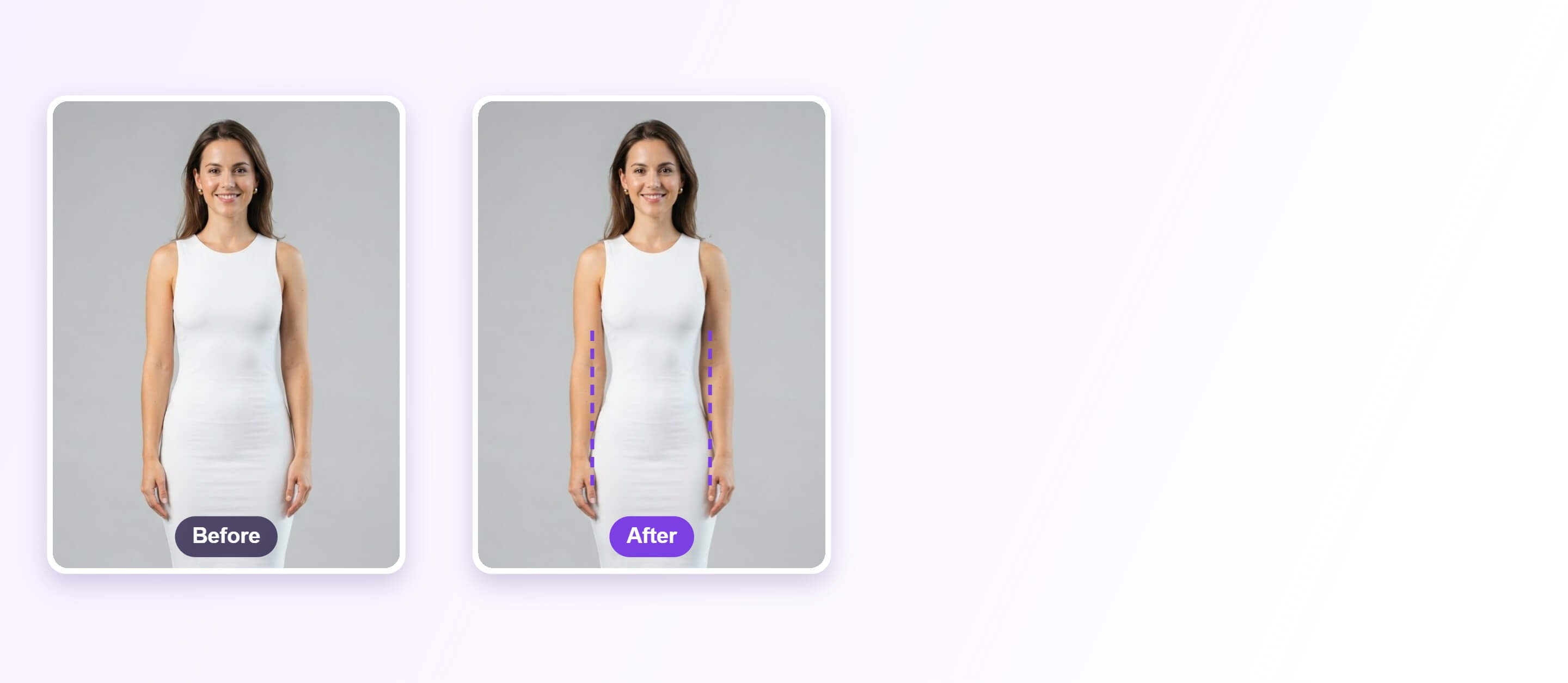
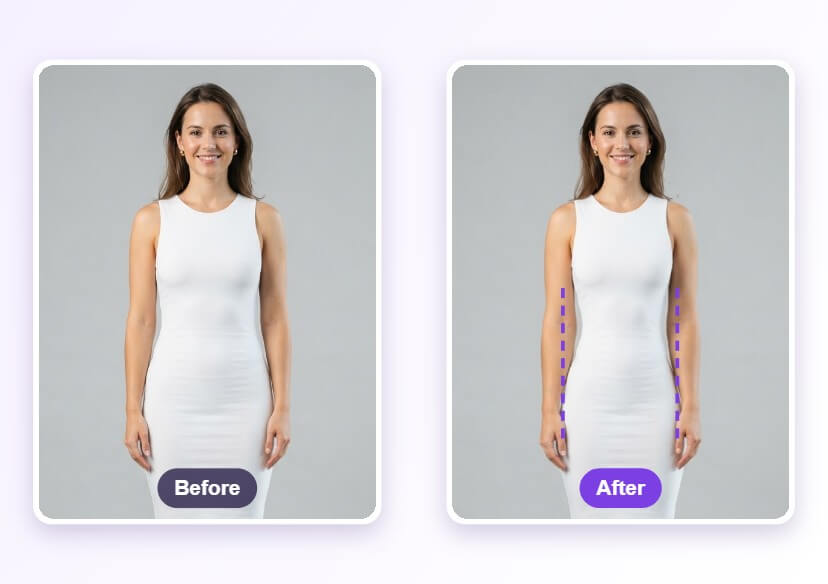
Preview small changes in proportions on a full-body photo with AI Body Shape Visualizer. Adjust the waist, legs, shoulders and more with simple sliders, then compare with the original.
See Proportion Changes Before You Decide
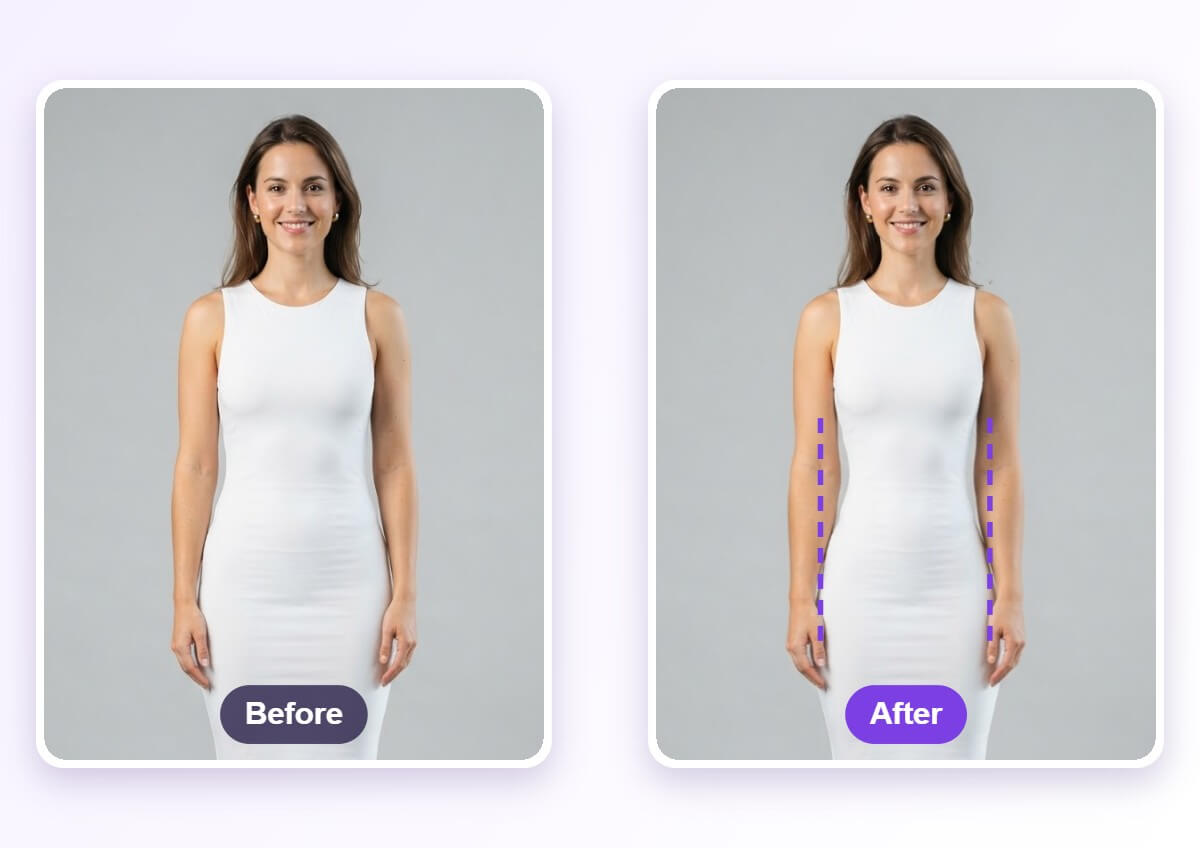
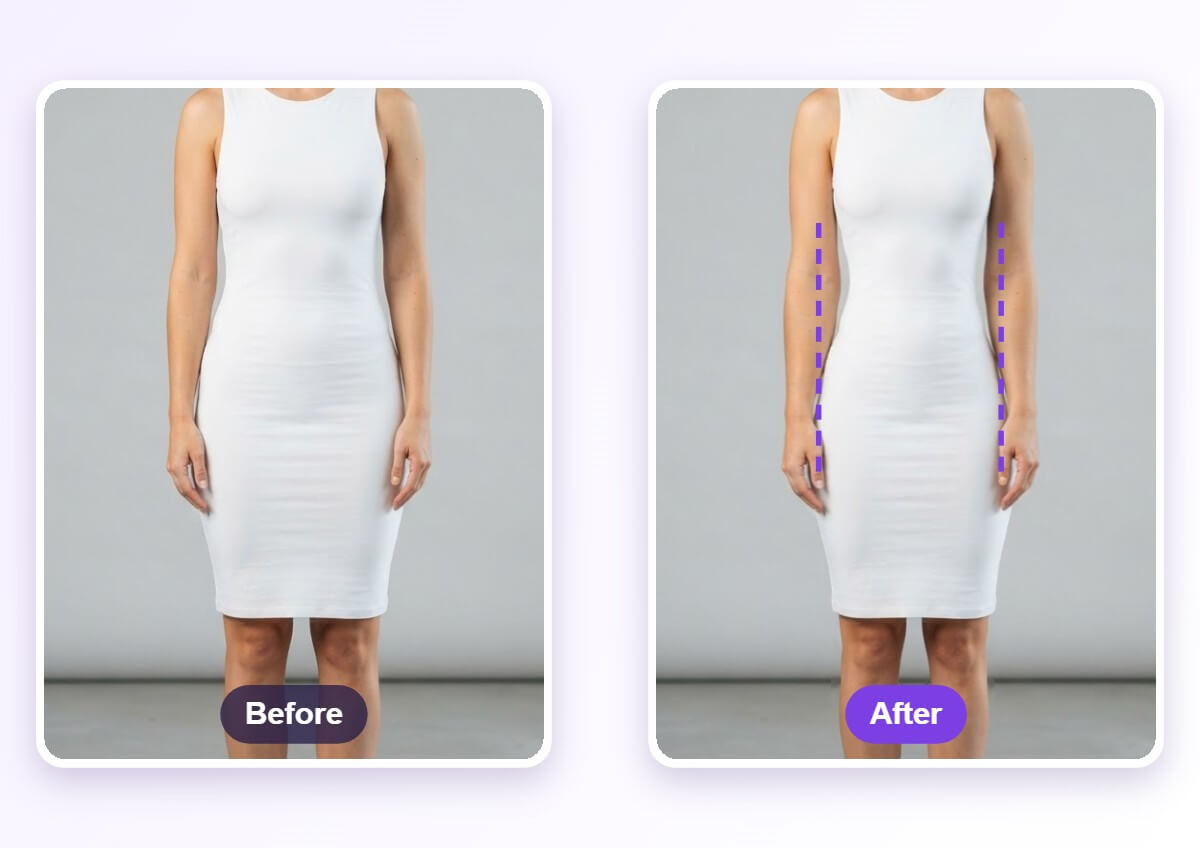
A full-body photo does not always show how a fit, a pose or a small change in proportions would look. The visualizer lets you move one slider at a time and see a realistic preview, so you can compare it with the original and stop where it still looks natural.
How to Visualize Your Body Shape
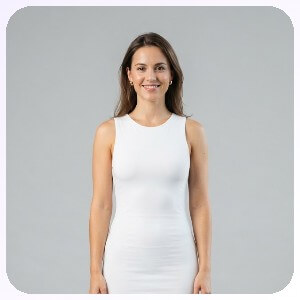
Upload a Full-Body Photo
Pick a photo where your whole body is visible and you are standing straight on to the camera. Fitted clothing and a plain background make the outline easier to detect.

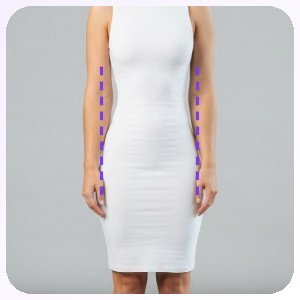
Adjust the Sliders
Open an area such as Waist, Legs, Shoulder or Hip Size and move its slider. Small steps look most natural, so change one area at a time.
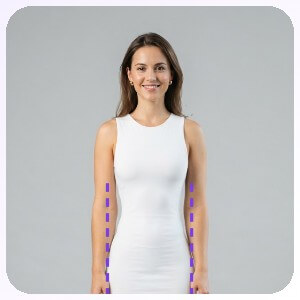
Apply and Compare
Apply the edit, then use the compare button to flip between the original and the result. Download it when the proportions still look like you.
Adjust One Area at a Time
The editor splits the body into separate areas, including arms, waist, legs, shoulders, hip size and neck, and each one has its own slider. Work through them one by one and check the preview after every change. A background protection option is available so the area around the body stays in place.
FAQs: Body Shape Visualizer
What is a body shape visualizer?
A body shape visualizer lets you preview how small changes in proportions would look on a photo of yourself. Here you upload a full-body photo, adjust sliders for areas such as the waist, legs and shoulders, and compare the result with the original.
Which areas can I adjust?
The editor lists areas including arms, waist, legs, shoulders, hip size and neck, plus an overall slim option. Each area has its own slider, so you can change one at a time.
What kind of photo works best?
Use a full-body photo where you stand facing the camera in even light, with your arms slightly away from your body. Fitted clothing shows the outline clearly, while loose clothing hides it and makes the preview harder to judge.
Will the result look natural?
Small slider moves usually look the most natural. Large changes can bend straight lines or clothing patterns near the edited area, so review the preview closely and use the compare button before you download.
Is the preview a prediction of real results?
No. It is a visual edit of one photo and does not predict how a body changes through exercise, diet or anything else. Use it to explore proportions and fit, not to set goals.
Can I undo or reset an edit?
Yes. The editor has undo, redo and reset buttons, so you can step back from a change or return to the original photo and start again.

