




Braces Filter Online
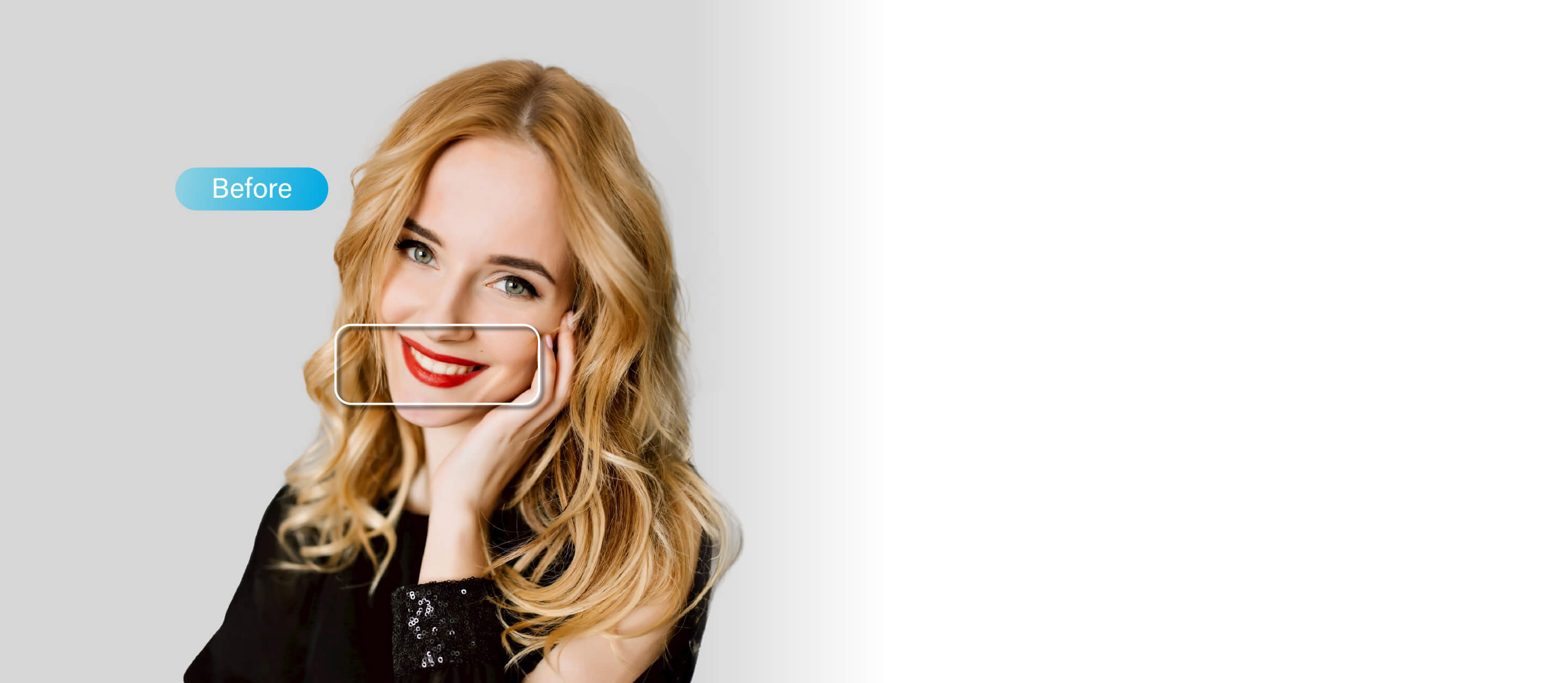
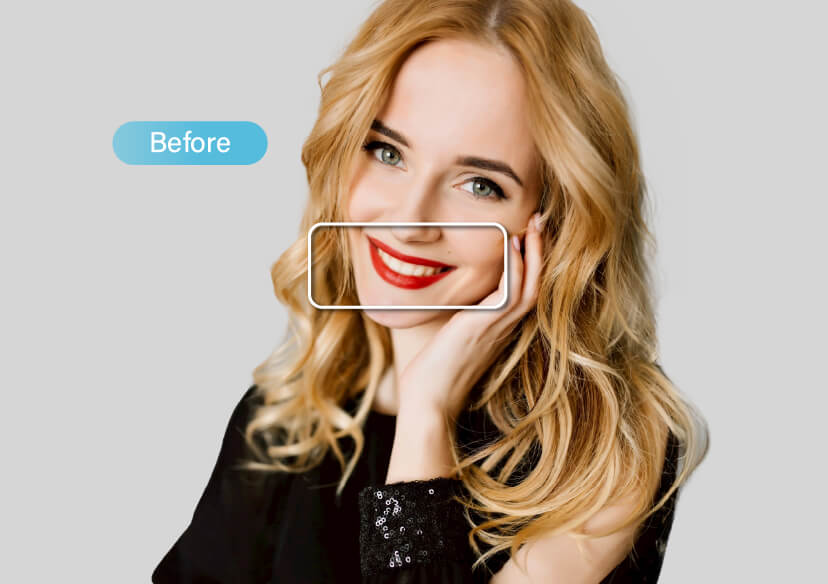
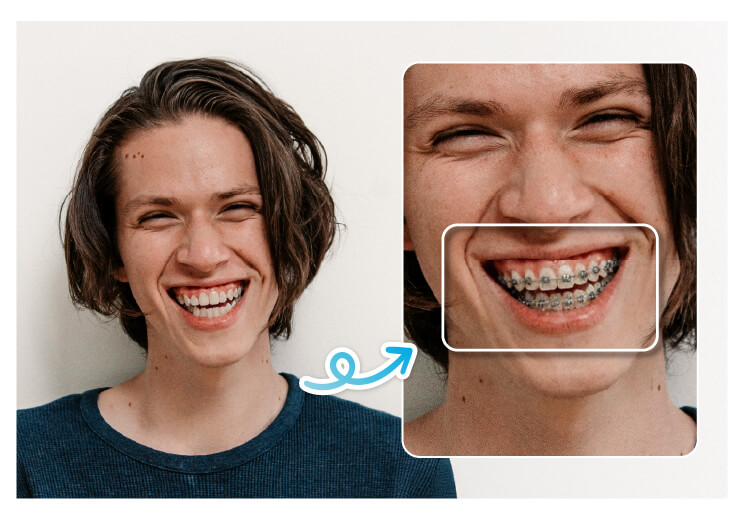
Use braces filters to instantly preview your smile with different braces styles — from classic metal to colorful or ceramic designs.





See Your Smile with Braces in Seconds
Thinking about getting braces? Try filter with braces before committing to the real thing!
Save time, make smarter choices, and see which braces truly suit your look.
Surprise Your Friends with Braces Filter
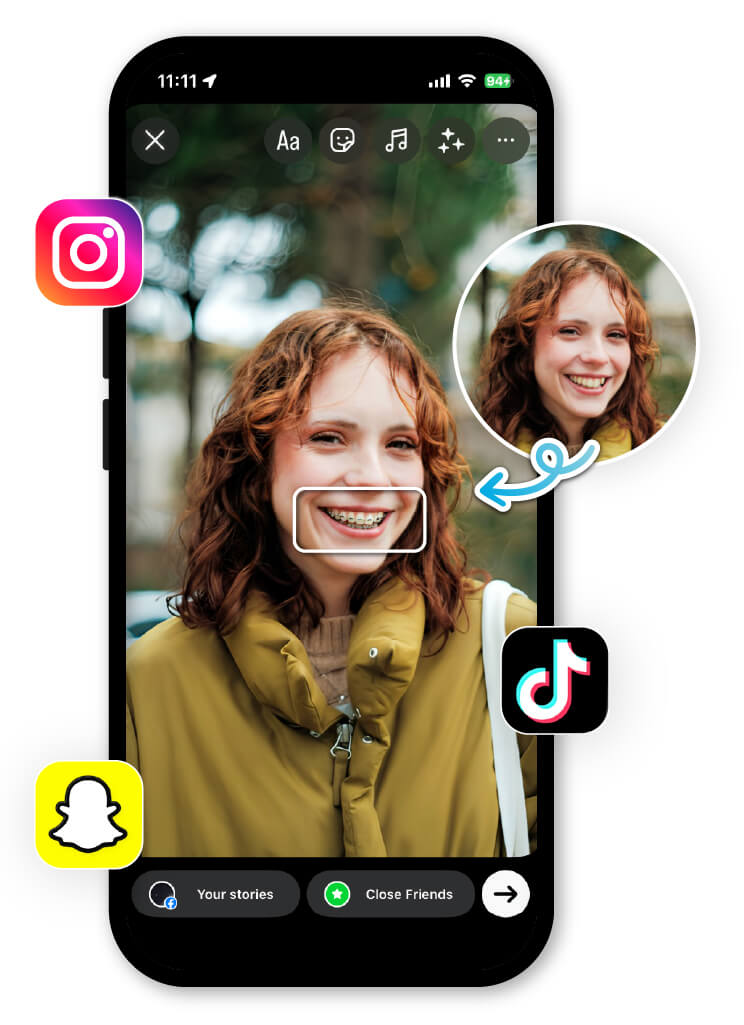
The Braces Filter is going viral on Snapchat, TikTok, and Instagram. Try on playful or stylish braces and share your fun look with friends.
From chic rainbow braces to realistic metal braces, you can create hilarious or eye-catching content in seconds.
Why You’ll Love Filter with Braces
- Quick & Realistic – AI automatically adjusts braces to fit your smile perfectly.
- Try Any Style – Metal, ceramic, colorful, or even custom designs.
- Perfect for Social Media – Share funny or stylish braces photos instantly.
- Instant Comparison – See your before-and-after look in just one tap.
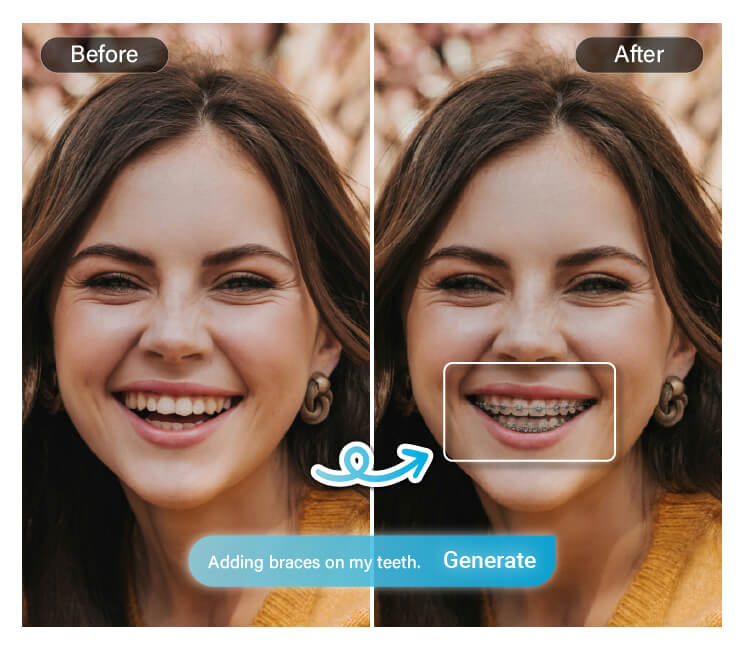
How Braces Filter Works
Follow these simple steps to see yourself with braces in seconds:

Upload Your Image
Choose a selfie or portrait you want to edit.

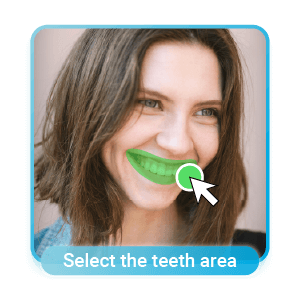
Select Area with AI Brush
Highlight your teeth area for precise results.
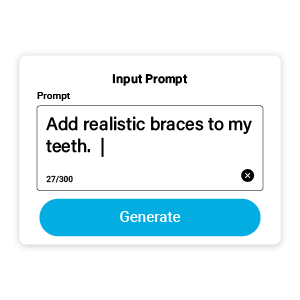
Enter Prompt to Add Braces Filter
Type your desired braces style (metal, ceramic, colorful, etc.).

Save Your Photo
Download or share your new smile instantly!
FAQs About Braces Filter
What is a braces filter?
A braces filter is an AI-powered tool that lets you see how you’d look with braces. It automatically adds realistic braces to your teeth in photos, helping you visualize different styles before getting real ones.
Try YouCam Online Editor if you want to have the best braces filter result.
How do I use the braces filter?
Simply upload your photo, brush over your teeth area, type your prompt to add braces, and save your edited image. You can do it all within seconds using YouCam Online Editor.
Is the braces filter free to use?
Yes! You can try different braces styles for free using the YouCam Perfect app or the online version- YouCam Online Editor .
Can I choose different types of braces?
Absolutely. The AI braces filter lets you experiment with metal, ceramic, colorful, or even custom braces designs for fun or preview purposes.

