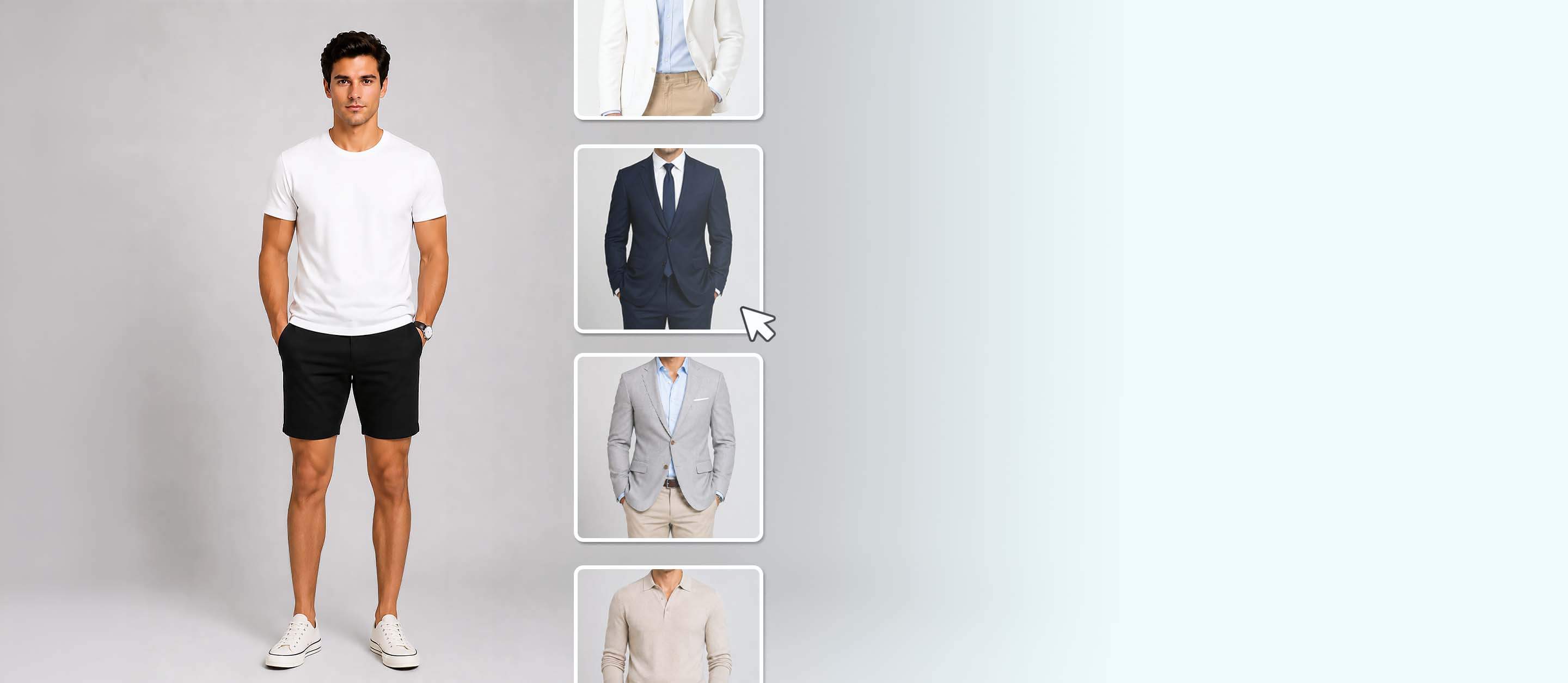




Discover Business Looks for Men with AI
Ever wondered which type of business outfit looks best on you? Our AI Clothes Changer allows you to try on any clothes virtually and helps you find the perfect look for work, LinkedIn photos, and more.
Change Outfit Now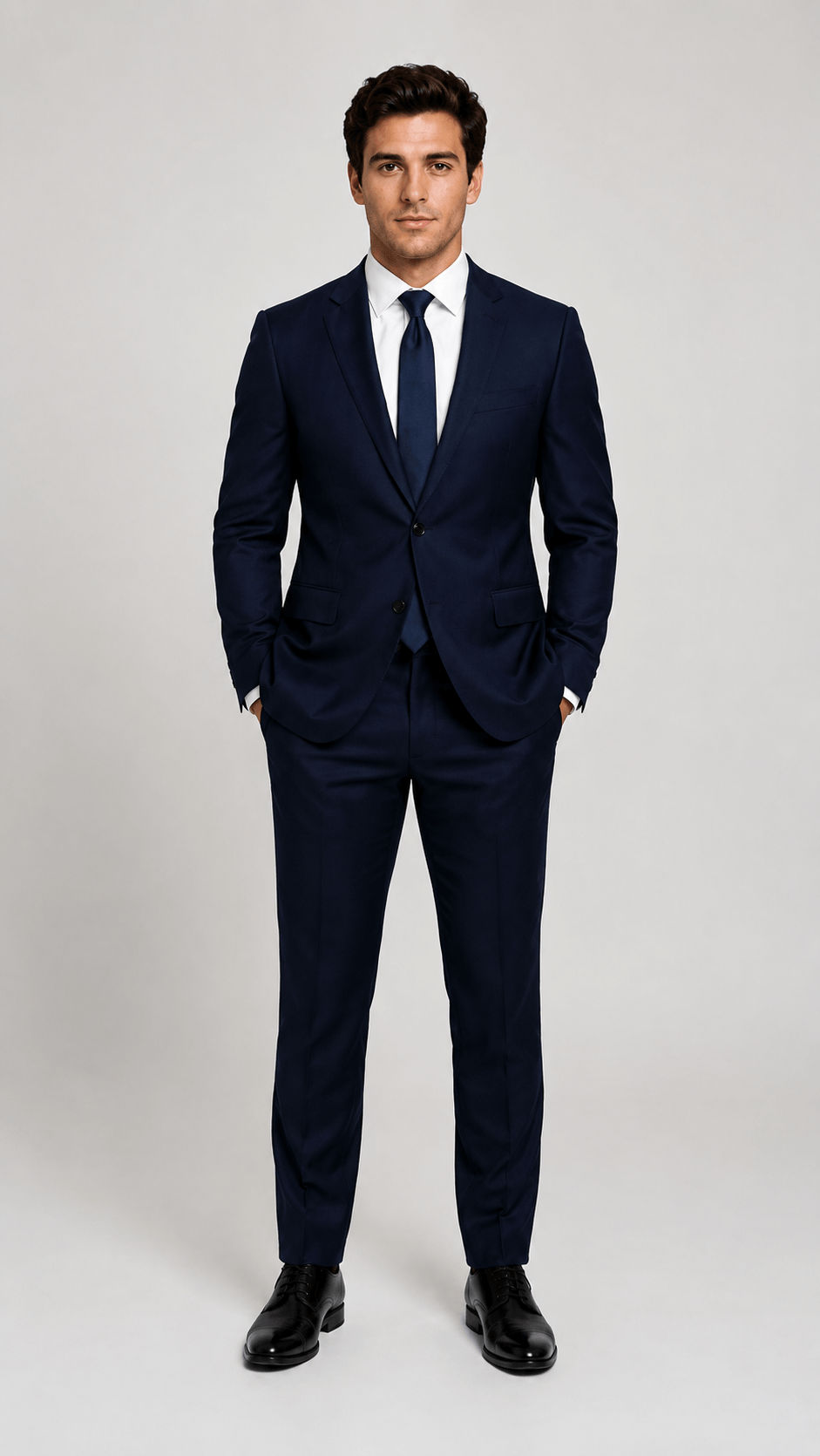
The most formal outfit, featuring well-tailored suits, ties, and polished dress shoes for corporate and formal events.
Common Clothing:
- Navy two-piece suit
- Black three-piece suit
- Crisp white dress shirt
- Solid color ties
- Black/dark brown Oxford shoes

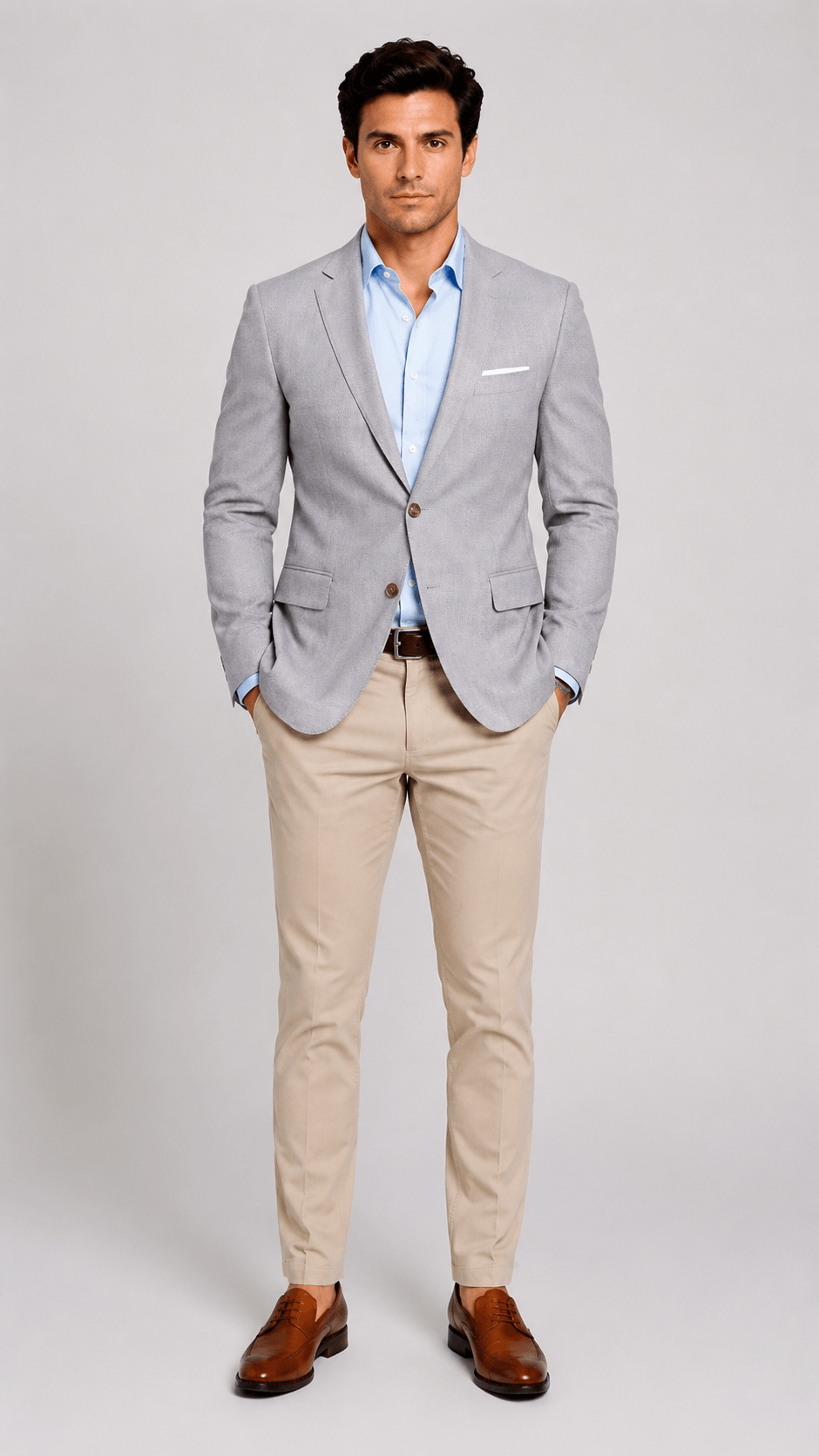
A relaxed professional style that pairs blazers, chinos, and dress shirts for everyday office wear.
Common Clothing:
- Solid color dress shirt
- Blazer
- Polo shirt
- Chino
- Loafers
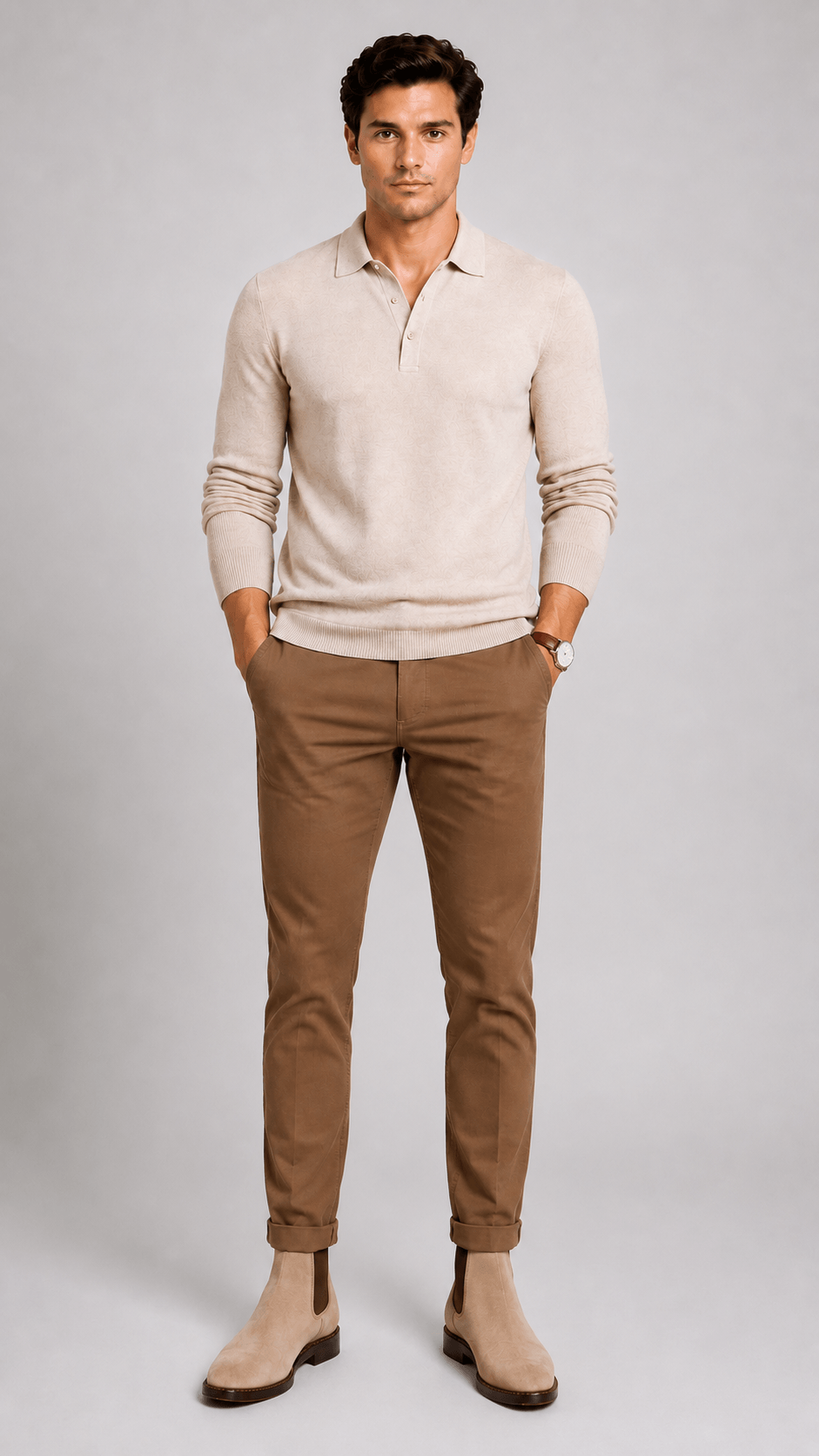
A modern mix of tailored and casual pieces that balances professionalism with personal style.
Common Clothing:
- Merino wool crew neck
- Knit polo
- Chino
- Dark denim
- Chelsea boots
Pro Tips for AI Clothes Changer
For the best results of the outfit, here are some Dos and Don’ts:
Dos:
- Use front-facing images
- Take at least half-body photos (full-body photos are preferred)
- Upload photos with only 1 model
- Upload images with good lighting condition
Don’ts:
- Don’t block the model
- No sitting or posing (face directly to the camera)
- No side view or rear view
Three Business Look Ideas to Try On Virtually
Professional Headshots
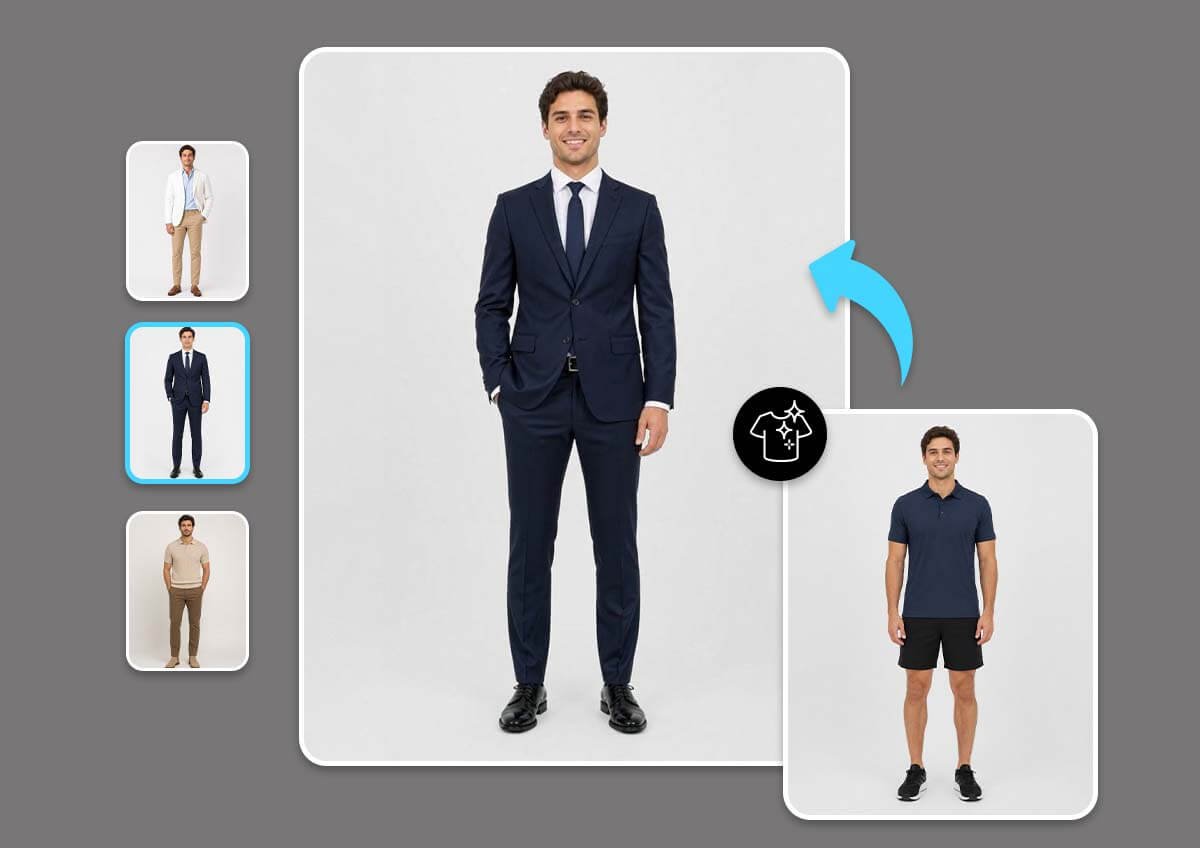
A professional headshot helps create a strong first impression on company websites, resumes, and personal branding platforms. For a polished and professional appearance, men typically wear business formal attire such as a tailored suit and dress shirt.
Example outfit prompt: white dress shirt, navy two-piece suit, navy necktie
LinkedIn Photos
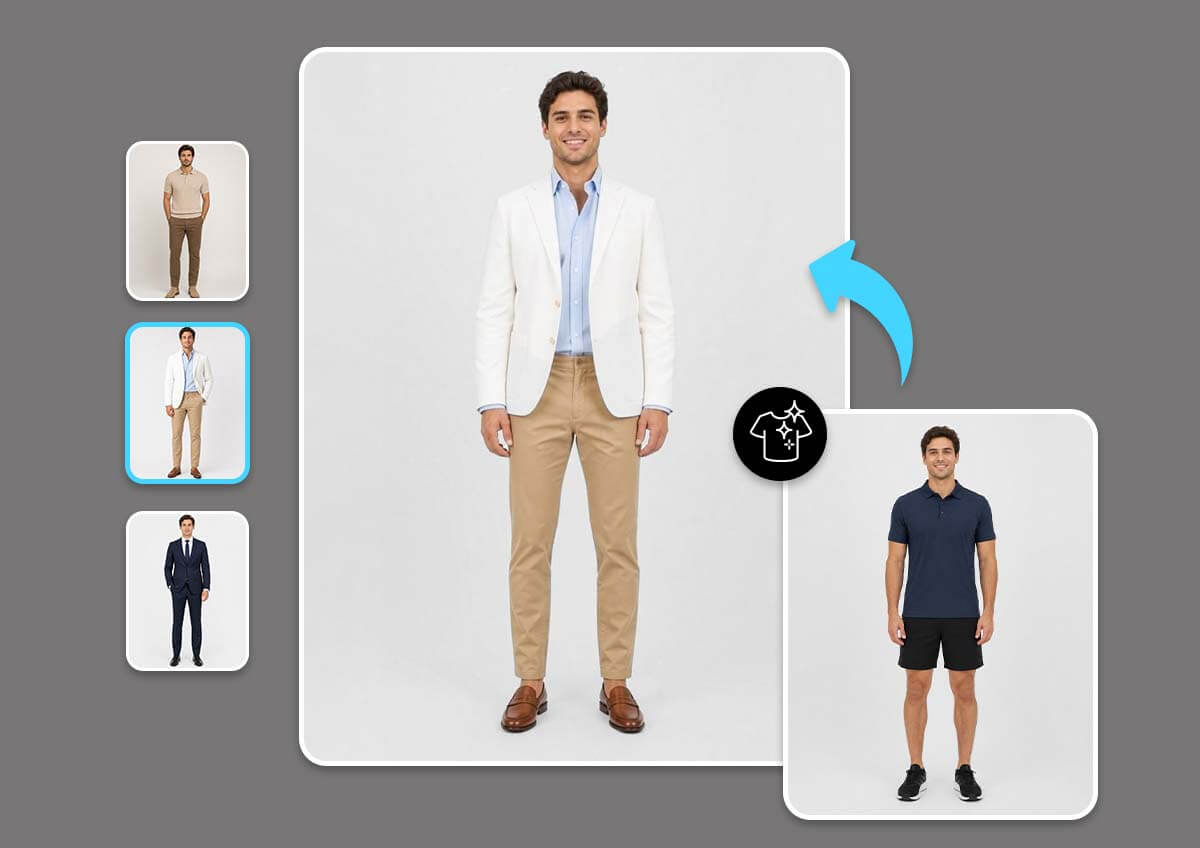
Choosing the right outfit for a LinkedIn profile photo make you appear confident, trustworthy, and professional to recruiters. While certain industries require a rather professional look, a business casual outfit is generally a great option for a LinkedIn photo.
Example outfit prompt: light blue dress shirt, white blazer, khaki chino, brown loafers
Business Portrait Photos
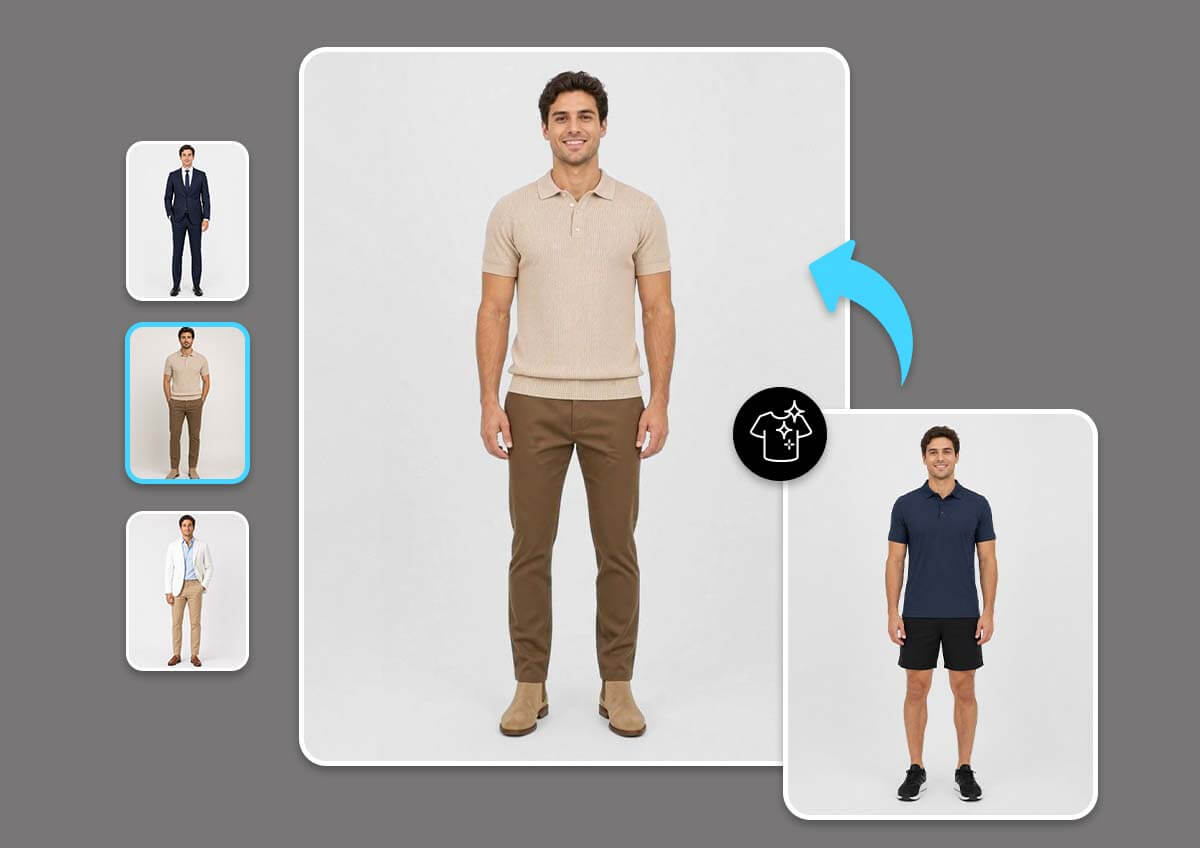
The formality of a business portrait highly depends on the industry and style you want to show. For finance, banking, law, and consulting, business formal is more preferred; tech, marketing, and creative industries, conversely, prefer business casual or smart casual.
Example outfit prompt: beige knit polo, brown chino, beige Chelsea boots
How-to Simulate Business Looks
Create your own business look with AI Clothes Changer.
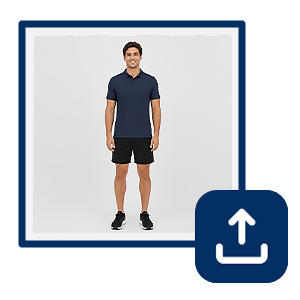
Upload Your Photo
Upload a clear image with great lighting. For the best results, use a full-body shot and remove objects blocking your current outfit.

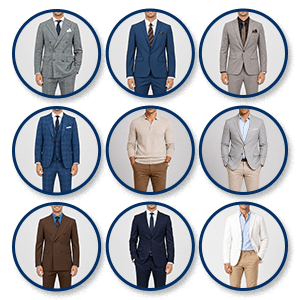
Select or Upload a Style
Browse our preset outfits gallery (suits, casual wear, sports) or upload an image with the outfit you want to try on.
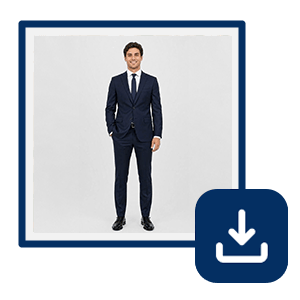
Change & Save New Look
Click on “Change Clothes.” Our AI automatically detects your body pose and replaces your current clothes with the selected style.
FAQs on Business Looks
What is business professional attire for men?
Business professional attire for men is a formal dress code commonly used in corporate workplaces and professional settings. It typically includes a tailored suit, dress shirt, tie, and polished dress shoes. This style is often recommended for interviews, executive roles, professional headshots, and important business meetings.
What should I wear for a LinkedIn photo?
For a LinkedIn photo, choose clothing that matches your industry and professional goals. Business formal/ professional attire, such as a suit and dress shirt, is ideal for finance, banking, law, and consulting industries; business casual outfits create a more approachable appearance for industries such as tech and marketing.
What to wear for professional headshots?
Professional headshots usually look best with business professional attire. Men often choose tailored suits, dress shirts, and a solid color tie that express their professionalism. Avoid distracting patterns, logos, or overly casual clothing to keep the focus on your face and professional image.
How do I look more professional in photos?
To look more professional in photos, wear well-fitted clothing, choose clean and simple colors, and maintain a confident and natural posture. Professional attire that matches your industry can also help create a stronger first impression and communicate credibility and professionalism. You may use YouCam’s AI Clothes Changer feature to experiment on your looks virtually.
Can AI help me choose a business outfit?
Yes, AI Clothes Changer allows you to instantly visualize unlimited business professional, business casual, and smart casual outfits on your own photo. By comparing multiple styles, you can find the look that best suits your industry, personality, or professional photo needs before making a decision.
What is an AI clothes changer?
An AI clothes changer is a tool that uses artificial intelligence to digitally replace or modify clothing in photos. It allows users to instantly try different outfits, styles, and dress codes without changing clothes in real life, making it easy to explore unlimited looks for any occasion.
What colors work best for business attire?
Classic colors such as navy, charcoal gray, black, white, and light blue are popular choices for business attire because they convey professionalism. Other neutral colors such as light gray, khaki, beige, and brown deliver a more casual tone for business outfit.

