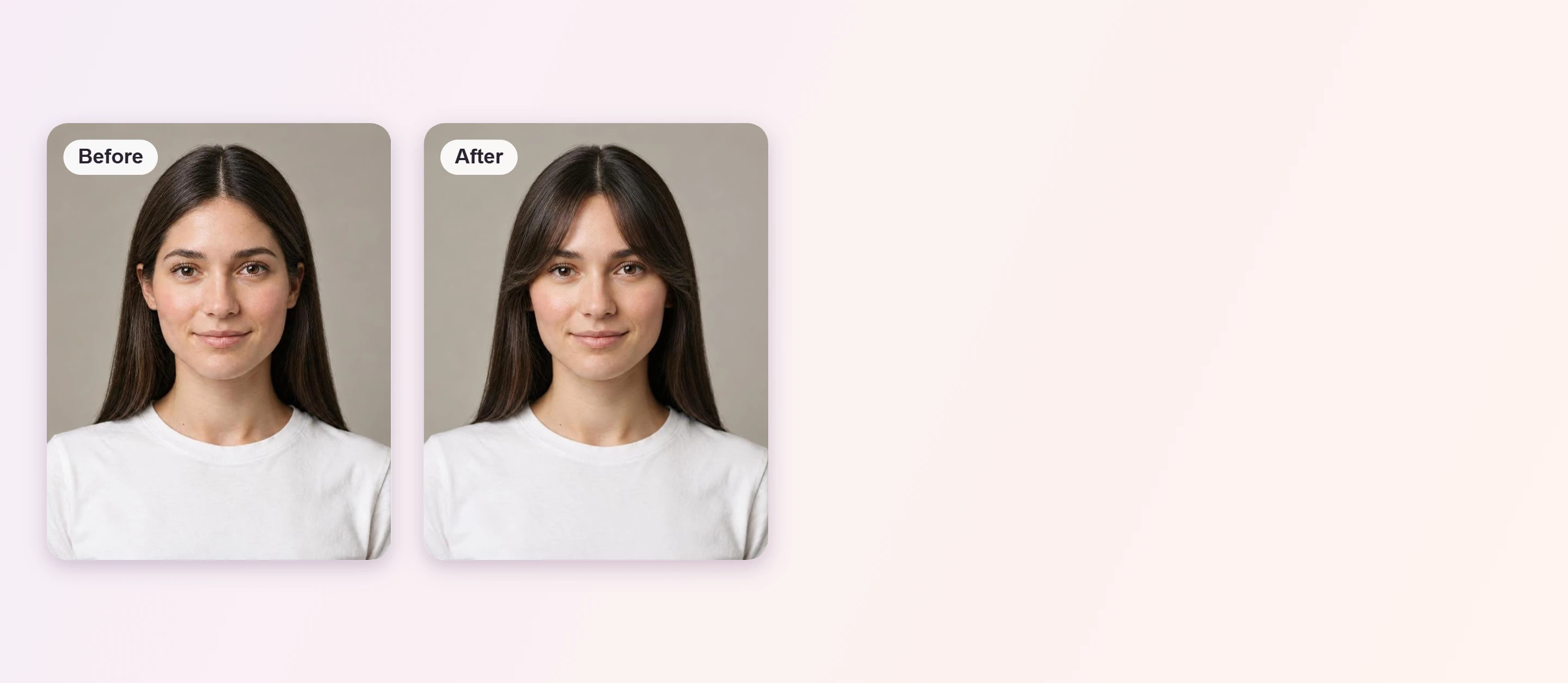


Curtain Bangs Filter Online
Looking for a curtain bangs filter? Upload a front-facing photo and use the AI Hairstyle Generator as a virtual hair try-on to see curtain bangs on your own hair before you book the cut.





How to Try Curtain Bangs on Your Photo
Upload a Clear Photo
Choose a well-lit, front-facing photo with your forehead and hairline visible. Pull your hair back so the AI can see where the bangs should start.

Pick Curtain Bangs
Open the AI Hairstyle Generator and choose a curtain bangs style from the library to see it applied to your photo.

Compare and Save
Try a few lengths, compare each with your original photo and save the version you like best.
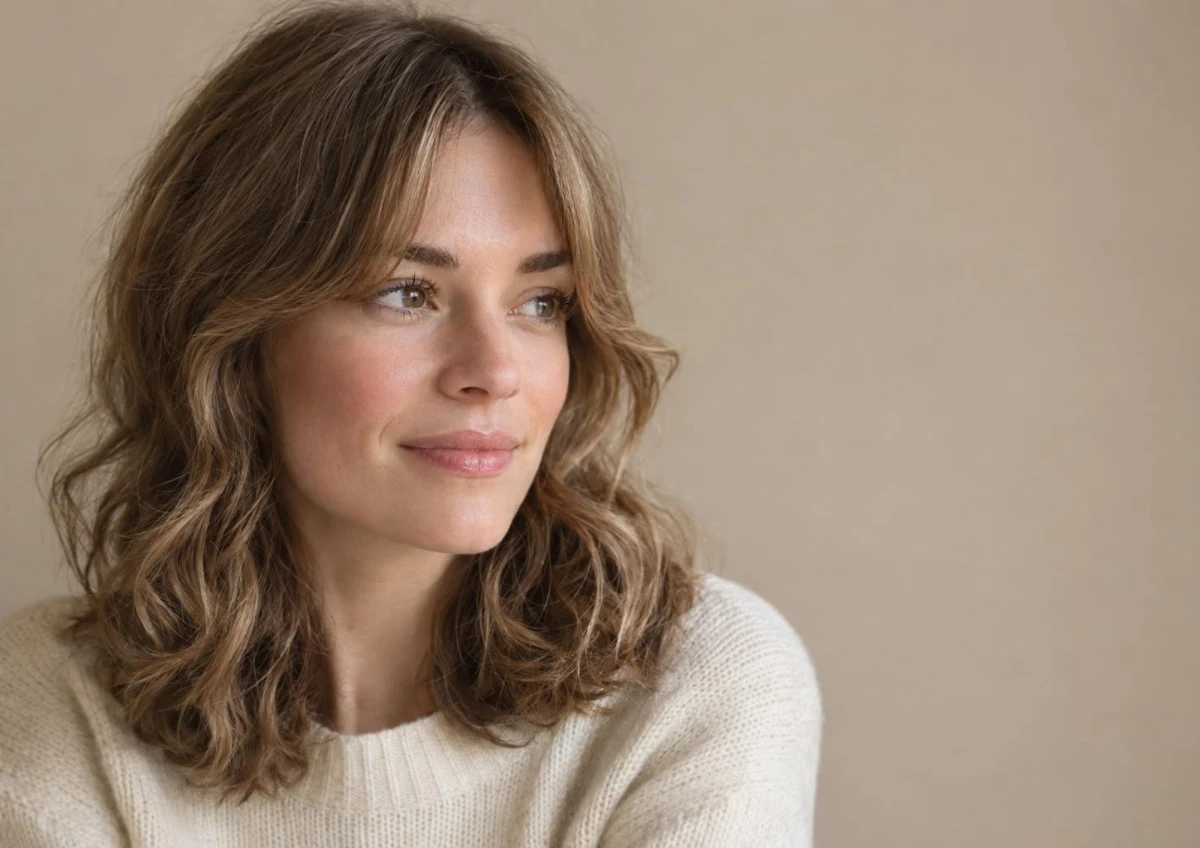
Center-Parted Bangs on Wavy Hair
Curtain bangs part in the middle and sweep to each side, so they frame the cheekbones and blend into the rest of your hair. Preview the length on your own photo before you commit to a cut.
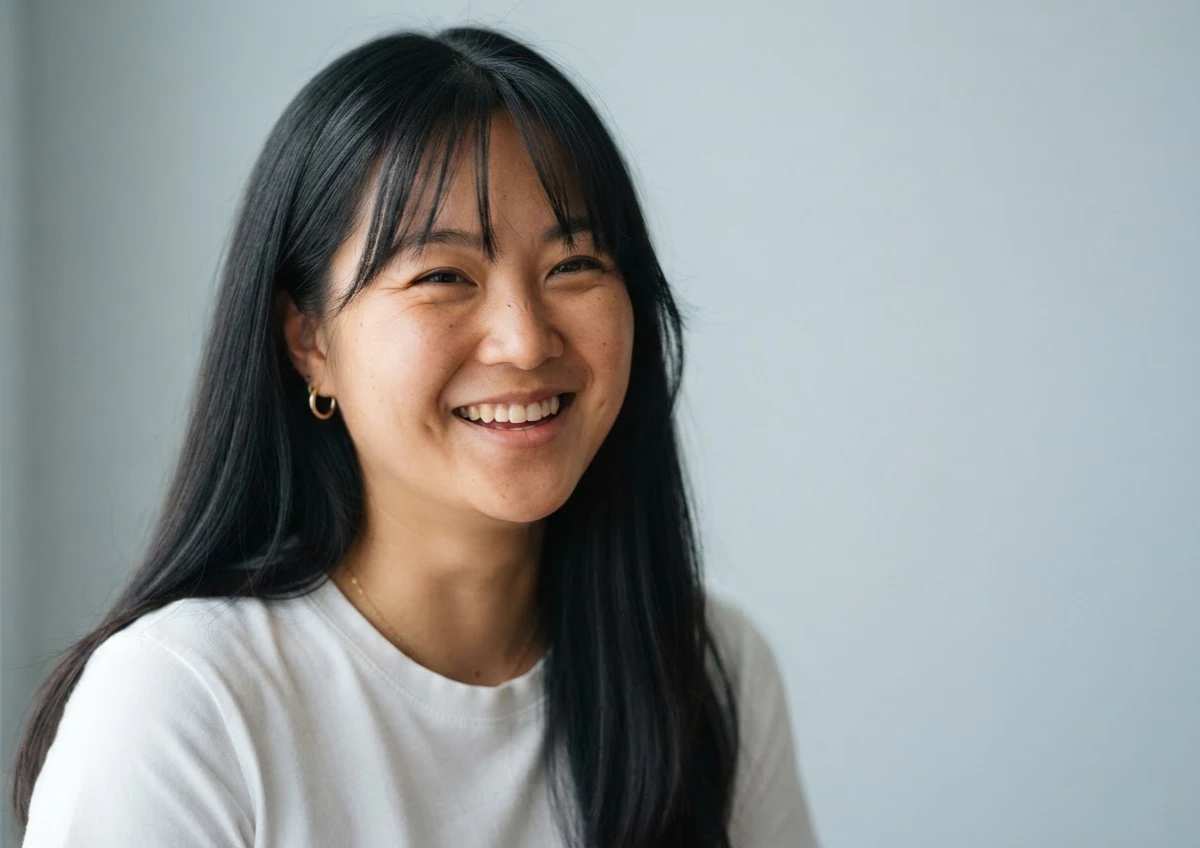
Wispy Bangs on Straight Hair
Wispy curtain bangs add softness to straight hair without covering the whole forehead. Try them on your photo to judge how light or full you want the fringe to be.
Who Suits Curtain Bangs?
Curtain Bangs FAQs
What are curtain bangs?
Curtain bangs are long, center-parted bangs that sweep to each side of the forehead like open curtains and blend into the rest of the hair.
What face shapes suit curtain bangs?
They are flexible and often flatter oval, round, heart-shaped and long faces because the sweep frames the cheeks. Square faces can wear them too, usually with softer ends. The best length depends on your forehead height and hairline.
Can I try curtain bangs on my photo before cutting?
Yes. Upload a front-facing photo to the AI Hairstyle Generator, choose a curtain bangs style and the preview shows how it looks on your own hair.
Do curtain bangs work on curly or wavy hair?
They can, but the result depends on your texture. Curly and wavy hair shrinks as it dries and may need styling, so treat the preview as a guide to shape rather than a promise of how the bangs will sit every day.
How long do curtain bangs take to grow out?
Hair grows about half an inch a month, so curtain bangs usually blend into the rest of your hair within a few months. Previewing the look first lets you decide before you commit.
What photo gives the best preview?
Use a well-lit, front-facing photo with your forehead and hairline visible, hair pulled back, and no hat or heavy shadows. Side angles and sunglasses make the preview less accurate.

