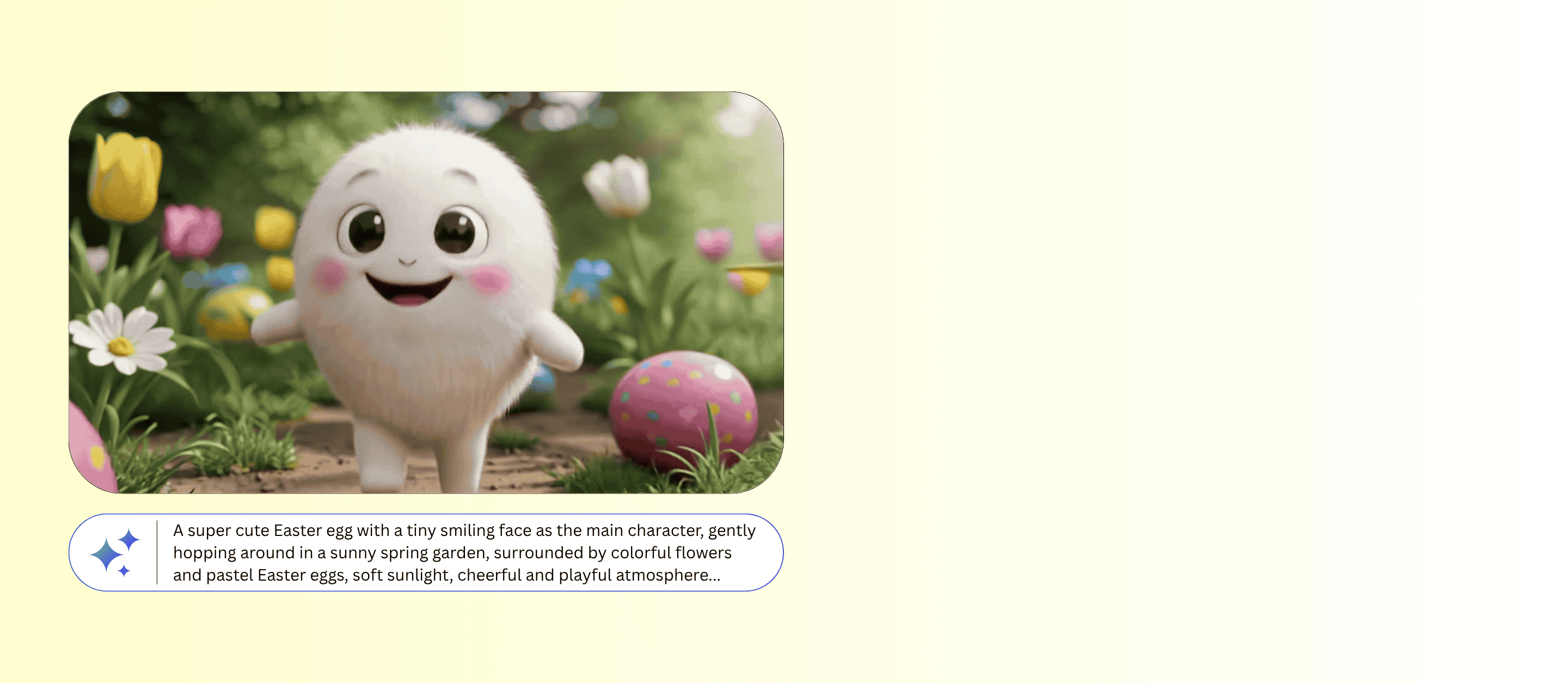
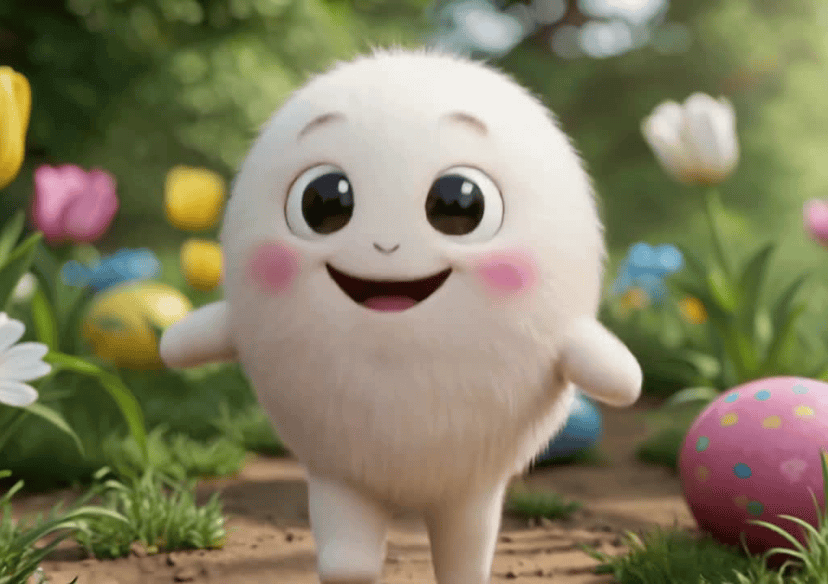




Easter Video Generator
Whether you want adorable bunny animations, colorful egg hunts, or funny Easter memes, simply enter a text prompt and let AI bring your ideas to life!
How to Create Easter Videos?

Select an AI Model
Choose the AI model that best fits your video style and needs. Different models are designed for different types of content.

Input Detailed Prompt
Enter a prompt to unlock the full power of AI creation. Describe your vision in natural language and watch it transform into stunning results within seconds.

Hit Generate and Save
Watch the AI transform your idea into a high-quality video in seconds. Once your video is ready, download it and share on Instagram, TikTok, YouTube, and more.
Create Easter Videos from Text
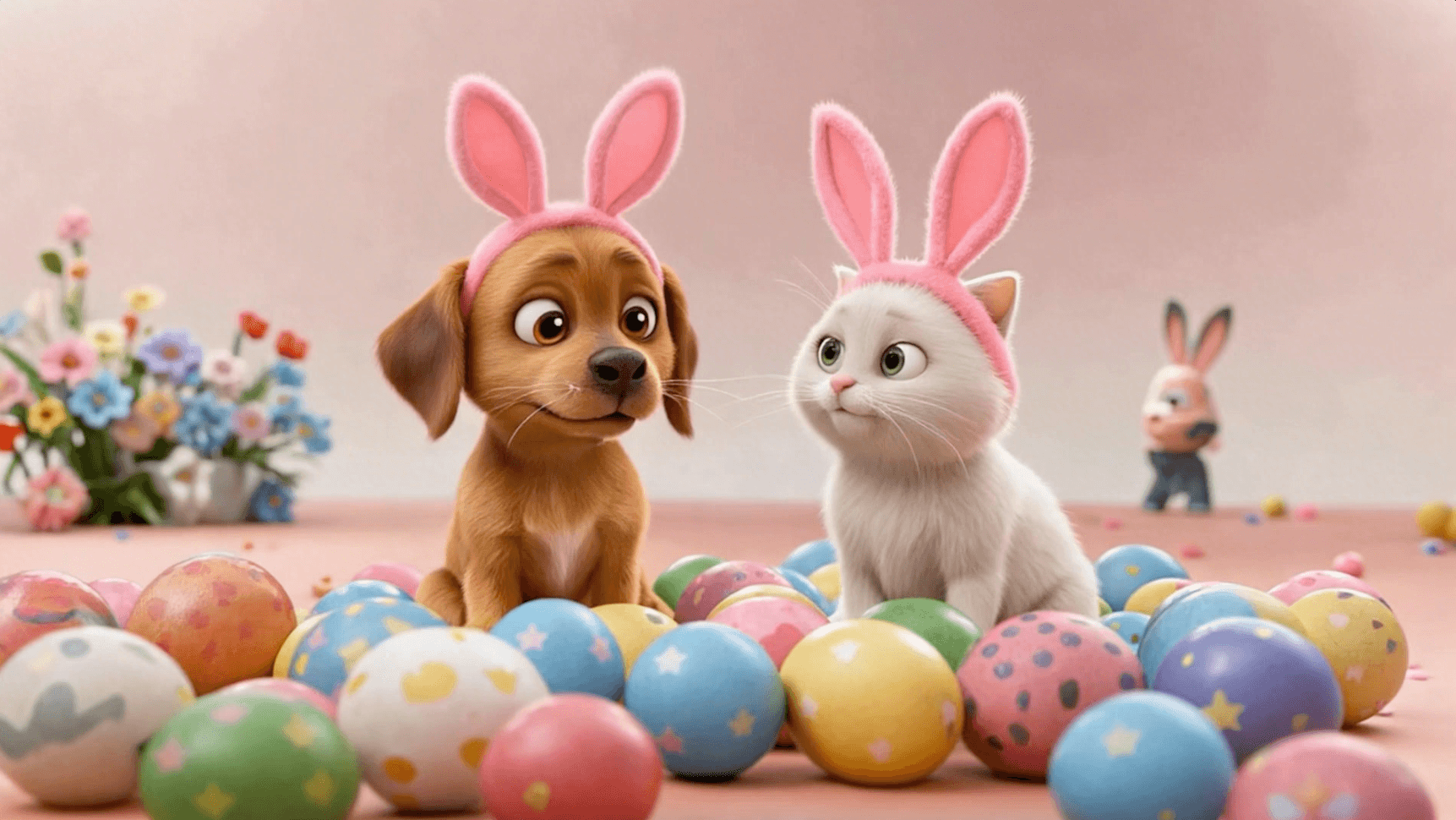
Turn your ideas into festive Easter videos with just a simple prompt. Describe what you want, like a bunny hopping through a pastel garden or a fun Easter egg hunt, and let AI generate a stunning video in seconds. No editing skills required, just type and create!
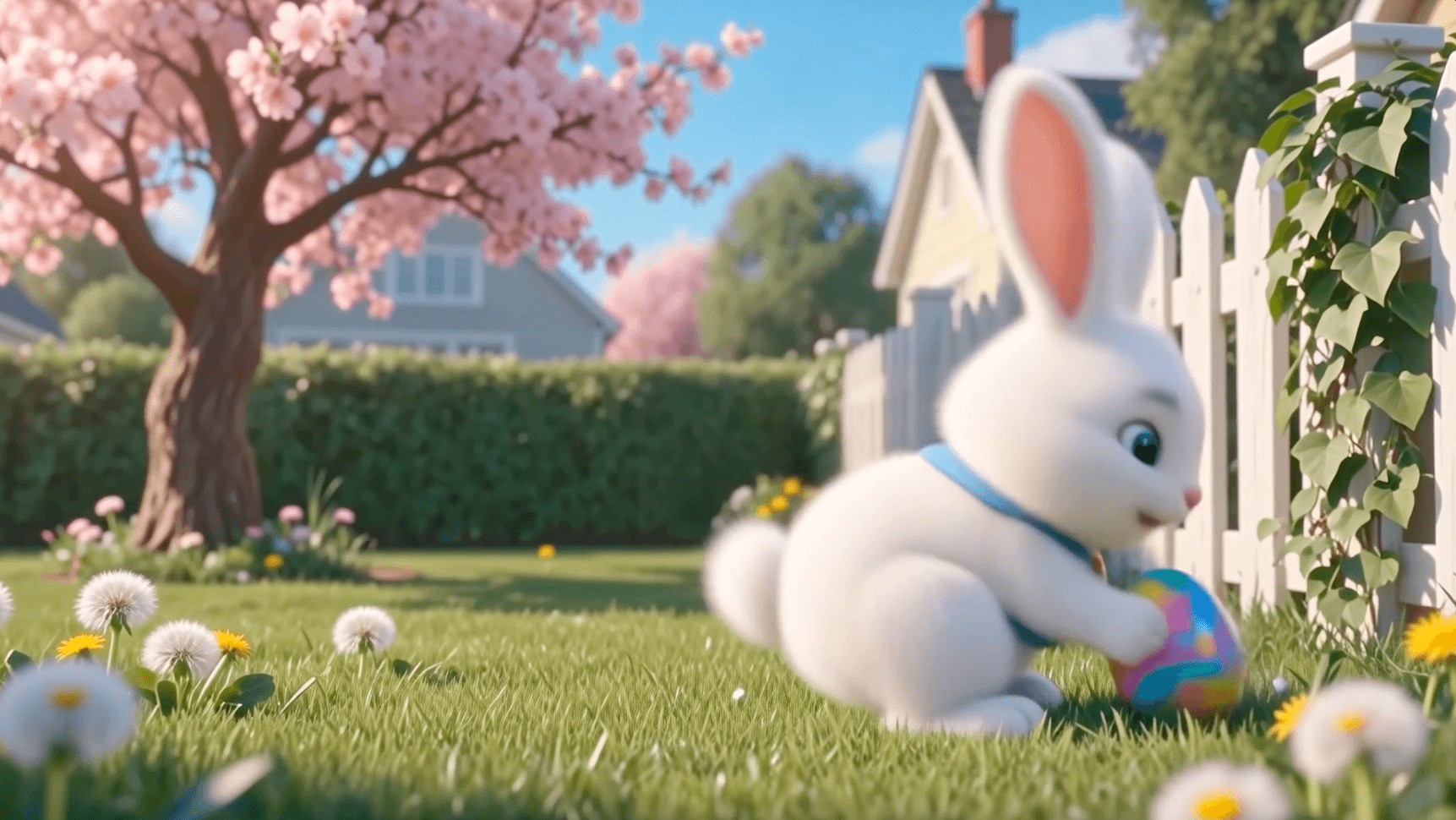
Perfect for Social Media Content
Create scroll-stopping Easter videos designed for TikTok, Instagram Reels, and YouTube Shorts. Boost engagement with eye-catching visuals and festive storytelling powered by AI.
Why Use YouCam Easter Video Generator?
- Multiple styles: cute, realistic, or funny meme videos
- Advanced AI models for high-quality, smooth video output
- Perfect for TikTok, Instagram Reels, and YouTube Shorts
- Fast generation to keep up with trending content
- Export and share high-quality videos anytime
Easter Video Generator FAQs
What is an Easter video generator?
An Easter video generator is an AI-powered tool that turns your text prompts into festive videos featuring Easter themes like bunnies, eggs, and spring scenes.
How do I create an Easter video with AI?
Simply enter a text prompt, choose a style or template, and let the AI generate your video in seconds. You can then customize it with music, captions, and effects.
Do I need video editing skills to use it?
No, it’s designed for beginners. You can create high-quality Easter videos without any editing experience.

