



Edit Video with Text Prompt
Transform the way you create videos by simply describing what you want. With text prompt video editing, you no longer need complex tools or technical skills. Just type your idea and AI will edit your video exactly the way you want.


How to Edit Videos with Text Prompts
Your video, edited exactly as you describe it with the power of simple text prompts, giving you full control over every detail without complex tools or editing skills.

Upload the Video You Want to Edit
Start by uploading the video you want to transform. This can be any clip: product footage, social media content, or personal videos.
Enter a Text Prompt
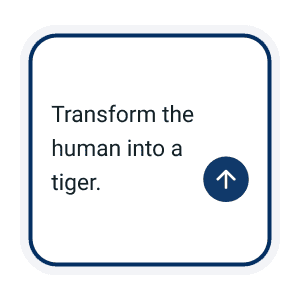
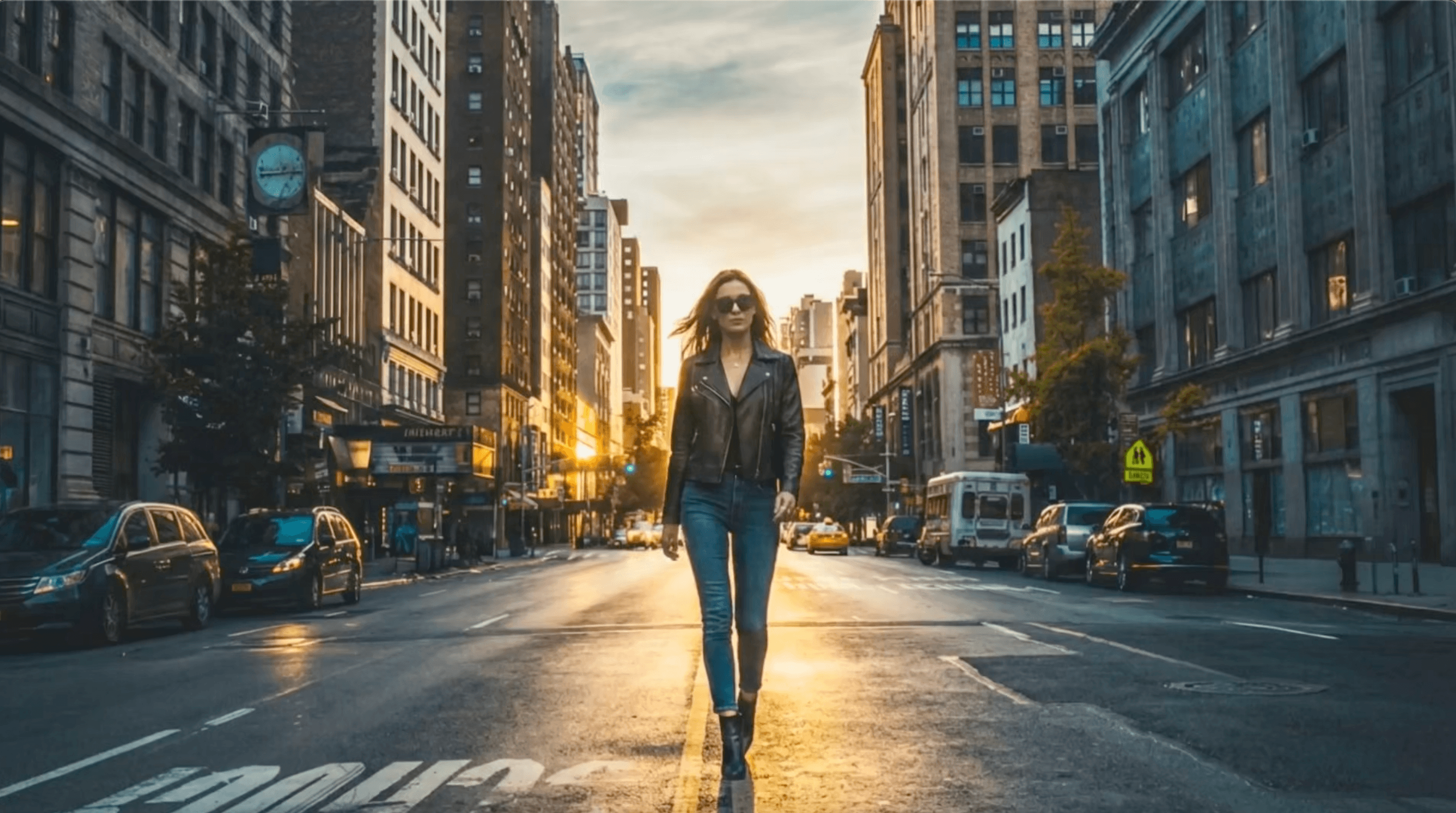
Start by describing what you want to create. Be as specific as possible. Example: “Turn this scene into a cinematic beach sunset with soft slow motion and warm tones.”

Let AI Generate the Video
Once you submit your prompt, the AI automatically processes your request and edits the video based on your instructions.
Full Creative Control with Text Based Video Editing
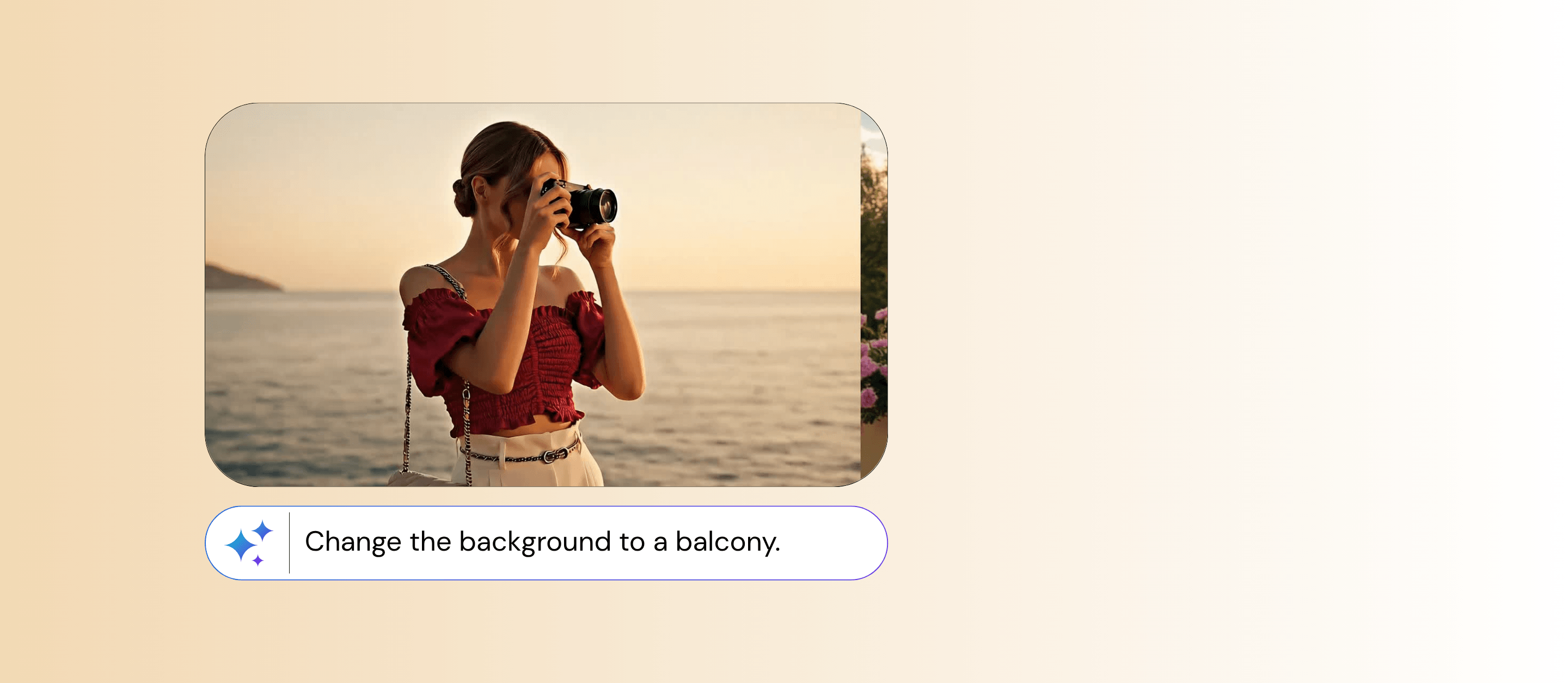
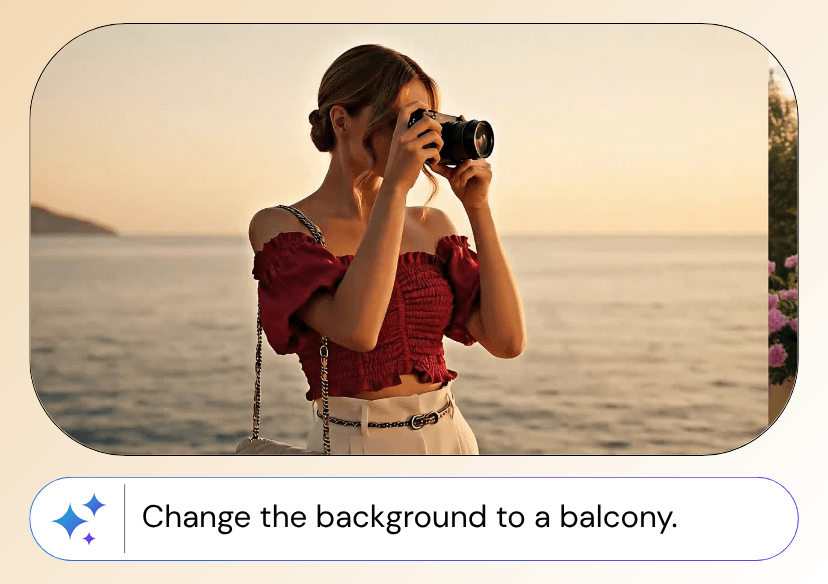
Whether you want to change the background, adjust the style, add motion effects, or even generate entirely new scenes, text based editing gives you full creative control. It is fast, intuitive, and designed for everyone from beginners to professionals, making video creation effortless.
Save Time & Budget
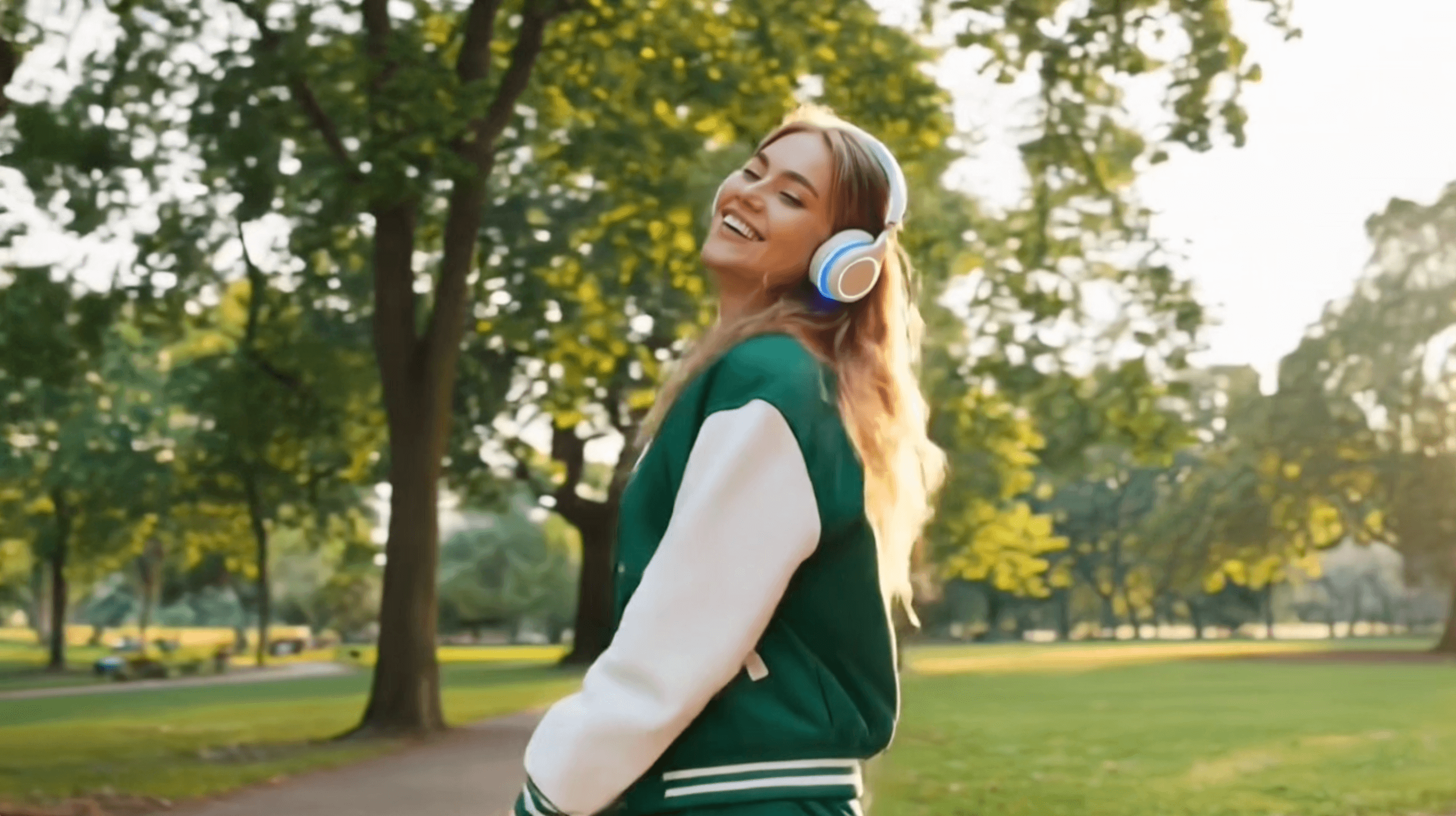
Create videos without expensive software or complex editing skills. Instantly add cinematic effects like explosions, transitions, and dynamic motion to your videos using simple text prompts, saving both time and production costs while delivering professional results.
Frequently Asked Questions (FAQs)
What is AI video editing with text prompts?
It’s a tool that lets you edit videos simply by typing instructions. Instead of using complex timelines or manual tools, you describe what you want, and AI applies the changes automatically.
What kind of edits can I make with text prompts?
You can change backgrounds, adjust lighting, apply cinematic effects, modify style, add motion, or even generate entirely new scenes based on your video.
How long does it take to generate a video?
Most videos are processed within seconds to a few minutes, depending on length and complexity.
Can I refine the result if I’m not satisfied?
Yes. You can adjust your prompt and regenerate the video until you get the desired result.

