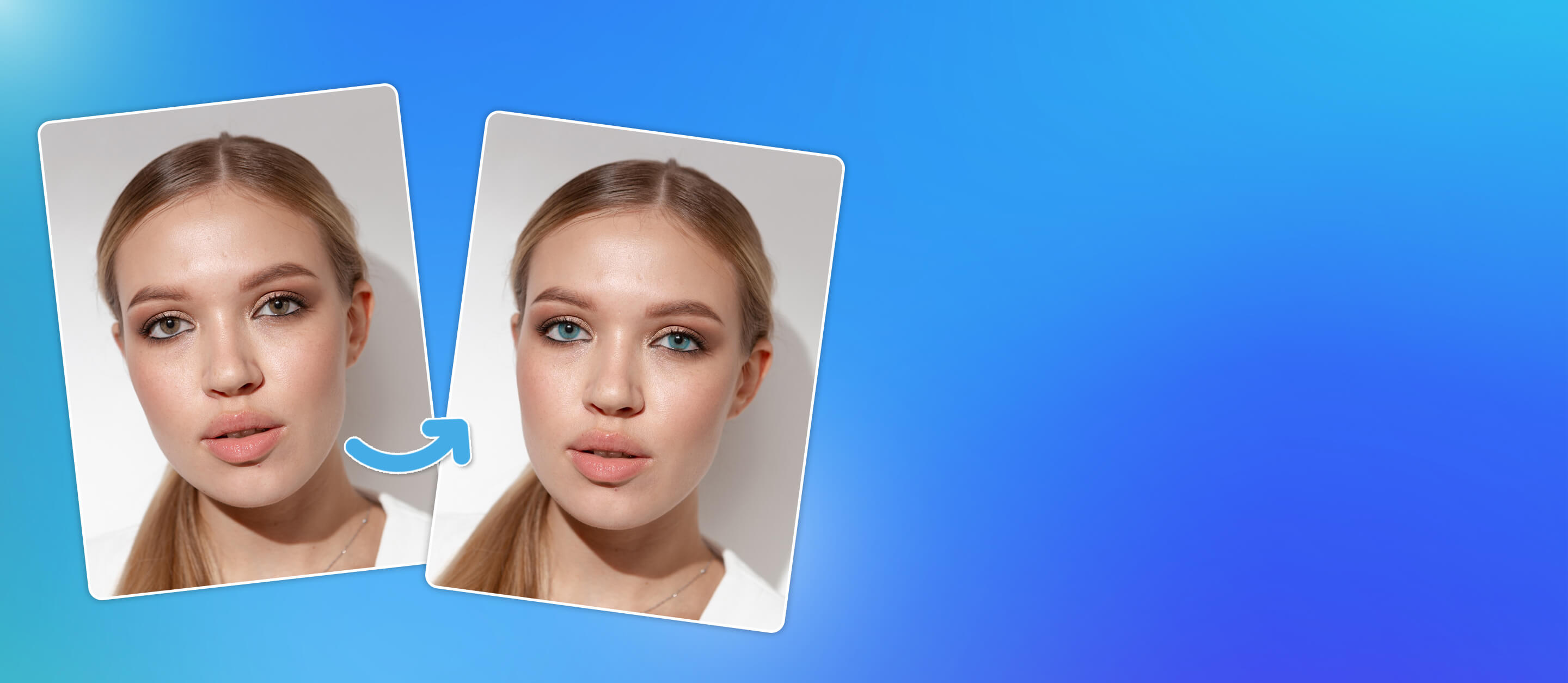
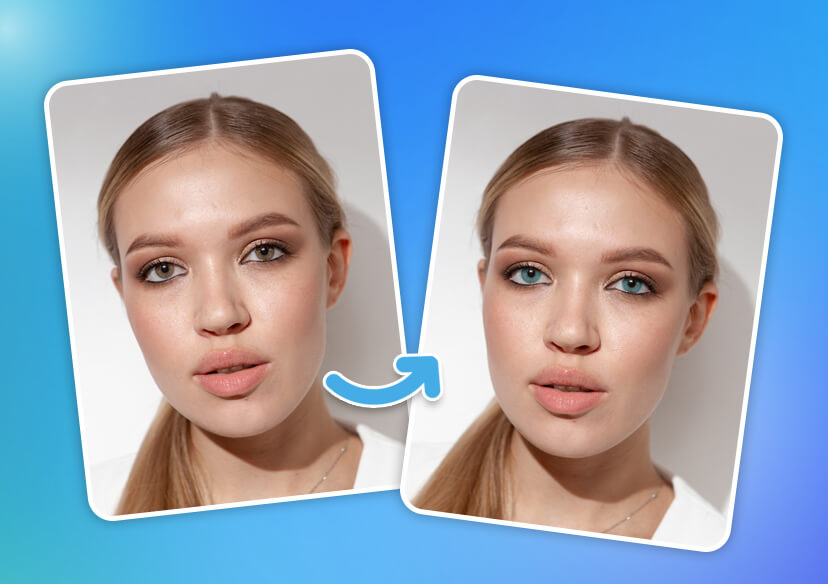




AI Eye Color Changer Online
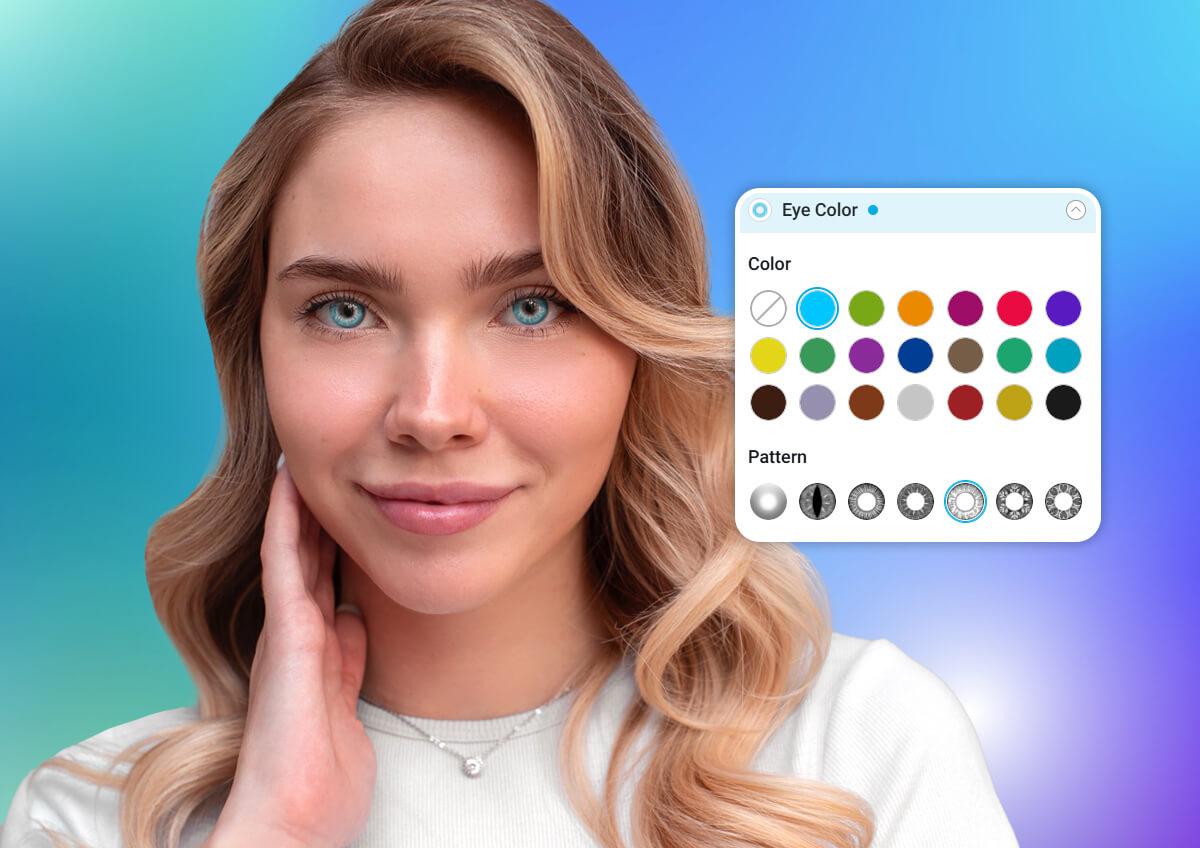
Change your eye color in seconds with free eye color changer online. Try realistic eye color filters instantly from blue eyes, green eyes, brown eyes, and more.





Virtual Try On Eye Color Filters
- Try Before You Buy: Preview colored contacts before committing to a purchase.
- Enhance Your Natural Eye Color: Make your real eye color pop with adjustable intensity.
- Completely Online: Change your eye color in-browser—no app downloads needed.
- Customize Your Look: Choose from 20+ colors and 7 lens styles to match your vibe.
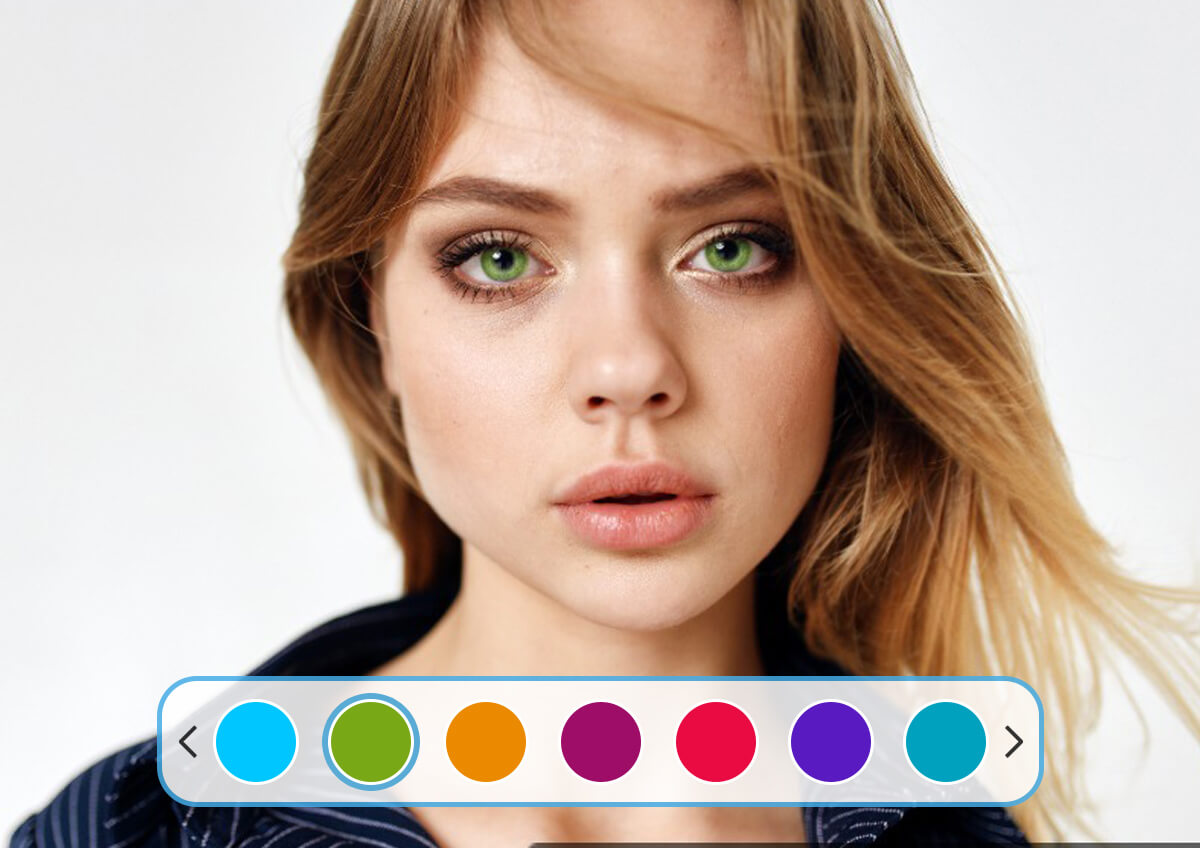
Change Eye Color in Photo with AI
Correct Eye Color in Photos
Easily enhance and correct eye color in photos with AI eye color changer. Whether you're fixing lighting issues or adding a pop of vibrant color, this tool ensures every photo captures the true beauty of your eyes with stunning, realistic results.
Get Natural-Looking Eye Color Results
Easily change eye color in seconds while keeping a realistic and seamless finish. Powered by AI, YouCam Online Editor preserves the eye’s natural shine, texture, and depth—so every color update looks authentic and photo-ready.
More than Eye Color Changer
YouCam Online Editor goes beyond just eye color changes—it's your all-in-one virtual makeup and photo editing tool. Along with trying on different eye colors, you can experiment with eyebrow shapes, eye shadow looks, lip colors, hair color, and even outfit swaps.
How to Change Eye Color in Photo
Upload Your Photo
Upload a picture where your eyes are clearly visible.

Select Eye Color Changer
Choose from a variety of natural and fun shades like blue, green, hazel, or even unique hues like purple or red.
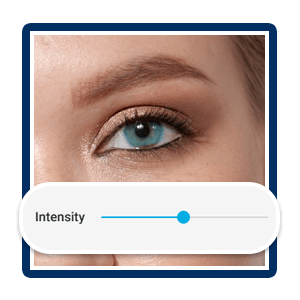
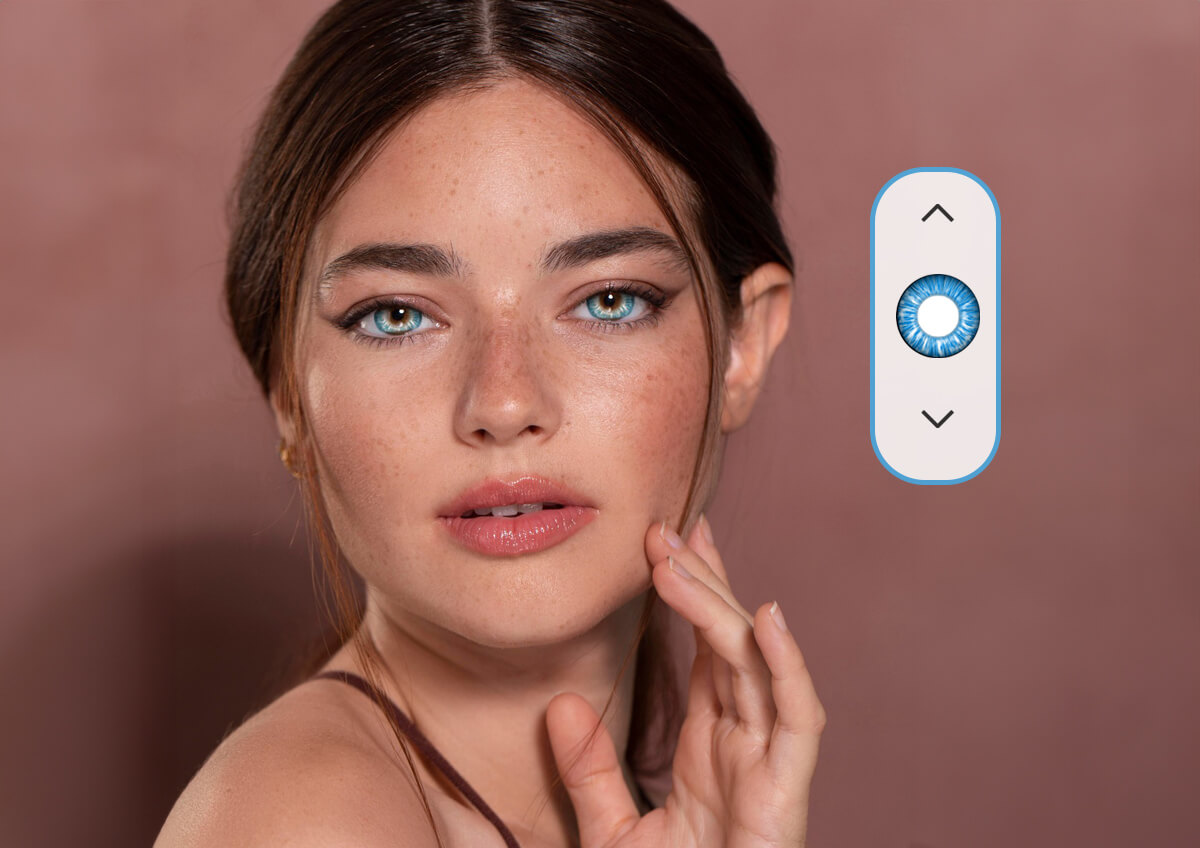
Adjust the Intensity
Customize the opacity and blending to make the color look as natural or bold as you like.
AI Eye Color Changer FAQs
How do I change eye color online using YouCam Online Editor?
Simply upload your photo to YouCam Online Editor, select the eye color changer tool, and choose from over 20 realistic eye color filters. The AI automatically detects your eyes and applies the new color seamlessly.
Is it possible to change eye color in photos without downloading software?
Yes! YouCam Online Editor works entirely online, so you can change your eye color directly from your browser without any downloads or installations.
Can I try different eye colors to see what suits me best?
Absolutely! With YouCam Online Editor’s eye color simulator, you can experiment with natural shades like brown and blue or bold colors like green and violet to find your perfect look.
Does YouCam Online Editor offer other virtual makeup tools besides eye color changer?
Yes, it does! You can also try on different eyebrow shapes, eye shadow styles, lip colors, hair colors, and even swap outfits—all with realistic AI-powered effects.
How realistic are the eye color changes made with YouCam Online Editor?
The AI technology preserves your eye’s natural shine, texture, and shadows to ensure every eye color change looks natural and photo-ready.

