



Virtual Eyebrow Try-On Online
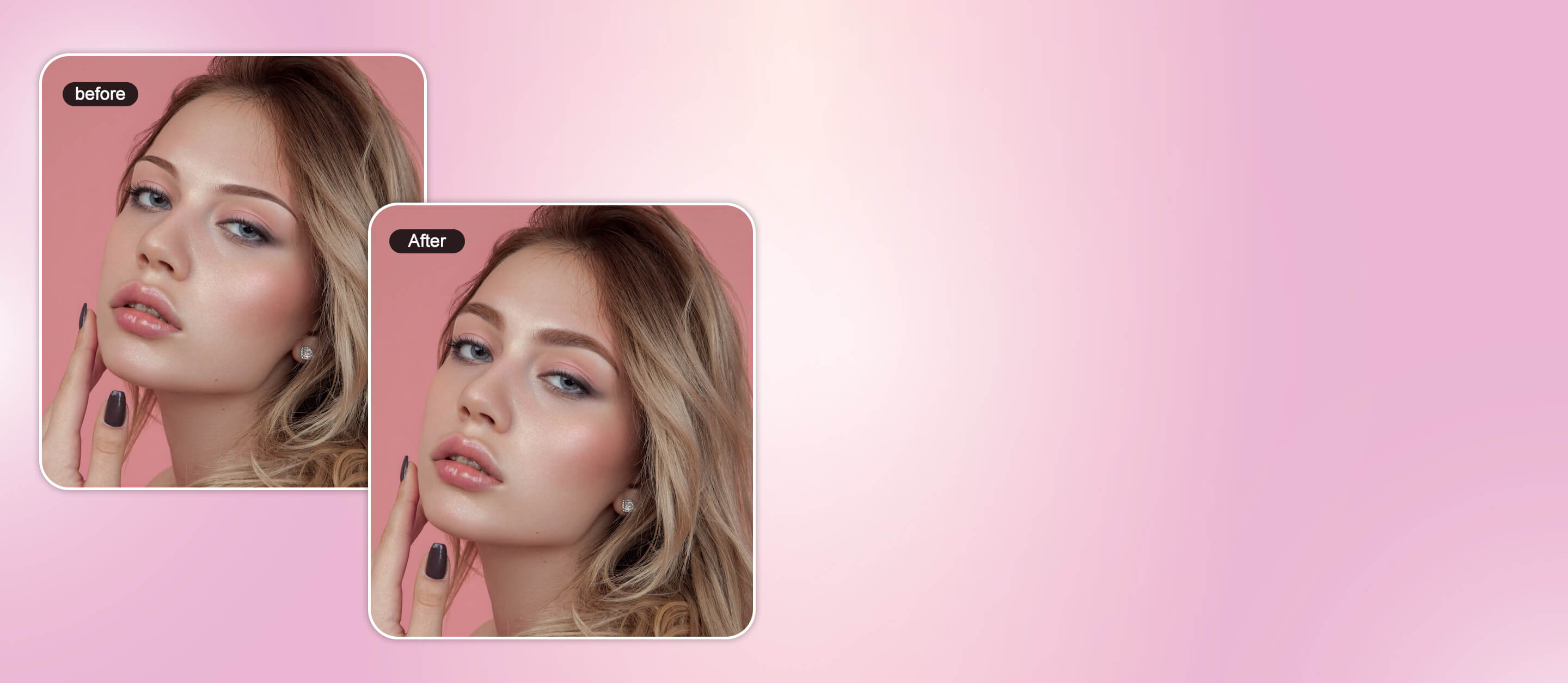
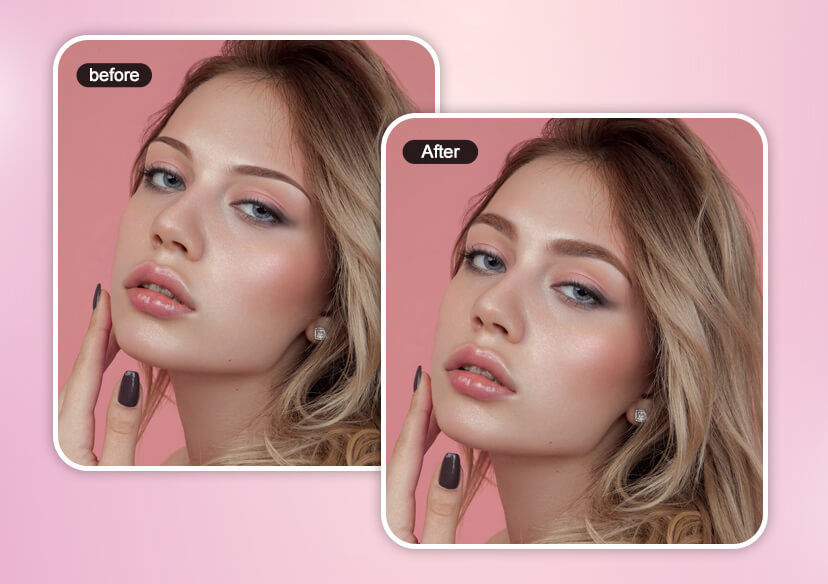
Try different brow shapes, arches, and colors instantly with virtual eyebrow try-on. Use smart eyebrow filters and AI brow mapping to perfect your eyebrows.





Eyebrow Filter: Virtual Brow Shape & Color Try-On
With YouCam Online Editor, anyone can try AI virtual eyebrow try-on technology right from their phone or computer. This easy-to-use eyebrow tool features a realistic eyebrow shaping filter and eyebrow simulator that lets you try different brow shapes, angles, and colors online.
Try Eyebrow Mapping with Virtual Eyebrow Try-On
Adjust Your Eyebrows in Photos with Eyebrow Filter
Want to enhance your brows in photos effortlessly? Our eyebrow filter lets you adjust and reshape your eyebrows with AI precision. Just upload your photo and select your shape and color. The virtual eyebrow try-on feature will instantly apply your ideal look.
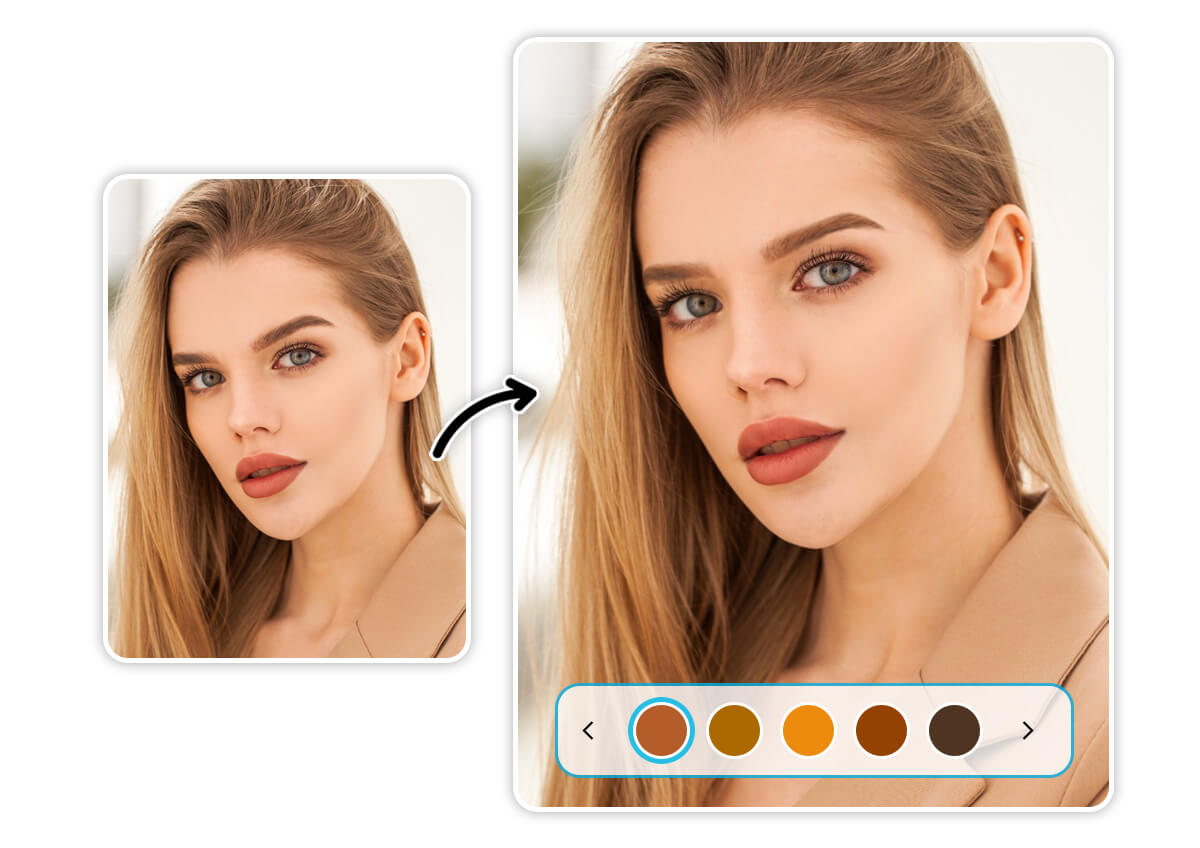
Instantly Change Your Eyebrow Color with AI
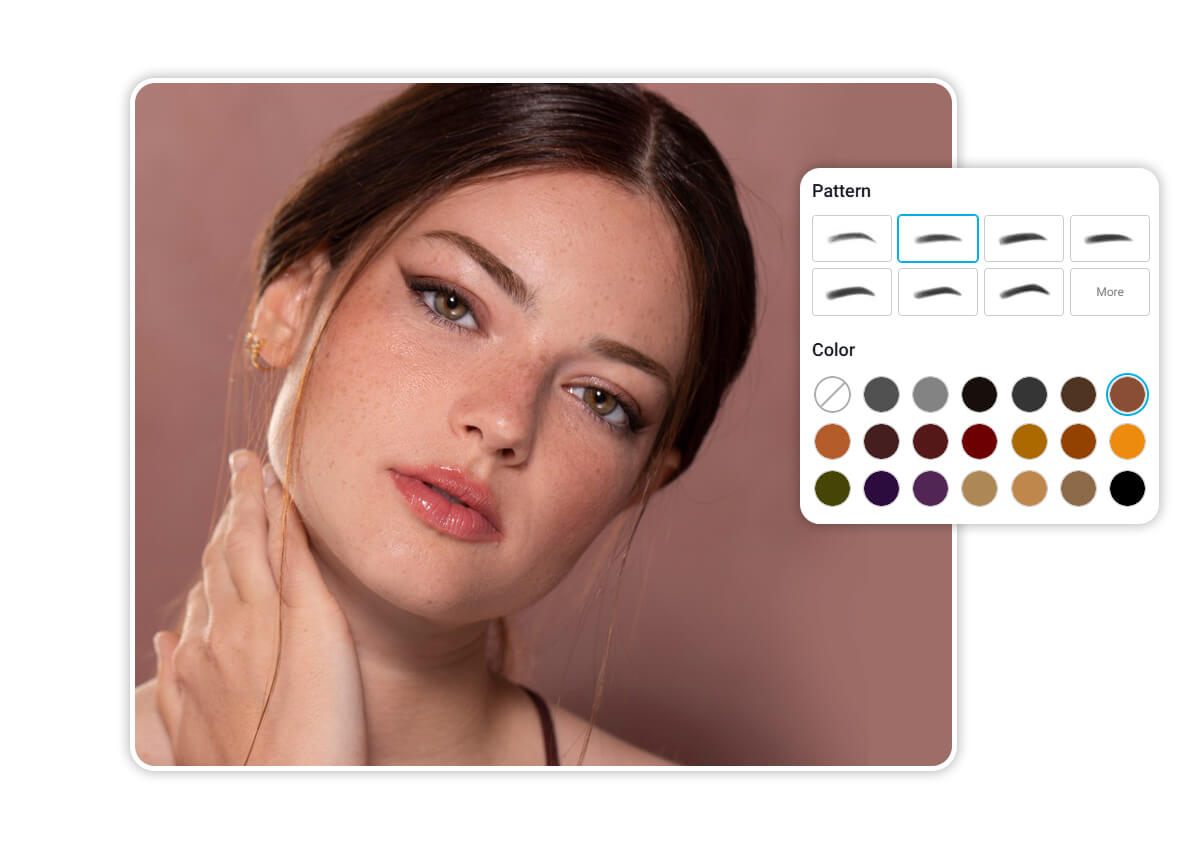
Complete your look with the perfect brow color. Not only can you reshape your brows, but you can also change your eyebrow color—whether it’s natural black, brown, blonde, or a bold, vibrant hue.
Refine Your Brow Shape and Fix Imperfections
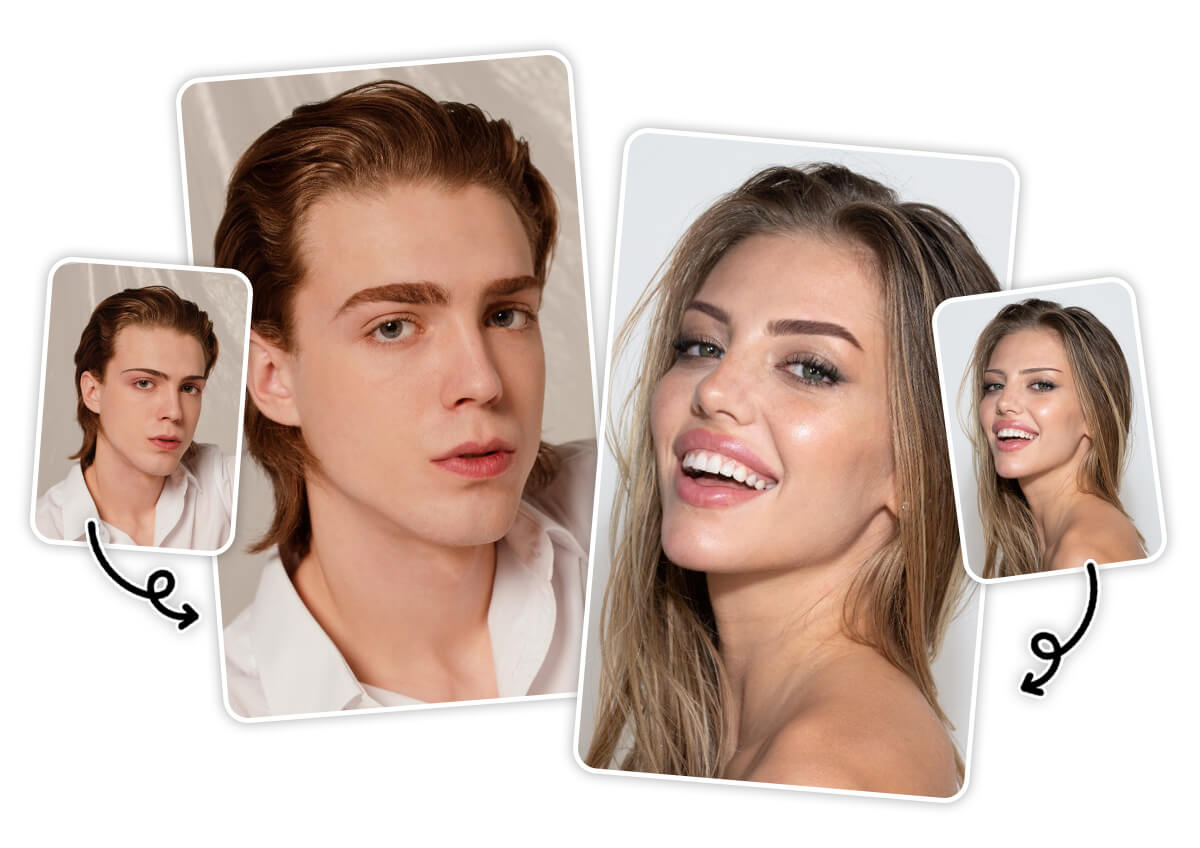
With the eyebrow shape filter, AI technology auto detects your brow area and applies your preferred style instantly. Try various eyebrow shapes—from thin, thick, straight, arched, rounded, to angular, all using our virtual eyebrow try-on tool.
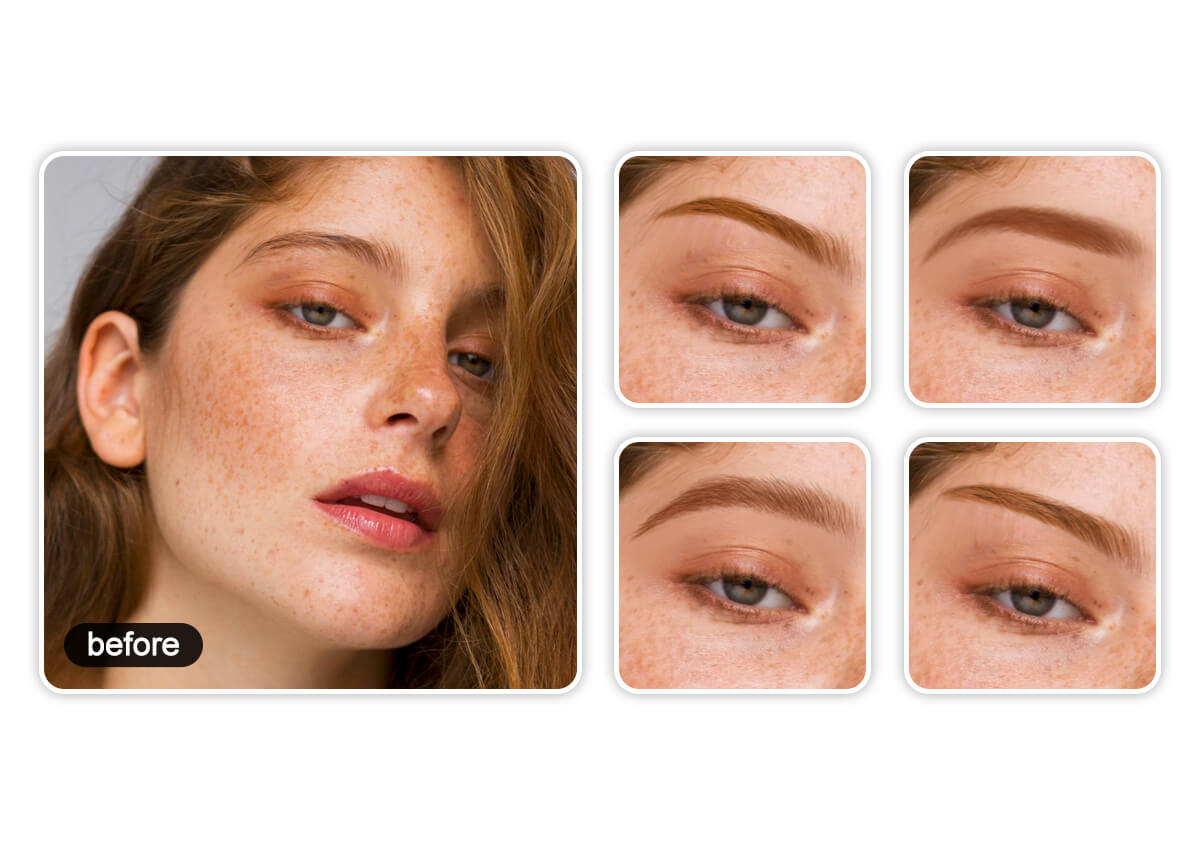
Explore Different Eyebrow Shapes with Eyebrow Shaper
Not happy with uneven or distorted brows? The eyebrow filter helps correct asymmetry and imperfections with AI precision. Whether it’s photo distortion or natural unevenness, you can refine your eyebrow shape for a more balanced, natural look that flatters your face.
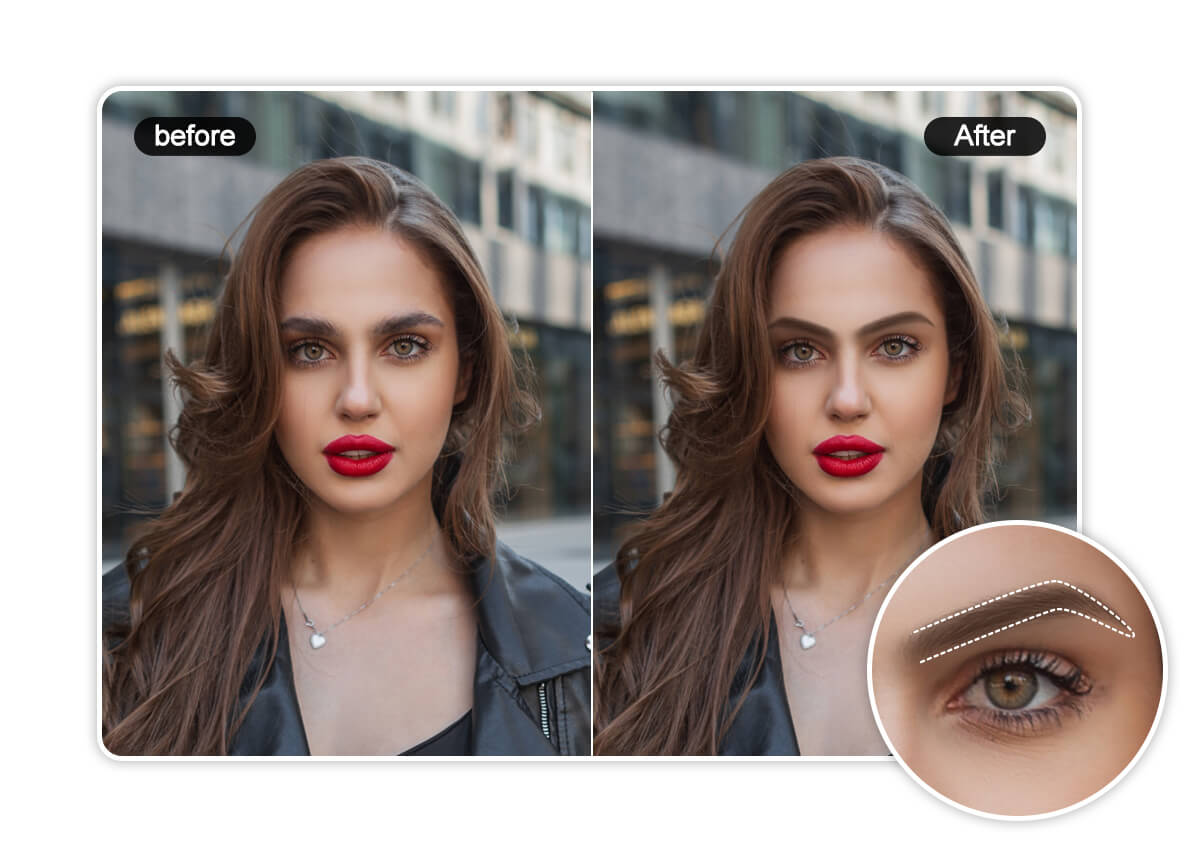
How to Try Eyebrow Filter Online
Upload Your Photo
Upload your photo in JPG or PNG format where your facial features can be seen clearly for best results.

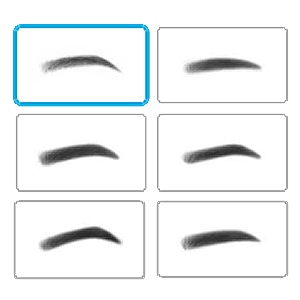
Try the Eyebrow Filter
Select Eyebrow in the menu list. Choose from 10 eyebrow shapes and 20 brow colors.
Save Your New Look
Once you’re happy with your new look, download the photo to share without watermark.
Eyebrow Filter FAQs
How do you get the eyebrow filter?
You can access the eyebrow filter through the YouCam Online Editor. Simply upload your photo and use the AI tools to try on different eyebrow shapes, colors, and styles instantly.
How do I know which eyebrows suit me?
Use the virtual eyebrow try-on feature in YouCam Online Editor to test different brow shapes and arches based on your face shape. The AI-powered tool helps you find the most flattering look with ease.
Is there an app to try on eyebrows?
YouCam Makeup is a powerful and easy-to-use virtual makeup try-on app that lets you virtually try on eyebrows with real-time filters or photo uploads.
What is the photo editor that edits eyebrows?
The YouCam Online Editor is a top-rated photo editor that edits eyebrows, offering features like eyebrow shaping, mapping, color adjustment, and AI-powered virtual try-ons.

