
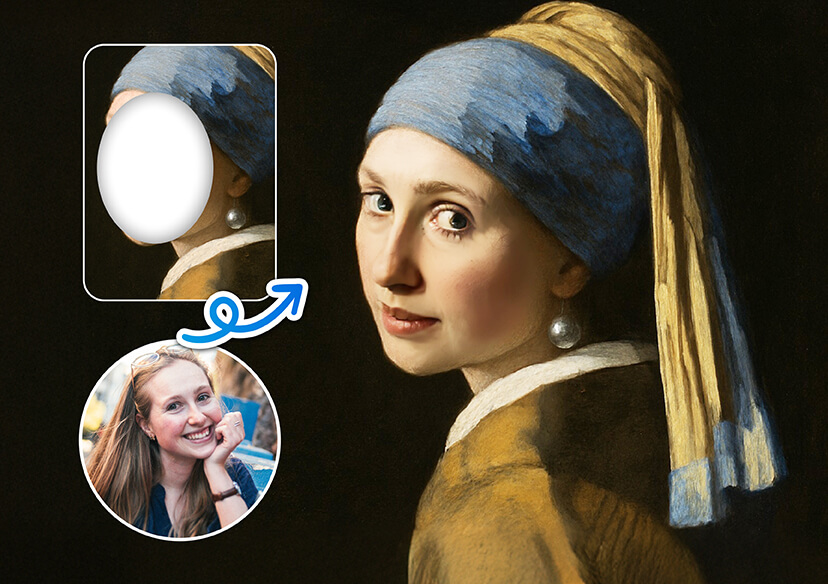




Face in Hole: Put Your Face on Any Picture
Have fun swapping faces and creating hilarious photo edits.
Become a Movie Star in Your Favorite Scene
Step into the spotlight by placing your face into iconic movie posters or scenes. With face in hole editing, you can see yourself as the hero, villain, or sidekick of blockbuster hits. It’s a fun way to reimagine your favorite films and share laughs with friends and family.
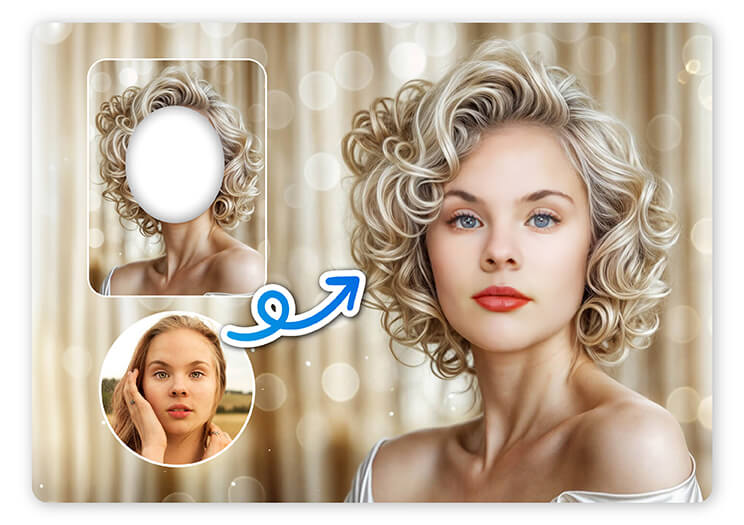
Celebrate Special Occasions with a Twist
Make birthdays, anniversaries, or holidays unforgettable by swapping faces into themed templates. Whether it’s a goofy Santa suit or a fancy wedding dress, face in hole images bring extra joy and creativity to your celebrations. Share your personalized creations to spread smiles far and wide.

Create Hilarious Memes and Social Media Content
Got a witty idea or a funny reaction? Use face in hole editing to craft memes with your own expression front and center. It’s a quick and easy way to boost your online presence and get everyone laughing with your personalized content.
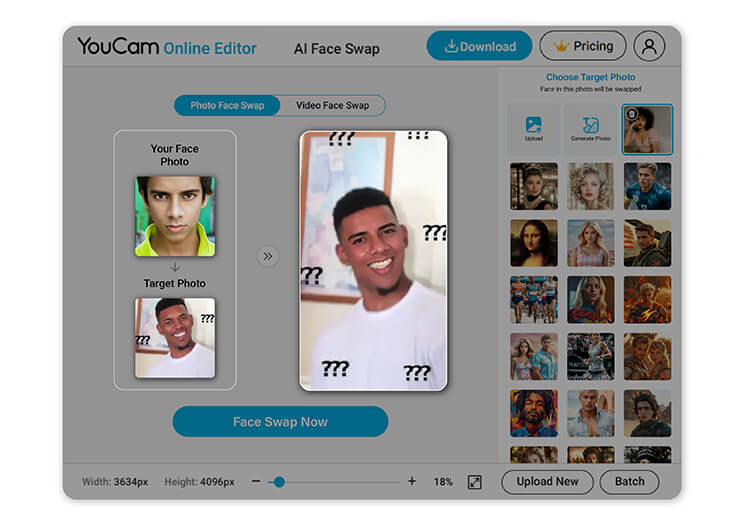
Why Choose YouCam Online Editor for Face in Hole Editing?
- Highly Realistic Results: Advanced AI ensures your face fits perfectly with natural lighting and seamless blending.
- Super Fast Processing: Enjoy instant edits without long waits or complicated downloads.
- 100% Online and Convenient: Edit directly from your browser. No software installation required, anytime and anywhere.
- User-Friendly Interface: Clean, simple layout makes editing smooth and enjoyable for everyone.

How to Swap Faces Online
Swapping faces has never been easier or more fun. With YouCam Online Editor, you can create amazing face in hole photos in just a few simple steps. Just follow the quick guide below to get started!

Upload a Target Photo
Choose the picture where you want the new face to appear. This could be a funny template, a group shot, or a famous scene.


Upload Face Photos
Select the photo(s) that contain the face you want to swap onto your target image.

Start AI Photo Face Swap
Let our powerful AI work its magic to seamlessly blend the faces. Within seconds, you’ll have a realistic, share-worthy image ready to download or post!
Face in Hole FAQs
How do I insert a face into a photo?
To insert a face into a photo using a face in hole tool like YouCam Online Editor, simply upload the target image (where you want the face to appear), then upload the face photo you'd like to use. The AI automatically detects and blends the face into the selected photo, creating a realistic and seamless face swap in seconds, no manual editing required.
What is the meaning of face in hole?
"Face in hole" refers to a type of photo editing where you insert your face into a different body or scene - like a costume, character, or famous photo. It’s a fun and creative way to transform your look, make funny edits, or imagine yourself in different roles using easy face swap technology.
Is face in hole free?
Yes! YouCam Online Editor offers a free face in hole feature that lets you swap faces and create fun edits right in your browser. No downloads or subscriptions required, just upload your photos and enjoy instant, high-quality results.

