

Fat Filter and Body Shape Preview
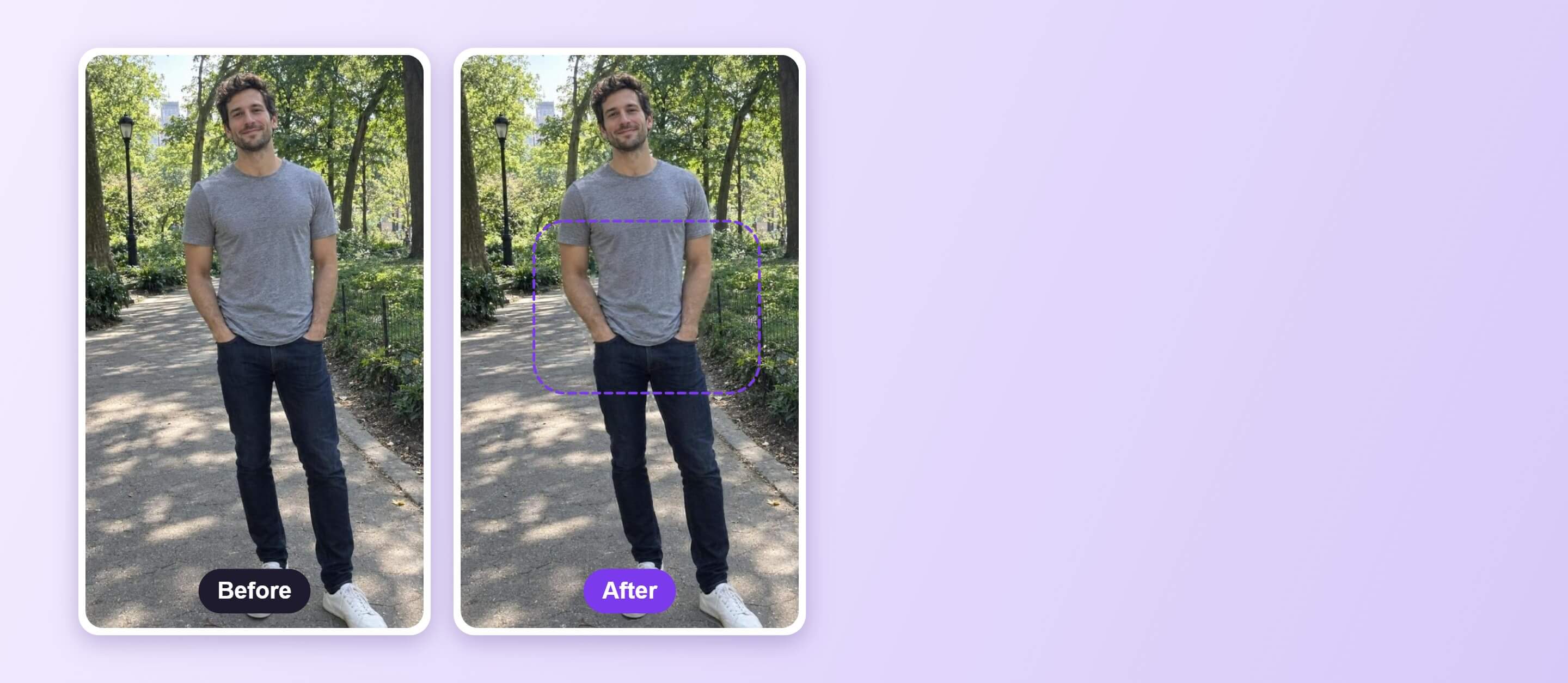
Looking for a fat filter? Use Body Reshape to preview body shape changes on a full-body photo. Adjust the sliders and compare with the original.




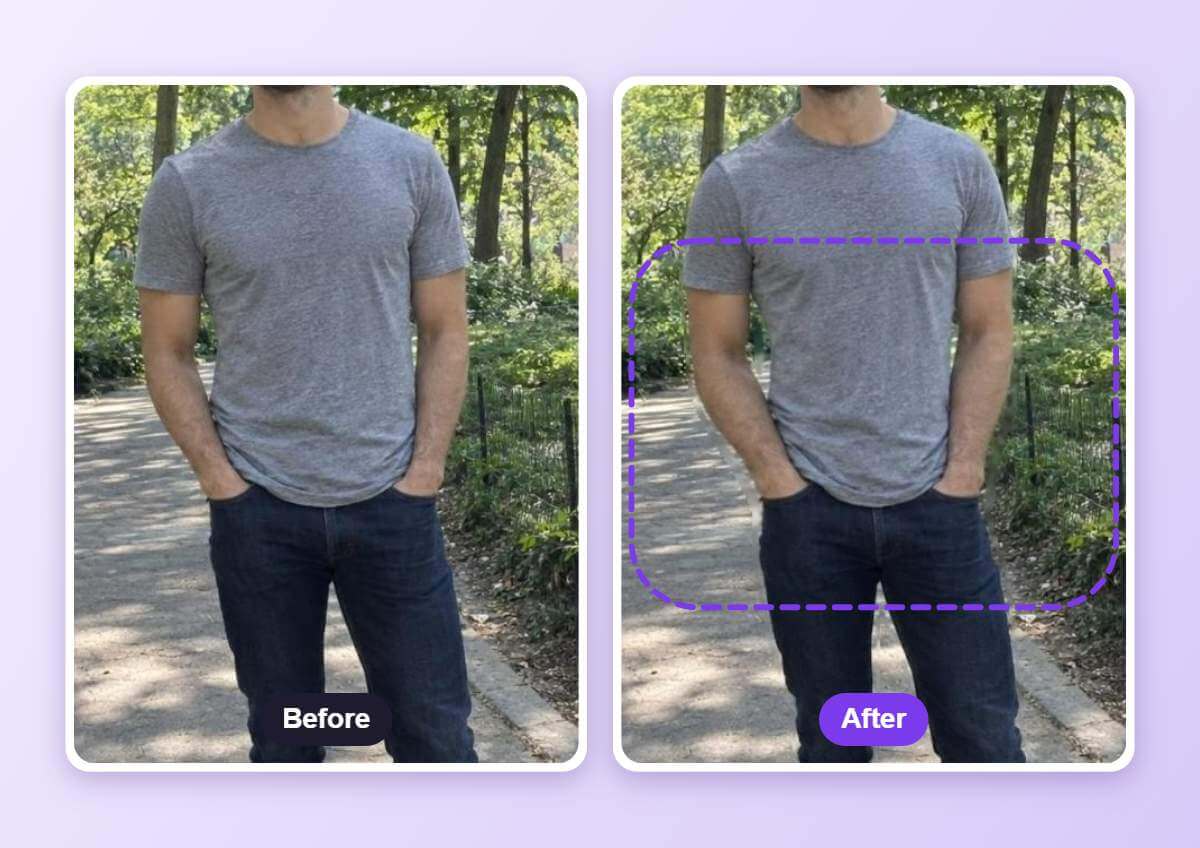
See the Body Shape Change Before and After
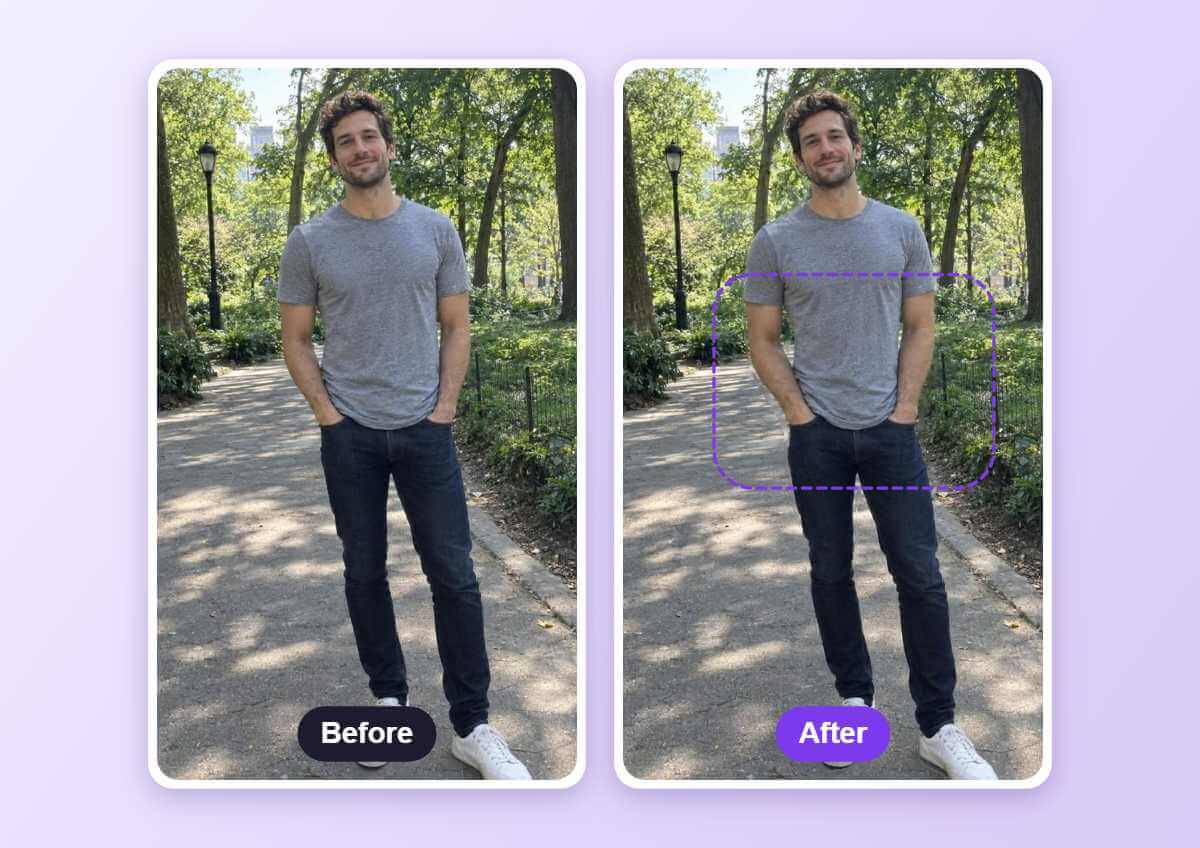
The purple dashed guide marks the area that changed. The result shown here is a mild slimming change at the waist. Compare the two photos side by side.
How to Use a Fat Filter
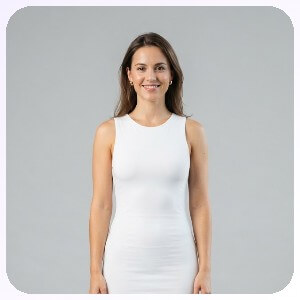
Upload a Full-Body Photo
Use a photo where the whole body is visible, standing straight in even light, so the tool can detect the body.

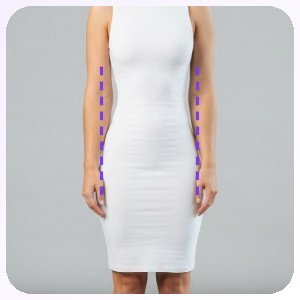
Adjust the Body Shape
Open Body Reshape, pick an area such as waist, arms, legs or chest and drag its slider. Change one area a little at a time.
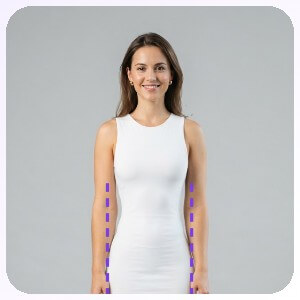
Apply and Download
Apply the change, compare it with the original photo and download the result.
One Area at a Time
Body Reshape has separate sliders for areas such as waist, arms, legs and chest. The edit changes the selected area while the background and your pose stay in place.
FAQs: Fat Filter
What is a fat filter?
People use the term fat filter for edits that change body shape in a photo. On this page that is done with Body Reshape: you upload a full-body photo, move a slider and compare the result with the original.
What photo should I use?
A full-body photo, standing straight and facing the camera in even light, gives the cleanest result.
Is it a prediction of my body?
No. It is a visual edit of one photo and does not predict how a body changes.
How far should I move the slider?
Change one area a little at a time. Changes in the widening direction are small, and the result shown on this page is a mild slimming change at the waist.
Does it work with loose clothes?
It works best with fitted clothes. Baggy outfits and crossed arms make the body outline harder to detect.
How do I save the edited photo?
After you compare the result with the original, download the photo from the editor.

