






Unblur Images: Fix Blurry Photos Online
Restore clarity and sharpness to your images instantly with YouCam’s AI-powered photo enhancer.





Fix Blurry Photos Instantly
Blurry photos don’t have to be deleted. With YouCam Online Editor, you can fix blurry photos online in just a few clicks. Our AI-powered tool sharpens details, restores clarity, and improves image quality — no downloads or editing experience needed.
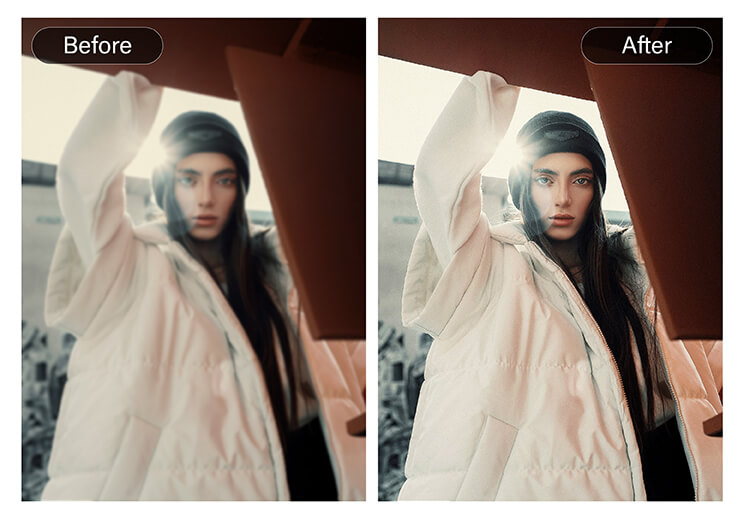
Restore Old and Low-Quality Images
Old photos and scanned images often lose sharpness over time. YouCam Online Editor helps fix blurry old photos by enhancing facial details, textures, and overall clarity. Preserve your memories with improved clarity and natural results.
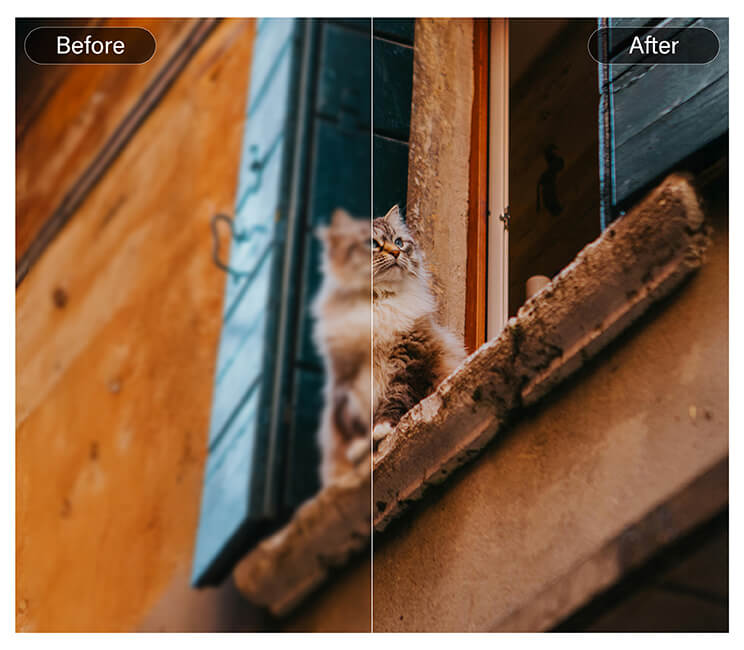
How To Make Blurry Text Readable
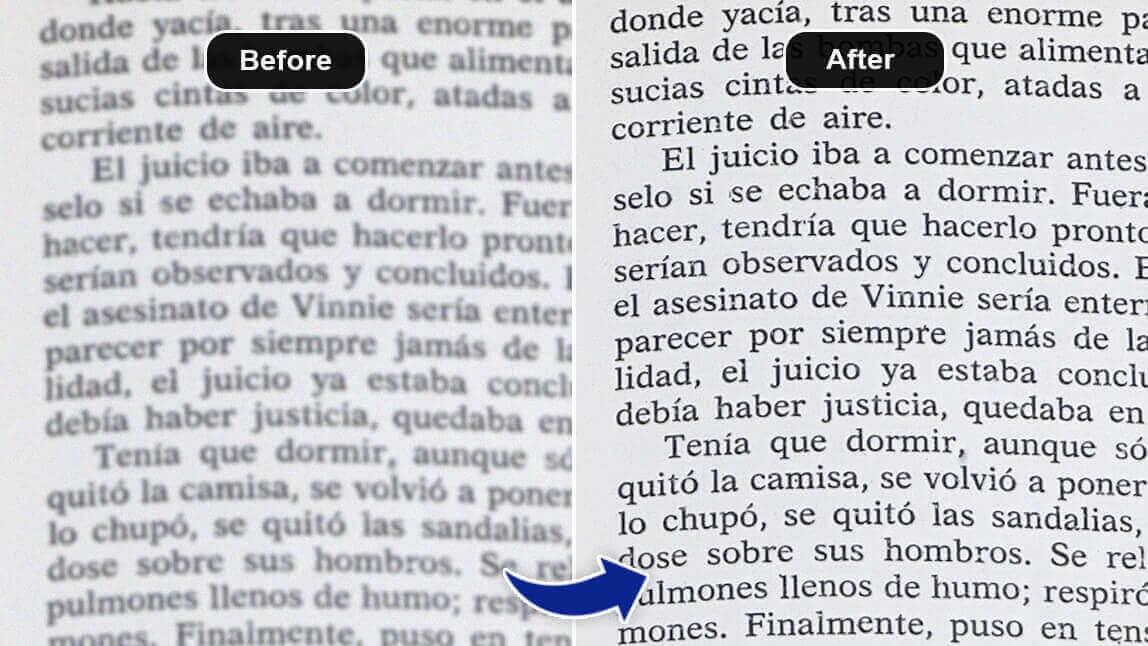
Screenshots, scanned documents, or graphics with text often become unreadable when blurred. Enhance clarity so text becomes legible again — perfect for presentations, reports, or preserving important information.
Why YouCam Online Editor?
- AI-powered clarity enhancement that works automatically
- No installation — edit directly in your browser
- Fast results — clear photos in seconds
Perfect for personal memories, social content, and professional use
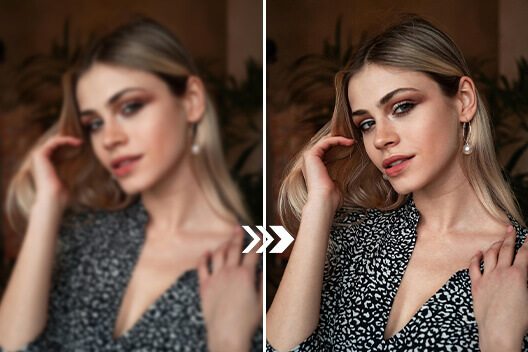
How to Fix Blurry Photos
Simply upload your image, let AI automatically sharpen details and restore clarity, then download a high-definition photo ready to share, post, or print.

Upload Your Blurry Image
Upload any blurry photo. YouCam Online Editor supports common image formats like JPG and PNG.


Let AI Do the Work
Once uploaded, YouCam’s AI detects blur and low resolution to sharpen details while keeping photos natural.
Pro Tip: Zoom in on faces in the preview to check clarity.

Download Your HD Photo
Preview the enhanced result and download your sharpened, high-definition photo instantly. Your image is now ready to share, post, or print.
Fix Blurry Photos FAQs
What is the best way to fix blurry photos online?
The easiest way to fix blurry photos online is by using an AI photo enhancer like YouCam Online Editor. It automatically detects blur and sharpens details without manual editing.
Can I fix blurry photos for free?
Yes. YouCam Online Editor lets you fix blurry photos online for free, with optional upgrades for higher resolution downloads and advanced features.
Does AI really work for fixing blurry photos?
Yes. AI analyzes your image to identify motion blur, soft focus, and low-resolution areas, then intelligently restores clarity while keeping the photo natural-looking.
Can I fix blurry photos from my phone?
Simply download YouCam Enhance to fix blurry photos from your phone using AI. It automatically improves clarity, sharpens details, and reduces blur and noise, turning unclear photos into sharp, high-quality images—no editing skills required.
Will fixing a blurry photo reduce image quality?
No. AI enhancement improves sharpness and clarity while maintaining image quality. YouCam Online Editor is designed to deliver clean, HD photo results.
Can I fix old or low-resolution photos?
Yes. YouCam Online Editor can enhance old, scanned, or low-resolution photos by sharpening details and improving overall image clarity.

