
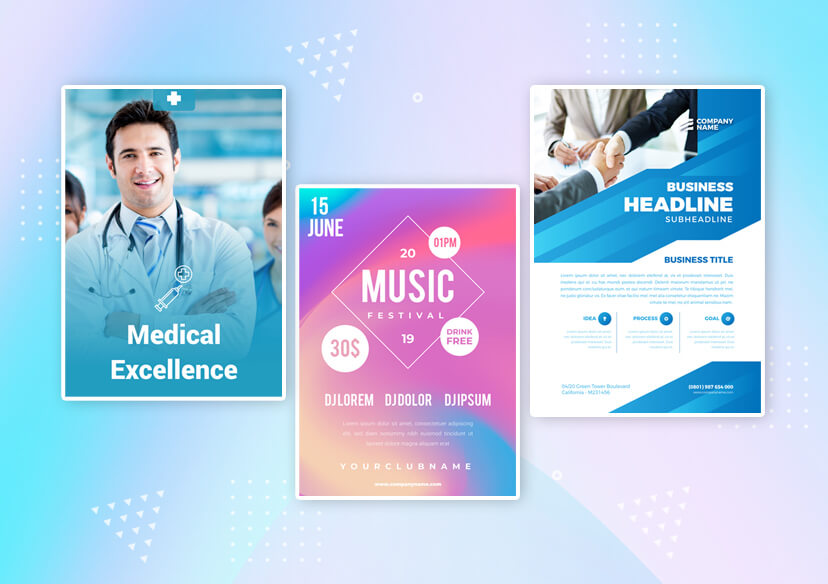




Flyer Maker
Create professional designs in minutes with YouCam Perfect, the ultimate flyer creator. Choose from hundreds of designs and edit with easy, beginner friendly tools. Just create, download, and share.
Try It OnlineHow to Make a Flyer

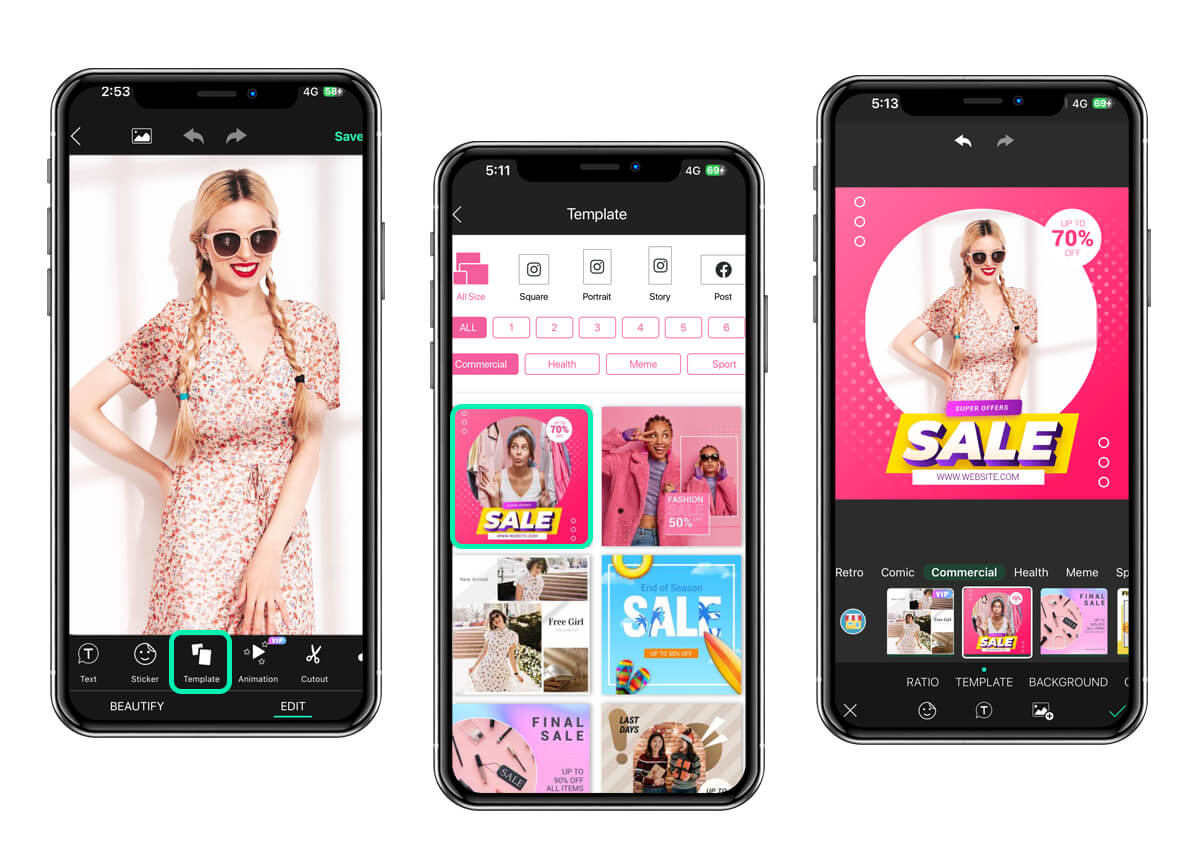
Upload Your Photo
Tap ‘Photo Edit’ and upload an image you want to include in your flyer.

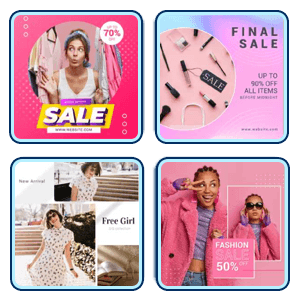
Choose Template Tool
Go to the ‘Template’ tool and choose from hundreds of template designs varying from food, minimalist, fashion, and more.

Customize Your Flyer
Make edits to your flyer by adding in more images or change the text. You can also make further edits to your flyer by using the ‘AI Agent’ feature.
Save & Download
Once you’re happy with your flyer design, save and download to your device.
Why Choose YouCam Perfect as Your Flyer Maker App
Promote Events Quickly and Professionally
Whether you're hosting a party, school event, business launch, or community gathering, YouCam Perfect helps you create eye catching flyers on your mobile. With ready-made templates and easy customization tools, you can design professional promotional materials without hiring a designer.
Create Social Media Ready Materials
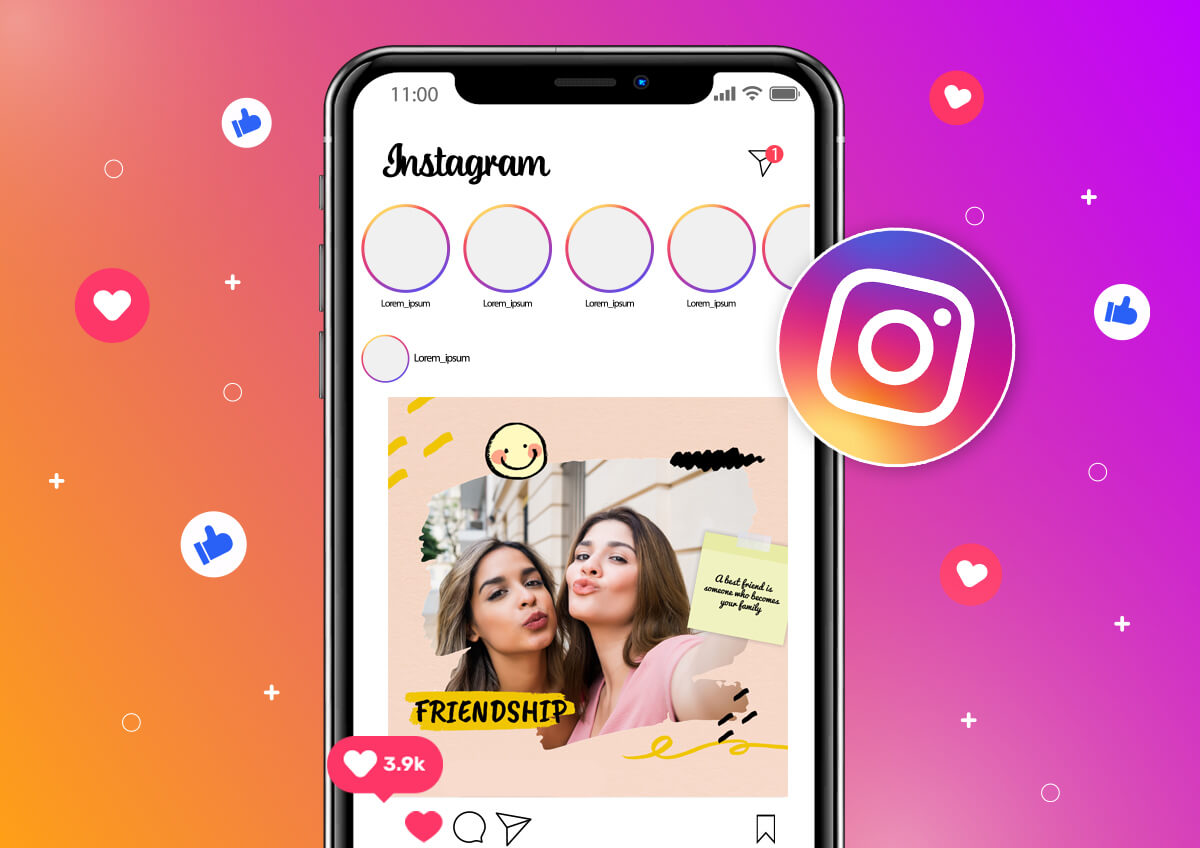
Need a digital flyer for Instagram, Facebook, or WhatsApp? Our flyer maker app lets you design perfectly sized visuals optimized for social sharing. Add photos, text, stickers, and effects to create scroll stopping content that grabs attention online.
Hundreds of Curated Templates
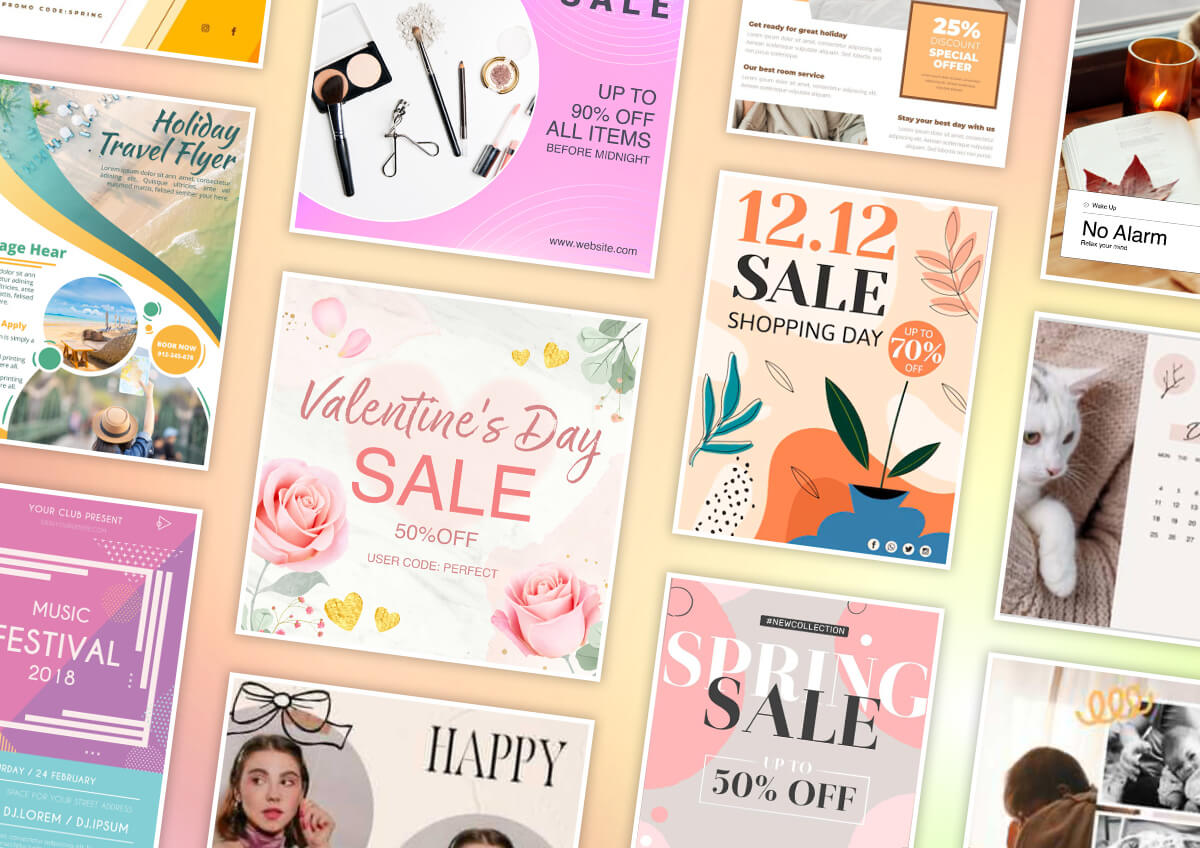
YouCam Perfect offers hundreds of professionally designed templates for events, parties, business promotions, and more. Simply pick a layout that fits your needs, customize the text and images, and your flyer is ready to share in minutes.
Flyer Maker App FAQs
What is the best free app to make flyers?
One of the best free apps to make flyers is YouCam Perfect, a flyer maker app that offers hundreds of customizable templates and easy drag and drop tools. It lets you design eye catching flyers without design experience or subscription costs.
How can I create a flyer for free online?
You can create a flyer for free online using a flyer maker app like YouCam Perfect. Just choose a template, personalize text and visuals, and download your design without installing software or paying fees.
Is there a free AI tool to generate flyers?
Yes, there are free AI powered tools that help generate flyers quickly. YouCam Perfect uses smart editing and design tools to suggest layouts and edit elements so you can build professional flyers fast and easily.
Which flyer app is best for beginners?
For beginners, YouCam Perfect is one of the best flyer maker apps because it combines intuitive editing, ready made templates, and easy customization in one place. You don’t need prior design skills to create polished flyers.
Where can I make a flyer for free?
You can make a flyer for free with online tools like YouCam Perfect. The flyer creator app lets you select templates, edit images and text, and download your finished flyer without paying or signing up for complex accounts.

