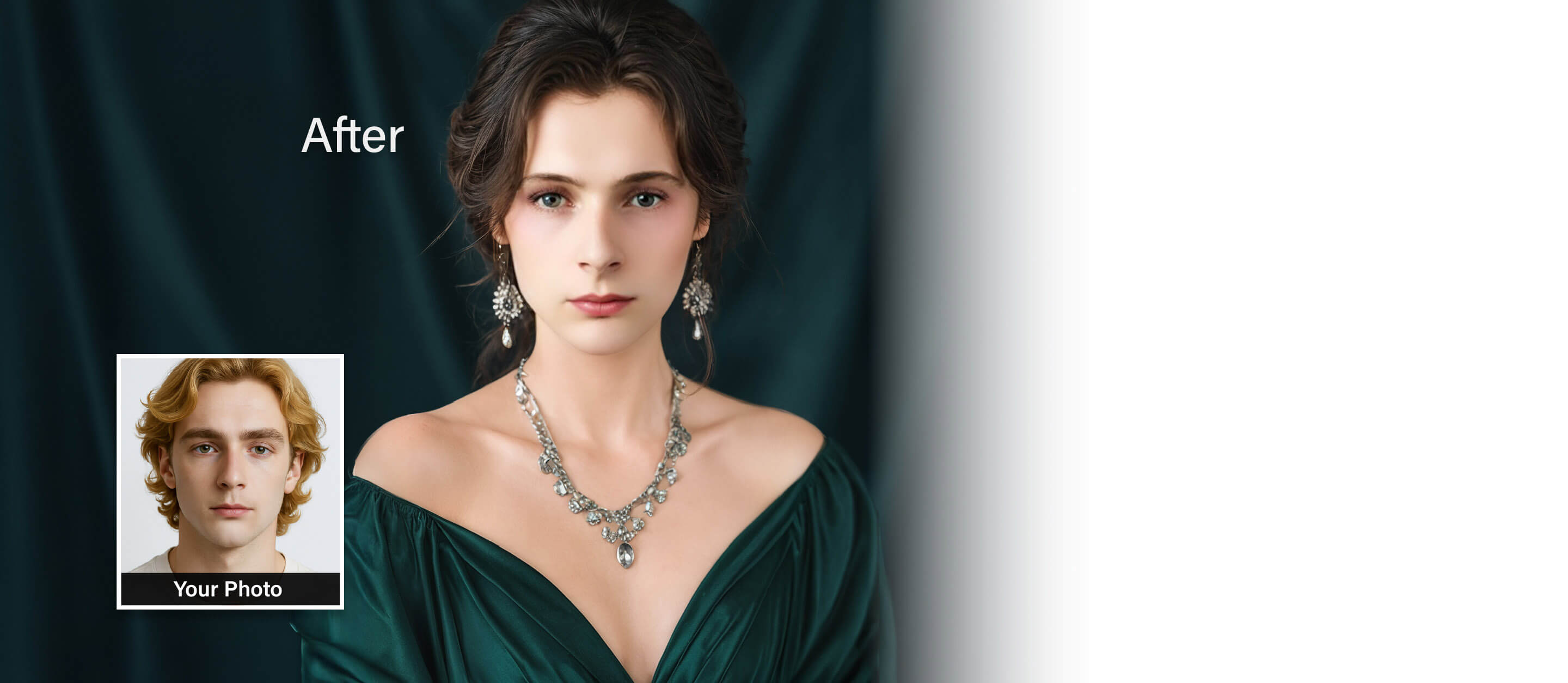
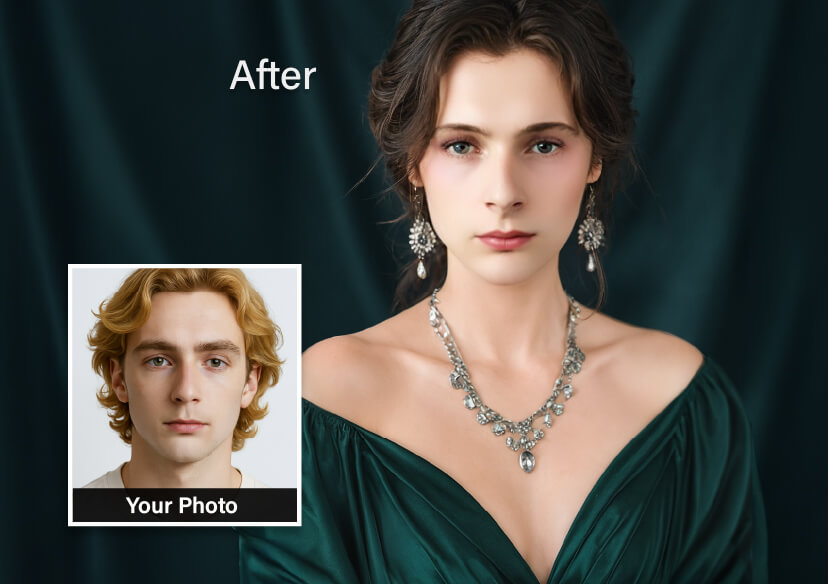



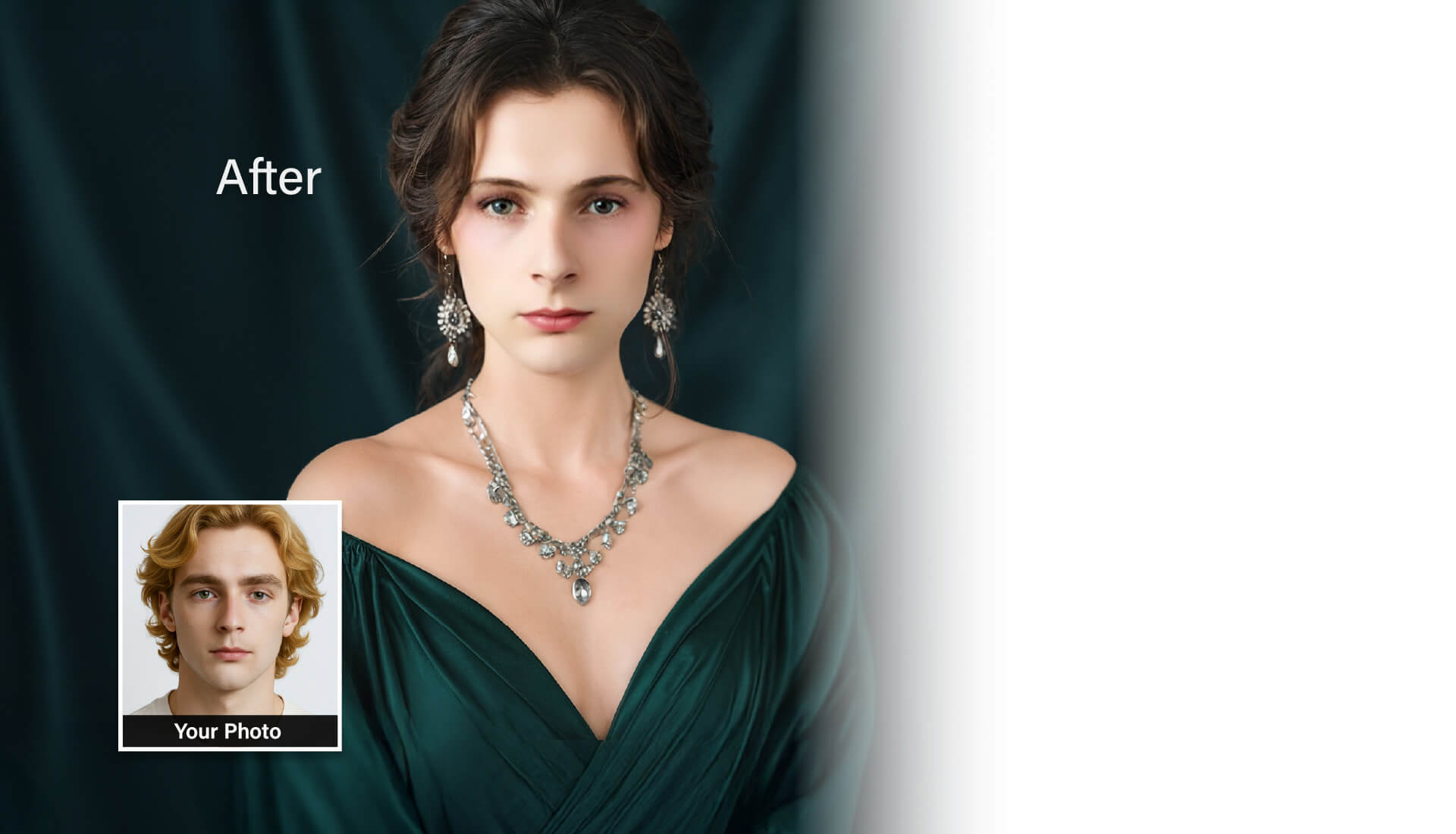
AI Gender Swap Filter: For Photos & Videos
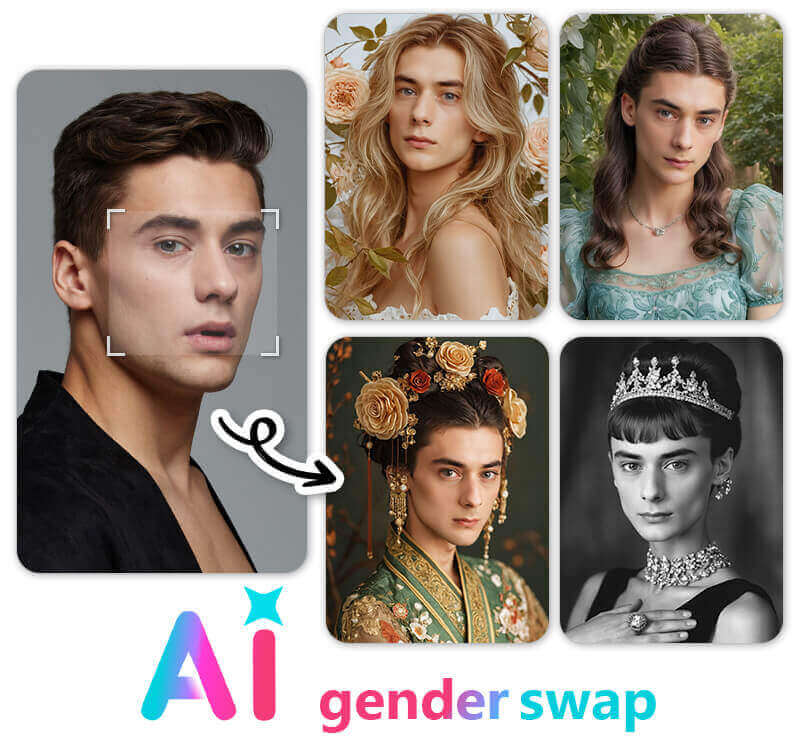
Curious what you would look like as the opposite gender? Try YouCam AI Gender Swap Filter to instantly transform your look in photos and videos.
How to Use the Online AI Gender Swap Filter Step-by-Step
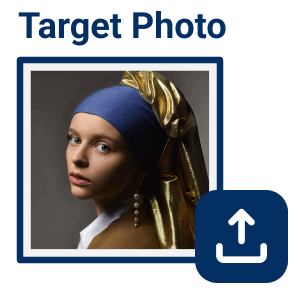
Upload a Photo or Video
Click the "Upload" button to select a target photo or video representing the gender style (masculine or feminine) you want to transform into.
Tip: Choosing a reference that's close to your own head angle and lighting gives the AI a clearer target to match, which produces a more natural-looking swap.


Upload Your Own Photo
Upload a clear, well-lit, front-facing photo of yourself. For the most realistic output, ensure your face is not obstructed by hats, glasses, or heavy hair.
Tip: A plain, evenly lit background helps the AI isolate your facial features from the background instead of guessing where your face ends.

Click “Swap Face Now”
Click "Swap Face Now" Our deep-learning algorithms will analyze your facial features, skin tone, and bone structure, and then apply the gender transformation in seconds.
Tip: If the first result looks slightly off around the hairline or jaw, re-uploading a straighter, front-facing shot usually fixes it faster than adjusting the same photo repeatedly.
Save Your Photo or Video
Preview your alternate-gender self. Once satisfied, click the download button to save your high-resolution image or video, ready to share on TikTok or Instagram.
Tip: Download both the photo and video versions if you're planning a TikTok/Instagram "reveal" post — the video version does better as a hook clip, the still works better as a thumbnail.
Why Choose YouCam for AI Gender Transformation?
- Highly Realistic AI Results: Unlike basic photo overlays or cartoonish filters, YouCam's advanced artificial intelligence doesn't just apply makeup. It structurally adjusts jawlines, facial contours, skin texture, and hairstyle styles while keeping your core facial identity recognizable.
- Photo & Video Support: Most online gender swappers only support static images. YouCam allows you to upload short video clips, letting you see your opposite-gender expressions in motion.
- Zero Friction (No Download Required): You don't need to install storage-heavy apps on your phone. The editor runs entirely within your mobile or desktop web browser, giving you instant access to advanced editing tools.
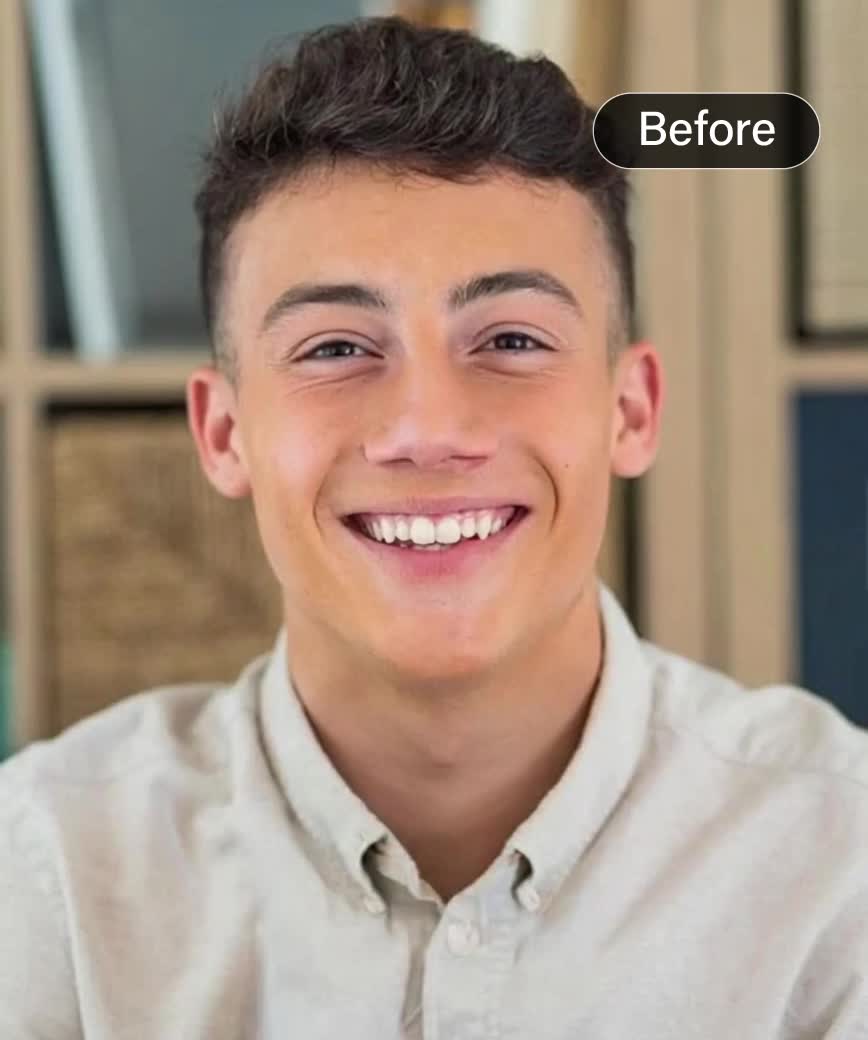
AI Opposite Gender Filter: See Your Transformation
Curious to see yourself in a whole new look? Try YouCam opposite gender filter and transform your selfie instantly!
With the women filter, you can explore a softer, feminine style, while the man filter gives you a bold, masculine appearance.
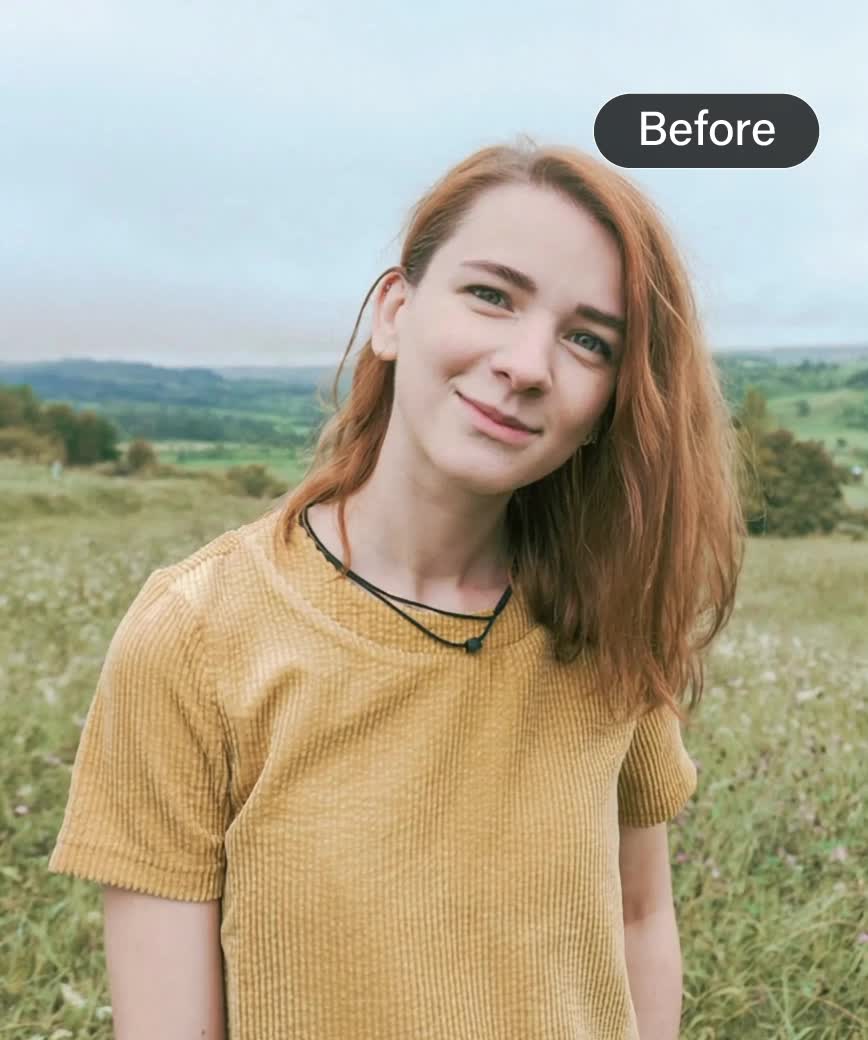
Use Gender Swap for Cosplay & Character Design
Planning a cosplay or designing a character? YouCam gender swap filters help you visualize gender- bent versions of your favorite characters before committing to a look.
It's a creative tool for artists, cosplayers, and storytellers alike.
AI Gender Swap FAQs
How can I do the TikTok gender swap challenge?
While TikTok and Instagram don’t have built-in gender filters, you can easily create the trend by uploading your gender-swapped photo generated by YouCam. Combine your original photo and the new swapped version in a video editor like CapCut to join the viral trend.
How do I use the Gender Swap filter?
Upload a photo, click “Swap Face Now,” and the tool will generate your gender-swapped transformation.
Do I need to download an app?
You can use it via YouCam’s online editor, making it accessible directly from your browser.
If you want to download an app for gender swap filter, try YouCam Perfect for fun, realistic transformations in just one tap.
How realistic are the gender swap results?
The AI aims for a seamless, natural transformation—though results may vary based on input quality and angle.
Are my uploaded photos safe and secure?
Yes, your data privacy is a priority. All uploaded photos and processed images on YouCam Online Editor are handled securely and are automatically deleted after processing, ensuring your personal images remain private.
Can I control how strong the gender transformation looks?
Right now, the filter applies one full transformation rather than offering an adjustable intensity slider. If you want a more subtle result, try starting from a photo with more neutral, less exaggerated features, since the AI is remapping what it detects rather than applying a fixed-strength overlay.
Does the Gender Swap Filter work on full-body photos, or just faces?
The tool is built and described around facial transformation — jawline, brow, cheekbone, and hairline changes — rather than full-body reshaping. For a full-body look change, pair a face-only gender swap with YouCam's Body Reshape tool on the same photo.
Can I use the Gender Swap Filter on a photo of someone else?
The tool is intended for photos of yourself or images you have the right to use and edit — for character design, cosplay reference, or creative projects, use a photo you own or have permission to transform. Avoid uploading identifiable photos of other real people without their consent, especially for public posting.
What's the difference between the Gender Swap Filter and the Face Swap tool?
Gender Swap changes gender-specific facial structure — jawline, brow, hairline — on your own photo while keeping your core identity recognizable. Face Swap instead replaces one person's face with another person's face entirely, typically for a different photo or video. Use Gender Swap to see an alternate-gender version of yourself; use Face Swap when you want to combine two different people's faces.
Can I clean up my photo before running the Gender Swap Filter?
Yes — if your source photo has poor lighting, blemishes, or red-eye, running it through YouCam's Photo Enhancer or Face Retouch first can improve the base photo the Gender Swap Filter works from, since a cleaner, sharper input generally produces a cleaner, sharper transformation.
Can I change my hairstyle or hair color on my gender-swapped photo?
Yes — the Gender Swap Filter already adjusts your hairstyle to match the transformation, but you can go further by running the swapped result through YouCam's Hair Color Changer or AI Hairstyle Generator afterward to try a specific cut or color on your new look.
How does the AI Gender Swap Filter actually work?
YouCam's Gender Swap Filter uses a deep-learning facial analysis model to map gender-associated facial structure — jawline width, brow ridge, cheekbone contour, and hairline shape — and re-render those specific traits, while holding your core identity markers (eye shape, nose bridge, expression, and skin tone) in place. The result is generated in seconds and can be previewed and downloaded as either a still image or a short video.
Who uses AI gender transformation beyond casual curiosity or cosplay?
Beyond casual curiosity and cosplay, several groups use gender transformation tools with real professional or creative intent:
Comic and game character designers — visualizing a male and female version of the same character to keep facial identity consistent across both designs before finalizing concept art. Tip: run the same reference photo through both the male and female transformation to get two consistent starting points for a character sheet.
Streamers and video content creators — producing gender-swap "reveal" videos and thumbnails for TikTok, Instagram Reels, and YouTube Shorts. Tip: use the video output as your reveal clip and keep the still image in reserve as your thumbnail.
Costume and theater designers — previewing how a planned costume, wig, or makeup concept might read on a gender-swapped version of a performer's face before committing to physical materials. Tip: pair the output with YouCam's Hair Color Changer to preview a wig color option before sourcing the actual wig.
Marketing and social teams — testing gender-inclusive or gender-swapped campaign visuals and creative concepts before a full photoshoot. Tip: treat the AI result as a fast creative-concept check, not a final deliverable.
Writers and storyboard artists — quickly visualizing a gender-bent version of an established character for fan fiction, pitch decks, or storyboards. Tip: keep the original reference photo and the swapped output side by side so it reads as a deliberate creative choice.

