



Veo AI Image to Video Generator
Turn your photos into cinematic videos with Google Veo 2, Veo 3, and Veo 3 Fast.
No editing skills needed—just upload, prompt, and generate stunning visuals in seconds.
Create Cinematic Videos from Images with AI
Whether you're animating portraits, landscapes, or product shots, YouCam brings cinematic motion, realistic detail, and fast rendering—all in one place.
- Google Veo 2: Realistic cinematic motion
- Google Veo 3: High-quality cinematic visuals with audio
- Google Veo 3 Fast: Speed-optimized generation for rapid content creation
Perfect for TikTok, Instagram Reels, YouTube Shorts, marketing campaigns, and more.
Why Use Google Veo with YouCam?
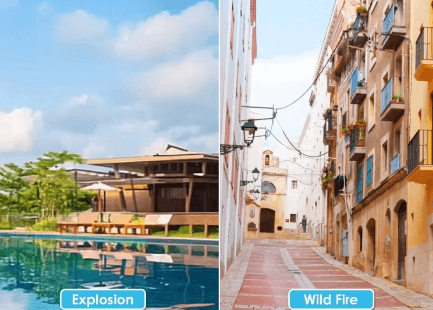
- No Editing Required: AI handles motion, lighting, and audio.
- Multi-Model Access: Choose the best Veo model for your creative goal.
- Fast & Flexible: Generate videos in seconds with Veo 3 Fast.
- Cinematic Quality: Veo 3 delivers studio-grade visuals.
- Realistic Motion: Veo 2 excels at lifelike physics and transitions.
Where to Use Your Videos
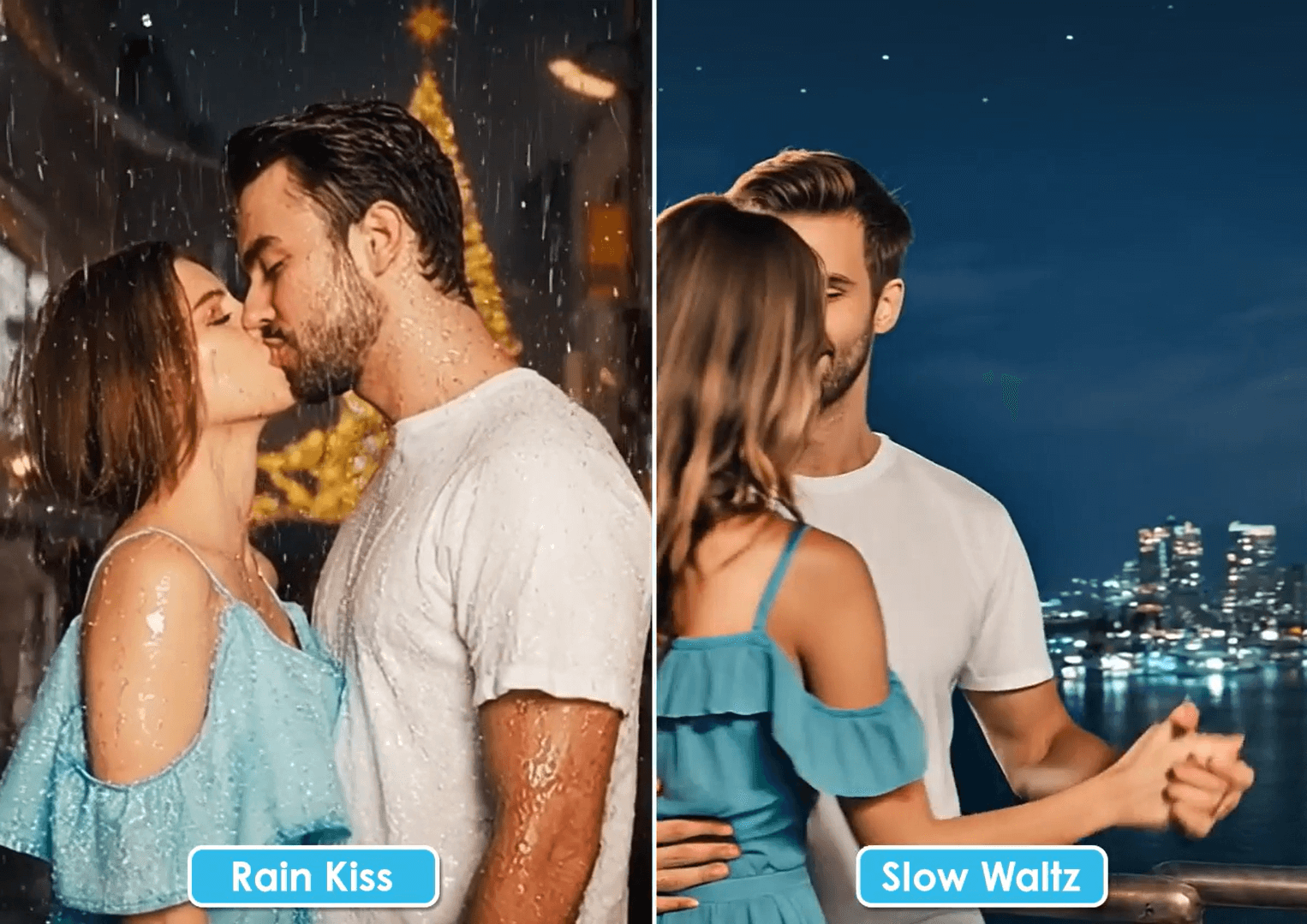
- TikTok, Instagram Reels, YouTube Shorts
- Product marketing and ads
- Personal storytelling
- Educational explainers
- Portfolio and client presentations
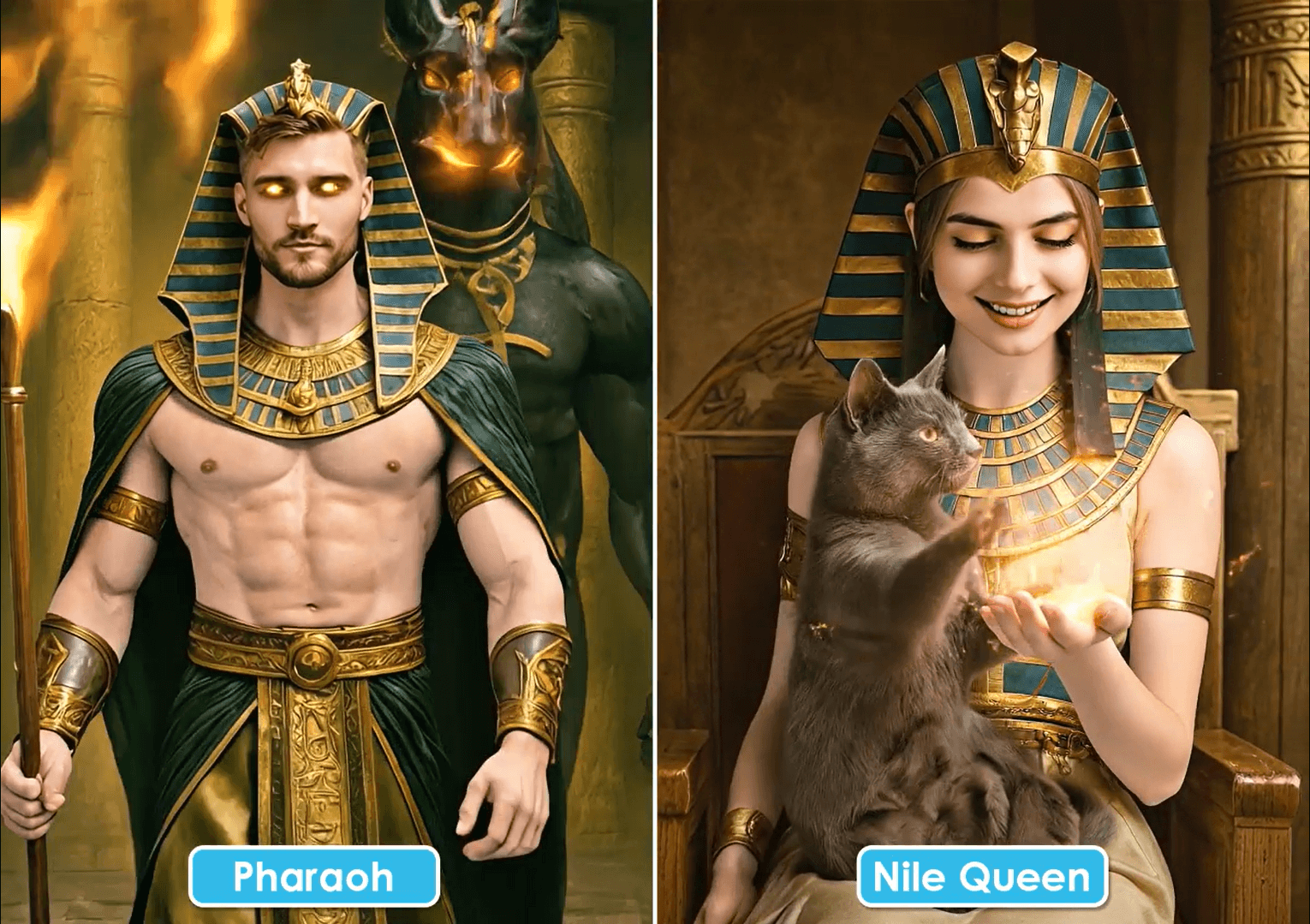
Example Prompts of Veo 3 AI Video Generator
- “A drone shot of a futuristic city at night, neon lights, synthwave soundtrack.”
- “A chef plating a gourmet dish, macro lens, sizzling audio, ambient jazz.”
- “A golden retriever running through a sunflower field, handheld camera, upbeat music.”
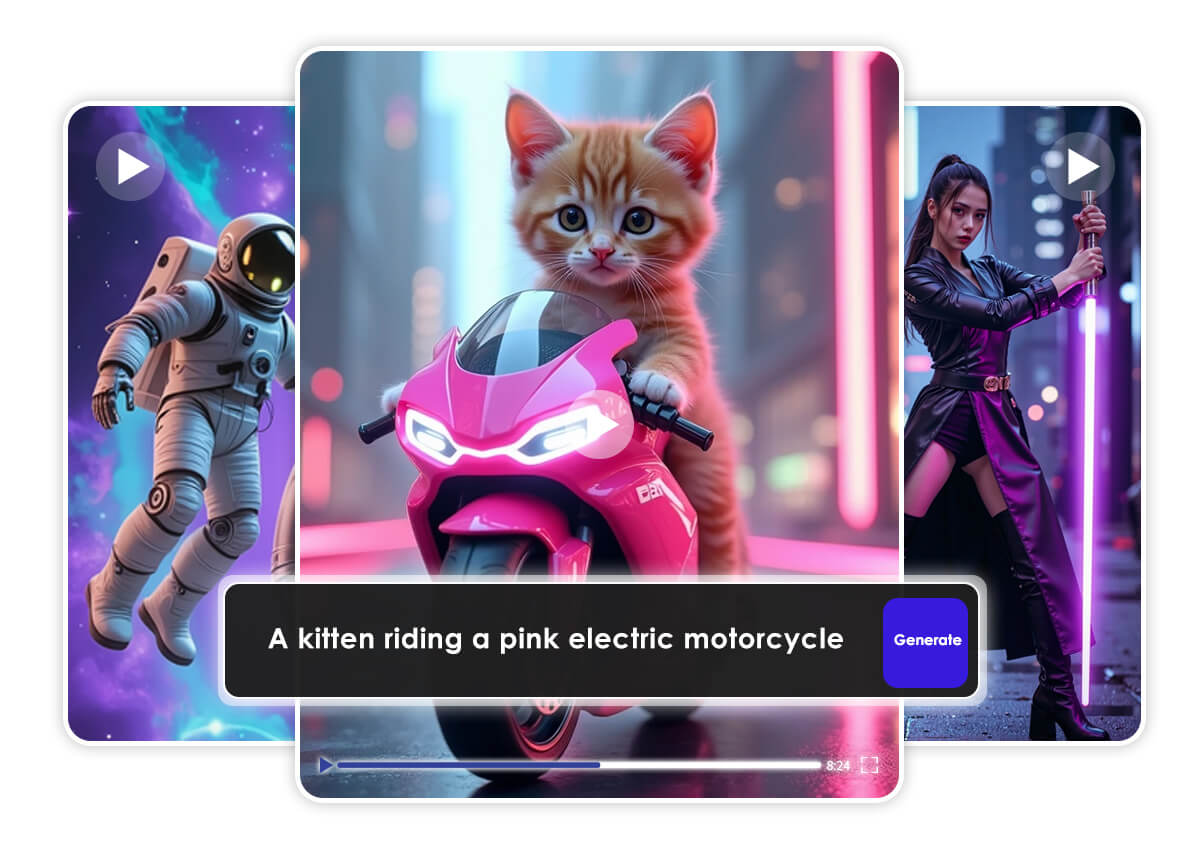
How to Use Google Veo to Generate a Video From an Image

Upload Your Image
Choose a high-resolution image with a clear subject. Supported formats include JPG, PNG, GIF, and TIFF.

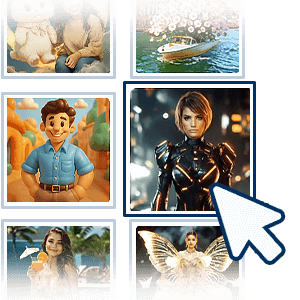
Select a Google Veo Model & Add a Prompt
Pick Veo 2, Veo 3, or Veo 3 Fast based on your goal, then describe your scene using cinematic language.
Generate and Share
Click "Generate" to create your video. Download or share it instantly on TikTok, Instagram, or YouTube.
Frequently Asked Questions (FAQ)
What is Veo AI Video Generator?
Veo is Google’s advanced AI model that transforms text and images into cinematic videos. YouCam integrates Veo 2, Veo 3, and Veo 3 Fast to offer realistic motion, high-quality visuals, and fast rendering.
What’s the difference between Veo 2, Veo 3, and Veo 3 Fast?
- Veo 2: Best for realistic motion and natural transitions
- Veo 3: Offers cinematic quality with audio syncing
- Veo 3 Fast: Optimized for speed and quick content generation
Do I need video editing skills to use it?
No. YouCam’s interface is beginner-friendly—just upload an image, write a prompt, and click generate.
What kind of prompts work best?
Use cinematic language like camera angles, lighting, and motion. Example: “A drone shot of a neon-lit city at night with synthwave music.”

