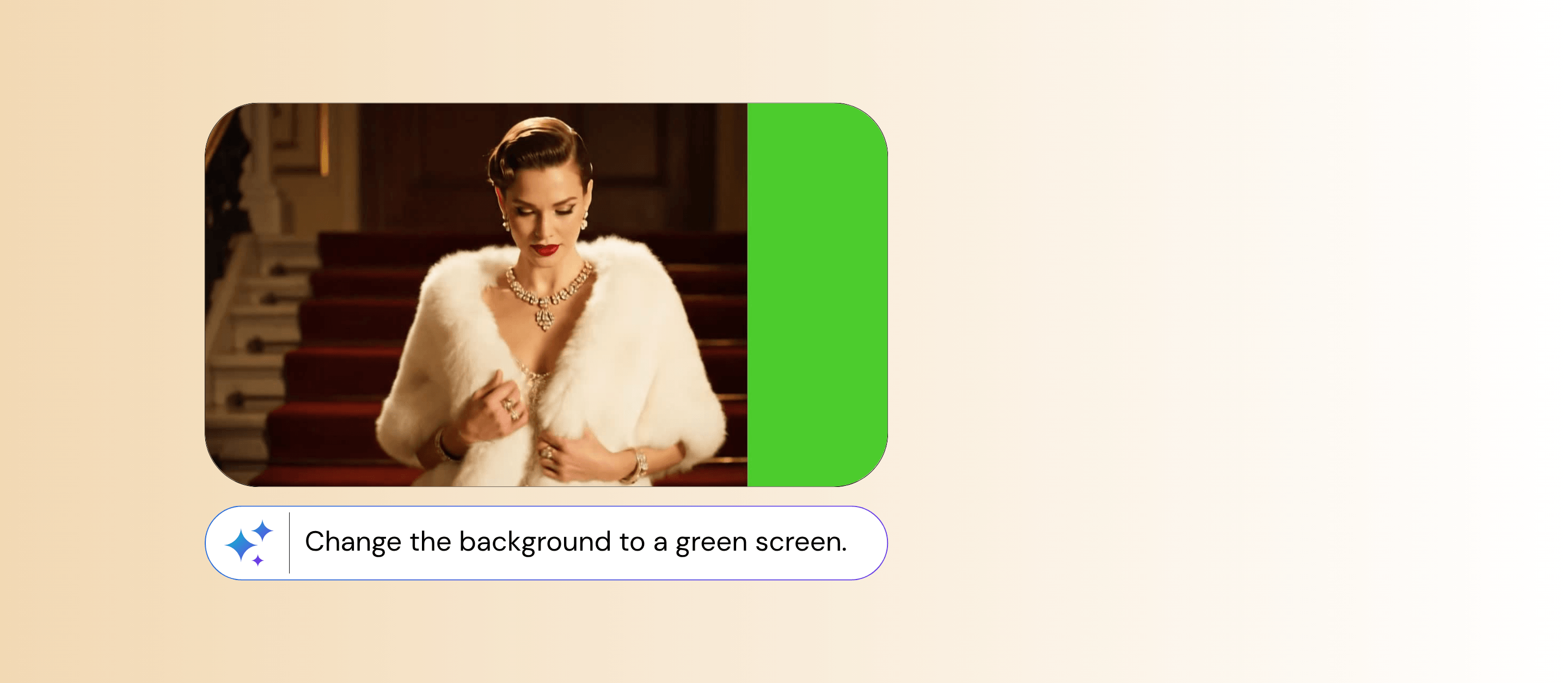





Green Screen Video
Prepare videos for editing or background replacement without needing a physical green screen, and works even with everyday footage.


How to Apply Green Screen Effect to a Video?
Pro tip: Choose a video where the main subject is clearly visible and stands out from the background. Simple scenes with good contrast usually produce cleaner results and more accurate separation.

Upload Your Video
Start by selecting a video from your device. Any normal footage works, whether it’s recorded on a phone, at home, or outdoors.
Choose the ‘Green Screen’ Effect Template
Select the “Apply Green Screen Effect” option. The system will automatically apply the effect settings for you.

Generate and Save
Let AI process your video automatically, then download and save the final result when it’s ready.
Works for Any Video
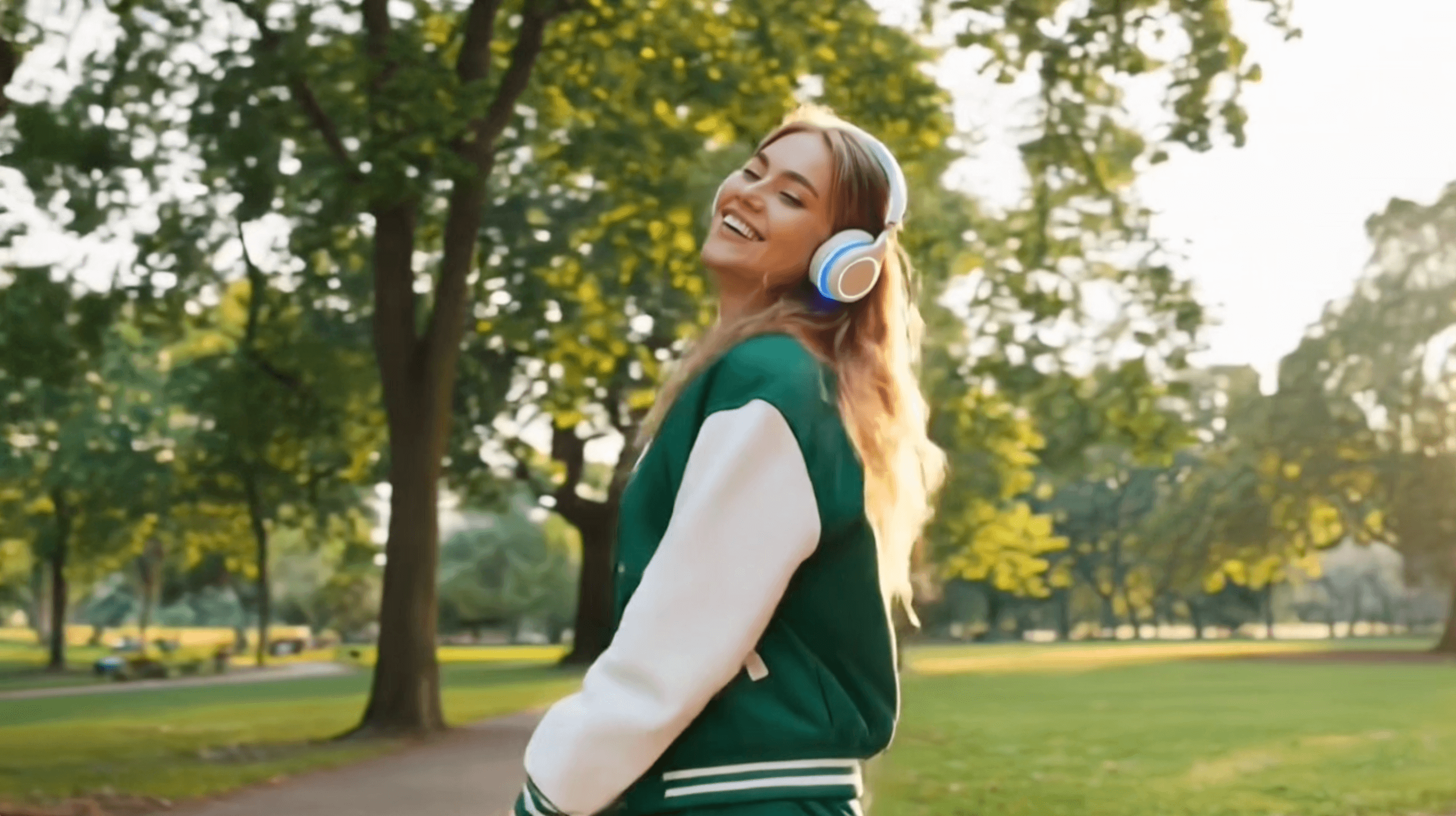
Works with everyday videos as long as the subject is clearly visible. Even casual phone recordings or footage shot at home or outdoors can be used without special setup or lighting. The main subject just needs to stand out clearly from the background to be separated for a green screen effect.
No Physical Green Screen Needed
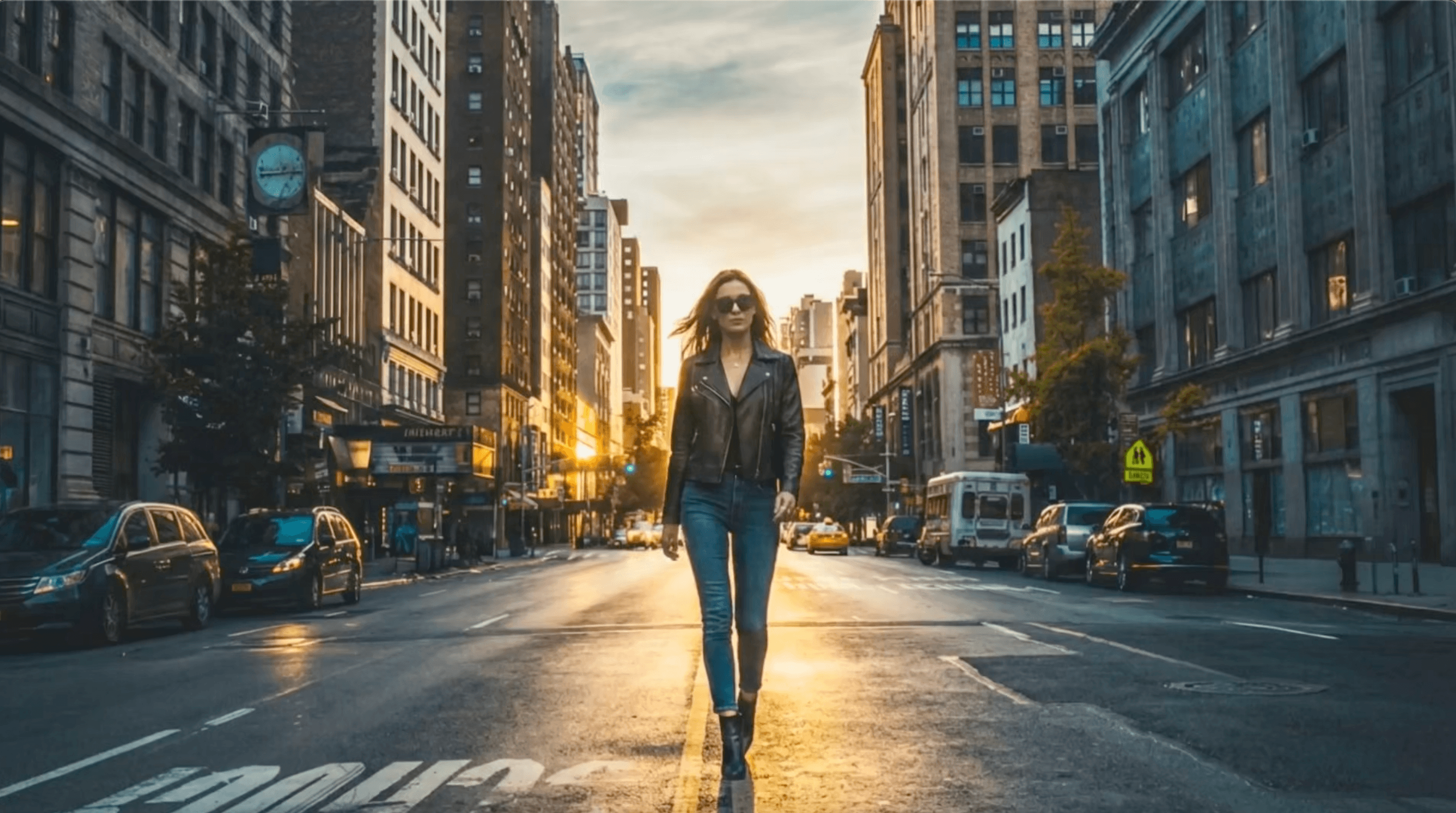
No need to rent a studio or set up a physical green screen. You can use regular videos filmed at home outdoors or anywhere else and still get results that work for editing or background replacement. This removes the need for controlled filming environments lighting setups or special equipment.
Green Screen Effect Video FAQs
Do I need to film with a green screen?
No. The tool generates or replaces the background digitally.
Does it work with handheld or casual footage?
Yes, as long as the subject is clearly visible.
Can I use green screen videos for social media?
Yes. It’s commonly used for TikTok, Instagram Reels, and YouTube Shorts.

