

How to Turn Your Photo into GTA 6 Style Art
The GTA 6 filter runs on AI Image to Image in YouCam Online Editor.
Follow these 4 steps:
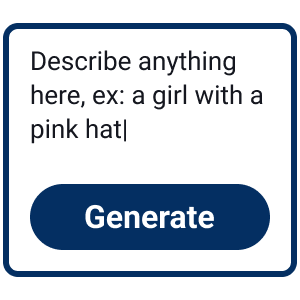
Choose a Style Link
Pick one of the six GTA 6 styles on this page. The link opens the editor with the prompt already filled in, so there is nothing to type.


Upload a Clear Selfie
Switch to Image to image and add a front-facing photo. Good light and a visible face give the closest likeness. Skip sunglasses and heavy shadows.

Generate Your Look
Keep GPT-Image-2.5 Flare selected and click Generate. The model keeps your face while it repaints the scene around you.
Save and Try Another
Download your result, then open a different style link to compare a cover art look with a neon night or a loading screen portrait.

From Selfie to Vice City Night
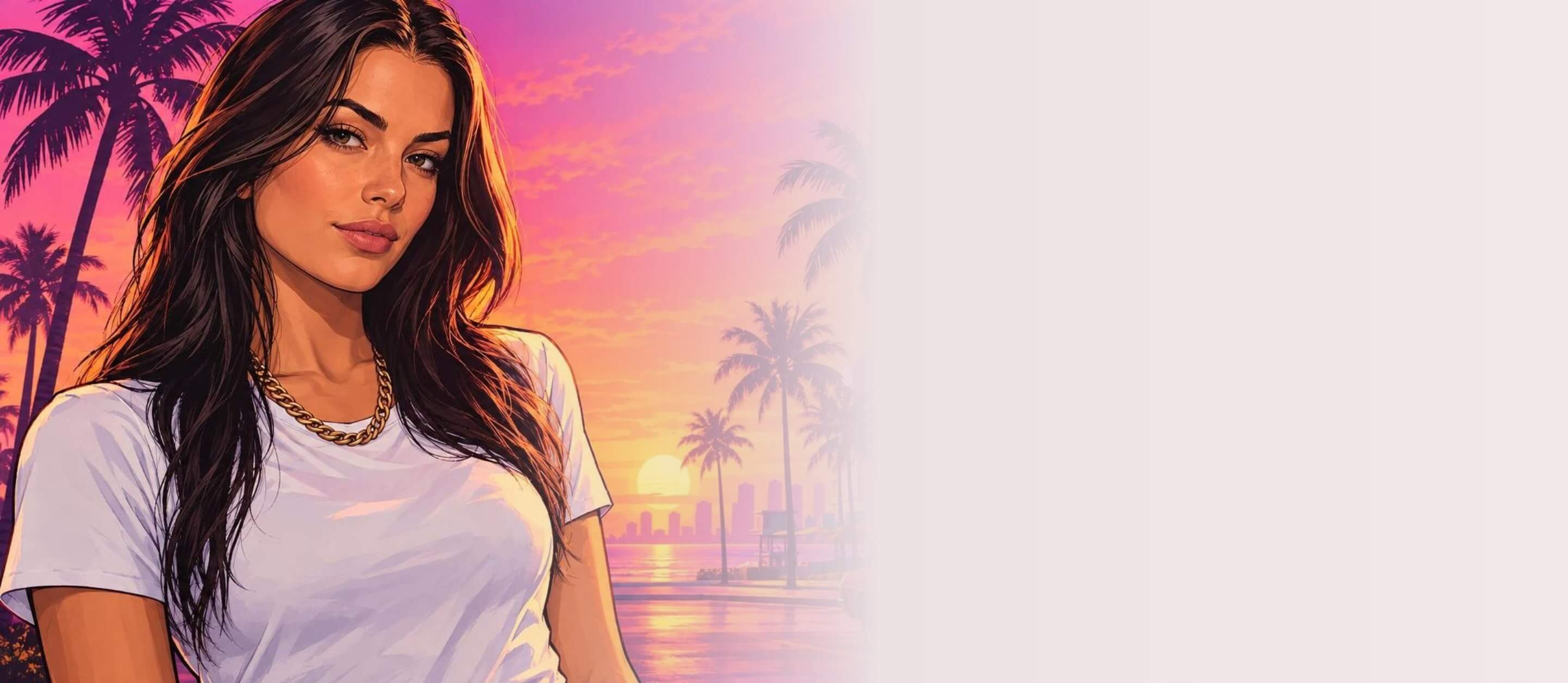
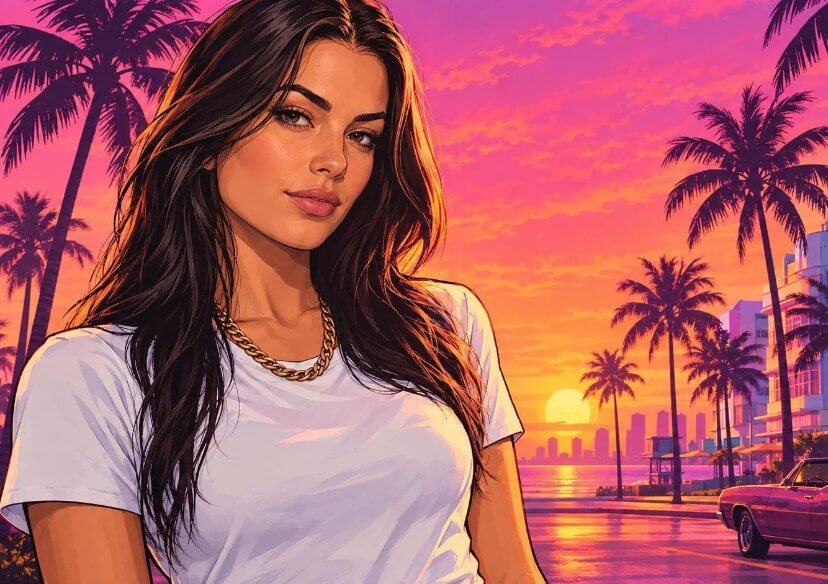
Your photo goes in, a GTA 6 style scene comes out. The neon drive look keeps the same face, hair and outfit and swaps the room for a wet street lit in magenta and cyan.
This is how AI Image to Image works: your photo sets the person, the prompt sets the world.
Keep Your Face, Change the World
The filter does not swap you for a stock character. The AI reads your face and styling from the upload and repaints everything else in the Grand Theft Auto filter look: bold outlines, warm rim light, a sunset sky and palm silhouettes.
It works for any adult portrait, so friends and partners can try their own version.
Pick the GTA Filter Style You Want
Each link opens AI Image to Image with a ready prompt. Upload your photo and generate:
Frequently Asked Questions for the GTA 6 Filter
What is a GTA 6 filter?
A GTA 6 filter is an AI effect that restyles a photo to look like game art inspired by Vice City: neon sunsets, palm trees, bold outlines and cinematic lighting. In YouCam Online Editor it is made with AI Image to Image, so your own photo is the starting point.
How do I use the GTA filter on my photo?
Open any style link on this page, switch to Image to image, upload a front-facing photo and click Generate. The prompt is already filled in. You can edit it to change the setting, the lighting or the pose.
Will the result still look like me?
Usually the face, hair and outfit carry over, because the prompt tells the model to keep them. Results vary with photo quality. A sharp, evenly lit, front-facing selfie gives the closest match, and sunglasses or deep shadows across the face make it harder.
Do I need to write my own prompt?
No. Each style link includes a ready-made prompt for the GTA 6 look. If you want a different scene, change a few words in the prompt box, for example the time of day or the background.
Is this the same as the official game art?
No. The results are AI images inspired by the look of the games and are not official artwork. Grand Theft Auto and related names belong to their owners, and this tool has no connection with the game publisher.

