




Hailuo AI Video Generator
Bring your photos to life instantly with Hailuo AI video generation that’s fast and effortless.





Transform Photos into Cinematic Videos
Hailuo AI turns images into dynamic videos in seconds, analyzing faces, objects, and backgrounds to create compelling motion and animation.
Perfect for social media, presentations, or marketing—professional results, effortlessly.
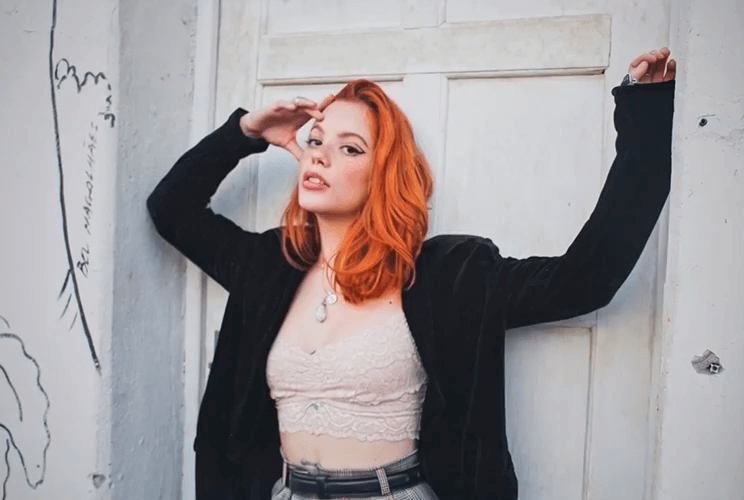
Ideal for Creators
Hailuo AI converts images into compelling videos for Instagram, TikTok, and YouTube.
Cinematic effects and smooth animations make content stand out—ideal for products, stories, or portfolios.
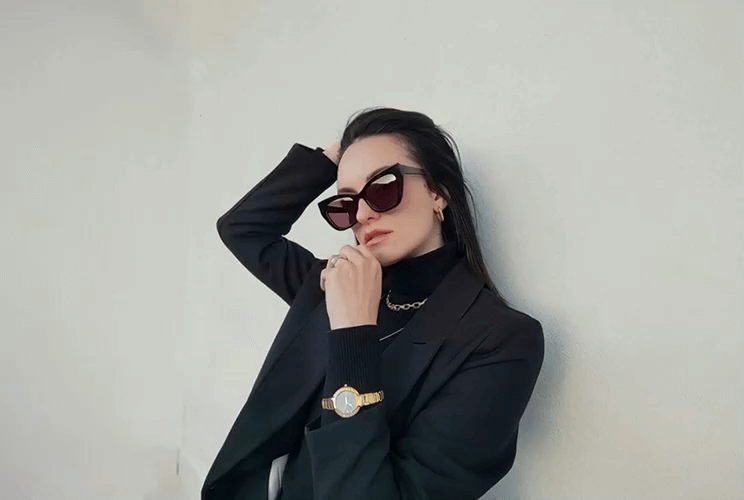
Why Choose Hailuo AI Video Generator
- Instant Creation: Turn photos into animated videos in seconds—no skills needed.
- AI-Driven Motion: Analyzes images for smooth, natural animation.
- Seamless Integration: Part of YouCam's AI suite for multiple styles and effects.
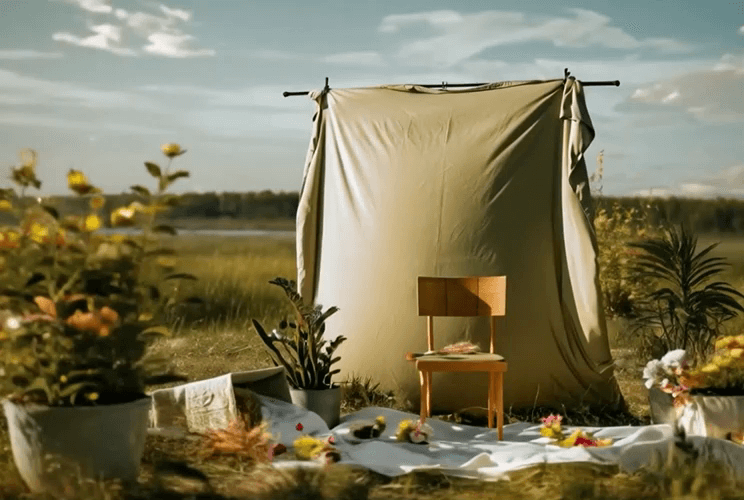
How to Create a Video with Hailuo AI
Bringing your images to life has never been easier. With Hailuo AI, you can turn a single photo into a stunning video in just a few clicks. Follow these simple steps to get started:

Upload Your Image
Select the photo you want to animate from your device.

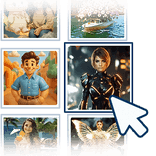
Choose Hailuo AI and a Template
Explore dozens of creative, trendy image-to-video templates.
Save and Share
Download your video instantly and share it however you want.
Hailuo AI Video Generator FAQs
Is Hailuo AI free or paid?
Hailuo AI is available for free within YouCam Online Editor, letting you create stunning videos from images without any cost. It’s flexible for casual users and pros alike.
What is Hailuo used for?
Hailuo AI transforms static images into dynamic, animated videos. It’s perfect for social media posts, marketing campaigns, presentations, tutorials, and creative storytelling. By adding motion, effects, and cinematic elements, it turns ordinary photos into eye-catching content that engages audiences instantly.
How accurate is Hailuo AI?
Hailuo AI uses advanced algorithms to analyze images and generate realistic, smooth animations. Motion, depth, and effects are applied intelligently, creating videos that closely match your input photo. While results may vary depending on image complexity, the AI consistently delivers professional-looking, high-quality videos in seconds.
Is Hailuo AI good for beginners?
Yes! Hailuo AI is designed for users of all skill levels. Its intuitive interface, easy prompts, and pre-made templates make creating videos simple and fun, even for beginners. No prior animation or editing experience is needed to produce professional-quality, shareable videos.
What types of images work best with Hailuo AI?
Hailuo AI works with most clear images, including portraits, product shots, and landscapes. High-quality, well-lit images produce the best results, as the AI can more accurately animate details, colors, and depth for visually compelling videos.

