






Free Online 4K HD Photo Converter
Instantly upscale low-resolution images to 4K HD with YouCam Online Editor. Optimize photos for web and print. Sign up for 5 free, watermark-free downloads.

Best HD Photo Converter: 4 Highlights
- AI-Powered 4X Upscaling: Enhance your images up to 4 times their original resolution, preserving every detail and texture for true 4K quality.
- Batch Processing: Instantly upscale and enhance up to 50 photos at once, perfect for bulk projects and saving you valuable time.
- Noise & Blur Removal: Automatically remove grain, noise, and motion blur to restore sharpness and professional clarity to your photos.
- One Click HD: Convert your photos to stunning 1080p high resolution with a single click.
Effortlessly Upgrade Your Images to 4K Online for Free!
Tired of your favorite photos looking a little blurry or pixelated? Our online tool makes it incredibly easy to convert your images to stunning 4K resolution in just a few clicks. Using advanced algorithms, it intelligently enhances your pictures, boosting their clarity and detail without any cost—so your photos get the crisp, vibrant look they deserve, not the low-res limitations.

Upload Your Photo
Select up to 50 images from your device to upload to the YouCam Online Editor HD Photo Converter.The tool supports JPG, JPEG, PNG, TIFF, and GIF formats.


Wait for AI Enhancement
Our AI automatically enhances resolution, removes noise, and corrects colors to improve image quality.

Download Your 4K Photos
After processing, download your images in crisp 4K resolution, watermark-free with your free credits.

What We Can Expect From an HD Photo Converter?
Time Machine for Travel Memories
Convert old travel photos taken with smartphones or vintage cameras into vibrant HD images. The AI automatically removes blur and noise, restoring details so vivid it feels like you’re reliving the moment.
Digital Exhibition of Artwork in High Definition
Artists and curators can upscale photos of paintings or sculptures to 4K resolution. The AI sharpens intricate details and corrects colors to create breathtaking virtual galleries with true-to-life visuals.
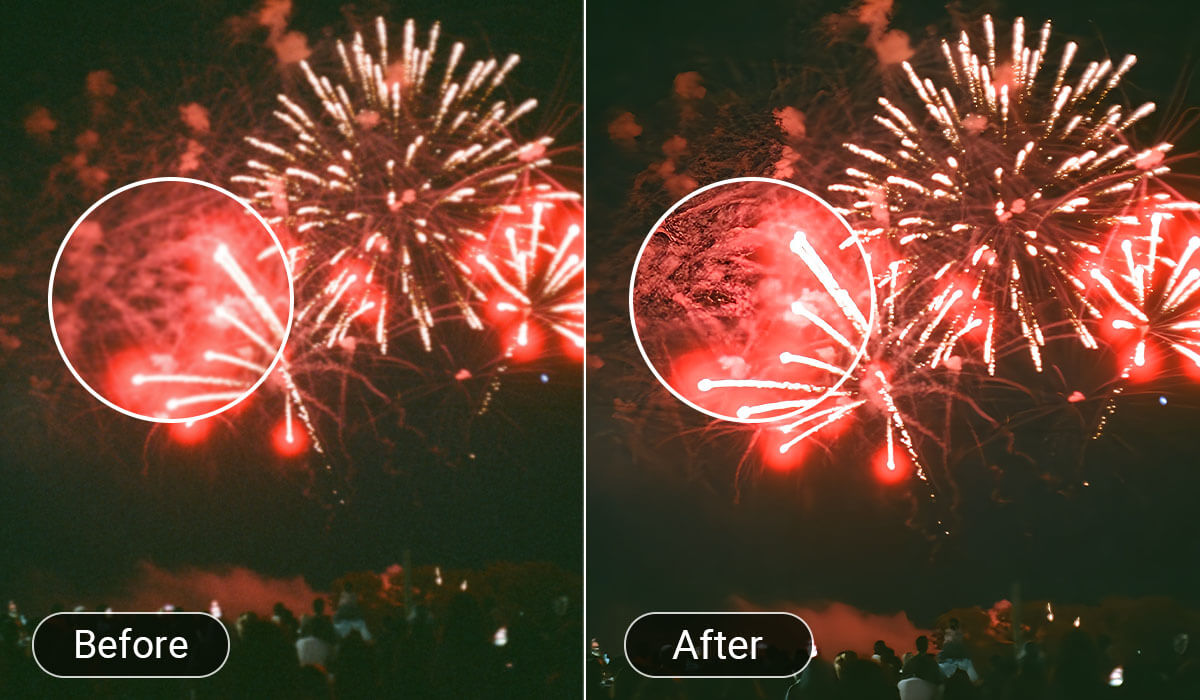
Instant Enhancement of Event Snapshots
Elevate your Instagram reels, TikTok posts, or YouTube thumbnails by instantly enhancing image resolution up to 4K. YouCam Online Editor Image Resolution Enhancer also adjusts brightness and color balance, ensuring your visuals pop on any screen.
Restoration of Classic Movie Stills
Convert vintage movie screenshots or stills into HD with AI-driven detail restoration and color correction, perfect for collectors and film reviewers seeking richer, more immersive visuals.
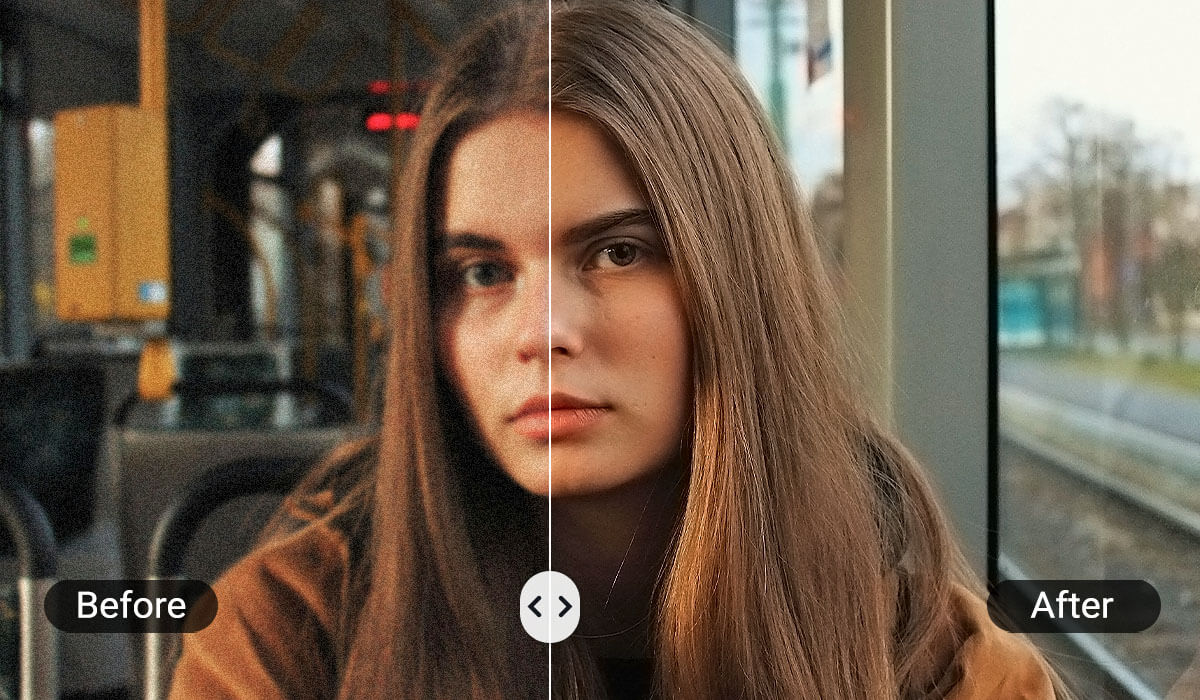
Architectural Photo Refinement for Precision Presentation
Architects and designers can upscale building photos or blueprints, with AI enhancing edges and textures while reducing noise—ideal for detailed presentations and client proposals.
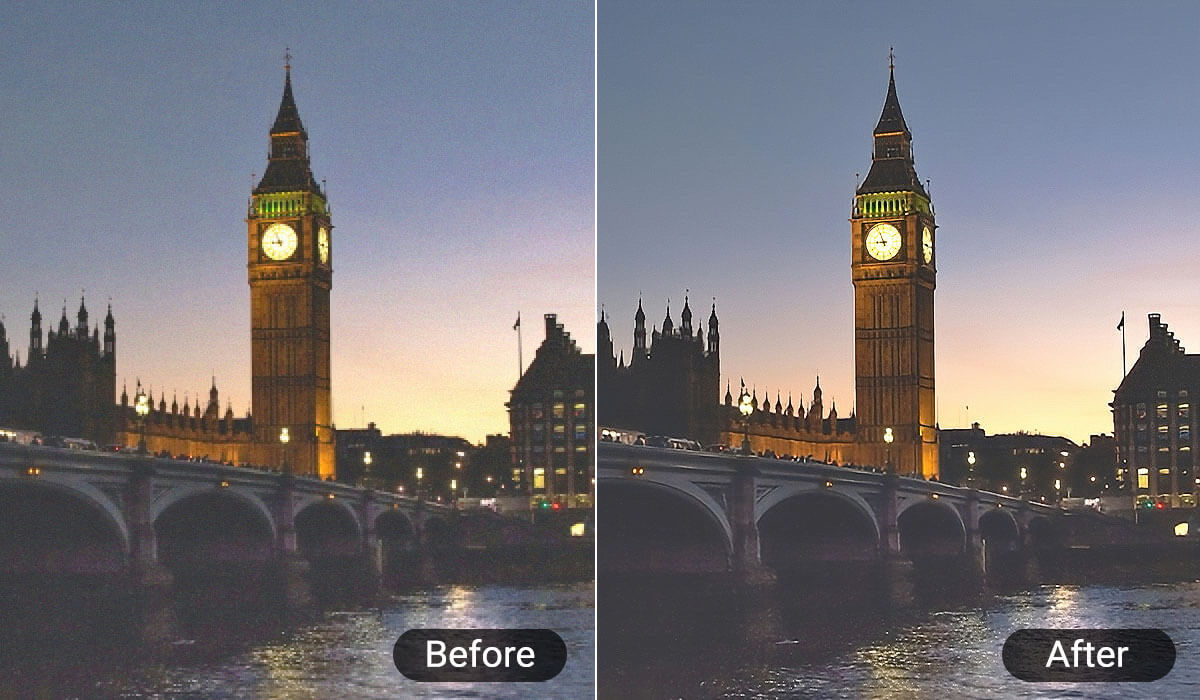
Optimization of Important Documents and ID Photos
Enhance scanned low-resolution documents or ID photos. The AI automatically adjusts color balance and reduces grain, ensuring clear, official-quality digital copies.
Capturing Artistic Inspiration in Fine Detail
Convert low-res photos of sketches or photography into HD. The AI sharpens lines and textures, enabling artists to zoom in on details and fuel their creative process.
High-Quality Assets for AI-Generated Videos
Upscale static images to HD with enhanced resolution and vibrant colors. Perfect for use as source material in AI video generation, ensuring crisp and professional-looking footage.
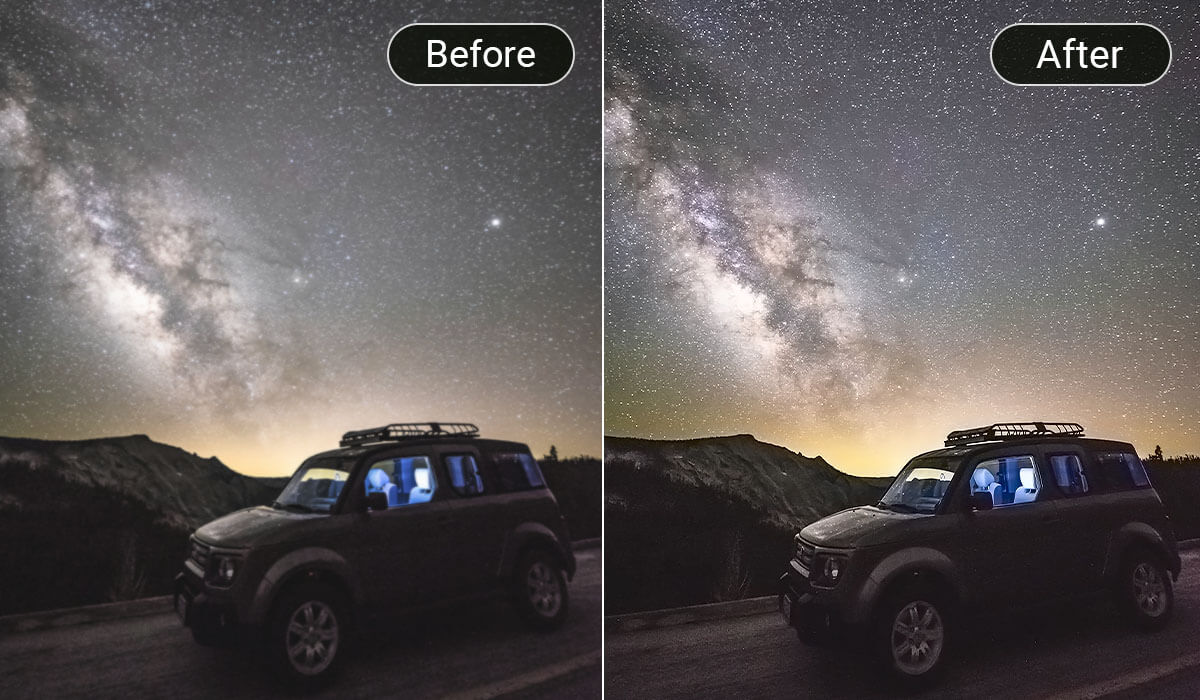
HD Photo Converter FAQs
How can I convert a picture to HD quality?
You can convert a picture to HD quality by using YouCam Online Editor’s AI-powered photo enhancer, which automatically improves resolution, sharpness, and image quality up to 4K.
The AI analyzes and reconstructs image details to produce a high-definition version of your photo with just one click.
How to convert a photo to HD with an iPhone?
On iPhone, you can use the YouCam Enhance app “Enhance” to sharpen, unblur, and upscale images to HD quality in one tap.
The app is designed to fix old, blurry, or low-resolution photos and turn them into ultra-sharp, high-definition images quickly and easily.
What types of images can I convert to 4K?
YouCam Online Editor supports a wide range of images including low-resolution, blurry, grainy, old, or faded photos (JPG, PNG,TIFF,GIF).
It works well on portraits, landscapes, product shots, and vintage photos, restoring clarity and enhancing details without losing the original character.
How to make an image more high quality?
To make an image higher quality, use YouCam features such as Photo Enhance, AI Lighting and Color Correction. These tools collectively increase resolution, remove grain and noise, sharpen details, and balance colors for a more vibrant and professional-looking photo.

