





AI Head Swap Online for Free
Try AI Head Swap online for free with YouCam AI Face Swap—instantly swap faces in photos and videos with stunning realism and zero hassle. Sign up now for 5 FREE credits!
Best AI Head Swap: 4 Highlights
- Realistic Results: Natural-looking swaps in photos and videos.
- Multi-Face Support: Detects and swaps multiple faces at once.
- Photo & Video Compatible: Works seamlessly with both formats.
- Free & Online: No app needed—just upload and swap.
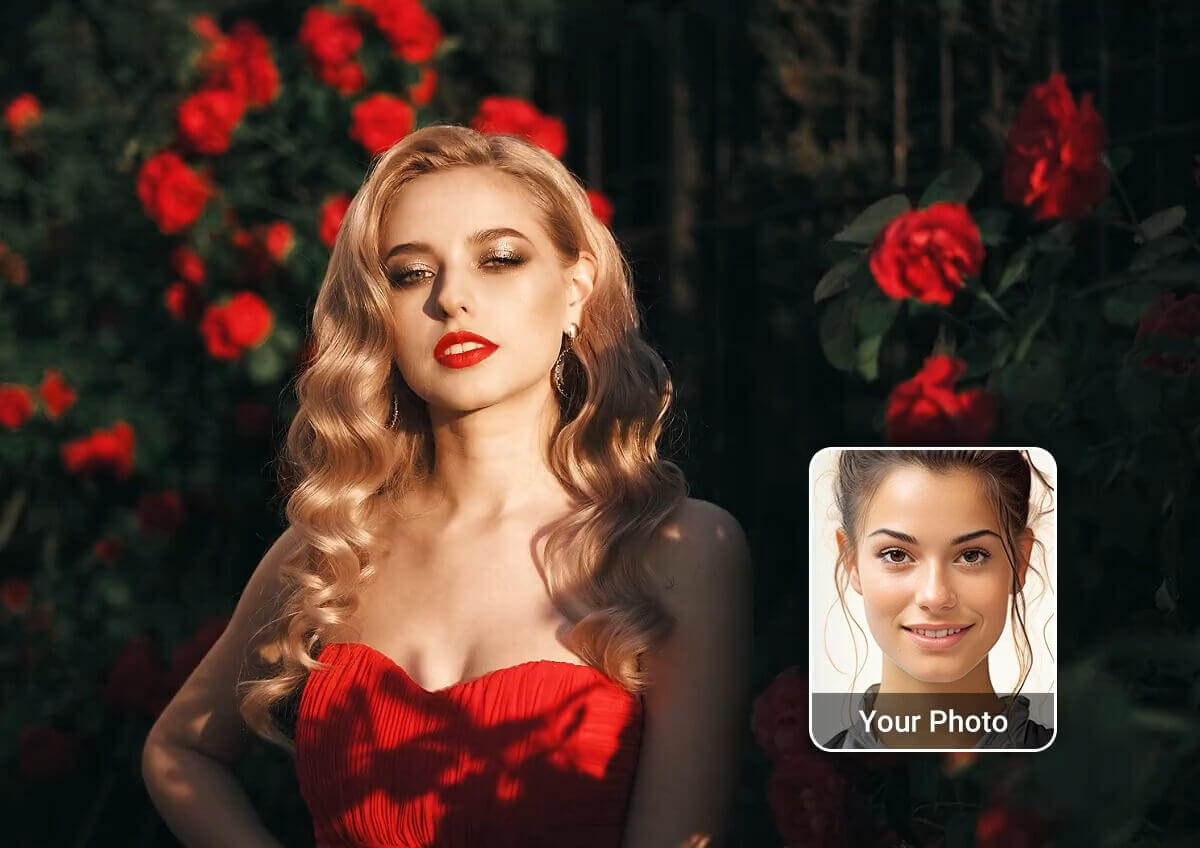
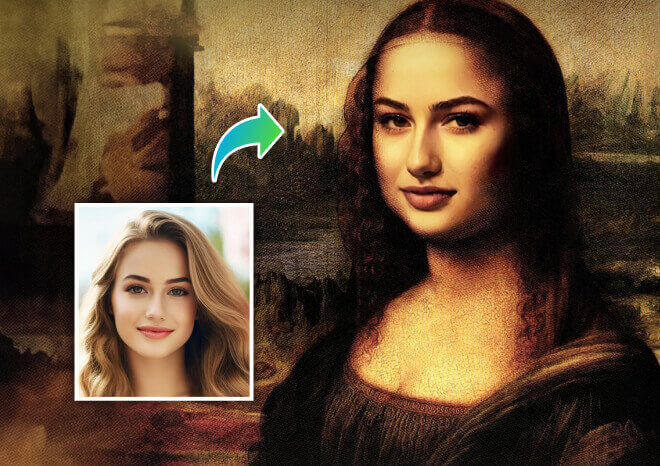
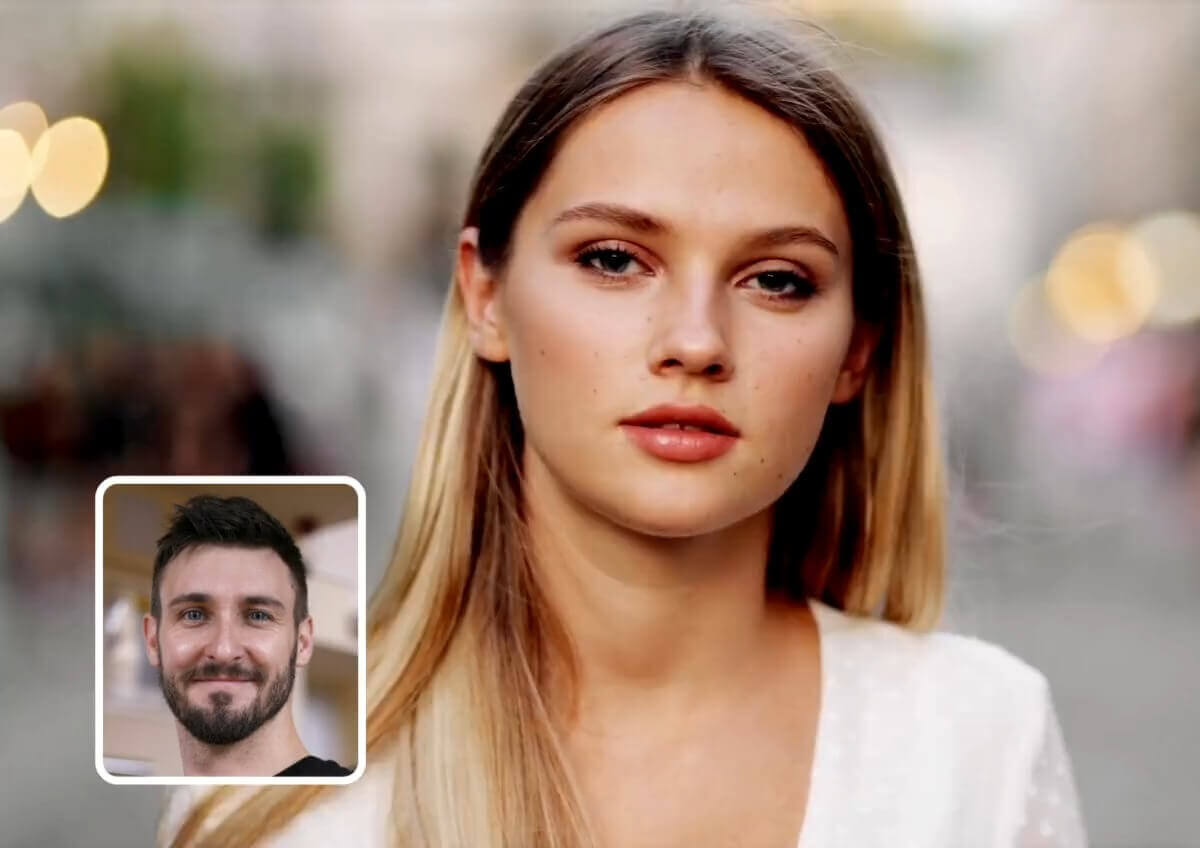
Easily swap faces in any photo with just a few taps. Whether it’s for a meme, a creative project, or a fun selfie remix, YouCam AI Face Swap makes it fast and realistic.

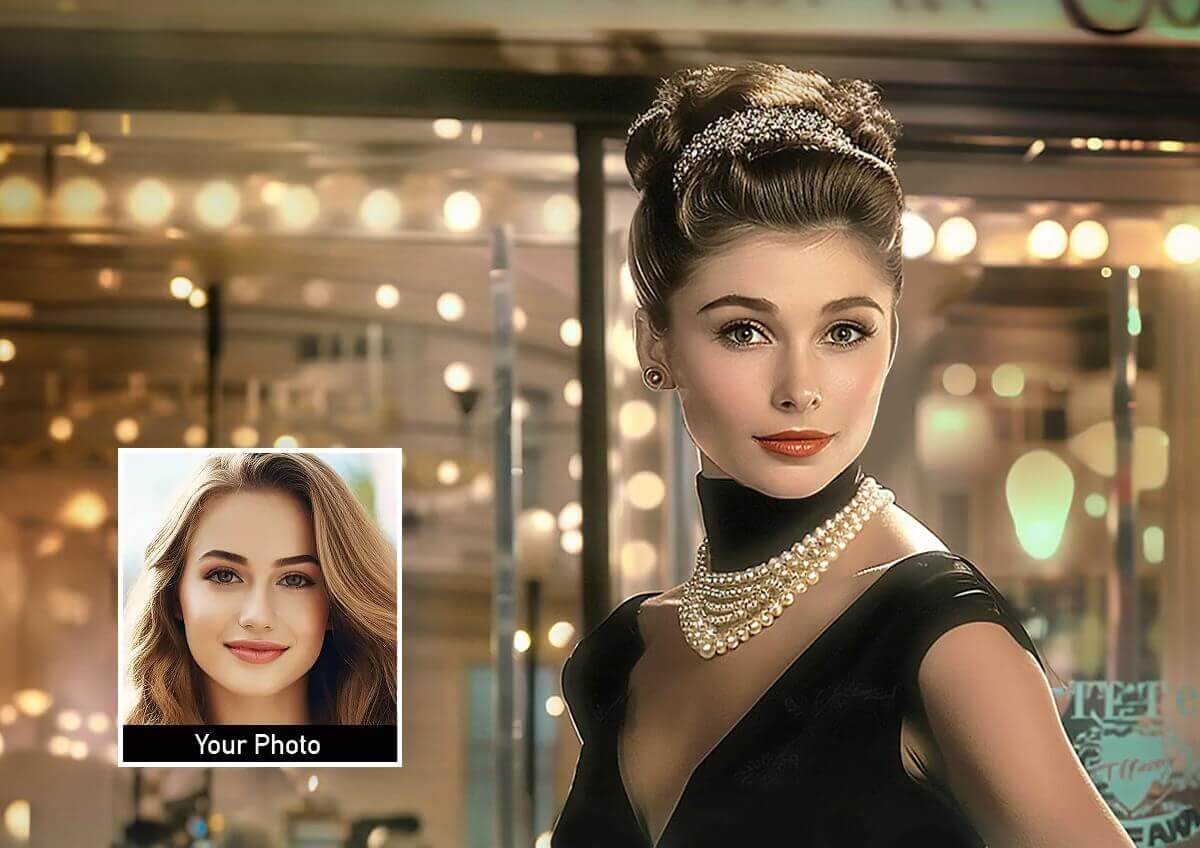
Bring your videos to life by swapping faces in motion. Perfect for short clips, reels, or creative storytelling, the AI keeps the swap smooth and expressive from start to finish.
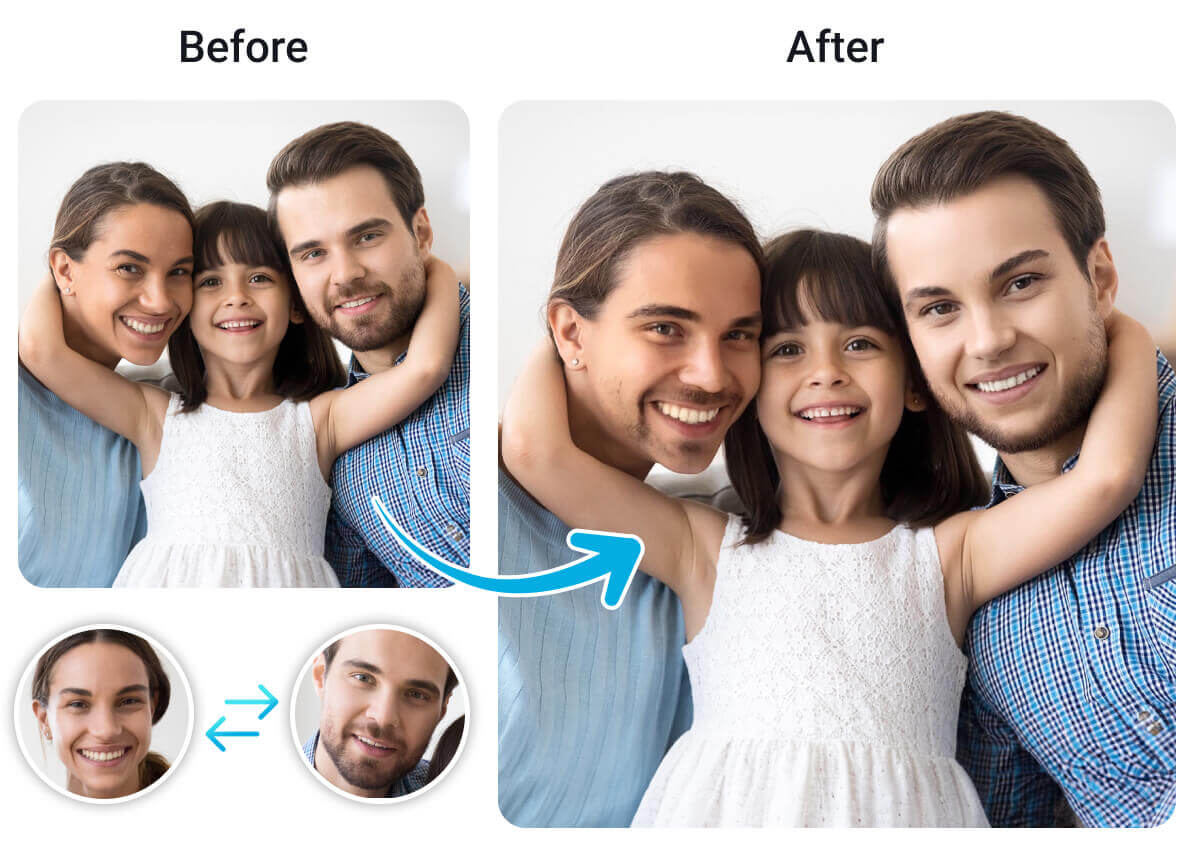
Want to swap more than one face in a group photo or video? YouCam lets you replace multiple faces at once, making it ideal for group edits, themed content, or hilarious transformations.
How to Swap Heads in a Photo or Video Using YouCam AI Face Swap
Wondering how to replace head in photo or video online for free? With YouCam AI Face Swap, it’s easy—just follow these 4 simple steps to create realistic head swaps in seconds!
Upload a Target Photo or Video
Choose the photo or video where you want to swap faces. Upload it directly from your device to the YouCam AI Face Swap tool.


Upload Face Photos
The tool will automatically detect each head in your target image or video. You can then upload a corresponding face photo for each detected head to customize the swap.

Start AI Head Swap
Click the “Face Swap Now” button to begin the process. The AI will analyze and apply the new faces in just a few seconds or minutes.
Download Your Head-Swapped Photo or Video
Once the swap is complete, preview your result and click “Download” to save your new head-swapped photo or video.
Explore these 30 creative and hilarious head swap ideas you can try in 2025 using AI head swap tools—perfect for social media fun, digital art, or just a good laugh!

CEO in the Club

Astronaut Grandma

Baby on the Boardroom

Viking Influencer

Model Scientist

Bodybuilder Nerd

Teenage Bride

Elderly Skater

Kid Chef

Professor on the Dance Floor

Biker Baby

Teenage Soldier
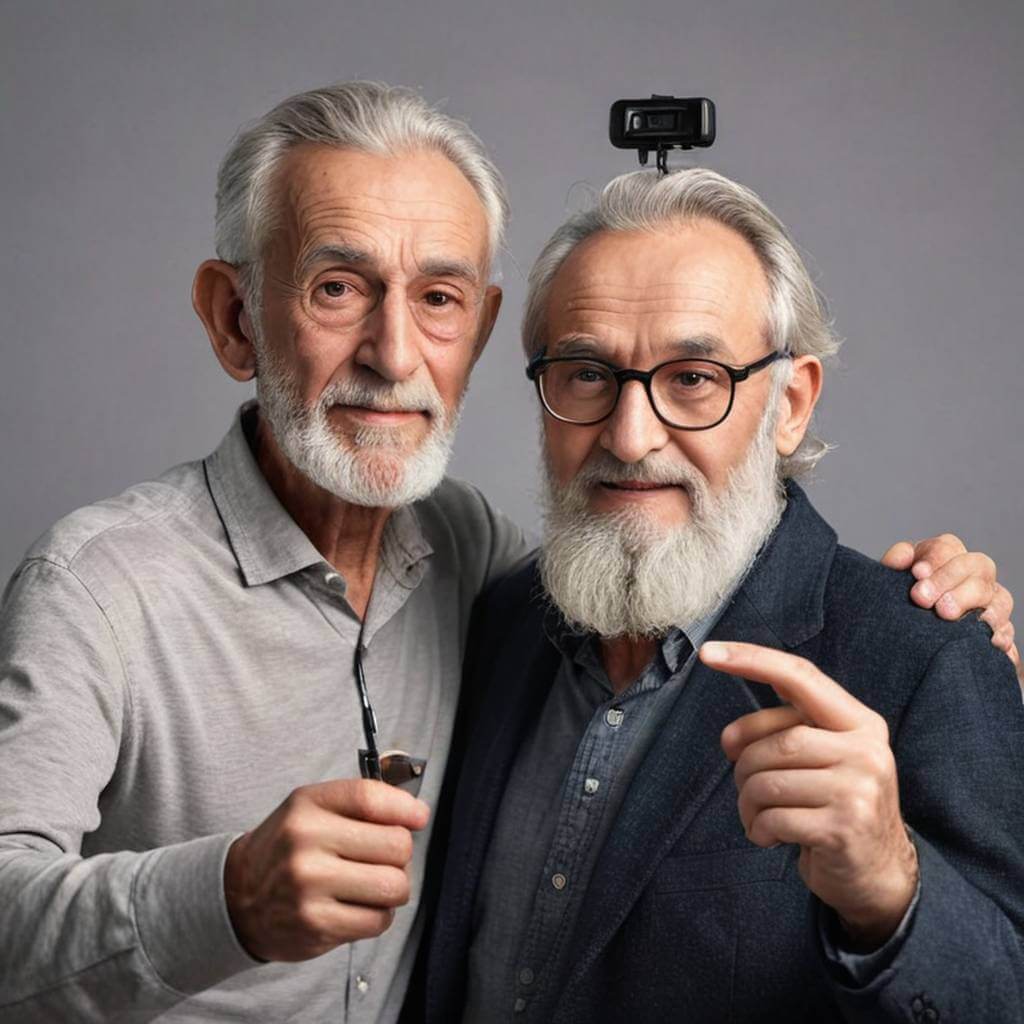
Old Man Influencer

Child CEO

Teenage Doctor

Elderly Athlete

Young Judge

Senior Fashion Model

Kid Police Officer

Teen Pilot
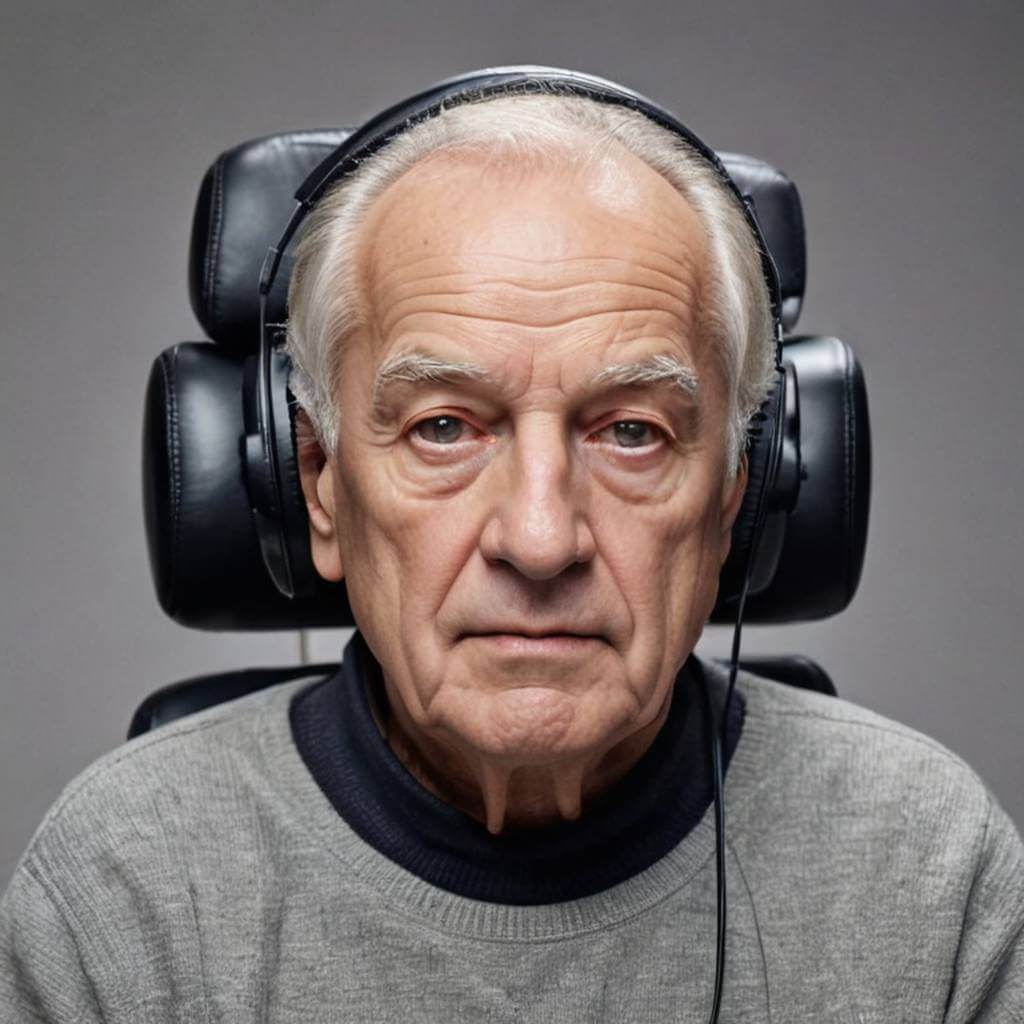
Old Man Gamer

Baby Firefighter

Young Lawyer

Grandma Ballerina

Teen News Anchor

Old Man Lifeguard

Child Astronaut

Teen Farmer

Senior DJ

Young Politician
Get Inspired: 6 Genius Ways to Use AI Head Swap Online
Put My Face on a Different Body for Instant Laughs
Ever wondered what you'd look like as a bodybuilder, ballerina, or superhero?
With AI head swap tools, you can change heads on photos instantly for hilarious and creative results.
Perfect for memes, profile pictures, or sharing laughs with friends, AI head swap brings endless fun and surprises.

Change Someone’s Head in a Video for Viral Content
Swap heads in videos to make funny, unexpected, or personalized clips that grab attention.
Whether it's a parody, reaction video, or creative reel, face swap tools ensure smooth, realistic results.
Stand out on TikTok, Instagram, or YouTube with content that wows your audience.
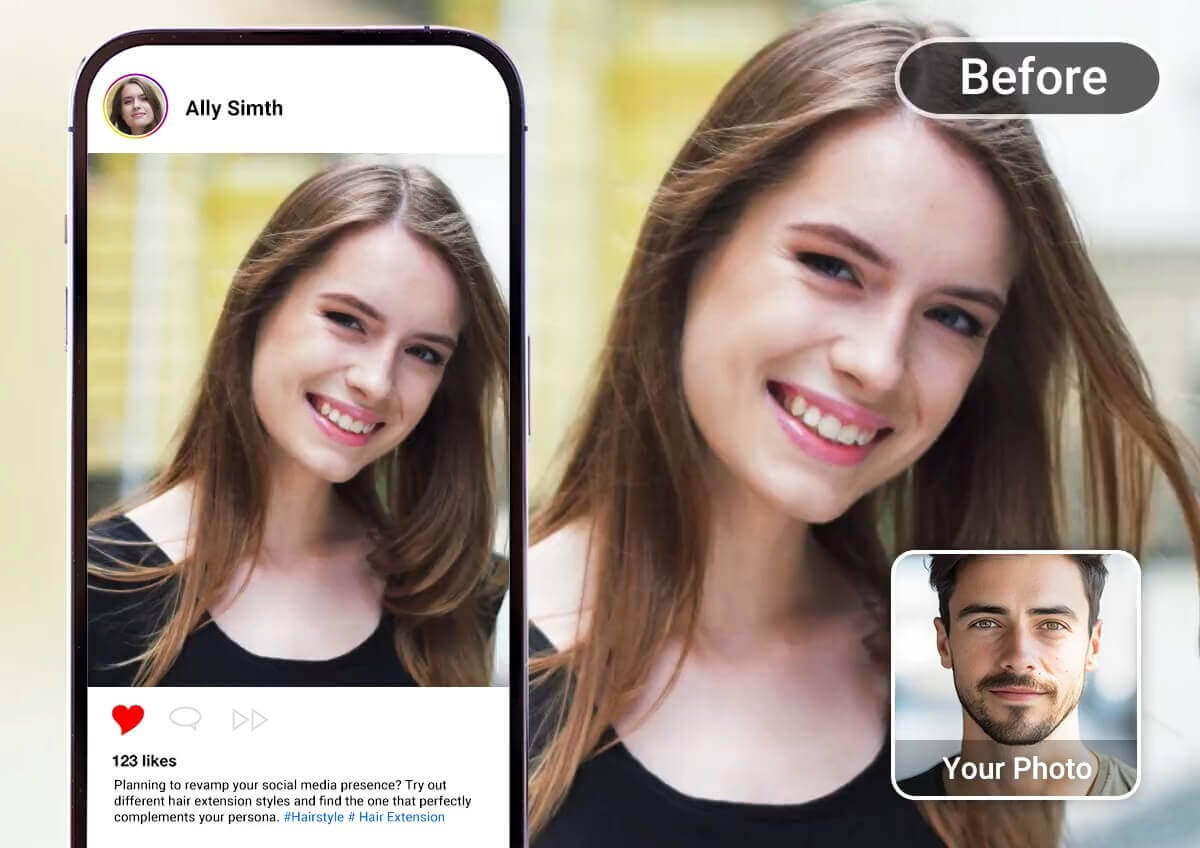
Create Custom Posters and Invitations with Your Face
Design movie posters, party invites, or wedding cards with your face front and center.
AI head swap lets you personalize templates for any occasion effortlessly. It’s a fun and unique way to surprise guests or promote events with a creative twist.
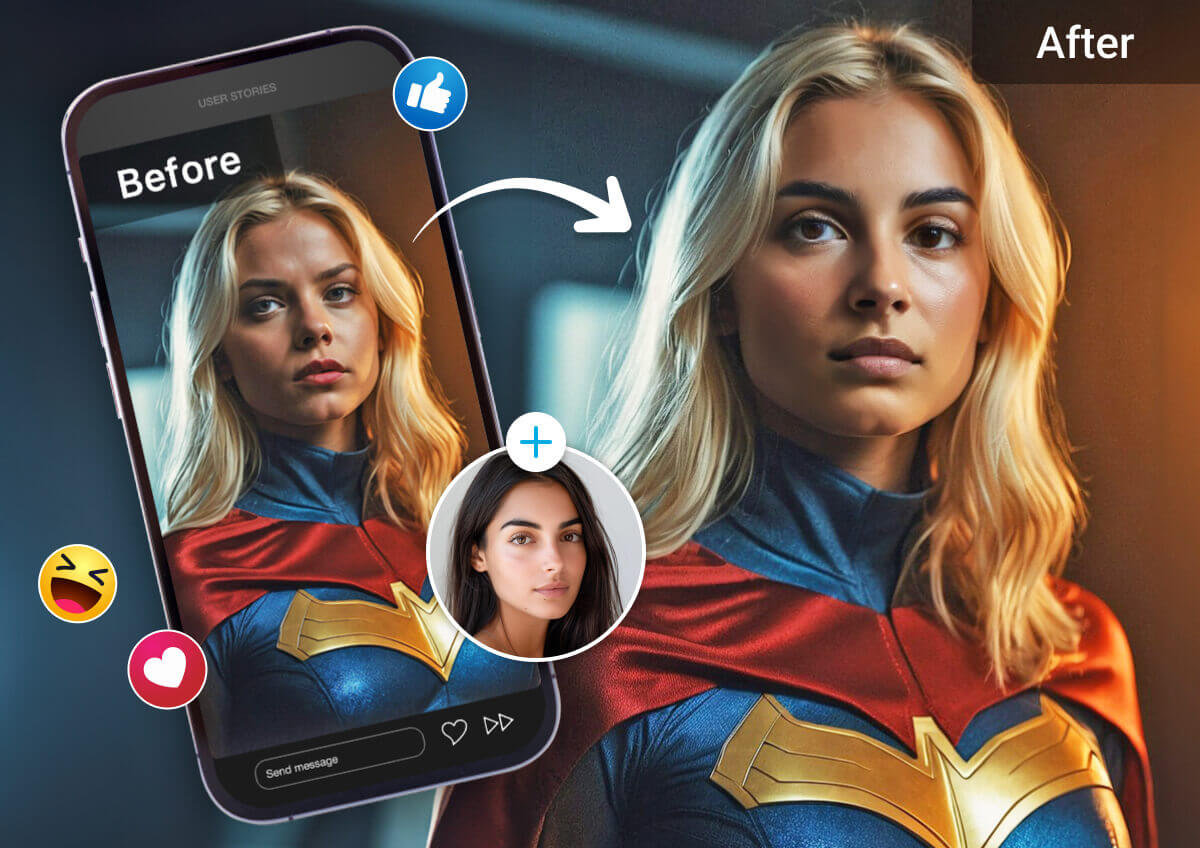
Fix Group Photos with Better Expressions
Don’t let one bad face ruin a great group shot.
With head swap AI, you can replace closed eyes or frowns with better versions of the same person.
The result? A polished, natural-looking group shot everyone will love.
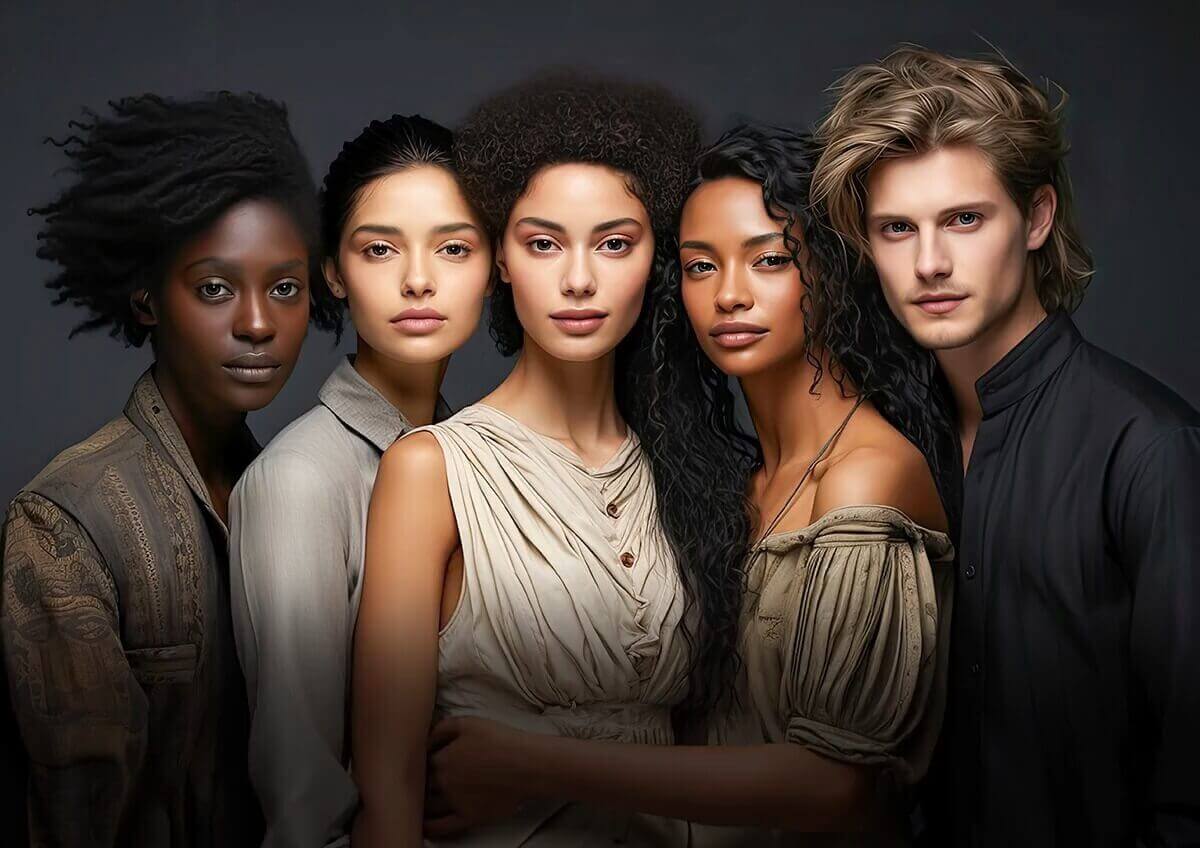
Try On Hairstyles, Makeup, or Outfits Virtually
Curious how you’d look with a new haircut, glam makeup, or stylish outfit?
Use AI head swap to face swap onto styled models and preview different looks—no commitment required. Experimenting with new styles has never been this fun or easy.
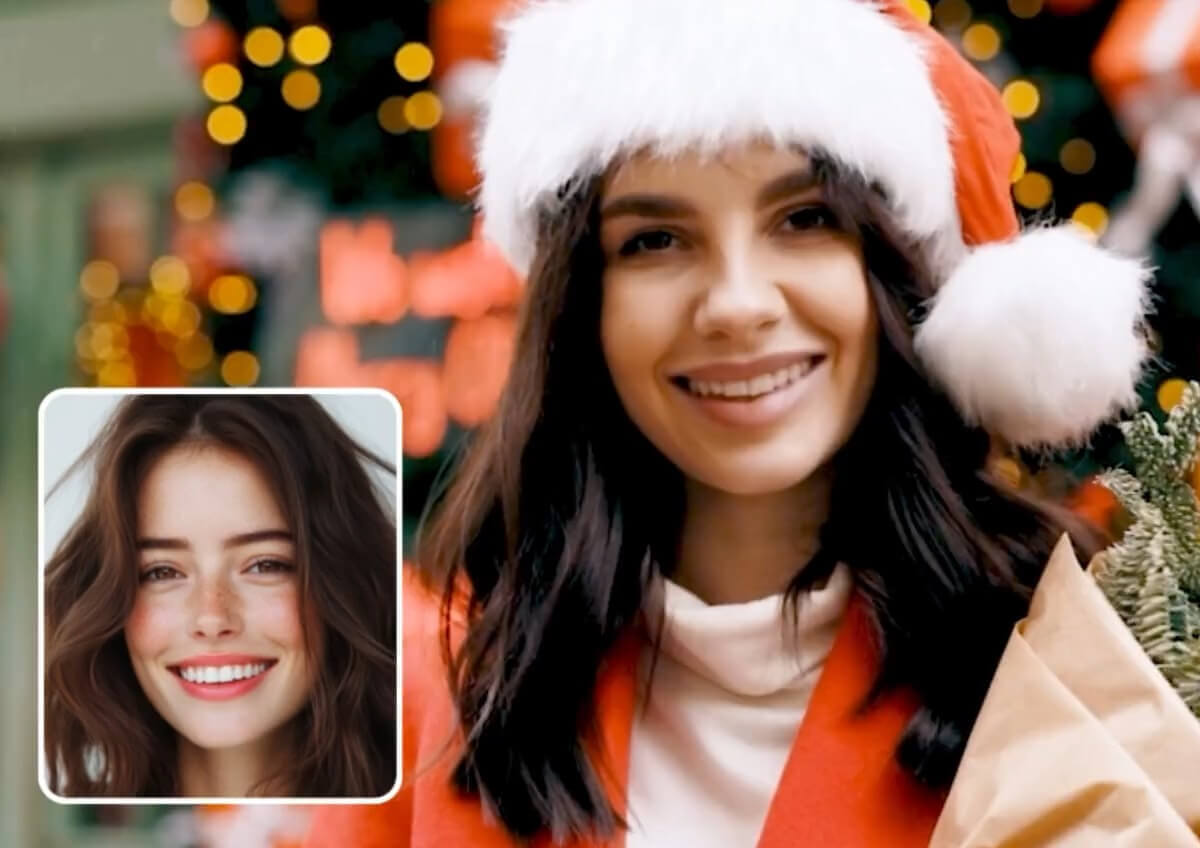
Step Into Iconic Movie Scenes or Album Covers
Ever dreamed of starring in your favorite film or music video? Now you can put your face into legendary scenes or covers with just a few clicks.
Head swap AI is perfect for fan edits, unique gifts, or just having fun with pop culture.
How to Head Swap FAQs
How do I swap a head in a photo using my phone?
You can use the YouCam Perfect app to easily swap heads in any photo. Just upload your image, add a face photo, and let the AI do the rest.
What’s the best app to swap heads in a video?
YouCam Video is the top-rated app for realistic head swaps in videos. It’s perfect for creating fun, shareable clips with smooth facial motion.
Can I swap multiple heads in one photo?
Yes, YouCam Perfect automatically detects multiple faces in a photo. You can upload a different face for each one and swap them all at once.
How do I change someone’s head in a video online?
Use the YouCam Online Editor’s AI Face Swap tool in your browser. Just upload your video and face images, and the AI will handle the swap.
Is there a free tool to swap heads in photos?
Yes, YouCam Perfect offers free head swap features with optional premium tools. You can try it out without any cost or subscription.
How do I put my face on a different body in a photo?
Upload your target photo to YouCam Perfect, then add your face photo. The AI will blend your face onto the new body seamlessly.
What’s the easiest way to swap faces in a video?
YouCam Video makes it super simple—just upload your video, select the faces, and tap to swap. The results are fast and surprisingly realistic.
How do I swap heads without downloading an app?
Use the YouCam Online Editor to swap heads directly in your browser. It’s fast, free, and doesn’t require installation.
Can I swap heads in a selfie video?
Yes, YouCam Video works great with selfie videos. It keeps facial expressions and movements natural throughout the clip.
Can I use AI head swap for group photos?
Yes, YouCam Perfect can detect and swap multiple faces in a single group photo. It’s perfect for fun edits or fixing awkward shots.
What’s the best online tool to swap heads without installing software?
The YouCam Online Editor’s AI Face Swap is your best option. It’s browser-based, easy to use, and delivers professional-looking results.
What is the best tool to swap head in photos?
Here are the 5 Best AI Head Swapper Apps & Online Tools in 2025 for photo and video editing:
- YouCam Perfect – Best for photo head swaps on mobile with easy-to-use AI tools.
- YouCam Video – Ideal for swapping heads in videos with smooth, realistic motion.
- YouCam Online Editor – Best browser-based tool for head swaps in both photos and videos, no download needed.
- Reface App – Popular for quick face swaps in short video clips and GIFs.
- FacePlay – Great for themed face swaps and cosplay-style transformations.

