
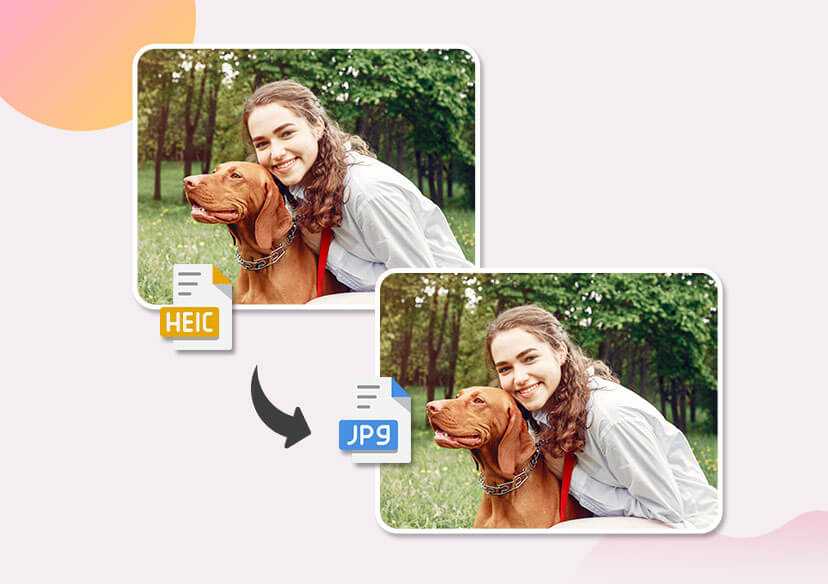




Free Online HEIC to JPG Converter
Turn your HEIC images into compatible, high-quality JPGs in seconds. No software installation required—just drag, drop, and convert.
Convert HEIC to JPG Without Losing Quality
Worried about blurry images or pixelation? Our advanced conversion engine preserves the original resolution, vibrant colors, and fine details of your photos. Whether it’s a stunning landscape or a detailed portrait, get a standard JPG format with the premium quality of the original iPhone file.
- 100% Lossless Quality
- Retains Original Metadata
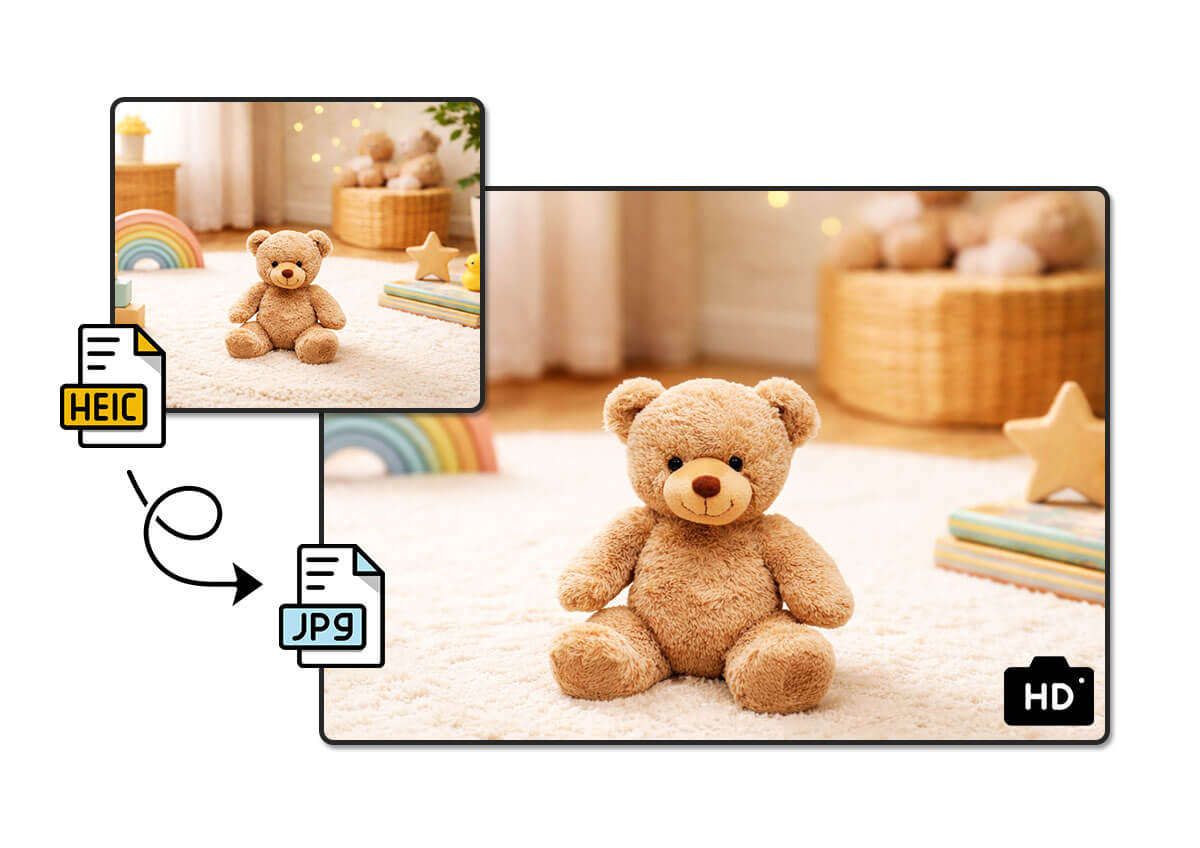
How to Convert HEIC to JPG Online

Upload Your Files
Drag and drop your HEIC files or click to upload from your device.


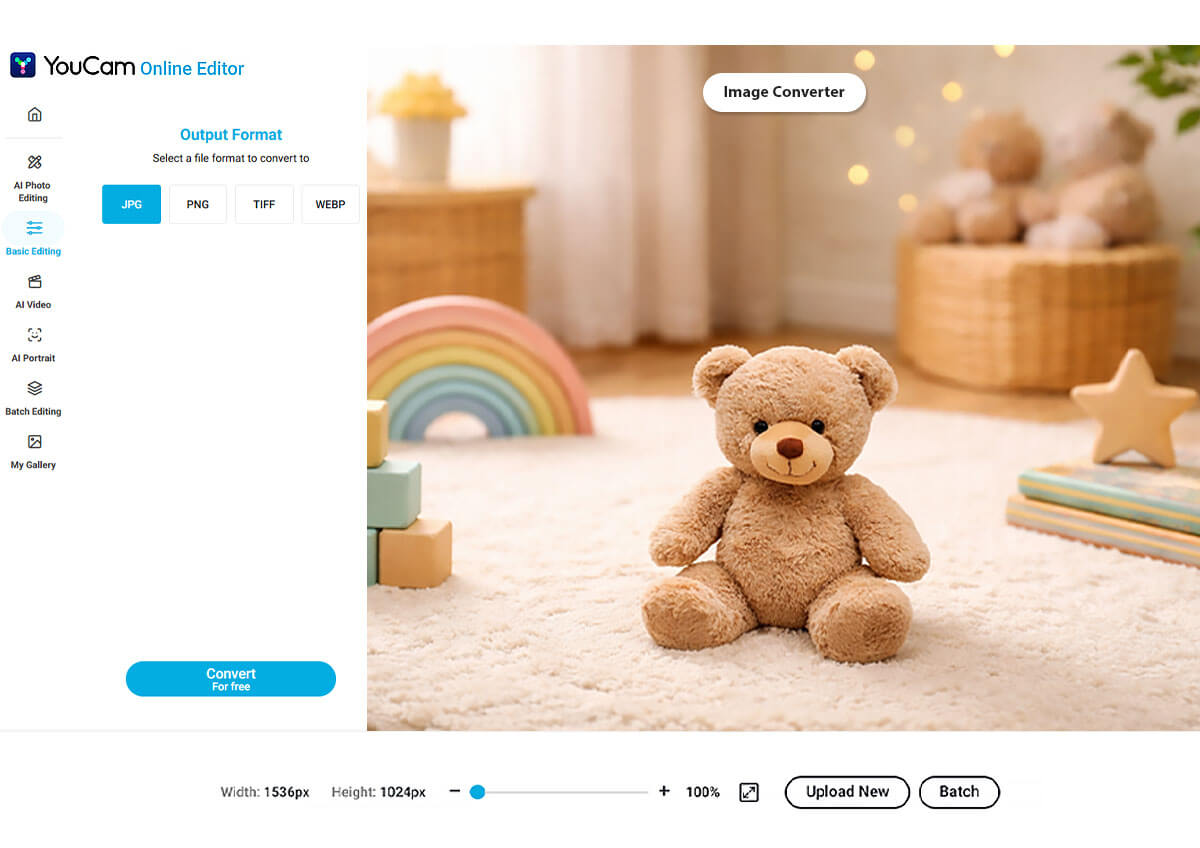
Convert
Our tool automatically processes your file into a high-quality JPG.

Edit (Optional)
Use YouCam’s AI editor to retouch, resize, or enhance your photo instantly.

Download Your Photos
Save your new JPG files to your device and share it anywhere.

Why Converting HEIC Files to JPG with the YouCam Online Editor?
Batch Convert Multiple Photos at Once
Don’t waste time converting files one by one. With YouCam’s batch processing tool, you can upload multiple HEIC files from your holiday trip or photoshoot and convert them all simultaneously. We handle the heavy lifting on our cloud servers so your device stays fast.
- Convert up to 50 photos instantly.
- Fast processing speed optimized for any connectivity.

Easily Convert Instantly – Anywhere, Anytime
Forget downloading bulky software or suspicious apps. The YouCam HEIC converter works directly in your web browser. Whether you are on a Mac, Windows PC, or using a mobile browser from anywhere, our tool is accessible 24/7.
- Privacy First: Your files are safely protected after conversion and can be deleted at any time.
- Cross-Platform: Works on Desktop, iOS, and Android.
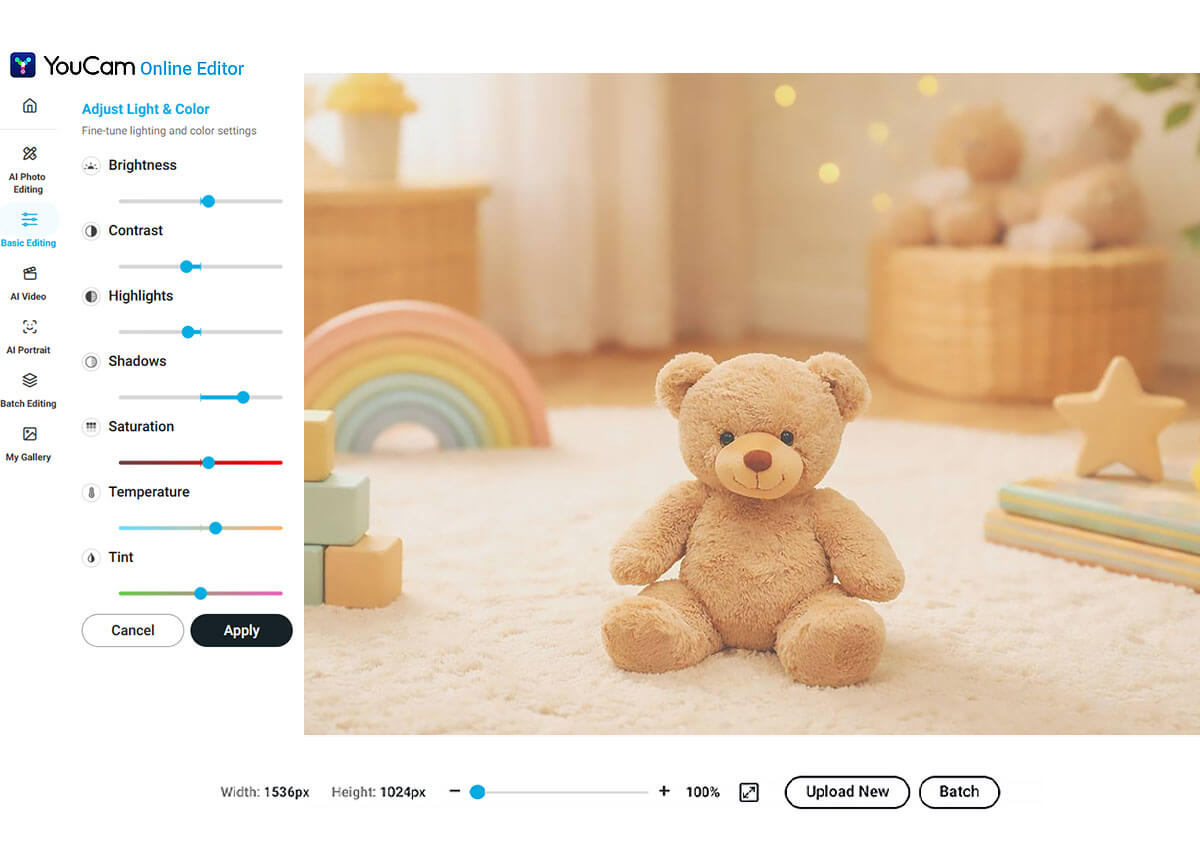
Convert and Edit Your Image Easily
Why stop at converting? YouCam is the only converter that lets you immediately enhance your photos. Once your HEIC file is a JPG, use our powerful AI tools to remove backgrounds, retouch portraits, apply aesthetic filters, or add text—all in the same workflow.
FAQ: HEIC to JPG Converter
What is a HEIC file?
HEIC is the standard photo format for iPhones (iOS 11+). It saves space but isn't supported by all platforms.
Is it free to convert HEIC to JPG on YouCam?
Yes, our basic converter is free with no watermarks. Just sign up and get started right away,
Can I convert HEIC to JPG on Windows?
Yes, since YouCam works in the browser, you can convert iPhone photos on your Windows PC easily.

