



Online ID Photo Resizer
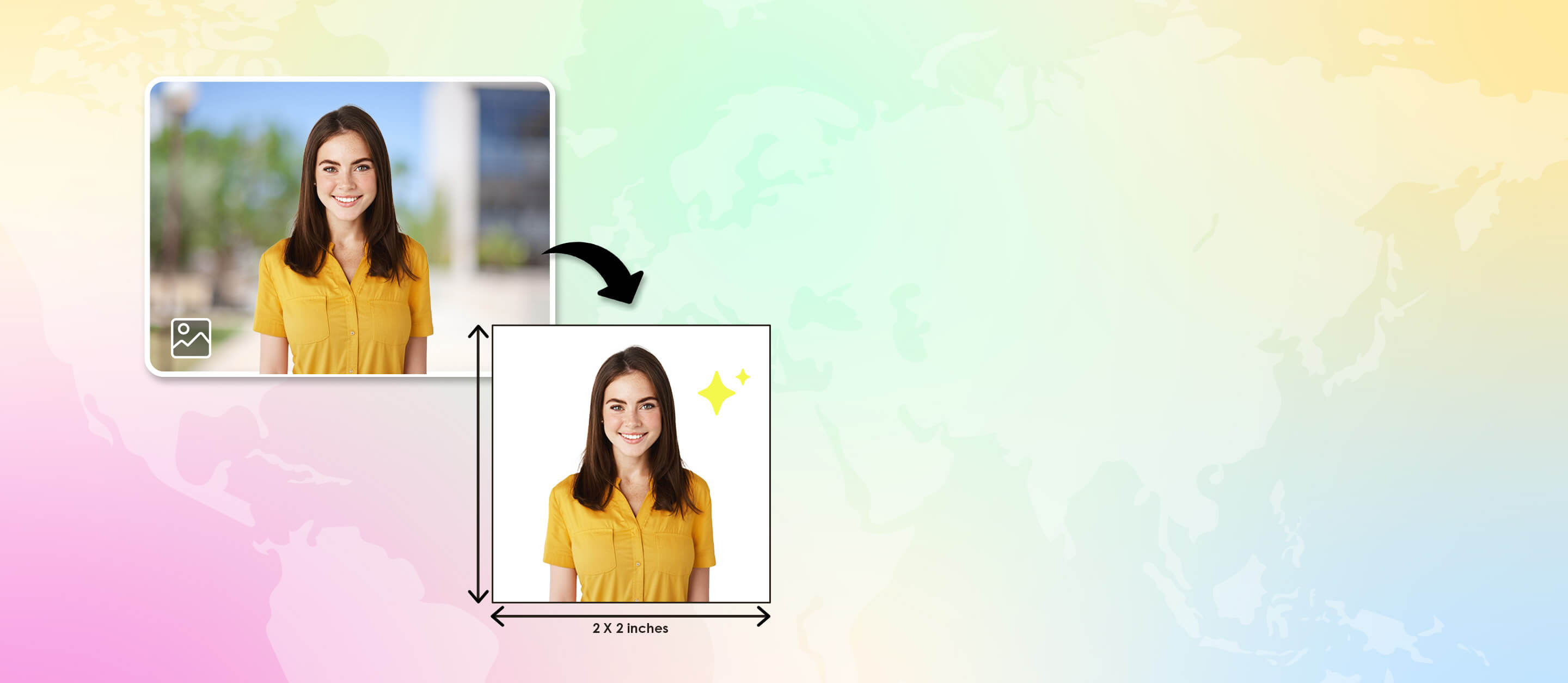
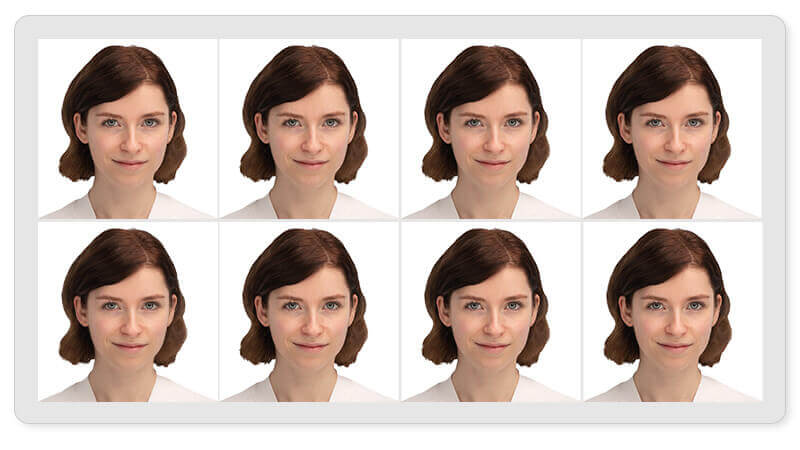
Need a passport, visa, or ID photo in the perfect size? Try our free online ID photo resizer to instantly crop and adjust your picture to official dimensions.

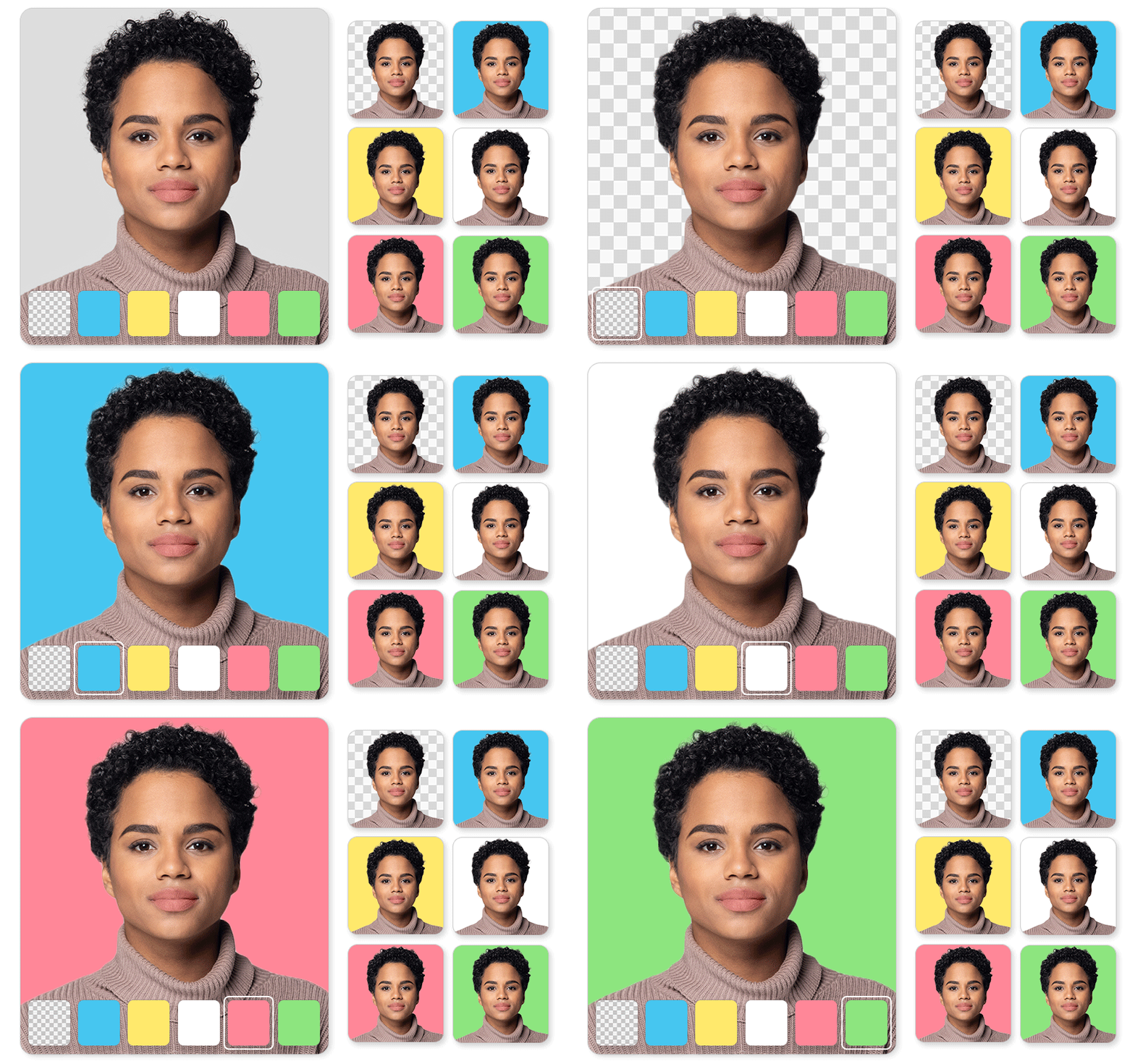
ID Photo Backgrounds: Passport, Resume & More
Whether you need a photo for your passport, resume, or any other ID photo, we simplified the process! With YouCam Online Editor, creating ID photos has never been easier or more convenient.
Best ID Photo Resizer Online
- 100% free online ID photo resizer
- Meets official size standards for multiple countries
- Keeps your image sharp and correctly aligned
- Instant download with print-ready resolution
Our online ID photo resizer ensures your photo meets every requirement. Fast, accurate, and free.
Popular ID Photo Sizes You Can Create
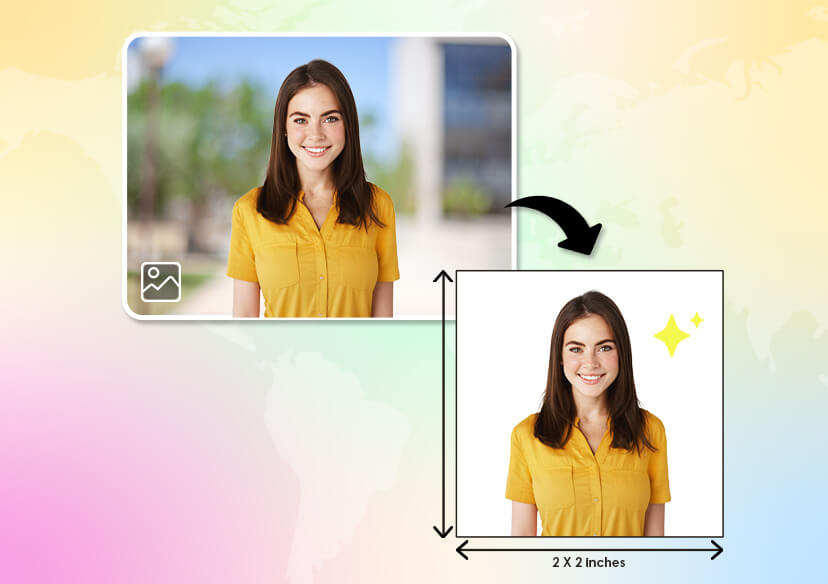
U.S. Passport or Visa Photo: Resize to 2 x 2 inches (51 x 51 mm) with a white background and centered face.
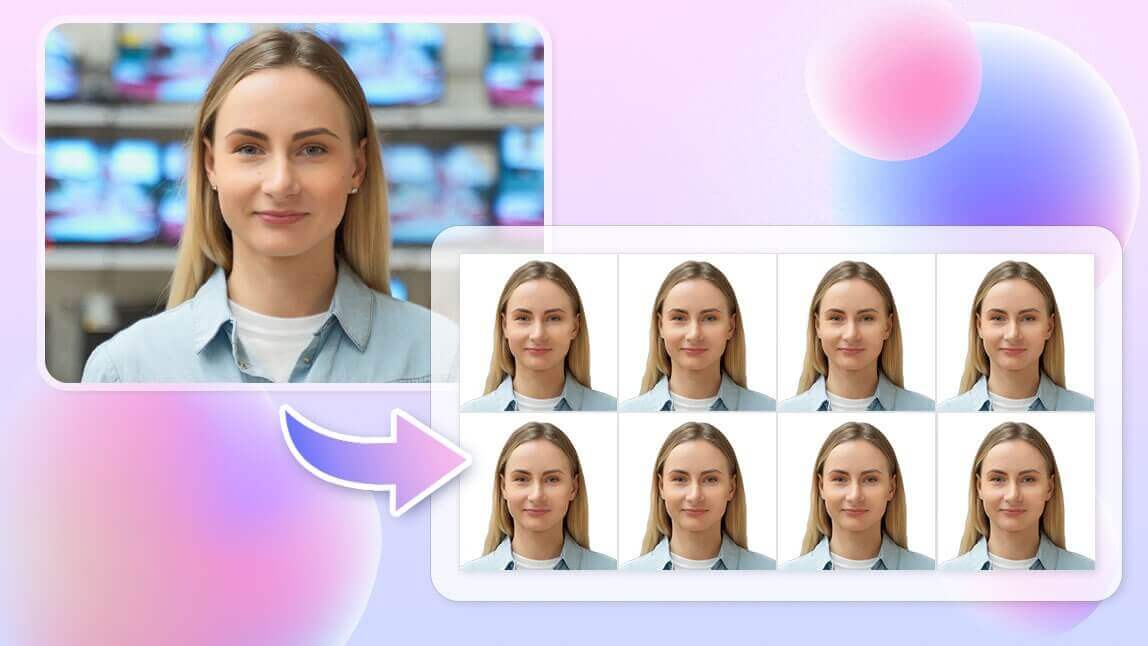
EU / UK Passport Photo: Resize to 35 x 45 mm, meeting official EU and UK government standards.
Other ID Photos: Create photos for job applications, driver’s licenses, student IDs, or official forms in just seconds.
How to Resize an Image with Online Image Resizer
Whether you want to get the right image fit for social media, use on print or web, or upload for an eCommerce store, YouCam’s image resizer makes changing image size a breeze.

Upload Your Image
First upload your image or photo to YouCam online image resizer tool.
(Supported formats: JPG, JPEG, PNG)


Resize Your Image
Enter desired size for your image by adjusting the width and height pixels. Alternatively, you can also resize by using a percentage.

Save Resized Image
Download your resized image as a high-quality JPG or PNG file.
Or if you need to keep editing, check out some other useful tools like Background Changer, Object Removal & more.
ID Photo Resize FAQs
What is the standard size for an ID photo?
Common ID photo sizes include 2x2 inches (U.S. Passport) and 35x45 mm (EU Passport). Many countries have specific requirements, so choose the preset that matches your region.
How can I resize a photo for ID online?
Simply upload your photo to our free ID photo resizer, select your target size, and download the resized version. No software needed.
How do I resize an ID photo without losing quality?
Our tool automatically scales your image while maintaining sharpness and face proportions — ensuring professional-quality results.
Can I use my phone photo for ID?
Yes! Just make sure your photo has even lighting, a neutral background, and no filters. Then upload it to resize instantly.

