



Image Quality Changer
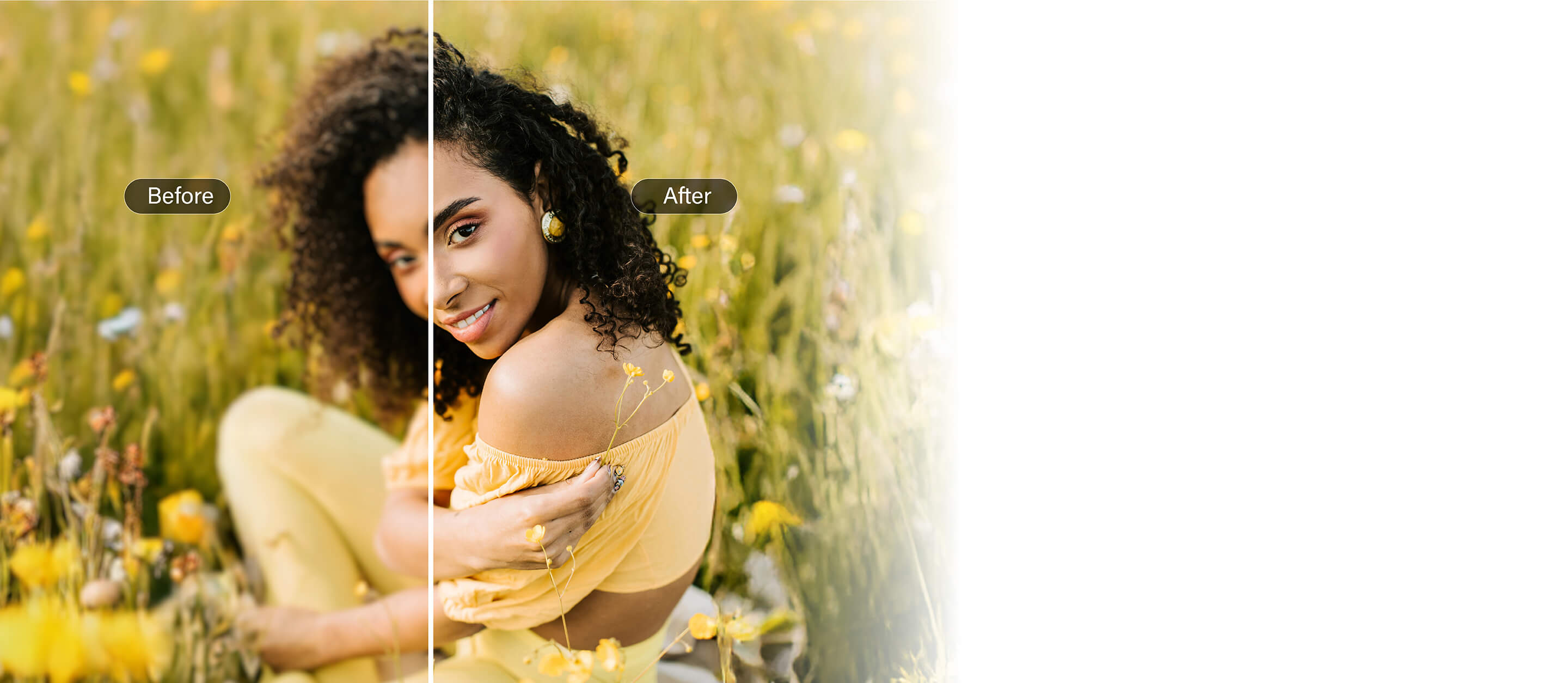
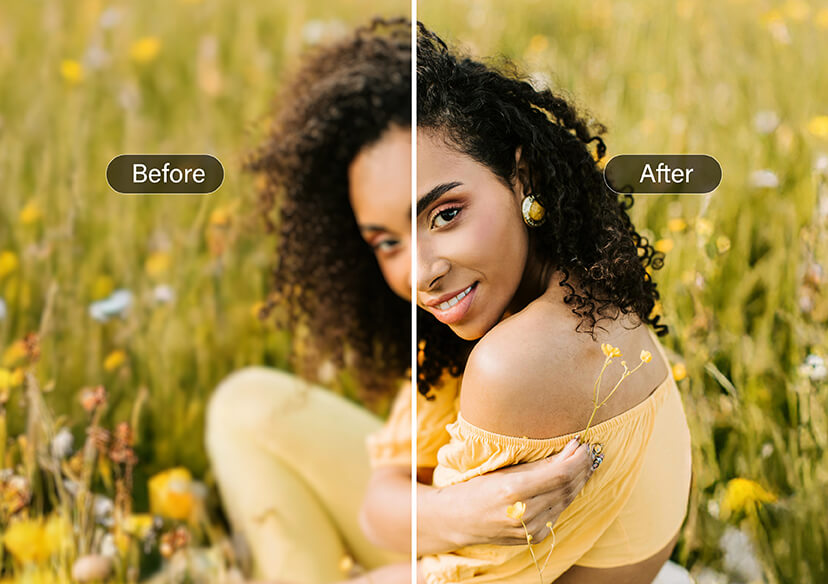
Transform blurry photos into high quality with the best photo enhancer.





Update Low-Resolution Photos to 4K
Don’t settle for pixelated or grainy images.
With Image Quality Changer, you can upscale any photo to 4K in just one tap.
AI super-resolution technology fills in missing details, making your pictures sharper, clearer, and ready for any use.
Boost Colors and Lighting Automatically
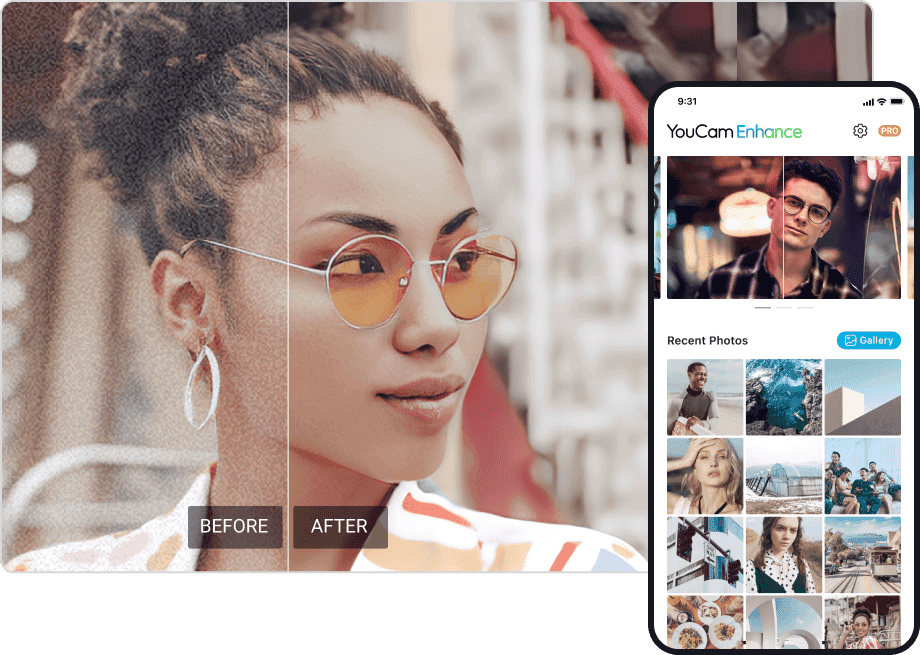
No more flat or underexposed photos.
Our AI image quality enhancer automatically balances brightness, contrast, and saturation, giving your photos a vibrant, true-to-life finish.
It’s like having a pro photo editor in your pocket.
Why Choose Our Image Quality Changer?
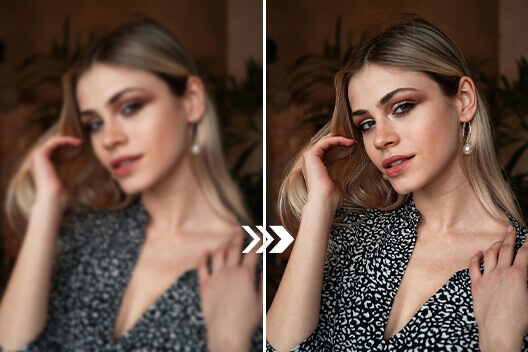
Bring Out the Best in People Photos
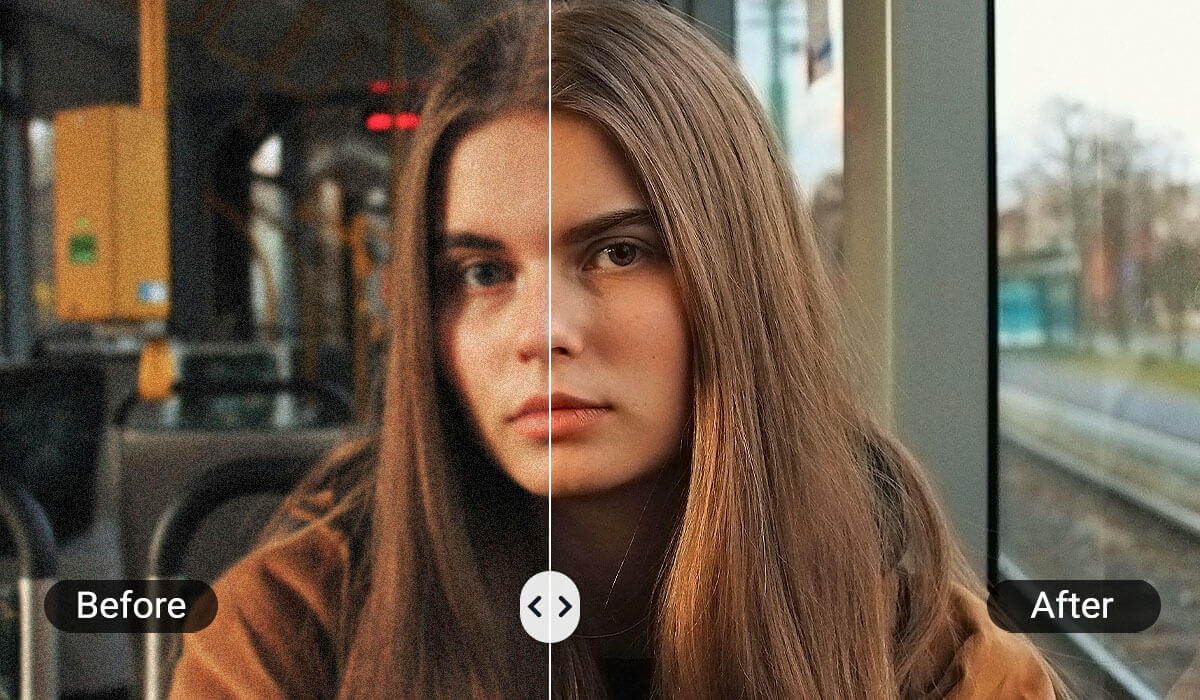
Group photos, portraits, or candid moments — all benefit from AI photo enhancement.
Image Quality Changer sharpens faces, balances lighting, and improves skin tones, ensuring every person looks their best without heavy editing.
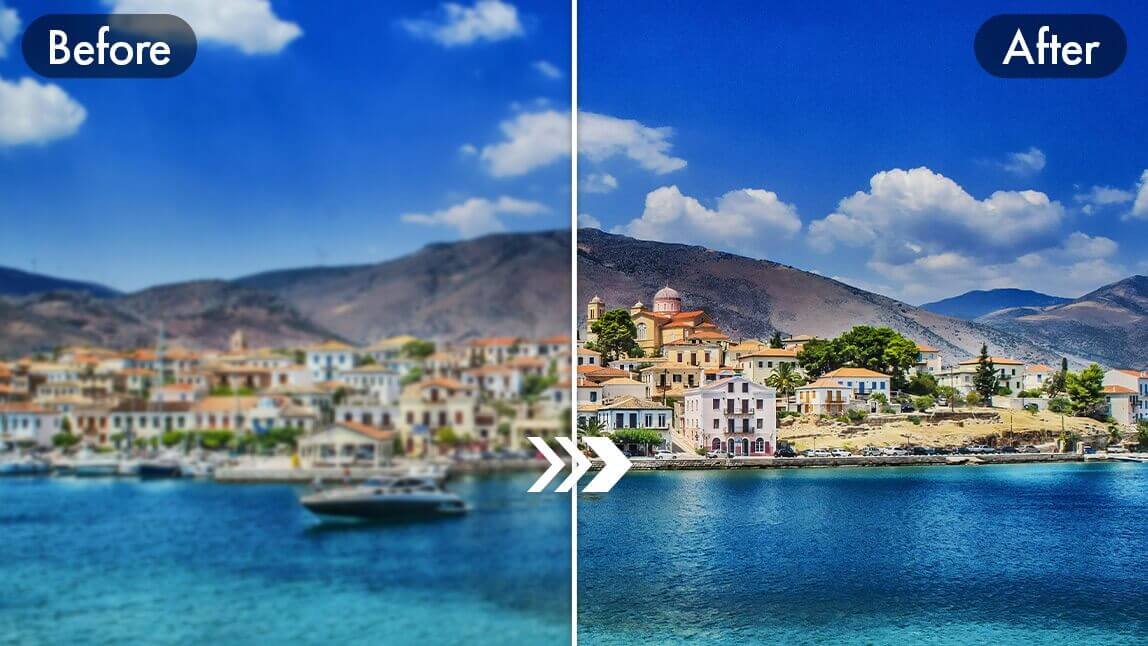
Enhanced Quality of Landscape Photo
From sunsets to city skylines, every landscape deserves to shine.
Image Quality Changer enhances skies, sharpens textures, and boosts colors so your nature and travel shots look vibrant and cinematic.
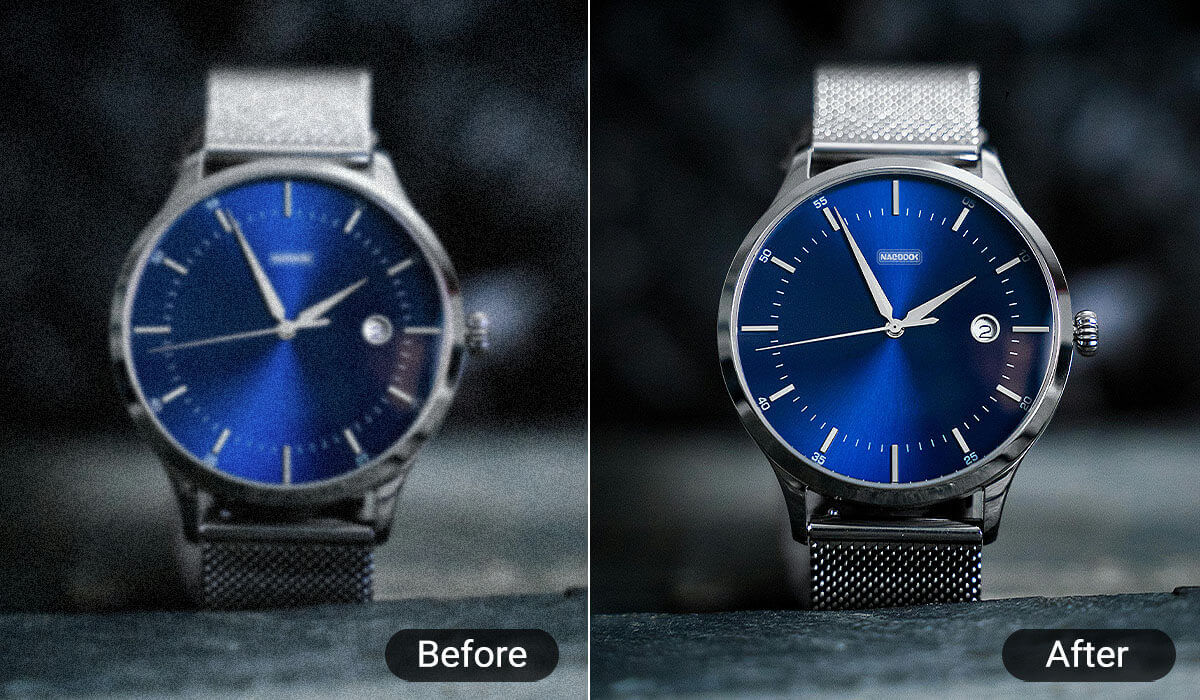
Perfect for Business & E-Commerce
Want your products to catch attention?
Image Quality Changer enhances photo clarity and color, highlighting every detail to create a professional brand image and boost customer confidence.
How To Use Image Quality Changer
Improving your photos is simple and effortless with Image Quality Changer.
In just a few clicks, you can turn any photo into high quality. Follow these simple steps to get started:

Upload Your Image
Upload the photo you want to enhance.

Upscale Image Resolution
Let AI analyze the image, then automatically enhance sharpness, resolution, and colors.

Download Your Result
Receive your enhanced image — ready for printing, posting, or professional use instantly.
Image Quality Changer FAQs
What is an Image Quality Changer?
An Image Quality Changer is an AI-powered tool that automatically enhances your photos by sharpening details, improving resolution, and balancing colors — all in just one click.
How to fix blurry or pixelated photos?
Simply upload your photo to YouCam Online Editor’s Image Quality Changer, click the enhance button, and let AI restore clarity and detail automatically. In seconds, you’ll have a sharp, vibrant image.
Does the image quality changer work on old or scanned photos?
Absolutely. You can upload old or scanned pictures, and the Image Quality Changer will restore colors, remove blur, and make them look fresh and vibrant.
Do I need editing skills to use the image quality changer?
Not at all. Just upload your photo, click to enhance, and download the improved result — no editing experience required.

