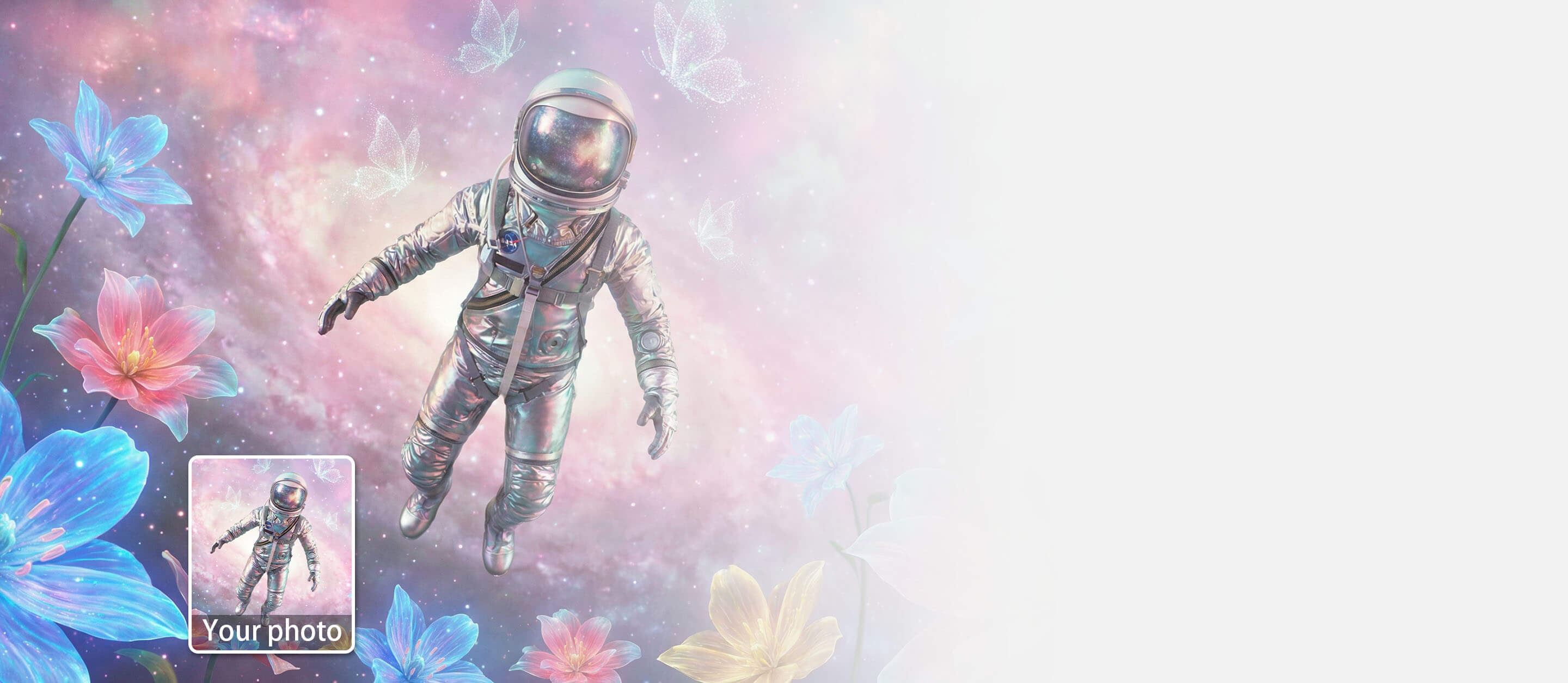
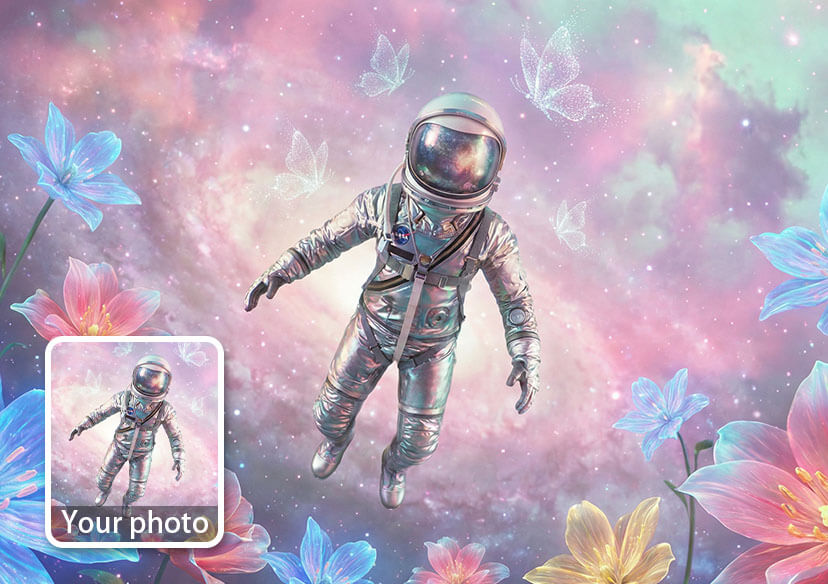




Transform Images into Video with AI
Bring your static photos to life in one click.
Our Image to Video AI instantly animates pictures by adding dynamic motions and cinematic camera effects.
Animate Your PhotoThe Ultimate AI Video Generator from Image
- Instant & Fast: Turn solid pictures into videos in seconds.
- Cinematic Camera Motion: Apply professional camera movements like zooms, pans, and tilts.
- Fluid Dynamics & Physics: Animates natural elements like flowing water, drifting clouds, and blowing hair.
- High-Quality Exports: Generate smooth, high-resolution video clips, ready directly for social media.
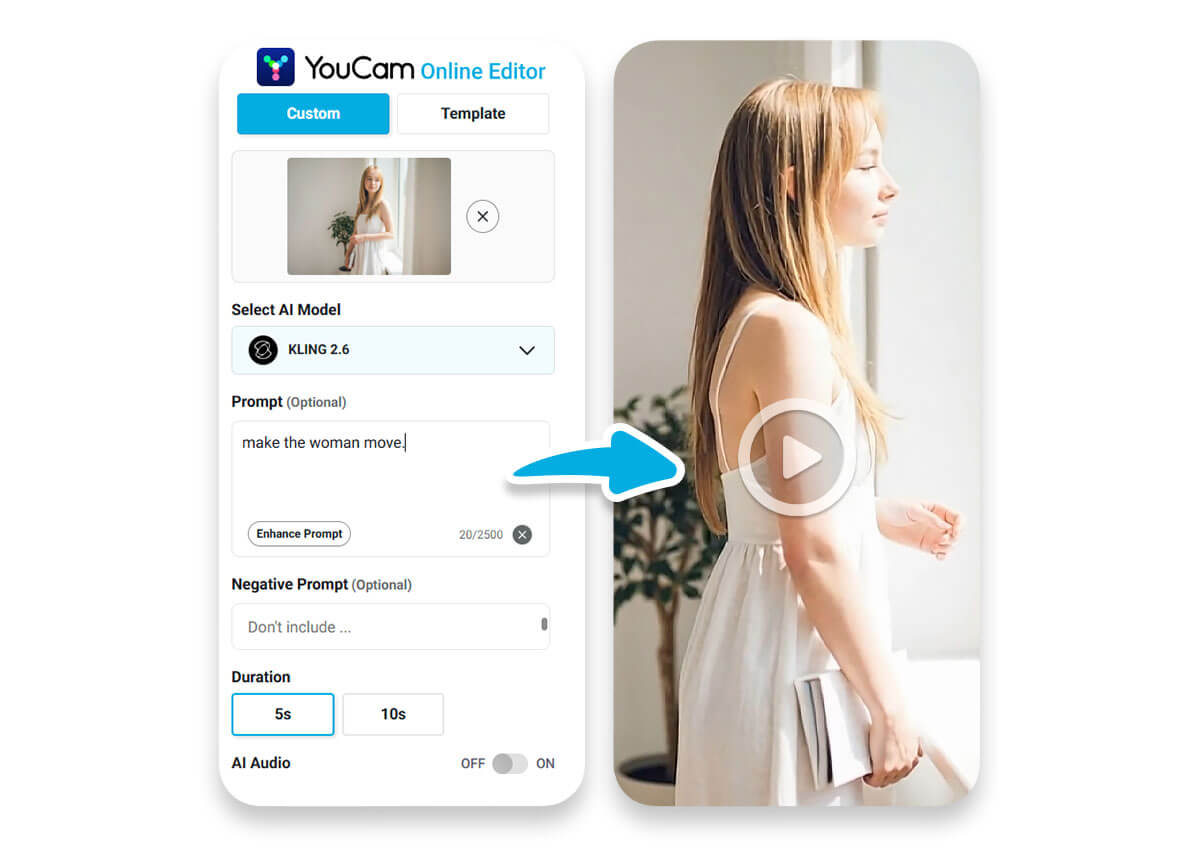
How to Animate a Photo in 3 Simple Steps
Create stunning, shareable video content directly in your web browser.
Upload Your Image
Click the upload button or drag and drop your favorite picture into the photo to video maker.


Let AI Do the Magic
Sit back as our image to video AI analyzes the scene, applies depth maps, and generates realistic, fluid motion automatically.
Download & Share
Preview your animated masterpiece. Click download to save your new high-quality MP4 video and share it with the world.
Bring Every Type of Picture to Life
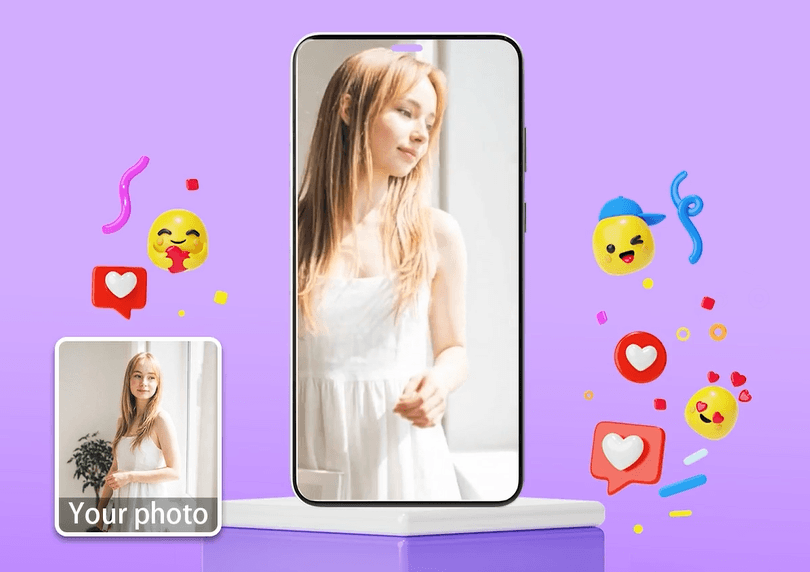
Stand Out on TikTok & Reels
Static images get scrolled past. Animate photos to catch the eye of your followers instantly. Turn your selfies, OOTDs, and aesthetic shots into engaging, dynamic videos that algorithm loves.
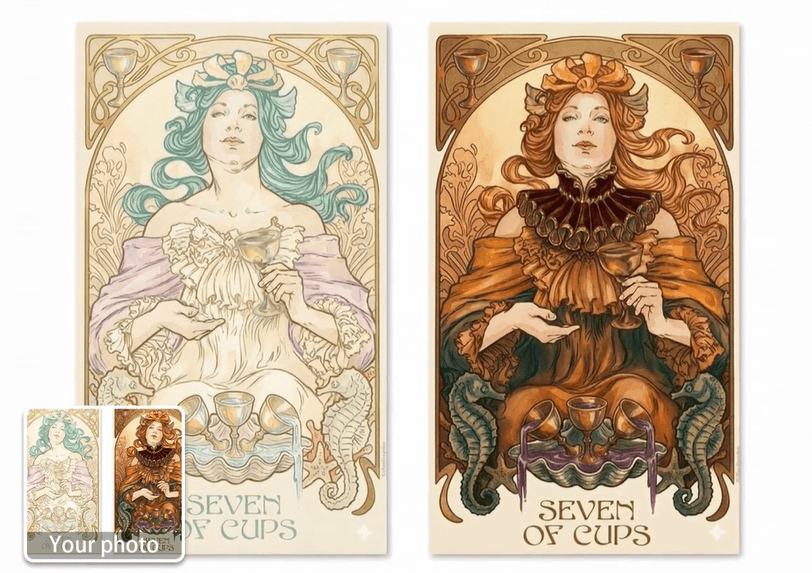
Animate AI Art & Illustrations
Are you a midjourney creator or digital artist? Take your 2D creations to the next level. Use our tool to breathe life into characters, fantasy landscapes, and anime art with breathtaking, fluid motion.
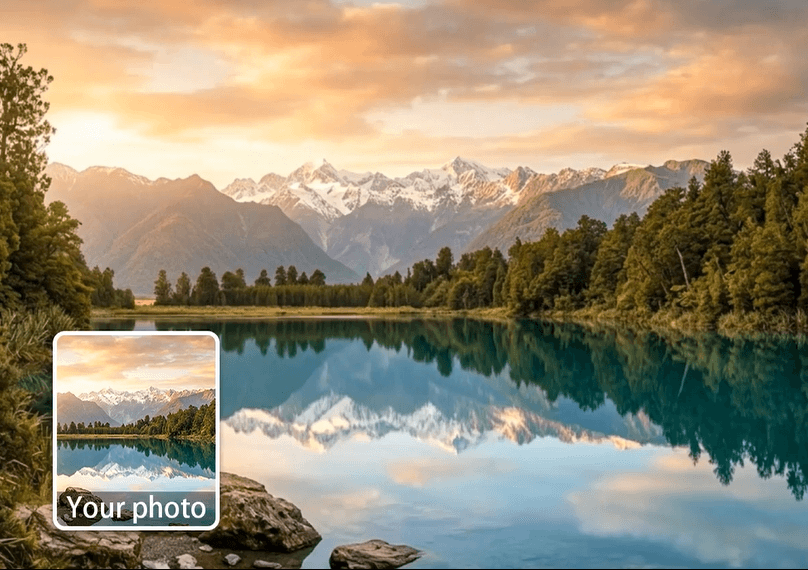
Make Nature Photos Move
Capture the feeling of being there. Turn a beautiful landscape picture into a mesmerizing video. Our AI perfectly simulates rippling water, moving clouds, and swaying trees to create a calming, immersive experience.
Dynamic Product Showcases
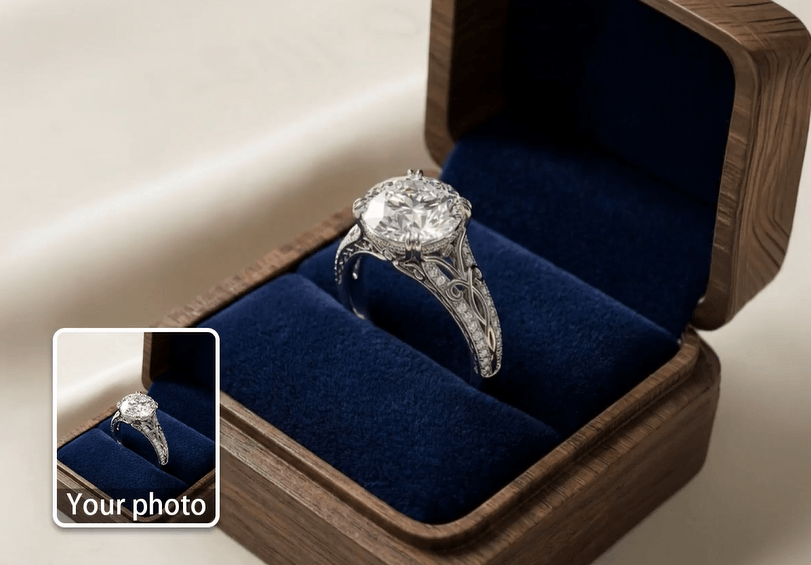
Grab your customers' attention faster. Transform flat product photography into premium, cinematic video ads. Adding subtle motion to jewelry, fashion, or food photography drastically increases engagement and conversion rates.
Frequently Asked Questions: Image to Video AI
What is Image to Video AI?
Image to Video AI is a cutting-edge generative technology that takes a static, 2D photograph and transforms it into a moving video. It works by analyzing the image, predicting depth and object physics, and generating seamless camera motion and subject animation.
How can I turn a picture into a video for free?
You can easily turn a picture into a video using the YouCam Online Editor. Simply upload your photo to our web-based tool, wait a few seconds for the AI to process the image, and download your animated MP4 file.
What types of images work best for AI animation?
While our AI can animate almost anything, the best results come from high-quality images with clear subjects and distinct backgrounds. Landscapes with water or clouds, portraits, and digital art or AI-generated images respond beautifully to cinematic motion.
Do I need to know how to edit videos to use this?
Not at all! YouCam’s photo to video maker is entirely automatic. There are no timelines, keyframes, or complex settings to manage. The AI does 100% of the heavy lifting.
Is it safe to upload my personal photos?
Yes, your privacy is our priority. Images uploaded to the YouCam Online Editor are processed securely, and we do not claim ownership of your generated videos.
Can I use the generated videos on social media?
Absolutely. The videos generated by our AI are exported in high-quality MP4 format, making them perfectly optimized for instant sharing on Instagram, TikTok, YouTube, Facebook, and more.

