



Zoom the Image Online Free
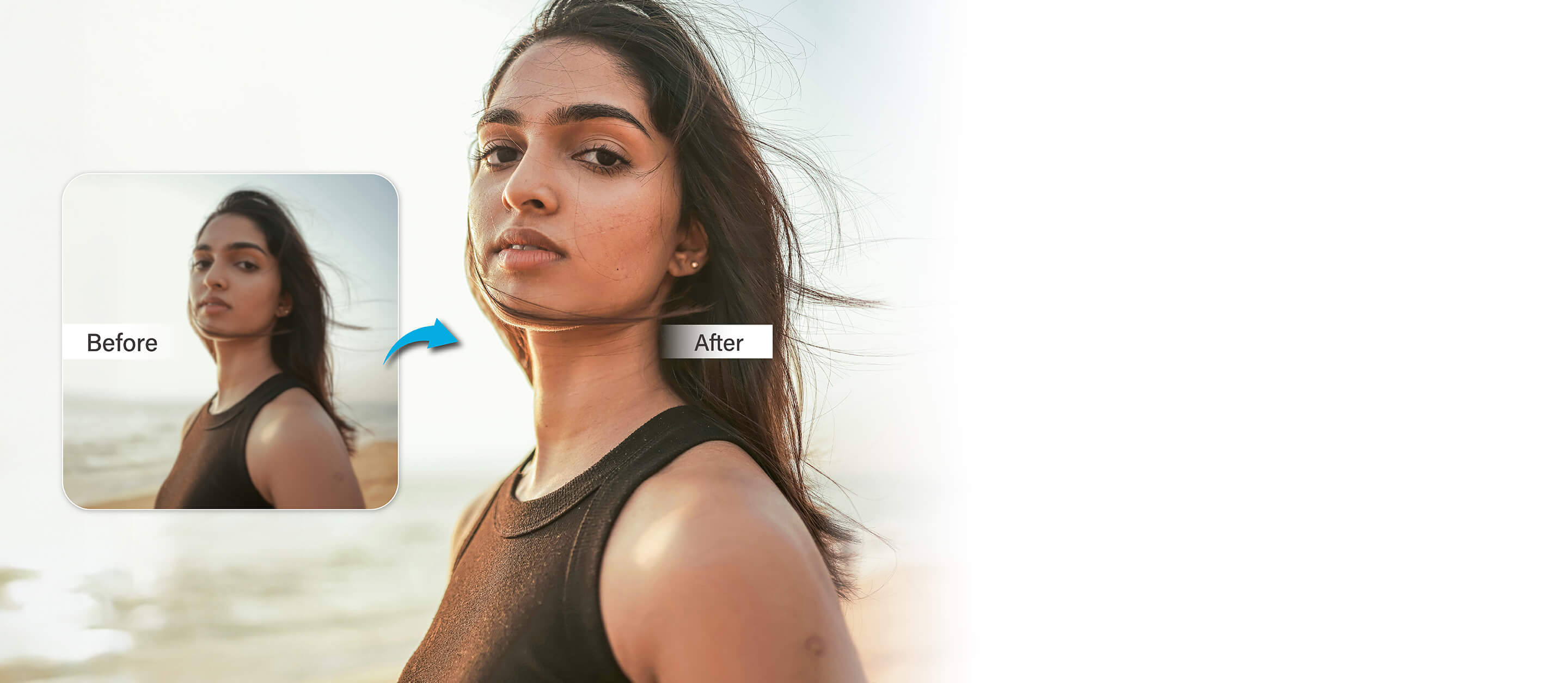
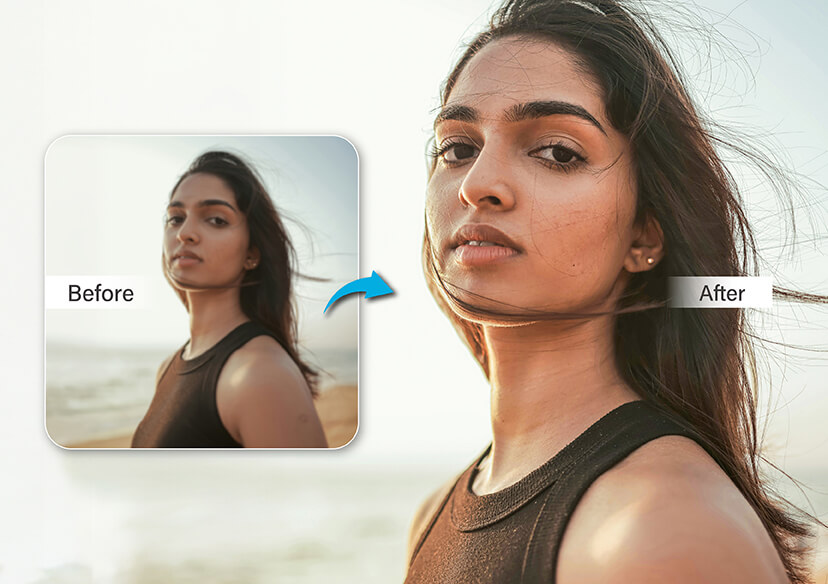
Instant image zoom, right in your browser.





Why Choose YouCam Online Editor as Your Image Zoomer?
Perfecting Social Media Posts
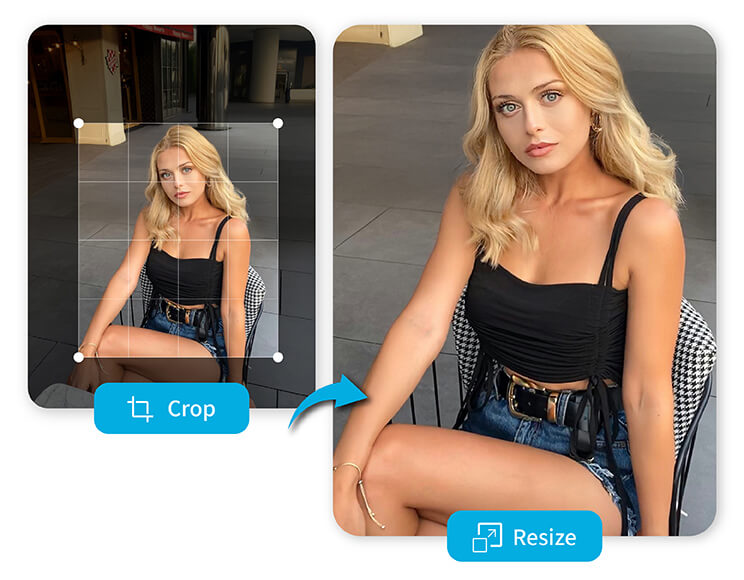
Whether you're posting on Instagram, Facebook, or X (formerly Twitter), sometimes a tiny detail makes all the difference. Use our image zoomer to enlarge profile photos, banners, or content images before uploading. You can zoom the image to ensure text is readable, edges are crisp, and nothing important gets cropped out.
Catching the Unexpected in Your Photos
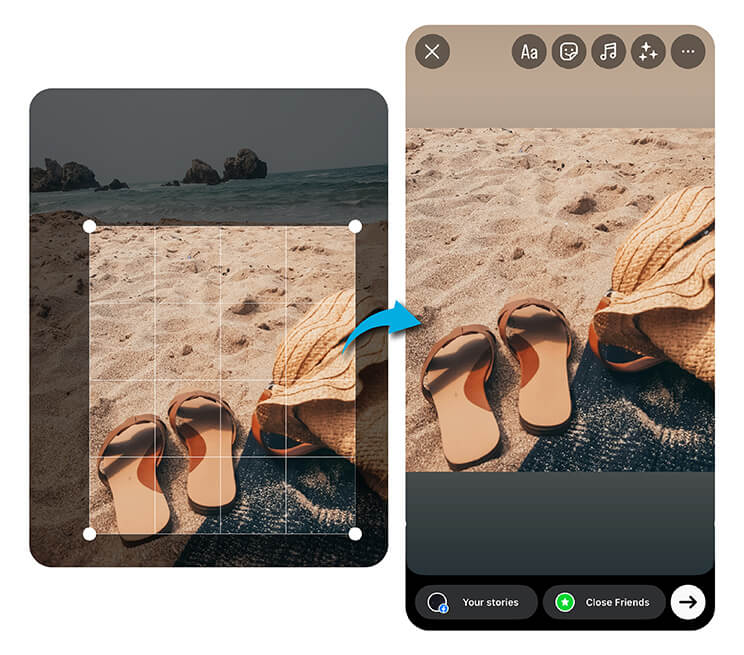
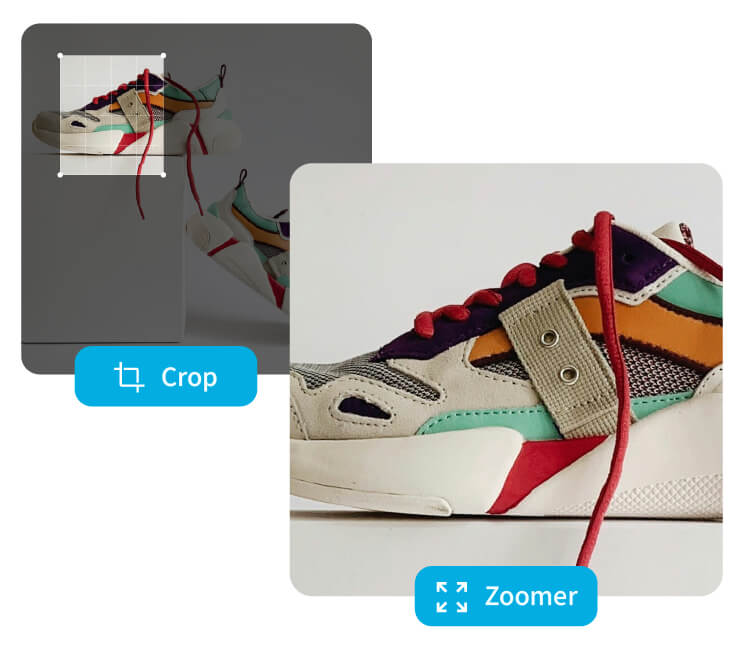
Want to crop and turn part of a photo into a cool new design, wallpaper, or social media post? Get creative by zooming in and enhancing a small detail from the bigger picture. Our image zoomer lets you spotlight hidden moments, textures, or objects and repurpose them into fresh content.
Enhancing Product Photos for E-Commerce
Clear visuals can make or break an online sale. If you're a seller on Etsy, eBay, or your own Shopify store, our tool helps you zoom the image and showcase product details like stitching, textures, or tags. Use the image zoomer to ensure buyers see exactly what they’re getting.
Custom Wallpapers for Any Screen
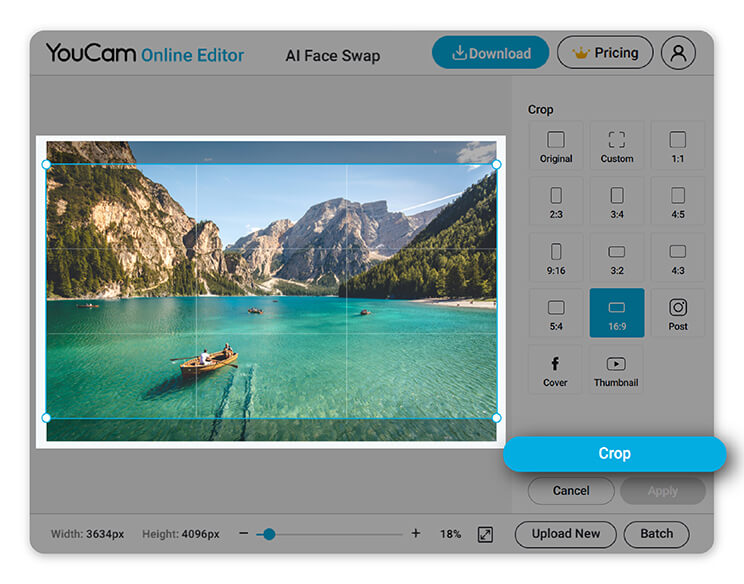
We’ve all experienced the challenge of resizing wallpapers for different devices, but what if that process could be easier? An image zoomer helps you quickly adjust photos to fit your screen without losing quality. Whether it's a panoramic landscape or a detailed portrait, you can zoom the image and match any aspect ratio. No math, no stress.
How to Use an Image Zoomer
Zooming in on your favorite part of a photo shouldn’t be complicated - and with YouCam Online Editor, it isn’t. Follow these simple steps to transform, resize, or crop your image in seconds.

Upload Your Photo
Click to upload or drag and drop your image directly into the editor.

Zoom In or Out
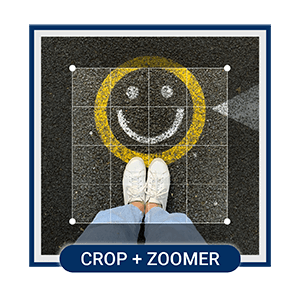
Use the Crop tool to zoom in on a specific area or zoom out for a wider view. Choose from preset aspect ratios or enter a custom size to fit your needs perfectly.

Download & Share
Once you're happy with the result, simply download your zoomed image in high quality. Share it to social media, use it as wallpaper, or drop it into your next project.
Image Zoomer FAQs
Which tool zooms the picture?
A free image zoomer like YouCam Online Editor is perfect for zooming pictures quickly and easily. It allows you to upload any image and zoom in or out using simple tools, no software installation needed.
What is it called when you enlarge an image?
The process of making a photo larger is called image enlargement or photo upscaling. Tools like YouCam Online Editor’s image zoomer let you enlarge an image while maintaining clarity, perfect for wallpapers, printing, or digital use.
How to magnify an image?
To magnify an image, upload your photo to an online editor like YouCam, then use the zoom or crop tool to focus on a specific area. You can adjust the size, aspect ratio, and even enhance quality using features like AI Enhance.
How to zoom a picture without losing the quality?
To zoom a picture without losing quality, use a tool that supports smart resizing, like YouCam Online Editor’s image zoomer. It keeps resolution as you zoom, helping preserve sharpness and detail, even after cropping or enlarging.

