
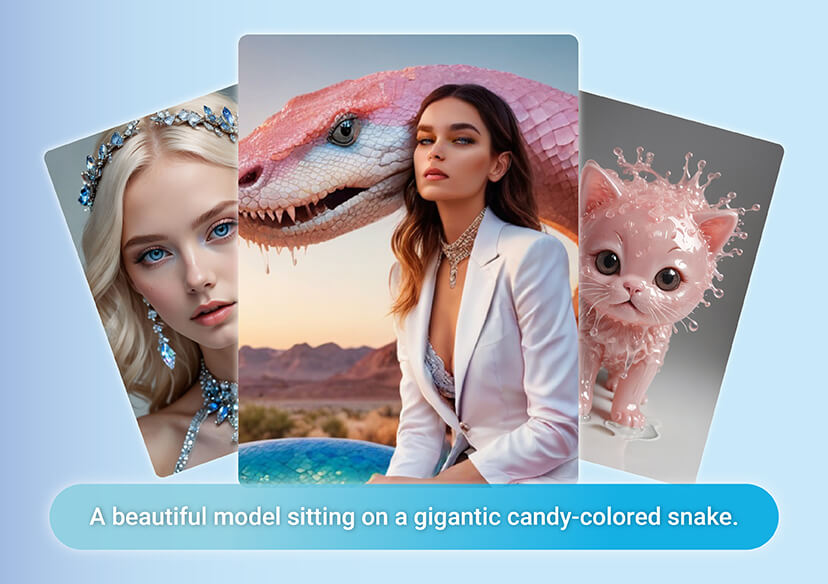



Transforms Words into Stunning Visuals
Imagen 3 makes it easy to bring your ideas to life, with advanced AI understanding, flexible styles, and professional-quality output, Google Imagen 3 is the perfect tool for creators, designers, and anyone who wants to turn imagination into reality.
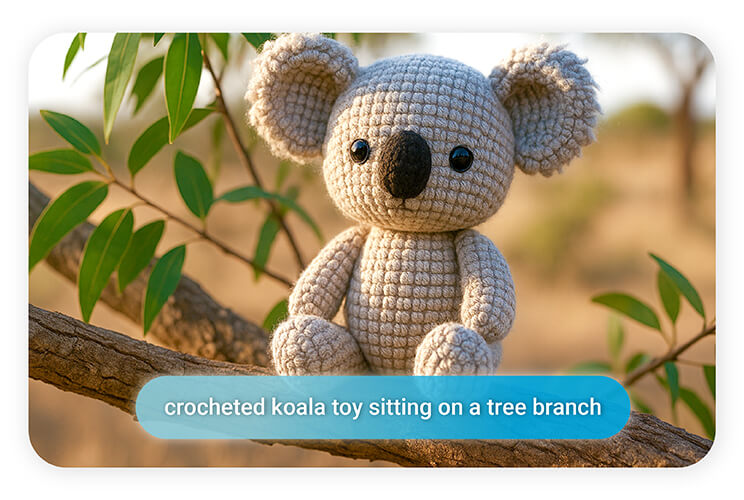
Lifelike Details and Professional Quality
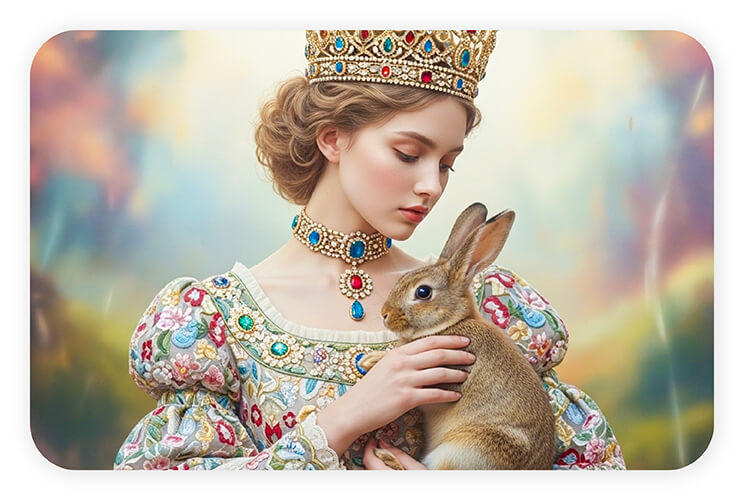
Google Imagen 3 captures fine textures, natural lighting, and accurate perspectives, producing visuals that feel professional and authentic.
From detailed portraits to immersive landscapes, Imagen 3 delivers consistent, high-quality results.
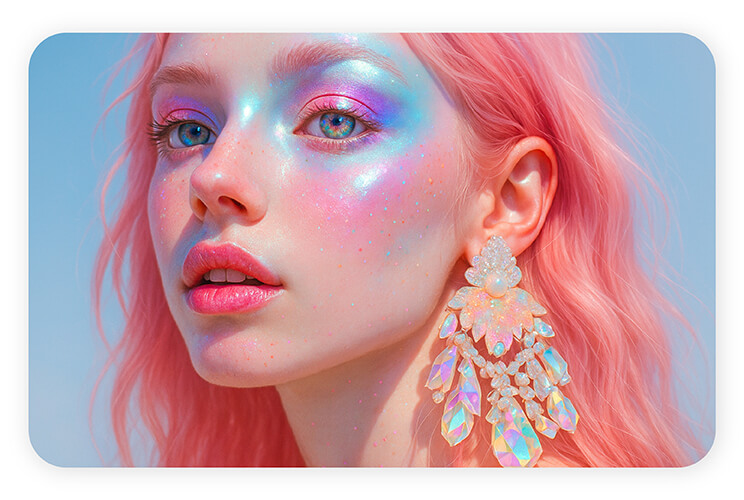
Smarter Prompt Understanding in Imagen 3
Not all AI generators get your vision right, but Imagen 3 does. Google Imagen 3 can handle complex prompts with multiple details, objects, and perspectives, give you creative control instead of leaving things up to chance.
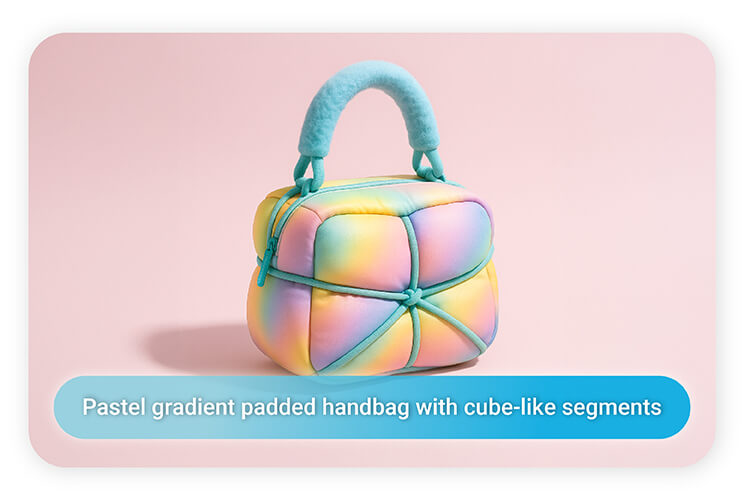
Creative Freedom Across Styles and Genres
With Google Imagen 3, you can switch effortlessly between portraits, landscapes or anime-inspired art.
It’s versatile enough for work projects, social media visuals, or just exploring your imagination.
How to Use Imagen 3
Getting started with Google Imagen 3 is simple and intuitive. Just follow these quick steps:
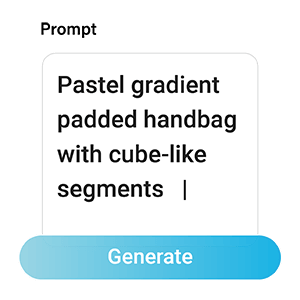
Enter Your Prompt
Type in a descriptive text prompt of the image you want to create. Be as specific as possible to help the AI understand your vision.

Generate Image
Click the Generate button, and Imagen 3 will instantly transform your words into a stunning, high-quality image.

Download Image
Once you’re satisfied with the result, simply click Download to save your AI-generated image to your device.
Imagen 3 FAQs
What is Google Imagen 3?
Google Imagen 3 is an advanced AI image generator that transforms text prompts into high-quality, realistic, and creative visuals. It’s designed for creators, designers, marketers, and hobbyists who want to bring ideas to life instantly.
How does Imagen 3 work?
Imagen 3 uses advanced AI and machine learning to understand your text prompts. It analyzes details like objects, perspective, lighting, and style, then generates images that accurately reflect your description.
How realistic are the images generated by Imagen 3?
Imagen 3 produces photorealistic images with sharp details, natural lighting, and lifelike textures. It’s designed to deliver professional-quality visuals that look authentic and polished.
Can I customize the style of images in Imagen 3?
Yes! Google Imagen 3 supports multiple artistic styles, including realistic photography, fantasy art, anime, abstract, and more. You can experiment with different styles to match your creative vision.
How fast is Google Imagen 3?
Imagen 3 is built for speed. You can generate multiple variations of your ideas in seconds, making it ideal for brainstorming, content creation, and rapid prototyping.
Who can benefit from using Imagen 3?
Google Imagen 3 is perfect for content creators, marketers, designers, educators, and hobbyists. Anyone who wants to create high-quality visuals quickly and easily can benefit from this AI tool.
How do I use Imagen 3?
Enter Your Prompt – Type a detailed description of the image you want.
Generate Image – Click generate, and Imagen 3 will create a high-quality visual.
Download or Share – Save the image to your device or use it in projects, campaigns, or social media.

