
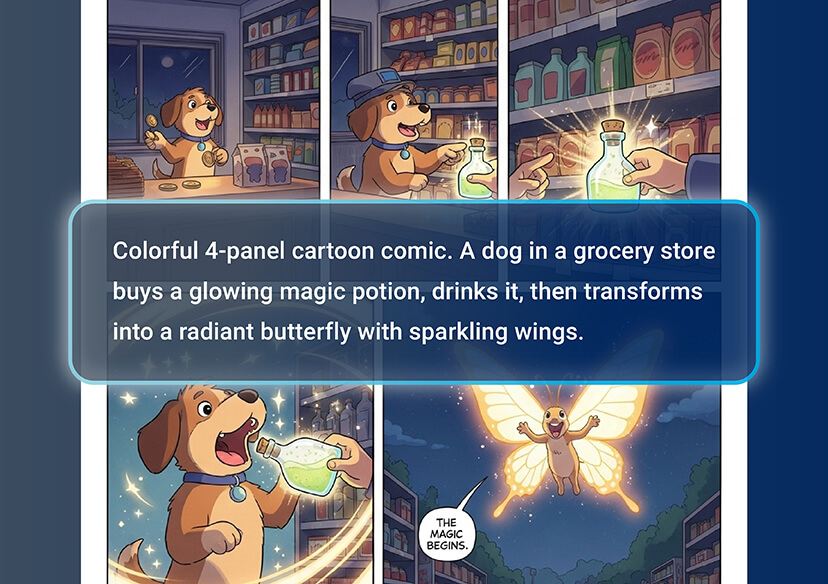



Transform Text Into Stunning Images
Google Imagen 4 turns your words into high-quality visuals in seconds. Whether it’s a simple phrase or a complex description, Imagen 4 interprets your text and generates detailed, realistic, and imaginative images that match your vision.
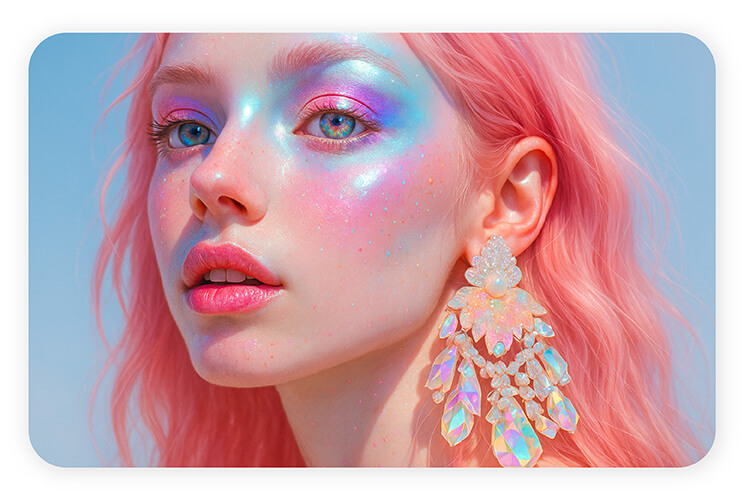
Hyper-Realistic Details
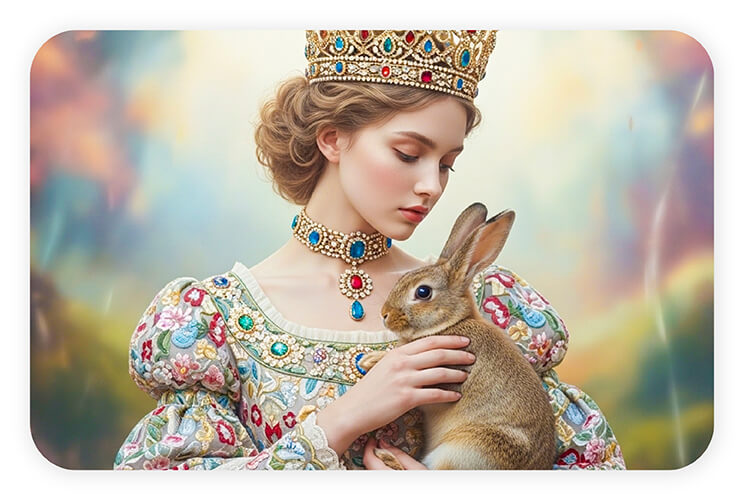
With Google Imagen 4, every image is crafted with incredible detail. From textures to lighting and perspective, Imagen 4 ensures your creations look lifelike and professionally polished, making AI-generated art indistinguishable from real photograph
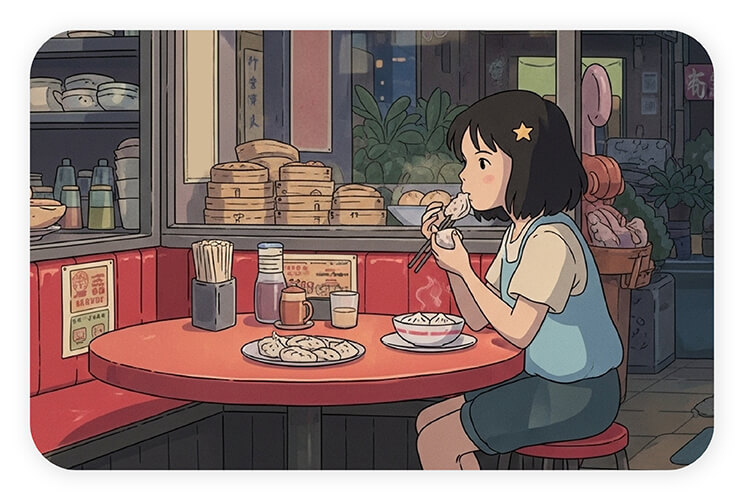
Endless Creative Possibilities
Let your imagination run wild. Imagen 4 supports a wide variety of styles, moods, and themes, allowing you to create anything from surreal digital art to realistic scenes. The only limit is your creativity.
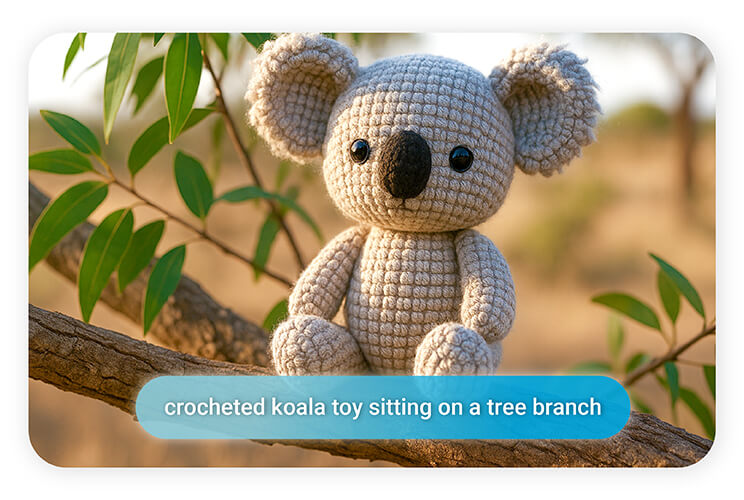
Fast and Efficient Generation
Speed meets quality with Imagen 4. You can generate multiple images quickly without compromising on detail or realism, making it ideal for creative projects, content creation, and inspiration on the fly.
How to Use Imagen 4
Getting started with Google Imagen 4 is simple and intuitive. Just follow these quick steps:
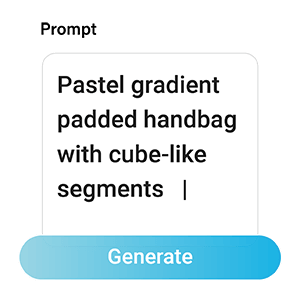
Enter Your Prompt
Type in a descriptive text prompt of the image you want to create. Be as specific as possible to help the AI understand your vision.

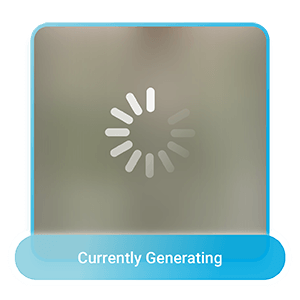
Generate Image
Click the Generate button, and Imagen 4 will instantly transform your words into a stunning, high-quality image.

Download Image
Once you’re satisfied with the result, simply click Download to save your AI-generated image to your device.
Imagen 4 FAQs
What is Google Imagen 4?
Google Imagen 4 is an advanced AI image generator that transforms text prompts into high-quality, realistic, and creative visuals in seconds. It’s designed for content creators, designers, and anyone looking to turn ideas into stunning images.
What are the key features of Imagen 4?
Imagen 4 offers hyper-realistic image generation, versatile artistic styles, fast performance, and a user-friendly interface. It converts text into detailed visuals with professional-quality lighting, textures, and perspectives.
How can I access and use Google Imagen 4?
You can use Google Imagen 4 through platforms like YouCam Online Editor. Simply enter a text prompt, select style or preferences, and let the AI generate your image instantly.
What kind of image quality can I expect from Imagen 4?
Expect highly detailed, realistic, and visually rich images. Google Imagen 4 focuses on accurate lighting, textures, and depth, making AI-generated art appear professional and lifelike.
How does Imagen AI work?
Imagen AI uses advanced machine learning to interpret text prompts and generate images. It combines natural language understanding with visual modeling to create images that match your description precisely.
Who can benefit from using Google Imagen 4?
Content creators, designers, educators, entrepreneurs, and hobbyists can all benefit. It’s perfect for generating visuals for marketing, social media, projects, or personal creative experiments.
Can I customize the style of images in Imagen 4?
Yes! Google Imagen 4 allows you to explore different artistic styles, moods, and themes, from realistic photography to abstract or surreal visuals.

