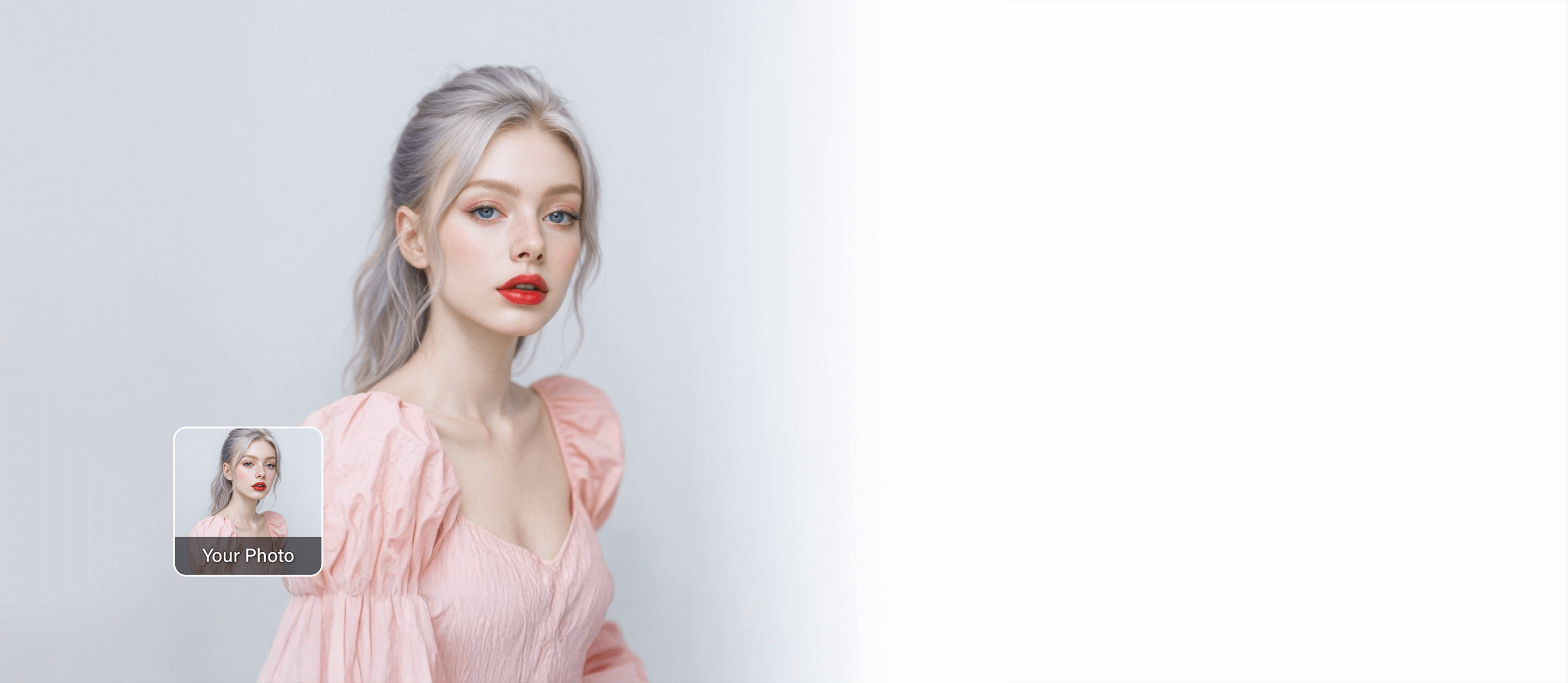
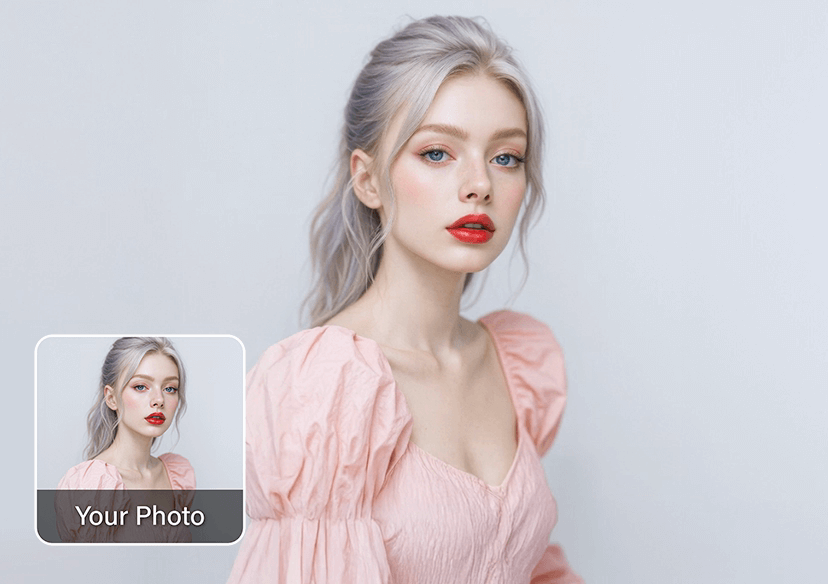




Kling AI Video Generator
Turn still images into dynamic, realistic videos in seconds using Kling AI.




Why Choose Kling for AI Video Creation
You can generate videos from any image - people, landscapes, objects, or art - and watch them come to life in seconds.
Kling AI is fast, intuitive, and accessible for everyone, from content creators to casual users who just want to explore the future of AI video.
Bring Creativity to Motion
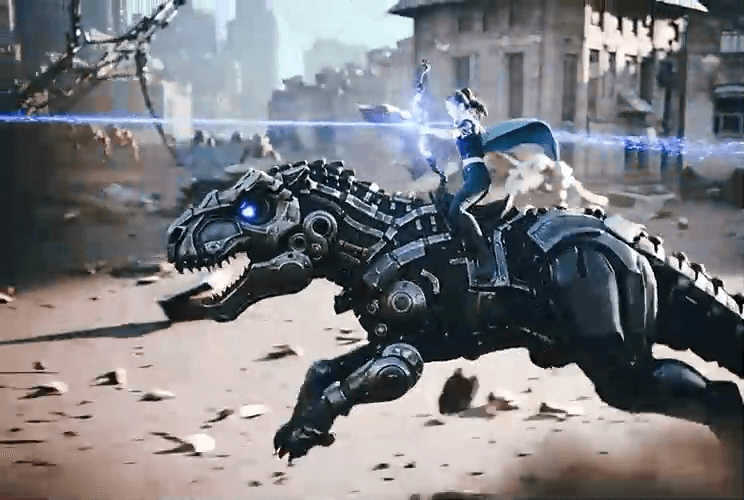
With Kling, imagination meets motion. Transform concept art into cinematic clips, turn selfies into character reels, or bring product photos to life for marketing content.
Artists, influencers, and brands can all use Kling to add personality, emotion, and realism to visuals, no filming required.
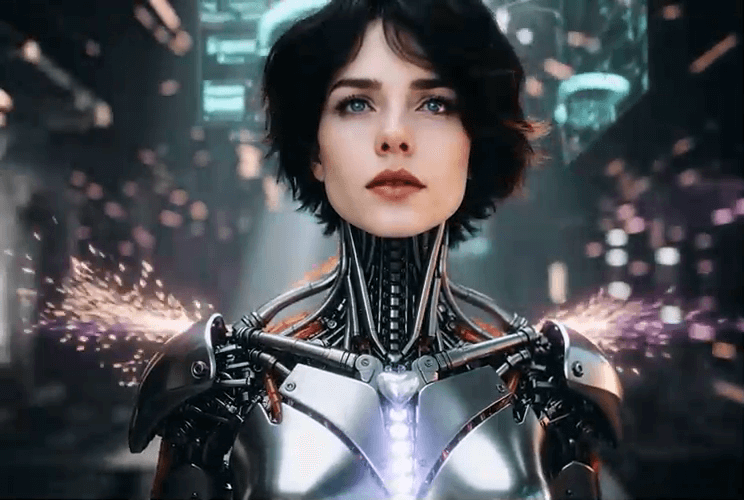
Create Expressive Videos with Kling AI
Whether you're crafting spooky Halloween content, sharing fun costume moments, or testing cinematic ideas, the Kling AI video generator delivers expressive, ready-to-share results.
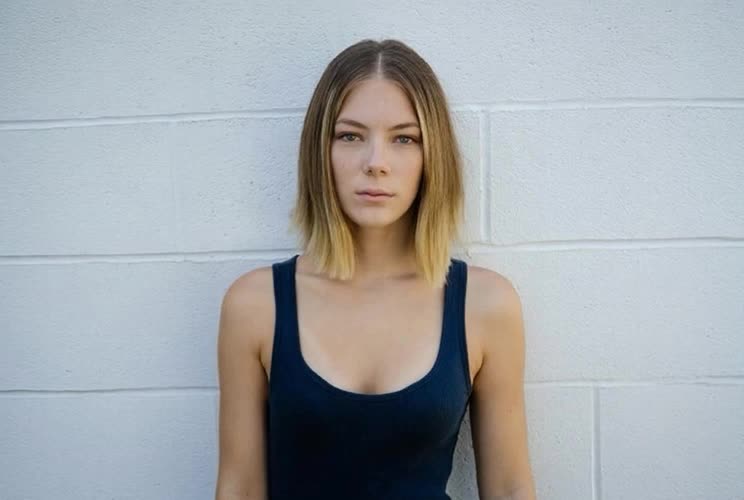
Benefits of Using Kling in YouCam Online Editor
- Free & Browser-Based: Create videos from text or images—no downloads needed.
- 30+ Motion Templates: Kiss, Hug, Gender Swap, and more.
- For Everyone: Creators, marketers, and casual users alike.
- Fast & Realistic: Smooth, expressive results with great detail.
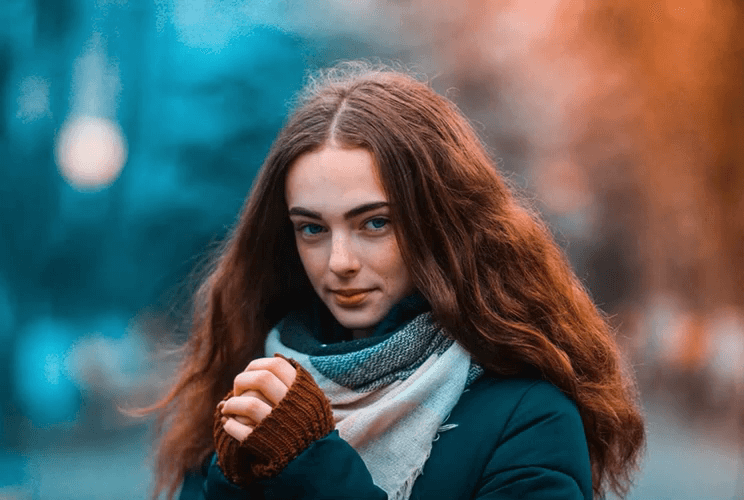
How to Use Kling AI Video Generator
Creating a realistic video from a single image has never been easier. With YouCam Online Editor, you can bring any still photo to life in just a few clicks.

Upload Your Image
Select the photo you want to animate from your device.

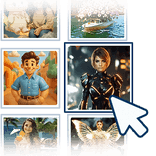
Customize your video with Kling AI
Select Kling AI as your preferred model and enter prompt to generate video.
Generate and save your video
Ready to download and share.
Kling AI Video Generator FAQs
Is Kling AI free?
Yes, Kling AI is free to use through YouCam Online Editor. You can generate realistic videos from text or images without any downloads or subscriptions. Simply choose Kling as your model, upload your image, and create lifelike motion videos online.
Is Kling AI available in the USA?
Yes, Kling AI is available in the USA. Users across the United States can access the Kling model directly in their browser to create high-quality, realistic videos from photos or text prompts - fast, secure, and without regional restrictions.
What is Kling AI used for?
Kling AI is used to transform static images into realistic motion videos. It’s ideal for creators, marketers, and casual users who want to bring portraits, product photos, or artistic ideas to life with cinematic animation powered by AI.
How does Kling AI video generation work?
Kling AI uses advanced motion synthesis to analyze images and generate lifelike animation. The model understands depth, perspective, and natural movement, allowing users to turn any still photo into a dynamic, expressive video that looks professionally filmed, all within seconds.

