




Make an Image Higher Resolution
Wondering how I can make an image higher resolution? Use AI to upscale photos online in seconds.



Improve Low-Resolution Images Instantly
If you’ve ever wondered how I can make an image higher resolution, AI image upscaling provides the easiest solution. Instead of manually editing pixels, AI analyzes your photo and reconstructs missing details to enhance clarity.
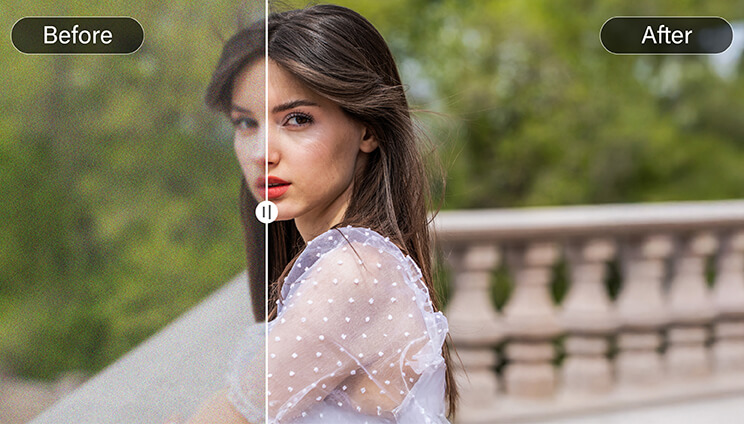
Improve Product Photos for Online Stores
By transforming a low-resolution image into a higher resolution image, you can showcase textures, colors, and product details more clearly. This helps build customer trust and creates a more professional look for online listings, catalogs, or digital advertisements.
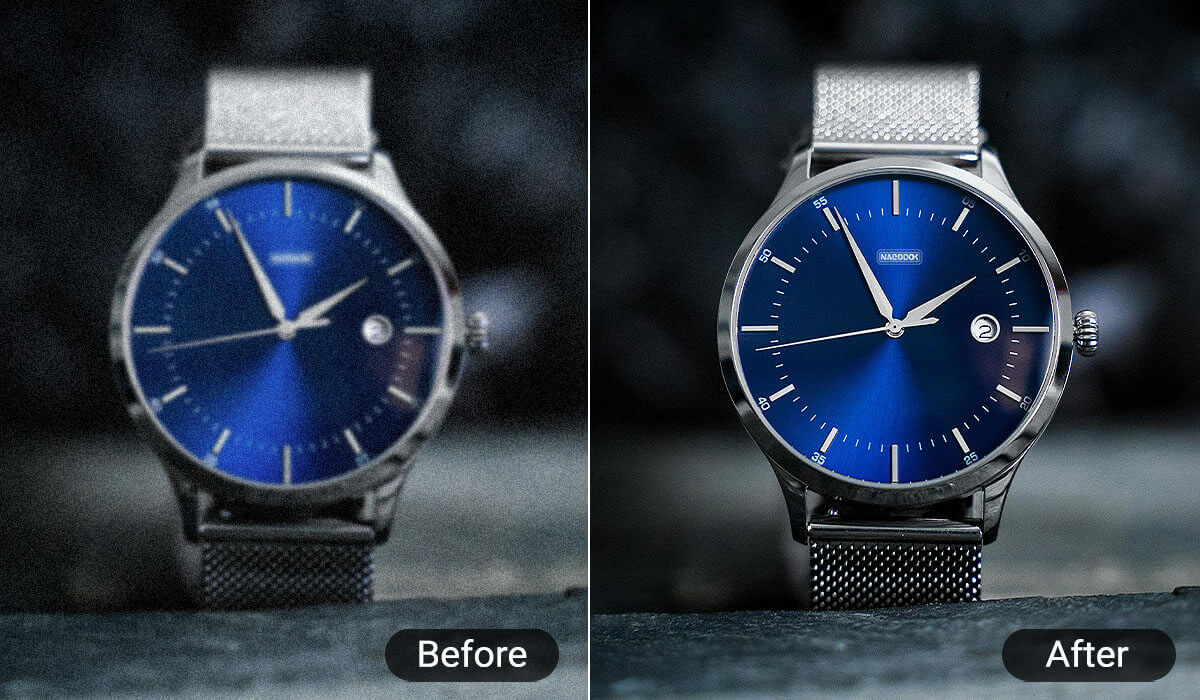
Upscale Images Without Losing Quality
A common problem when enlarging images is losing quality.
AI image upscaling solves this by intelligently generating new pixels based on the image’s structure. The result is a clearer, more detailed photo even when the size increases.
Perfect for enlarging photos for presentations, digital content, or high-resolution displays.
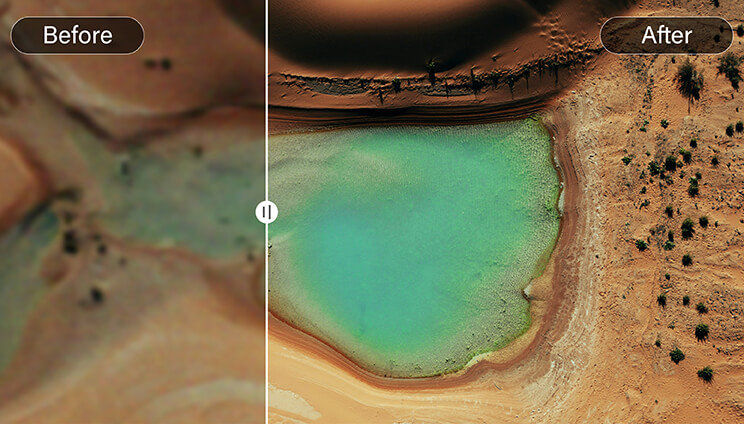
Make Photos Higher Resolution for Social Media
Posting blurry photos can reduce engagement on platforms like Instagram, TikTok, or YouTube.
Photo Enhancer increases image resolution while maintaining natural textures and colors, ensuring your photos look sharp on modern high-resolution screens.
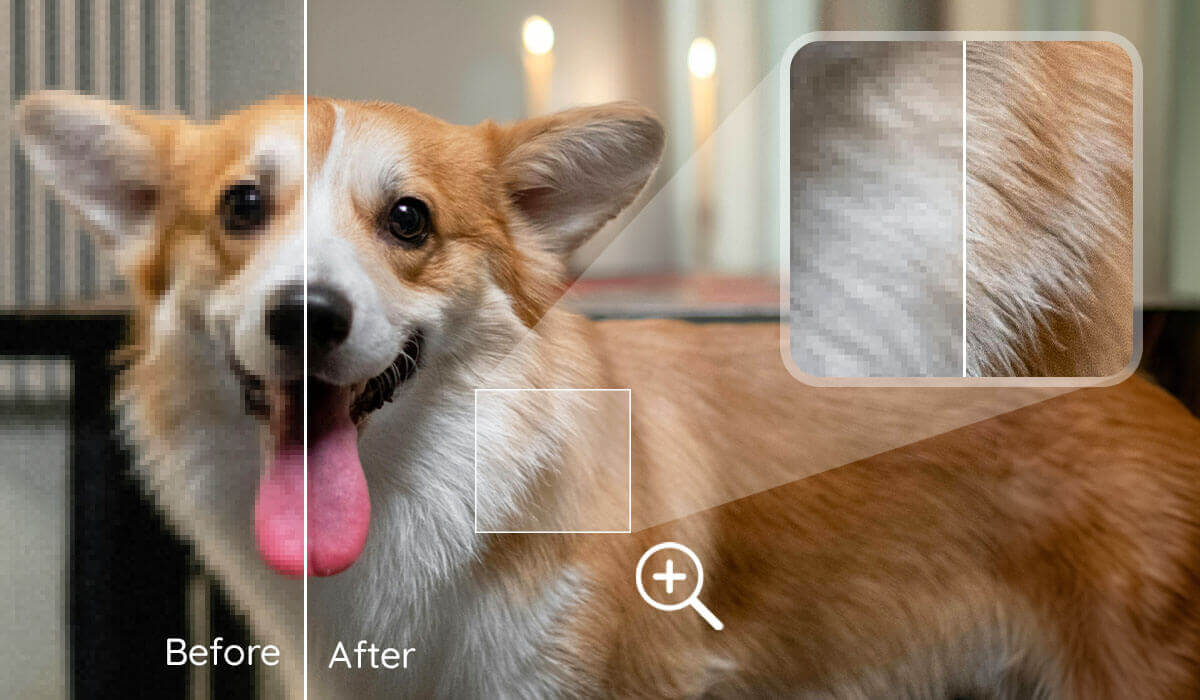
How Can I Make an Image Higher Resolution

Upload Your Image
Simply drag and drop or select your photo file (JPG, PNG, TIFF, GIF) to start the process.

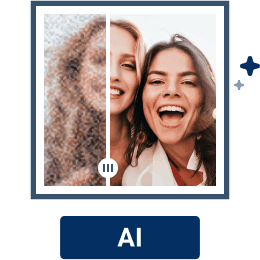
Choose Best Upscale Quality
Select the desired upscale factor, typically up to 4x, to increase your image resolution to 4K without losing quality. Our advanced AI analyzes your image, reduces noise, and intelligently fills in missing pixels to enhance clarity and texture.

Download Your High-Resolution Image
Once processed, download your enhanced 4K image ready for printing, sharing, or further editing.

How To Increase Image Resolution FAQs
How can I make a photo higher resolution without Photoshop?
AI online tools allow you to increase photo resolution without professional editing software. Simply upload your image to an AI photo enhancer, and it will upscale the photo and sharpen details automatically.
How can you make a photo higher resolution without losing quality?
AI image upscaling works by analyzing patterns in your image and reconstructing missing details instead of stretching pixels. This helps enlarge images while keeping them sharp and natural.
Can AI increase photo resolution?
Yes. AI can increase photo resolution by generating additional pixel data based on the structure of the image. This process improves clarity, sharpness, and overall image quality.

