

Multi Face Swap Online with AI
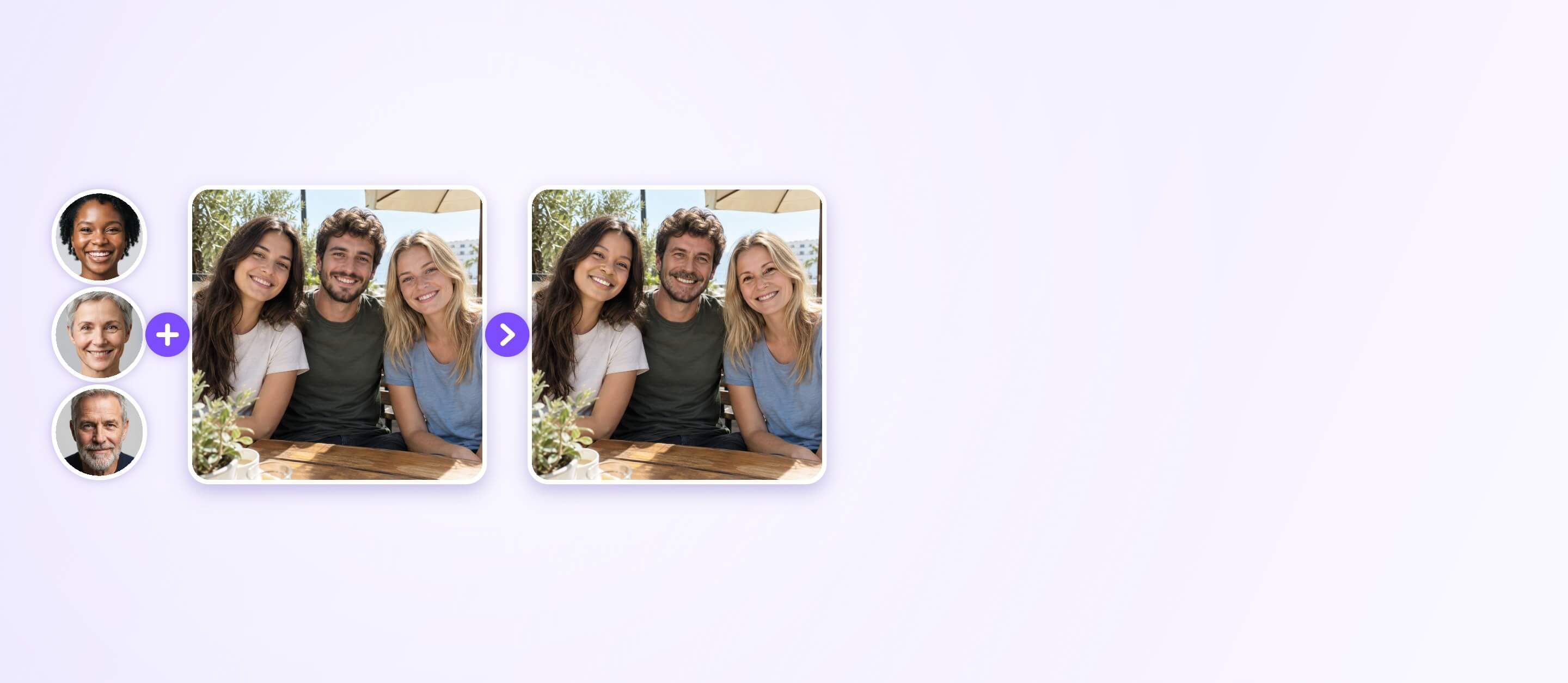
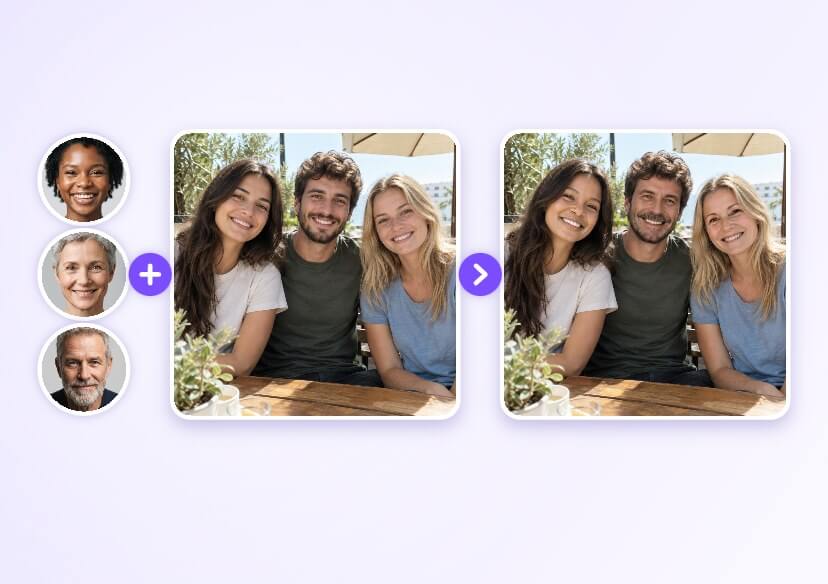
Swap several faces in one group photo at once with AI Multi Face Swap. Add a face photo for each person and get a natural-looking result.
Swap Every Face in a Group Photo
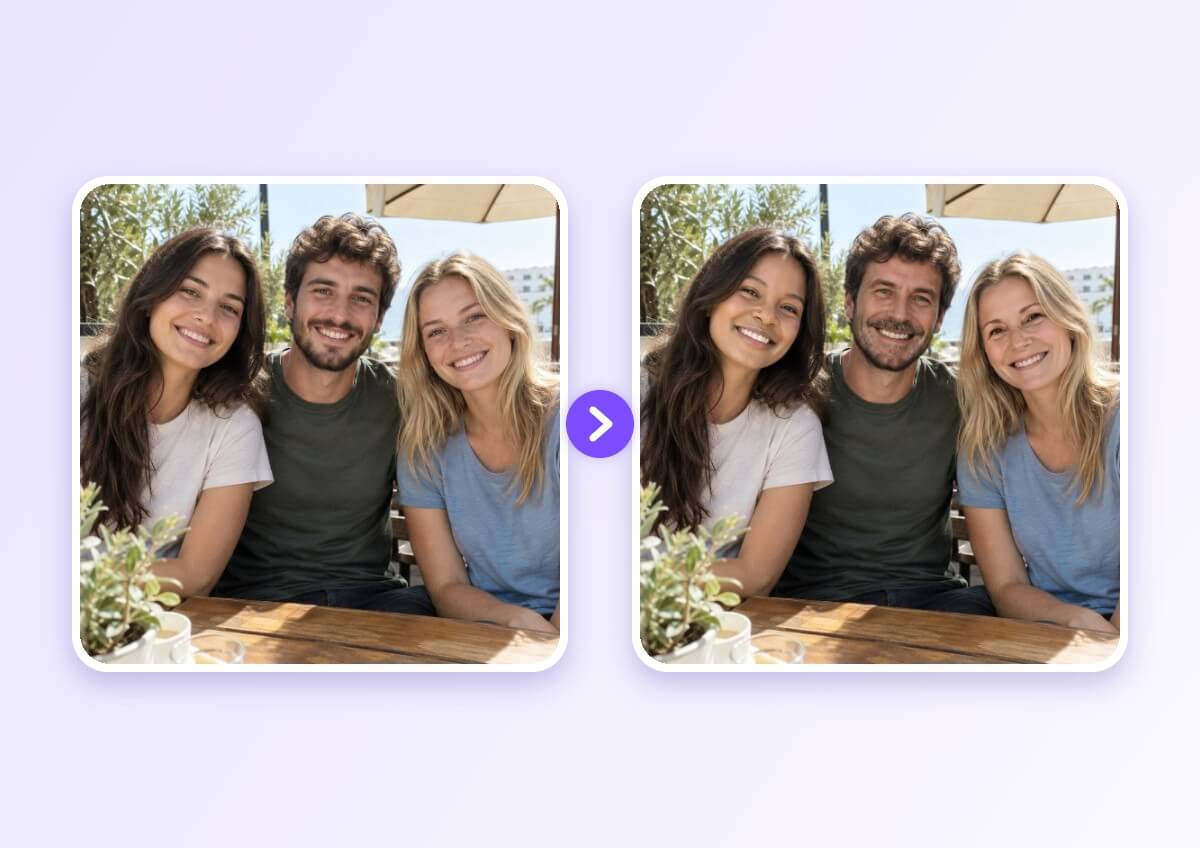
Group shots are where single face swap tools fall short. Multi Face Swap detects every face in your target photo and gives each one its own slot, so you can swap two, three or more people in a single pass instead of editing the photo again and again.
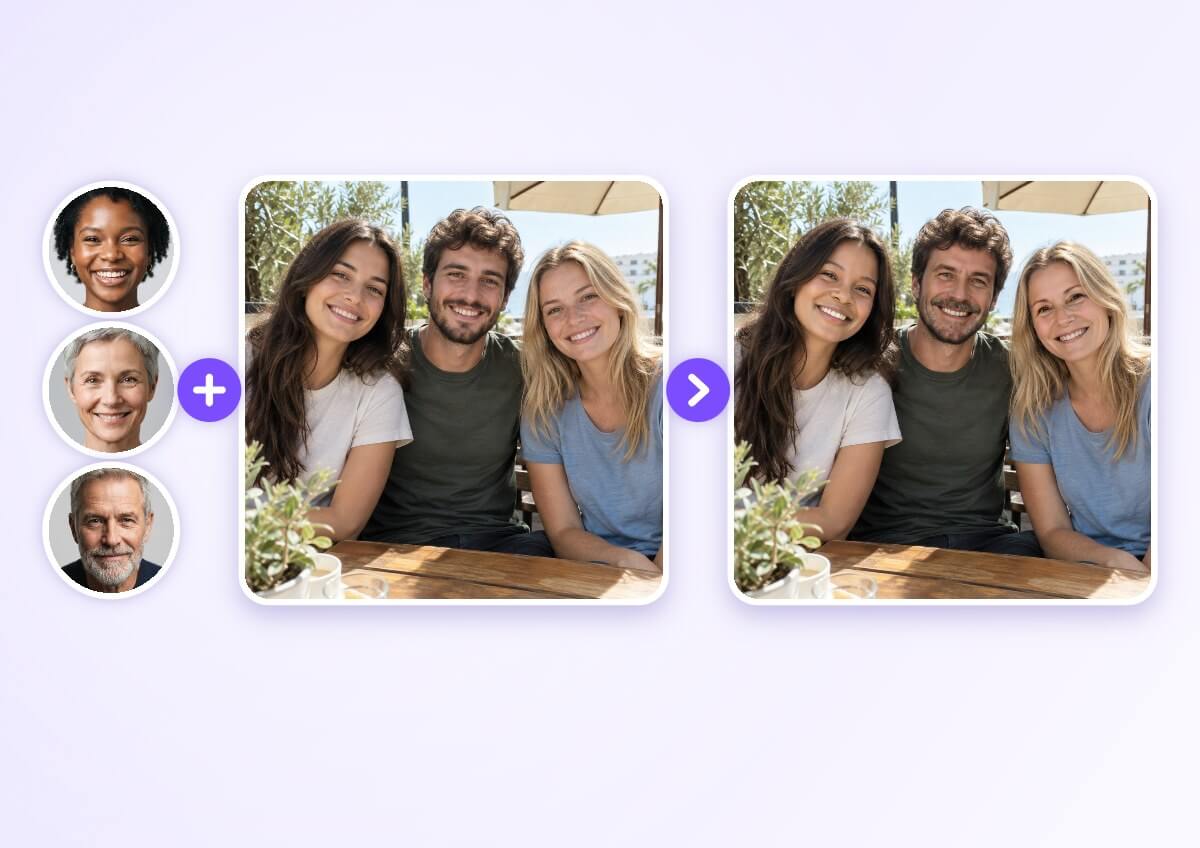
How to Swap Multiple Faces in a Photo
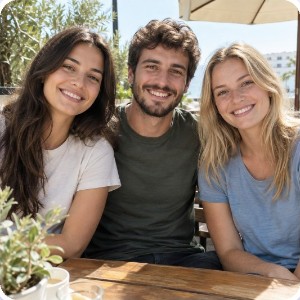
Upload a Group Photo
Choose a photo with two or more people. Clear, front-facing faces are detected most reliably, and each detected face gets its own Add Face slot.

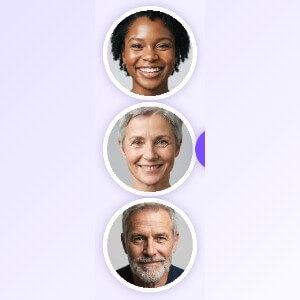
Add a Face for Each Slot
Upload one face photo per slot, using a sharp, well-lit portrait for each. Use the same order as the people in the group photo, or reassign a slot by removing its photo first.
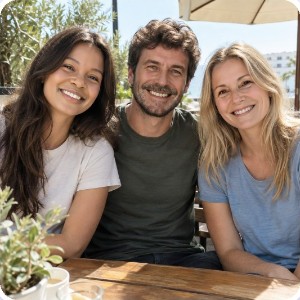
Swap and Download
Run the swap and review the result. Every face is replaced in one pass, and you can download the finished photo when you are happy with it.
Match Each Face to the Right Person
Each detected face in the target photo is paired with a numbered slot. Add one clear face photo per slot and the swap follows that order. Want a different pairing? Remove the photo from a slot and add another, then run the swap again.
Faces that look straight at the camera, in good light and in focus, give the cleanest blend.
FAQs: Multi Face Swap
What is a multi face swap?
A multi face swap replaces more than one face in the same photo at once. Instead of swapping one person per edit, you add a face photo for every person in the group and the tool processes them together.
How many faces can I swap in one photo?
Every face that the tool detects in your target photo gets its own Add Face slot, so a photo with three people shows three slots. Multiple faces are supported for both photos and videos.
Can I swap multiple faces in a video?
Yes. Open the Video Face Swap tab on the same tool and follow the same idea: each detected face in the video can be matched to a face photo.
How do I choose which face goes on which person?
The slots follow the faces in your target photo. If a face lands on the wrong person, remove the photo from that slot, add the right one and run the swap again.
What photos give the best multi face swap results?
Use a group photo where every face is clearly visible, and clear, front-facing face photos for each slot. Side profiles, tiny faces and heavily covered faces are harder to detect, so the result can look less natural.
Is multi face swap only for group photos?
It works best on group photos, but you can also use it on any photo with two or more people, such as couples, family portraits or team pictures.

