


How to Use Nano Banana Pro Text-2-Image
From Text-to-Image to Image-to-Image, creating stunning visuals on your phone has never been easier. Here’s how to get started:
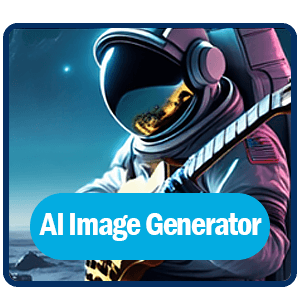
Open YouCam Online Editor
Open and tap on “AI Image Generator.”

Select AI Mode
Select the newest “Nano Banana Pro” as your AI Mode.
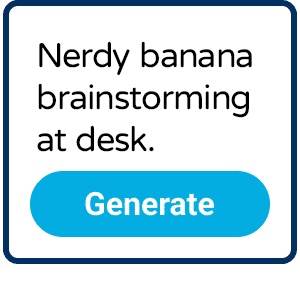
Input Detailed Prompt
Enter prompts as detailed as possible.
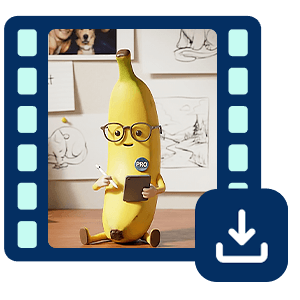
Generate & Save
Hit the generate button and save your masterpiece and share it!
What is Nano Banana Pro?
- Text-to-Image AI: Create images from words
- High-Resolution: Sharp, detailed visuals
- Accurate Rendering: Clear text inside images
- Flexible: Supports complex styles
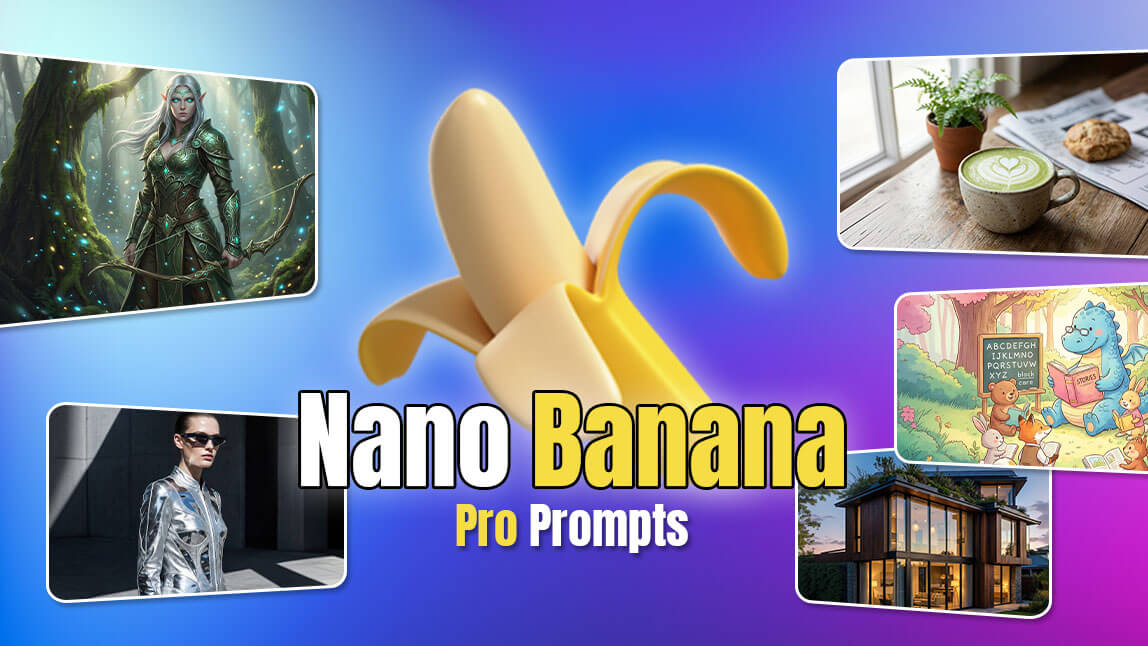
Why Choose Nano Banana Pro?
Generate Images from Text Instantly
With nano banana pro, you can turn simple text prompts into high-quality images in seconds. No design experience is required—just describe your idea and let AI do the work.
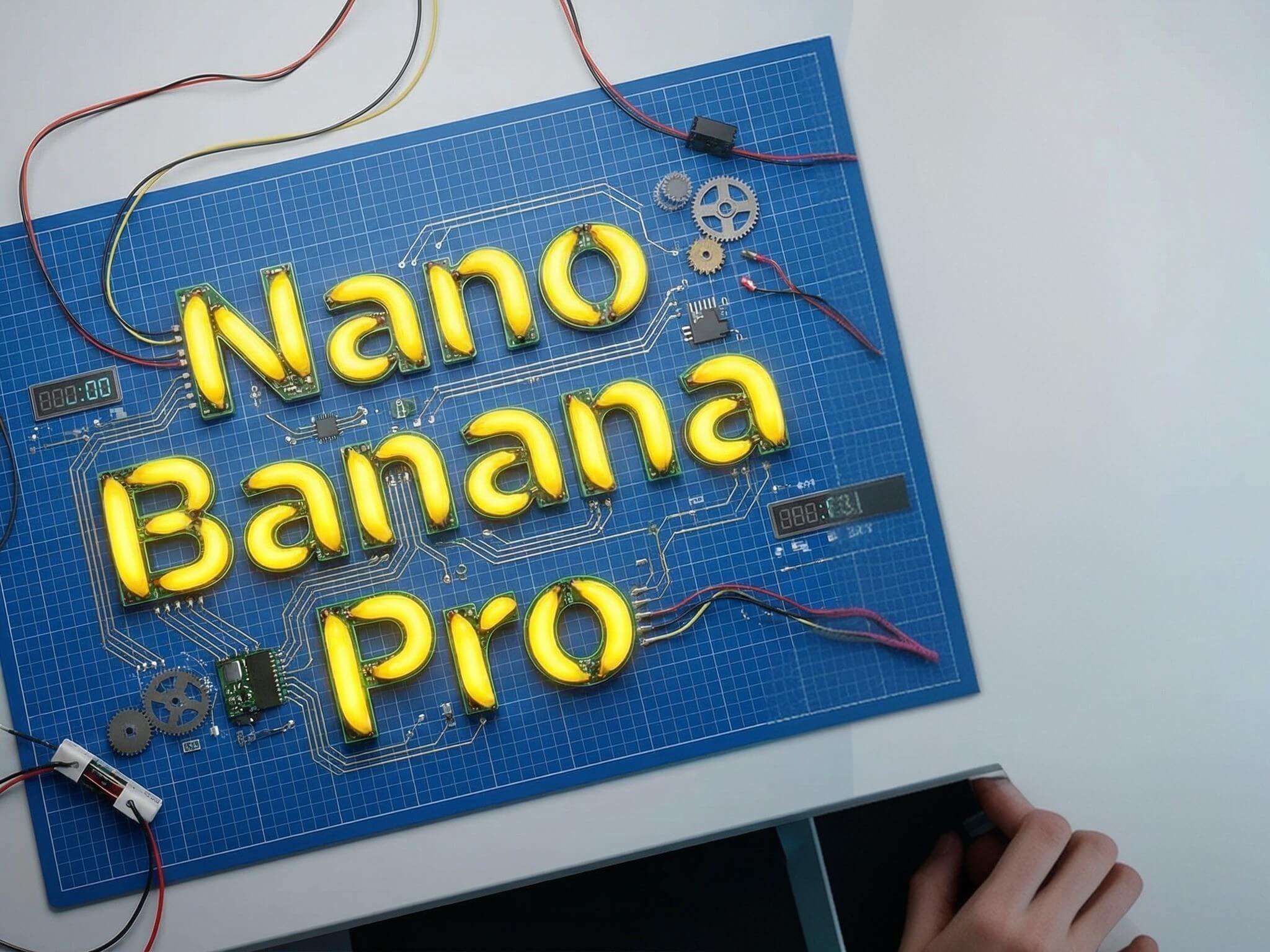
Built for Creators and Marketers
Nano banana pro helps creators, marketers, and brands produce professional visuals for social media, blogs, and campaigns faster than ever.
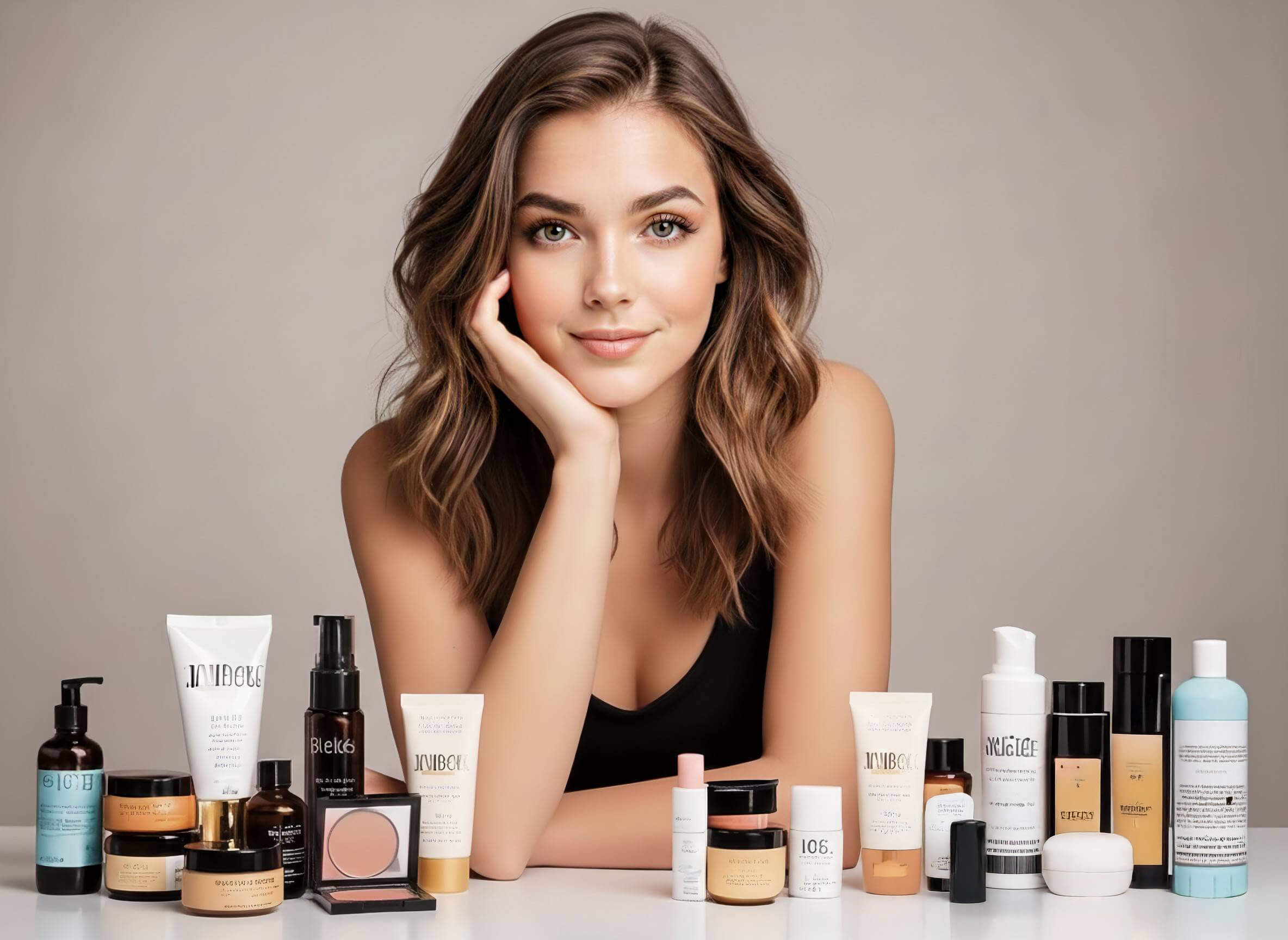
Customize Every Detail
From style and colors to mood and composition, nano banana pro gives you flexible control over your AI-generated images.

When to Use Nano Banana Pro for Text-2-Image?
Generate Visuals Directly from Words
No photos? No problem. Type your concept into the prompt box and Nano Banana Pro instantly renders it into a stunning visual asset.
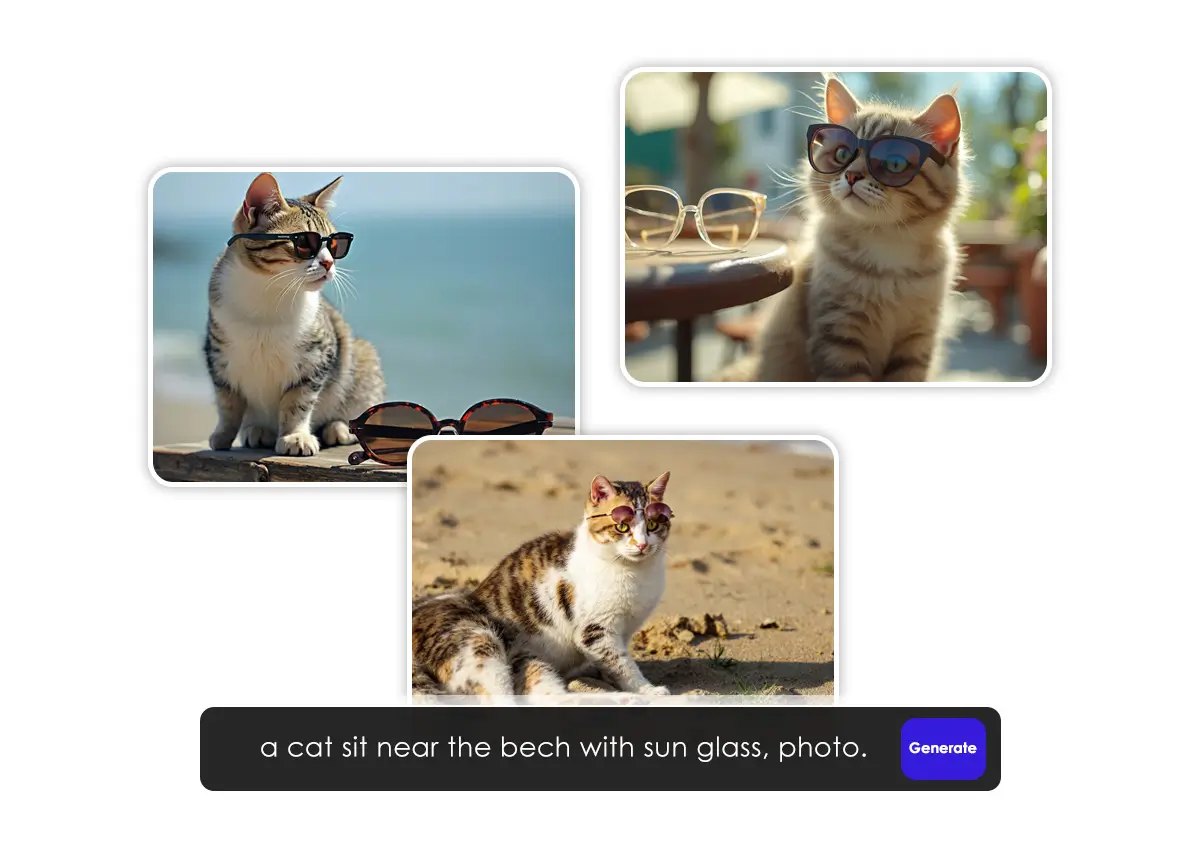
Maintain Brand Style and Vision
Keep your brand visuals consistent by specifying design style, colors, and even text placement right in the description.
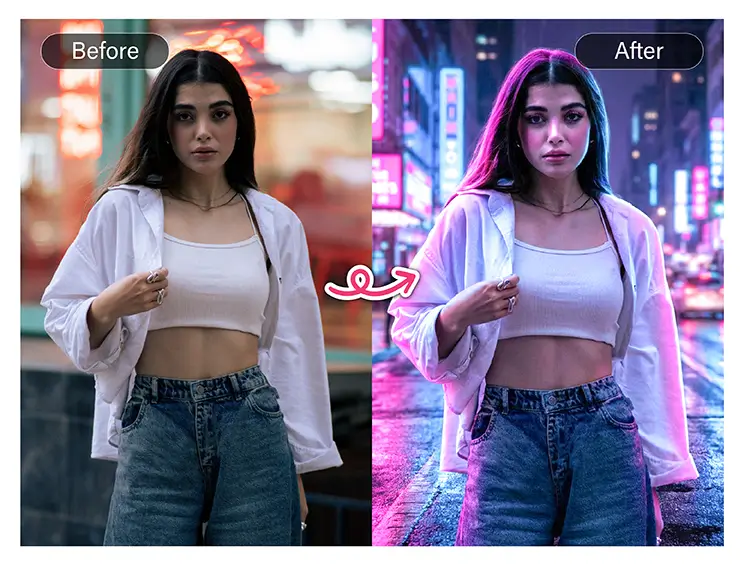
Save Time on Content Creation
With Nano Banana Pro integrated, YouCam Online Editor lets you create unique visuals in seconds.

Nano Banana Pro FAQs
What is Nano Banana Pro in the YouCam Online Editor?
Nano Banana Pro is an advanced AI image generation model available in the YouCam Online Editor. It allows users to create high-quality, detailed, and realistic images from text prompts or photos, making it ideal for creative design, marketing visuals, and social media content.
What makes Nano Banana Pro different from other AI image models?
Nano Banana Pro is optimized for faster generation, better texture detail, and more accurate prompt understanding. It excels at producing sharp visuals, vibrant colors, and consistent styles compared to standard AI image models.
Do I need design skills to use Nano Banana Pro?
No. Nano Banana Pro is designed for beginners and professionals alike. Simply enter a text prompt or upload an image, and the AI handles the rest—no graphic design experience required.
Can I use images created with Nano Banana Pro for commercial purposes?
Yes. Images generated with Nano Banana Pro in the YouCam Online Editor can be used for commercial projects, such as marketing materials, social media posts, product mockups, and presentations, subject to YouCam’s usage terms.
What types of images can I create with Nano Banana Pro?
You can generate a wide variety of images, including portraits, product visuals, concept art, illustrations, lifestyle photos, and social media graphics, all with customizable styles and high resolution.

