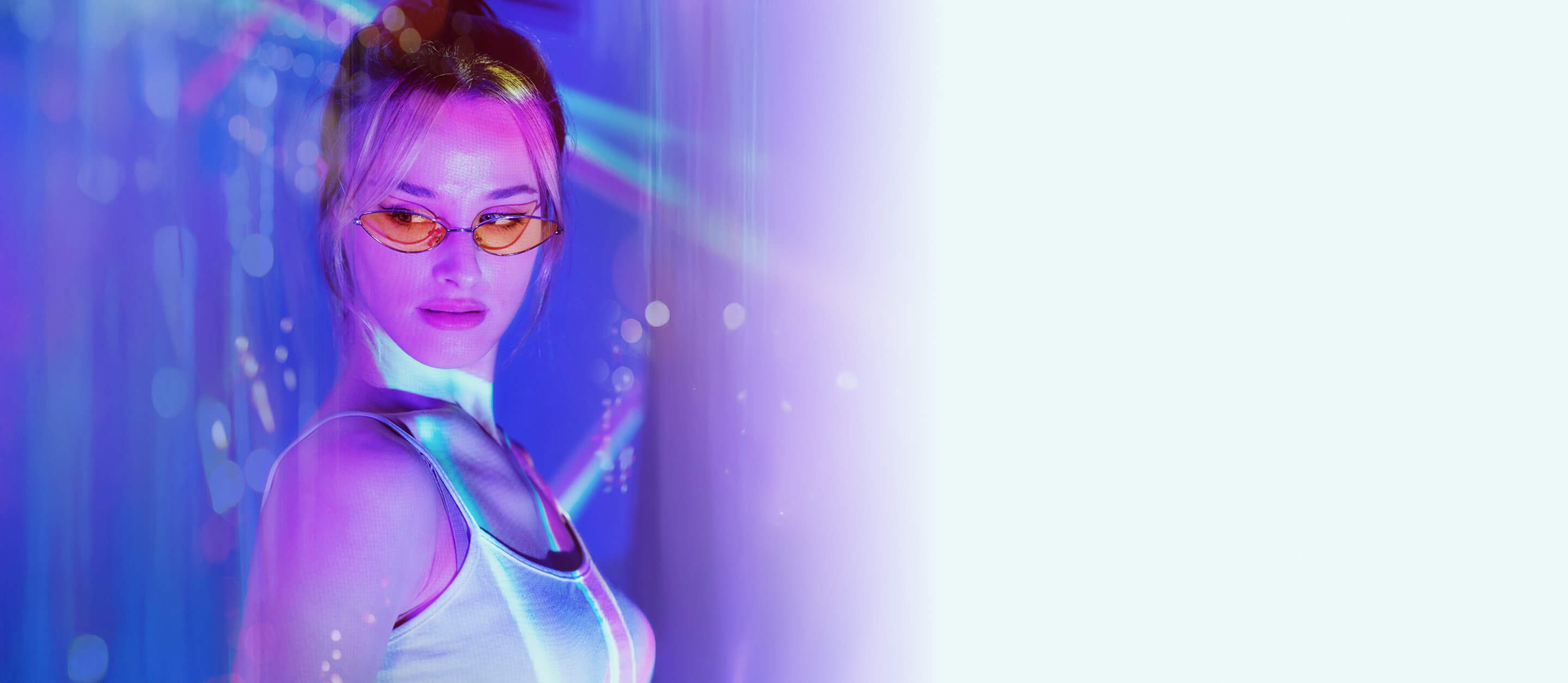
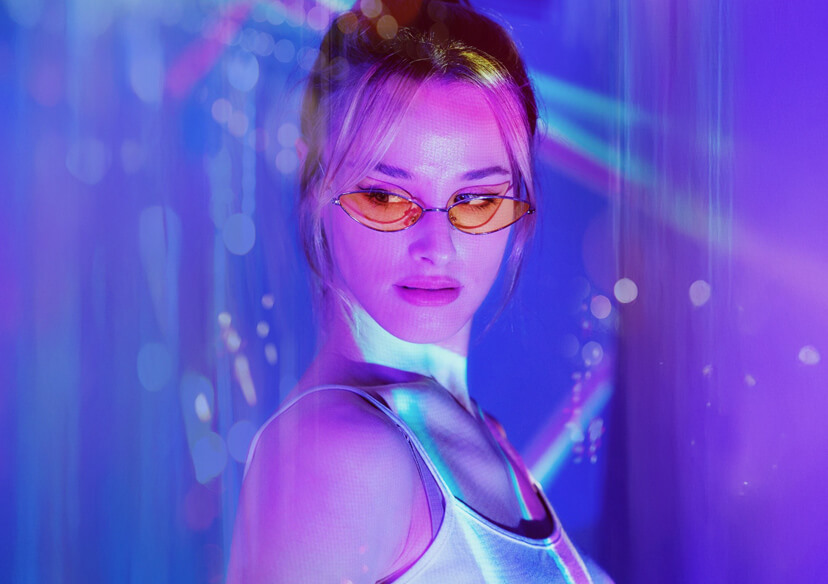




Neon Glow Effects
Add vibrant neon effects to your photos in seconds with bold glows and eye-catching light accents. Create a cyberpunk inspired, scroll stopping look instantly with YouCam Online Editor.




How to Add Neon Effect to Your Photo?
Upload Your Photo
Upload an image to apply the neon glow effect. YouCam photo effects support all common formats.

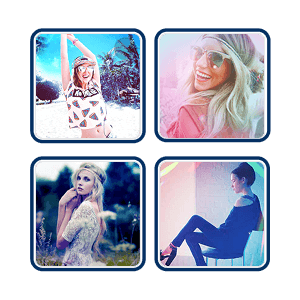
Explore Photo Filters
Browse through a variety of photo filters and effects. For Neon effects, find them under the Film category.
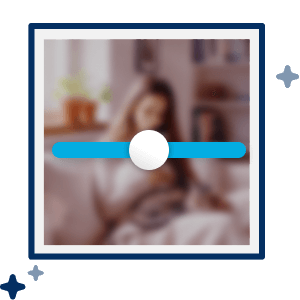
Apply and Adjust
Apply your chosen photo filter and see your image transform. Use the intensity slider adjust the effect to be as subtle or bold as you like.

Download Your Photo
Save your neon glow photo in high quality to your device.
Elevate Photos with Neon Effects
Grab Attention on Social Media
Neon effects add bold glow, vibrant color, and high contrast lighting that stop the scroll. Whether it’s Instagram, TikTok, or YouTube thumbnails, glowing edits make your photos pop in crowded feeds.
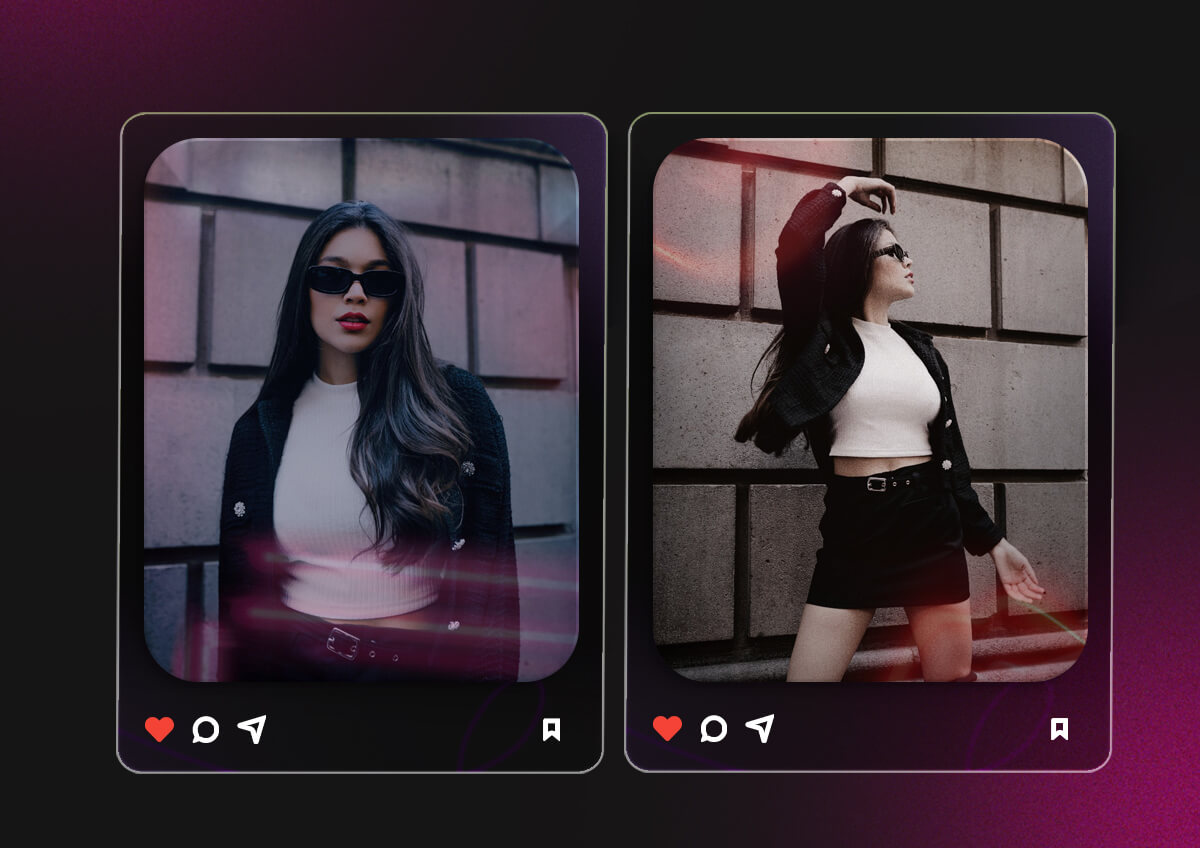
Create Trendy Cyberpunk or Night Vibe
Neon lighting gives your photos a futuristic, city at night aesthetic. It’s perfect for portraits, street shots, party photos, or creative reels where you want a dramatic and modern look.
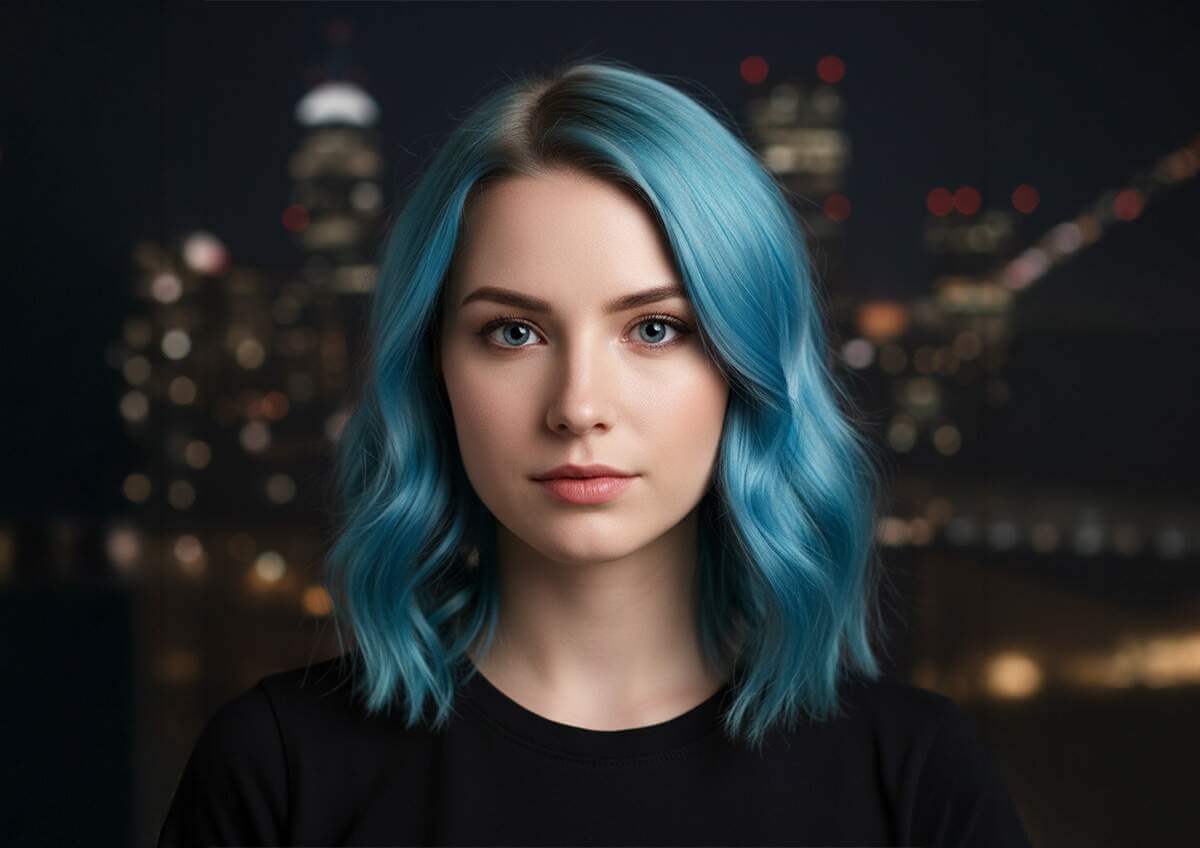
Explore More Creative Photo Effects
Beyond neon, YouCam Online Editor offers a variety of AI powered photo effects to match any vibe. From vintage filters and cartoon styles to cinematic lighting and artistic transformations, you can instantly switch up your look and create unique, scroll stopping visuals.

Neon Photo Filter FAQs
How to give neon effect?
To give a neon effect to a photo, use a neon filter or glow effect tool in an AI photo editor. Upload your image, select a neon outline or light effect, adjust the color and intensity, and apply it to create a vibrant glowing look instantly.
How to get the glow effect?
You can get a glow effect by increasing brightness around edges and adding soft light overlays. Online tools like YouCam Online Editor offer ready made glow and neon effects that automatically add luminous highlights without manual editing.
How to add neon effect to a photo?
To add neon effect to a photo, upload your image to a photo editor with neon filters. Choose a neon style, customize the color, and adjust glow strength to match your desired aesthetic. Download your edited image once you’re satisfied.
How to get a glowy effect on photos?
For a glowy effect, enhance lighting, soften highlights, and add subtle light bloom. AI powered photo editors make this easy by applying glow filters that brighten skin tones and create a radiant, polished finish.
How to do neon photography?
Neon photography traditionally involves shooting near neon signs or colored LED lights in low light settings. If you do not have access to neon lighting, you can recreate the same effect digitally using neon photo effects that simulate glowing outlines and vibrant color reflections.

