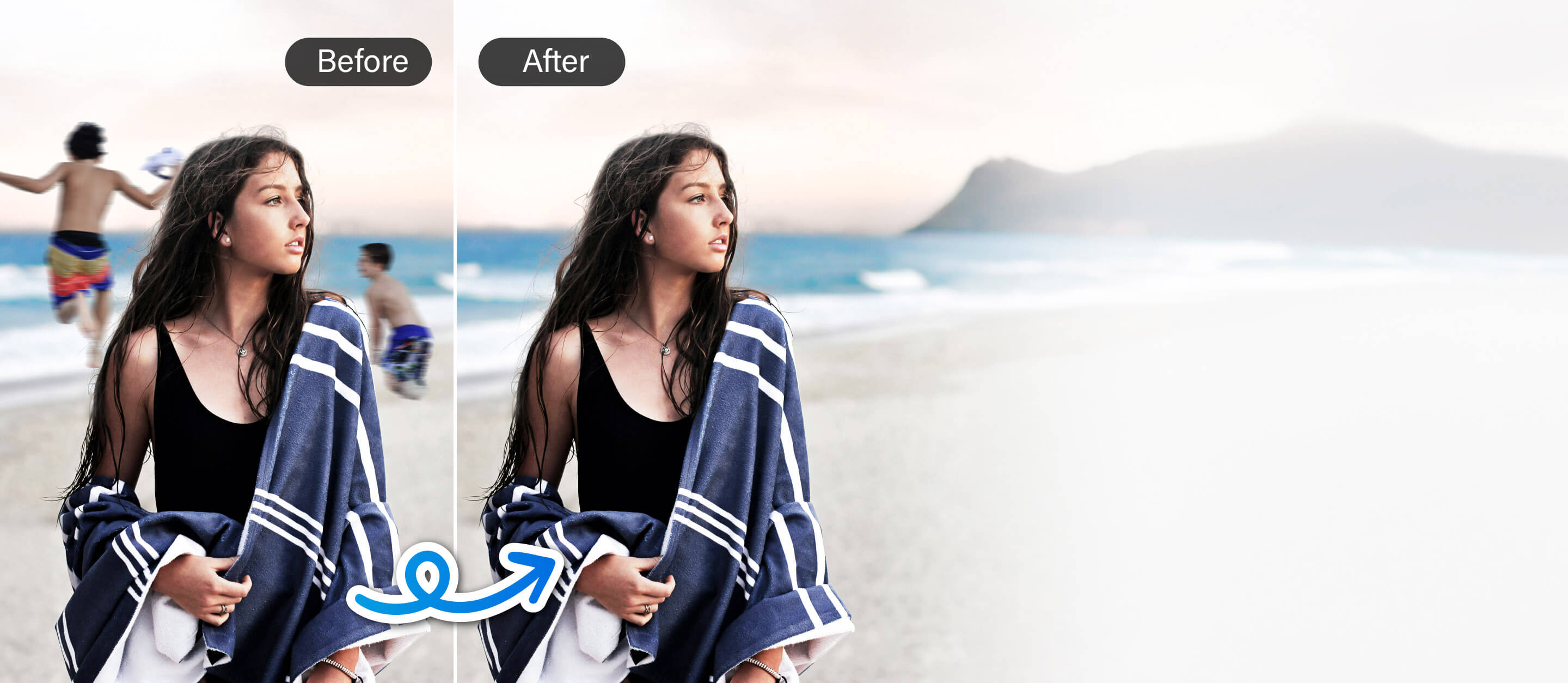
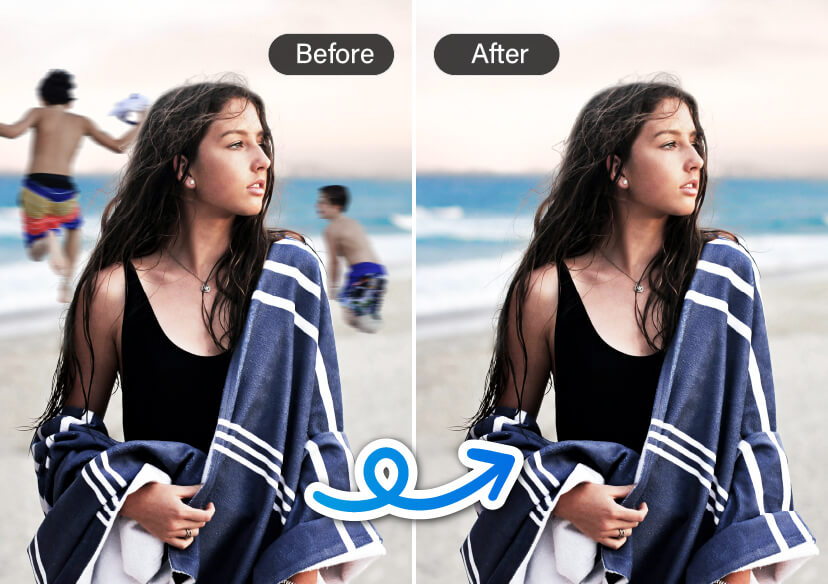




Erase Anything from Your Photos in Seconds
Remove people, objects, shadows, or glares instantly with our powerful online Object Eraser tool. No app download or editing skills needed!

Object Eraser – Clean Up Your Photos in One Click
- Powered by an AI smart removal tool for seamless, natural edits
- Remove unwanted elements from photos without using complex software
- Easily erase people, objects, shadows, and glare with just a few clicks
- Perfect for editing selfies, travel shots, food photos, or product images

How to Use Object Eraser to Remove Anything from Your Photos

Upload Your Photo
Drag and drop your image or click to upload from your device.

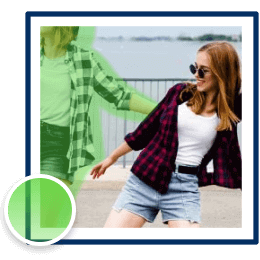
Highlight the Object You Want to Remove
Use your mouse to brush over the person, object, shadow, or glare you want to erase.

Download Your Edited Photo
Let our AI work its magic—your object is erased instantly. Download the clean image right away!
Remove People from Photo
Quickly remove people from any photo in just a few clicks. Whether it’s a tourist in your travel photo, someone walking by in your selfie, or a person you don’t want in a group picture, the tool makes it easy to clean up your shot. Perfect for travel photos, profile pictures, or any moment you want to keep clear and focused.

Remove Large Objects from Photo
Whether it’s a distracting street sign, a parked car, messy wires, or random clutter in the background, you can remove large objects in seconds. The AI tool smartly fills in the area to match the rest of your photo, so everything still looks natural.

Remove Small Objects & Details
YouCam Online Editor lets you clean up product photos, food shots, or flat lays with ease. Just tap to remove anything that doesn’t belong. Fix small things like crumbs, dust, or tiny flaws, so your photos look neat, tidy, and ready to share or sell.

Remove Shadow from Face
Fix uneven lighting and bring out clearer, more flattering portraits. This tool helps smooth out shadows on faces—especially in selfies or outdoor photos taken in strong sunlight. Great for improving skin tone and making your photos look brighter and more balanced.
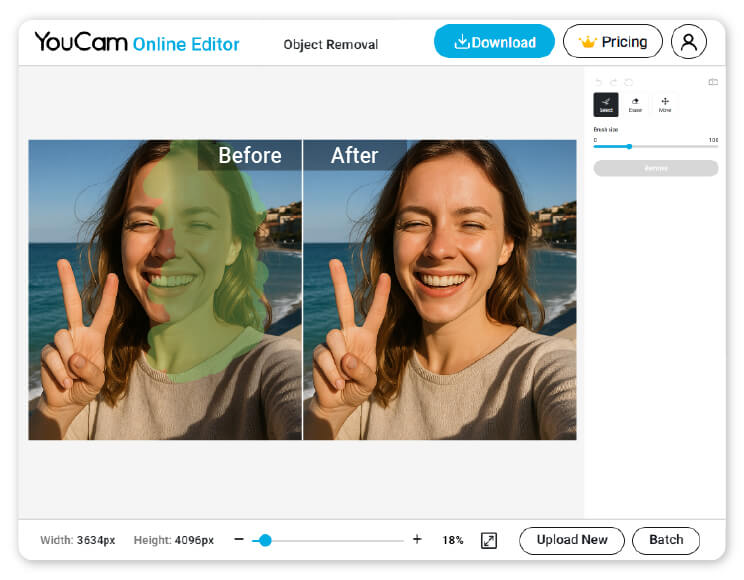
Remove Glare from Photo
Get rid of unwanted reflections from glasses, windows, or shiny surfaces in just a few clicks. This tool helps you clean up glare and light spots for a smoother, more professional-looking photo—perfect for portraits, indoor shots, or product images.

FAQs: Object Eraser
What is an Object Eraser tool?
An Object Eraser is a photo editing tool that lets you remove unwanted items—like people, text, or objects—from your photos with just a few clicks.
How does the Object Eraser work?
It uses AI to detect and erase selected objects, then automatically fills in the background to make the edit look natural.
Will the photo still look natural after removing an object?
Yes, the AI is designed to blend the background so the area looks smooth and natural, with no obvious signs of editing.
What types of objects can be erased?
You can erase people, text, logos, shadows, reflections, background clutter, or any unwanted object that distracts from your photo.
Why does the Object Eraser fail sometimes?
While Object Eraser tools are powerful, they can occasionally struggle depending on a few factors:
- Complex backgrounds
- Large object removal
- Low-quality images
- Shadows and reflections
- Incorrect selection
Tip: For best results, use high-quality photos, zoom in for more accurate selections, and make small edits at a time.

