



Online YouTube Banner Resizer
Resize, extend, and perfect your YouTube banner - all in one click.





Get the Perfect Fit for Your YouTube Channel
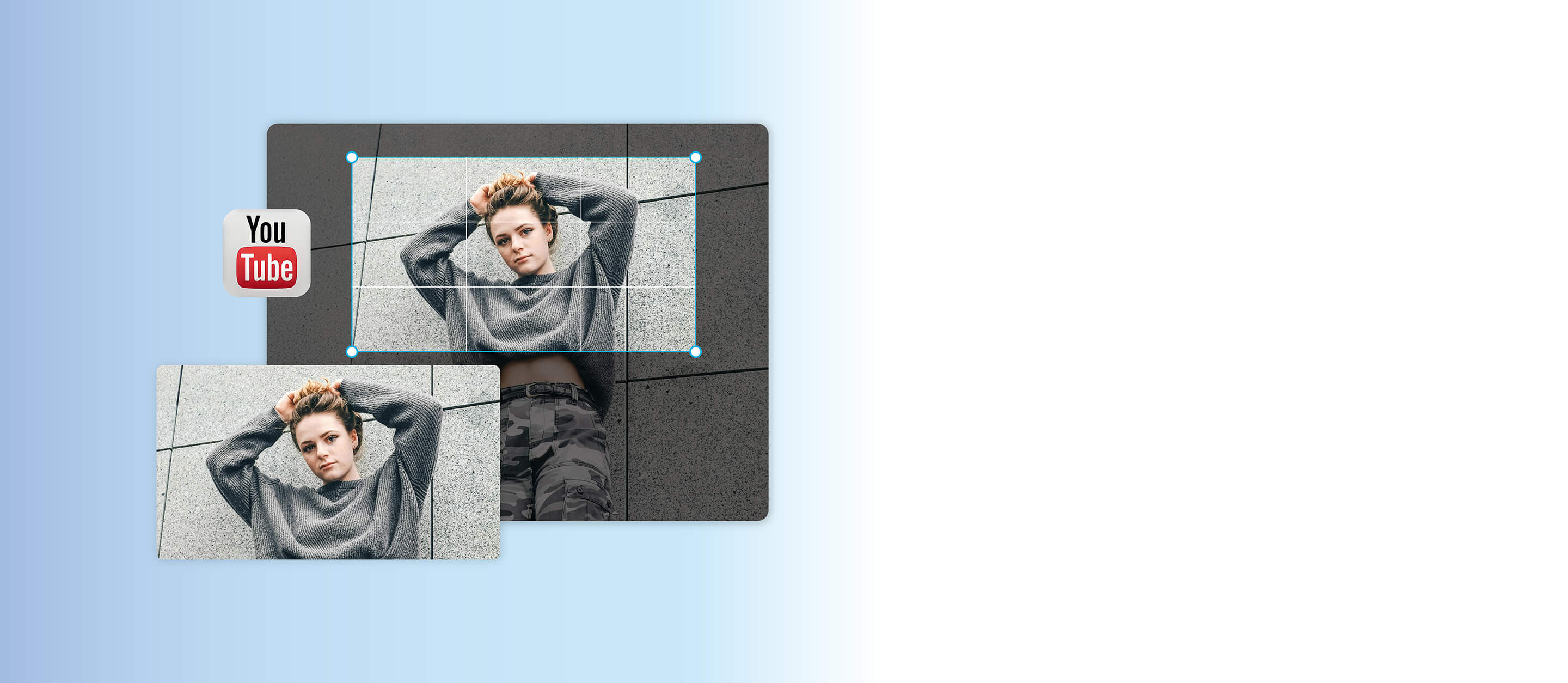
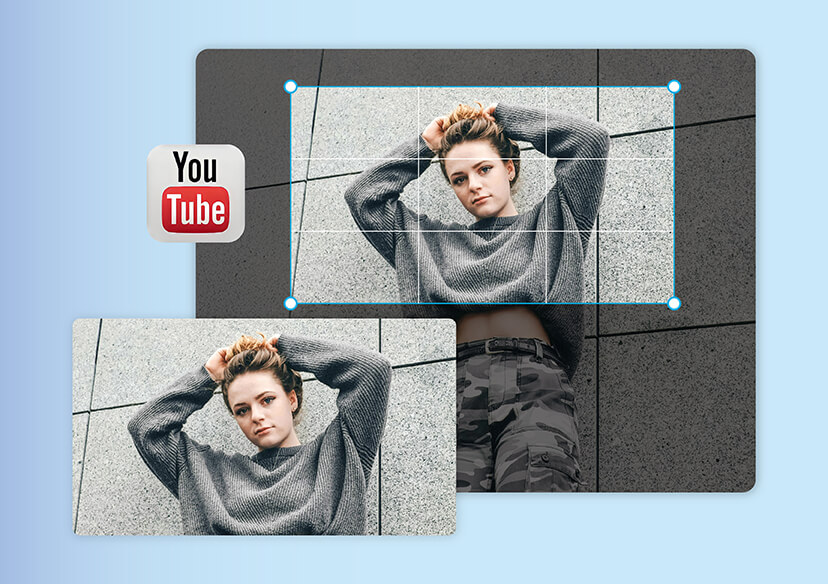
Your channel banner is the first thing viewers notice, so make it count. With an online YouTube banner resizer, you can instantly adjust your image to the perfect dimensions without losing quality.
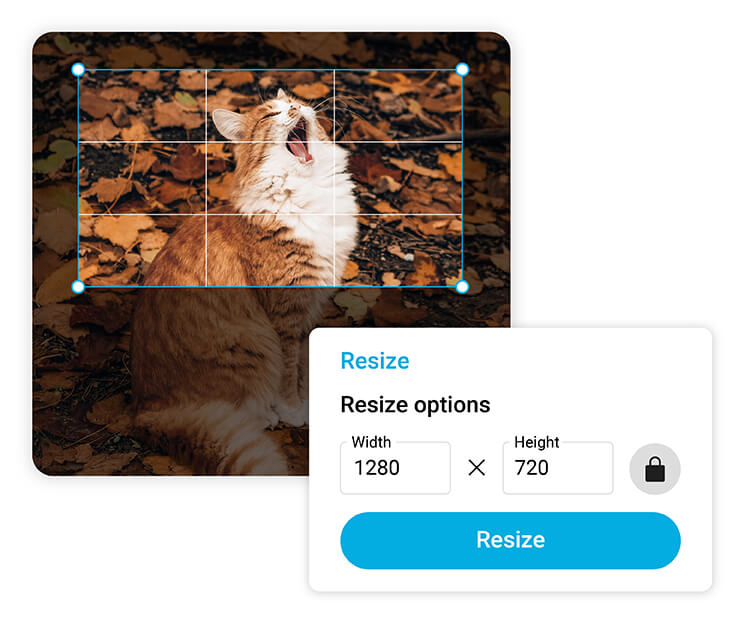
The Resize tool helps you crop, fit, and optimize your visuals so they look flawless on desktop, mobile, and TV.
Expand Your Image with AI Extender
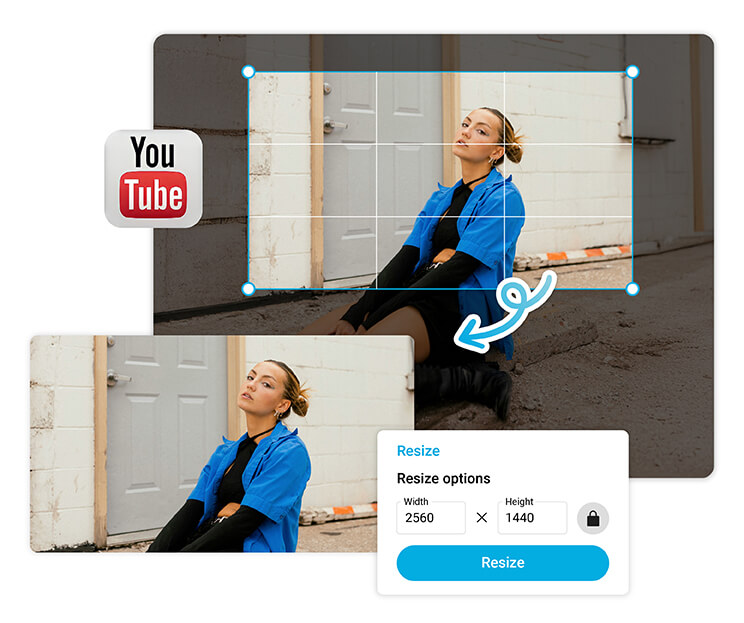
YouCam’s AI Extender feature intelligently expands your banner while keeping the background and details natural.
Use this powerful tool and watch how AI fills in the space beautifully. Combine AI Extender with resize YouTube banner tools for a picture-perfect finish.
Why You Should Resize Your YouTube Banner
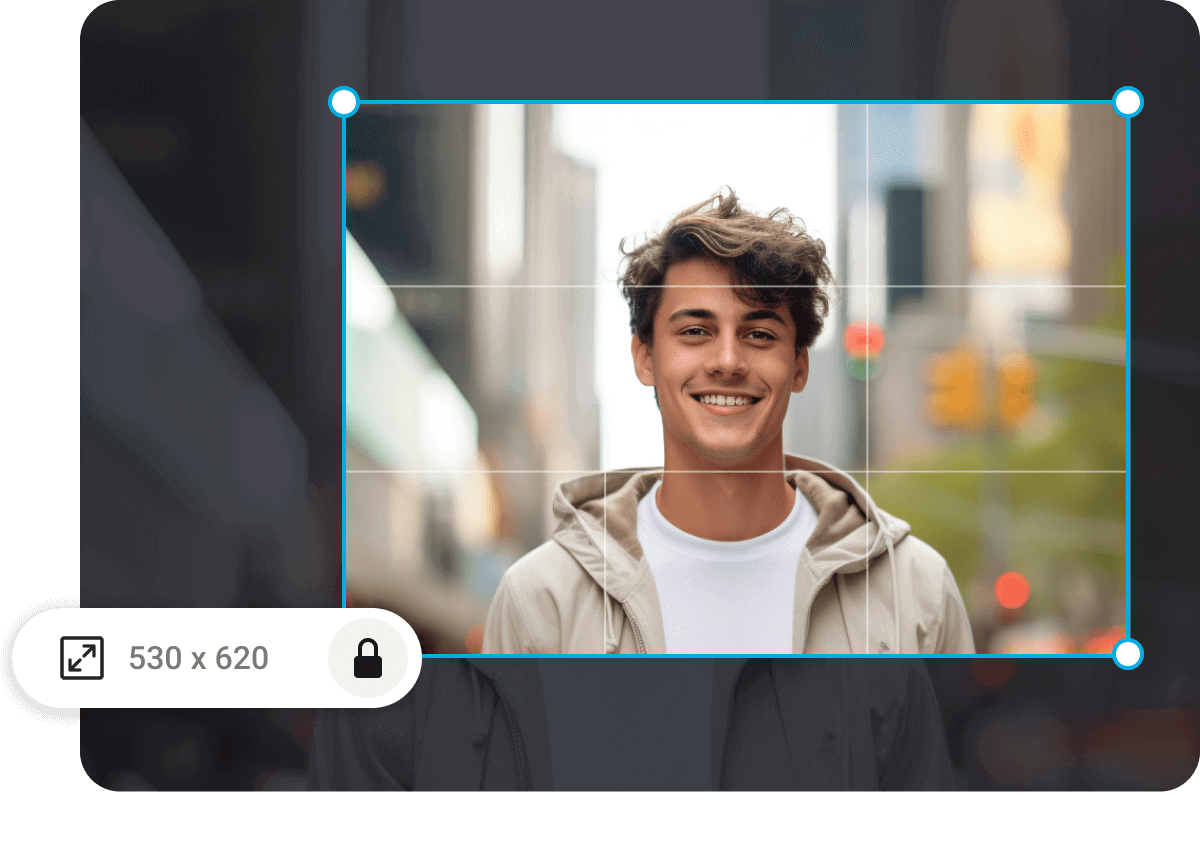
Every device displays your banner differently, which means parts of your design can get cut off if it’s not sized correctly. That’s why a YouTube banner resize is essential for creators who care about their presentation.
A properly sized banner helps you appear more professional, build viewer trust, and stand out from other channels.
YouTube Banner Size Guide
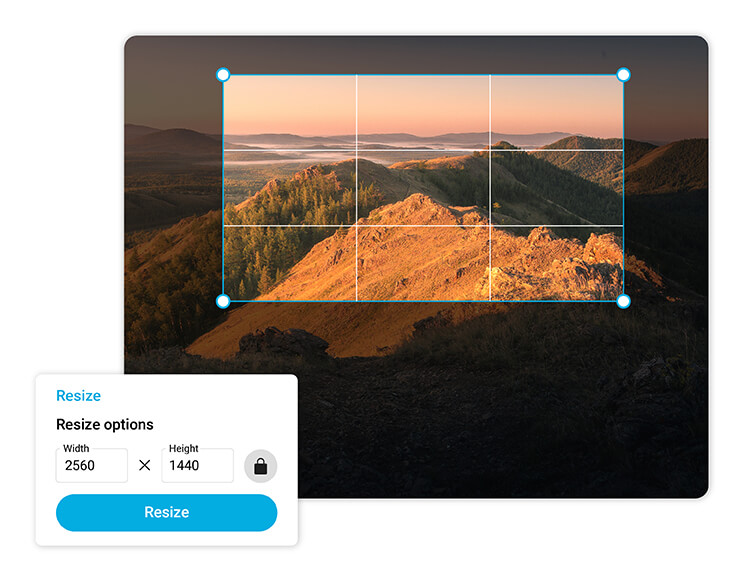
The ideal banner size for YouTube is 2560 x 1440 pixels, with a safe area of 1546 x 423 pixels for key text and logos.
When you use YouCam’s YouTube banner resize feature, you can easily fit your design into these dimensions and ensure it looks perfect on any screen.
How to Resize a YouTube Banner Online
Creating the perfect banner for your channel is quick and easy with YouCam Online Editor. No design experience? No problem. With just a few clicks, you can complete a YouTube banner resize and get professional-quality results. Follow these simple steps to make your banner fit perfectly every time:
Upload Your Image
Choose any photo or design you want to turn into your channel banner and upload it to YouCam Online Editor.

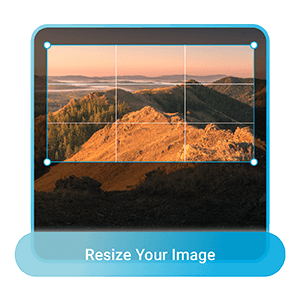
Resize your YouTube banner
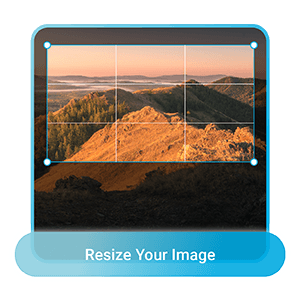
Use the YouTube banner resizer to adjust your image to YouTube’s ideal dimensions. You can also use the AI Extender to fill in missing edges naturally for a seamless look.
Download and upload to YouTube
Save your resized banner in high quality and upload it directly to your channel.
YouTube Banner Resize FAQs
How do I resize a YouTube banner?
You can easily resize a YouTube banner using an online YouTube banner resizer like YouCam Online Editor. Upload your image, choose the YouTube banner size (2560 x 1440 px), and use the AI Resize or AI Extender tools to adjust it perfectly. Then download your resized banner and upload it to your channel for the best fit.
Why does my YouTube banner not fit?
Your YouTube banner may not fit because it doesn’t match YouTube’s size requirements or safe area. Images smaller than 2560 x 1440 px or with key elements outside the 1546 x 423 px safe zone can appear cropped. Use a YouTube banner resize tool like YouCam Online Editor to adjust proportions automatically.
What are common YouTube banner mistakes?
Common mistakes include uploading images with the wrong dimensions, placing text or logos outside the safe area, and using low-resolution graphics. Avoid stretching or pixelating your image. Instead, resize YouTube banner files with an AI-powered tool to keep every detail clear and centered across all devices.
How do I get my YouTube banner to fit?
To make your banner fit, use a YouTube banner resizer like YouCam. Upload your design, apply the Resize tool to match 2560 x 1440 px, and ensure all key content stays within the safe zone. The AI Extender feature can expand edges naturally for a perfect, professional fit on every device.
What is the YouTube banner size for all devices?
The recommended YouTube banner size is 2560 x 1440 pixels, but only the central 1546 x 423 pixels are guaranteed visible on all devices. This area is known as the “safe zone.” Use a YouTube banner resize tool to align your image and keep your design perfectly framed across desktop, mobile, and TV displays.
Can I resize a YouTube banner without losing quality?
Yes! Using an AI-powered YouTube banner resizer like YouCam Online Editor ensures your image stays sharp and clear. The Resizetool adjusts dimensions precisely, while the AI Extender fills edges naturally without pixelation. This lets you resize YouTube banner images to the perfect size and maintain professional quality across all devices.

