


Online Image Resolution Changer
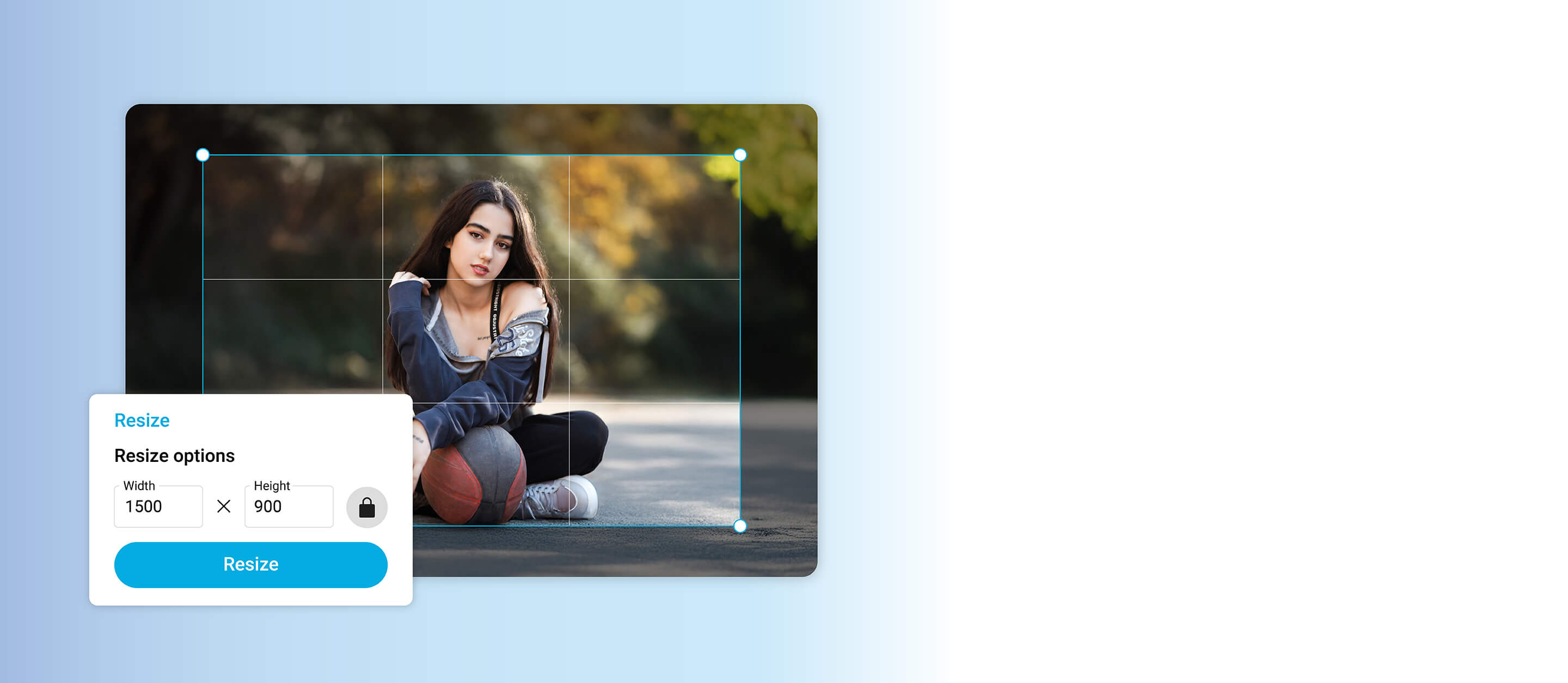
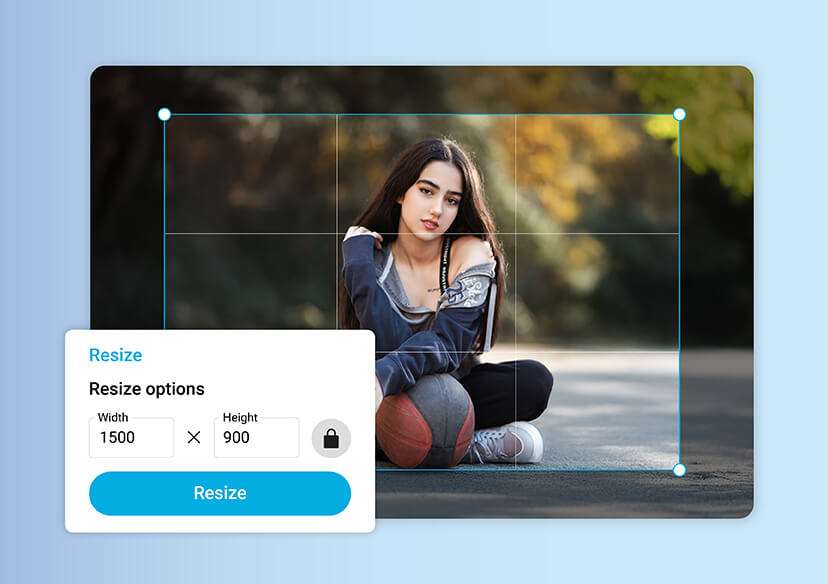
Resize your pictures online while preserving every detail.





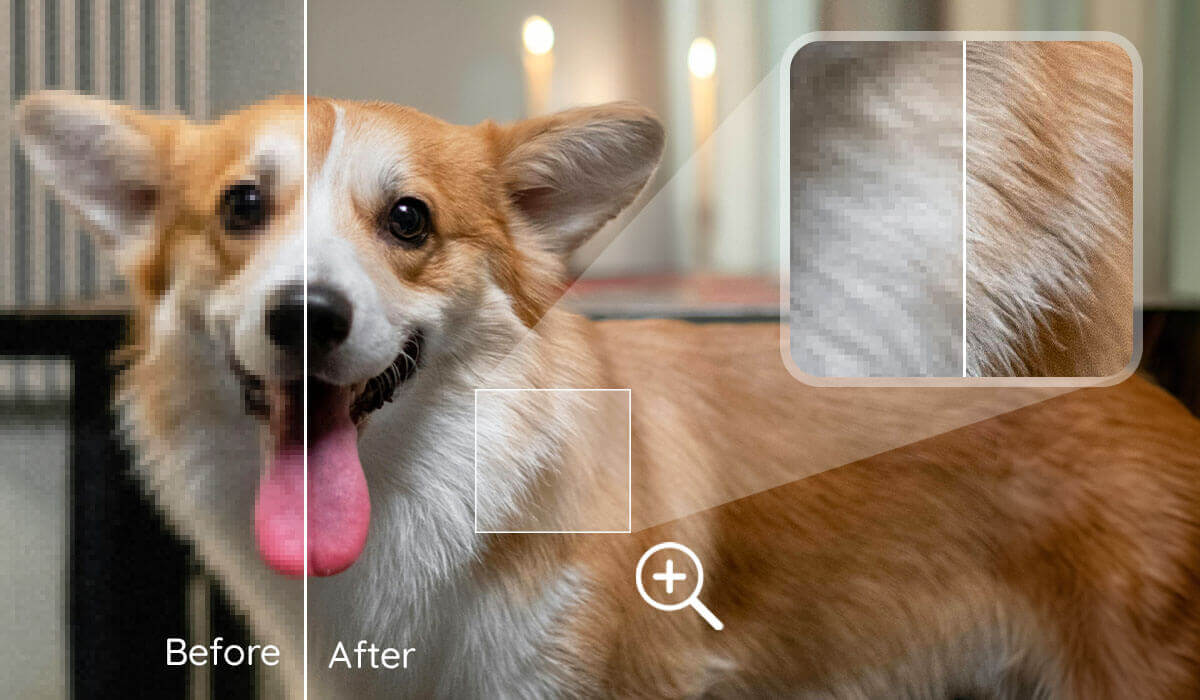
Sharpening Blurry Photos
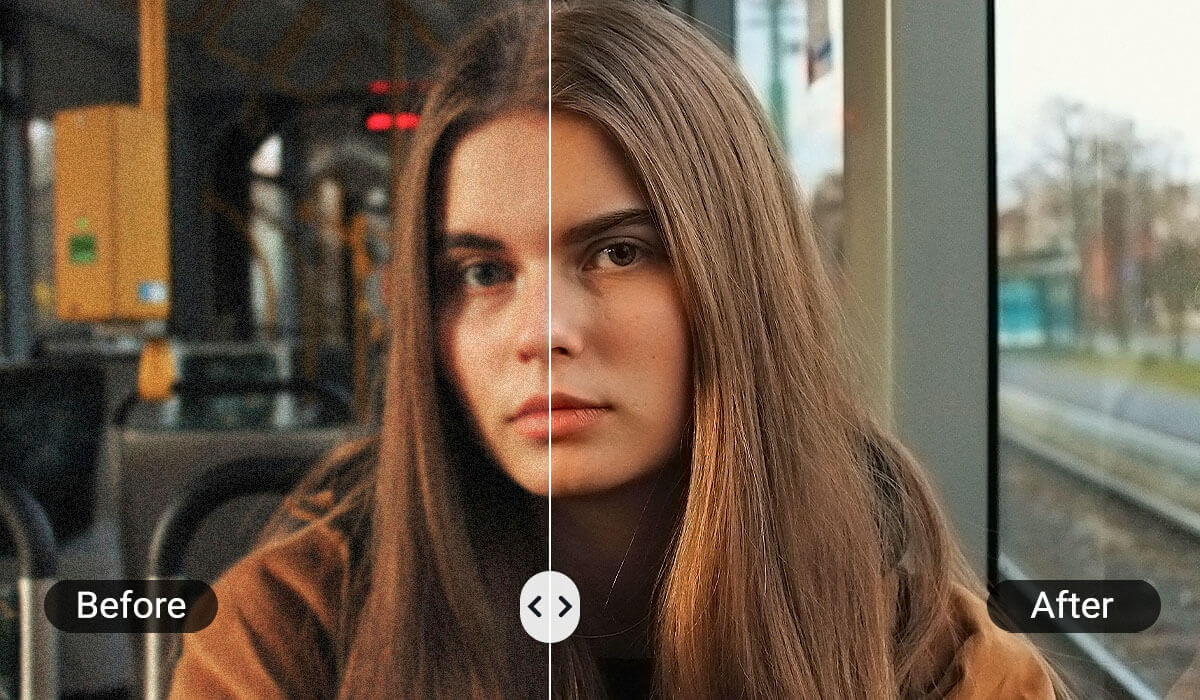
Sometimes a great shot comes out blurry because of movement or low lighting. An online image resolution changer helps you recover lost detail and make the photo clearer.
With just a few clicks, your images look sharper, more polished, and ready to share. It’s an easy way to give your photos a second life.
Resizing Photos for Printing
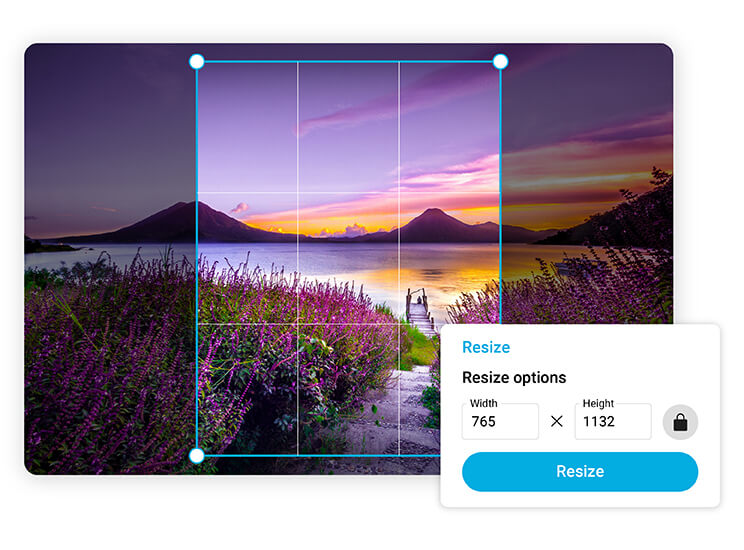
Before printing, resolution plays a big role in how sharp your photos look on paper. A picture that seems fine on-screen may turn fuzzy once enlarged.
By resizing with the image resolution changer, you can make sure your photo meets print-quality standards for photo books, posters, or framed memories. Always crisp, always vibrant.
Refreshing Old or Low-Res Photos
Scanned pictures or older digital shots often suffer from poor resolution. The image resolution changer makes it simple to upscale these images.
And for extra clarity, you can pair resizing with the Photo Enhancer tool, which sharpens details and restores definition, perfect for preserving cherished family memories.
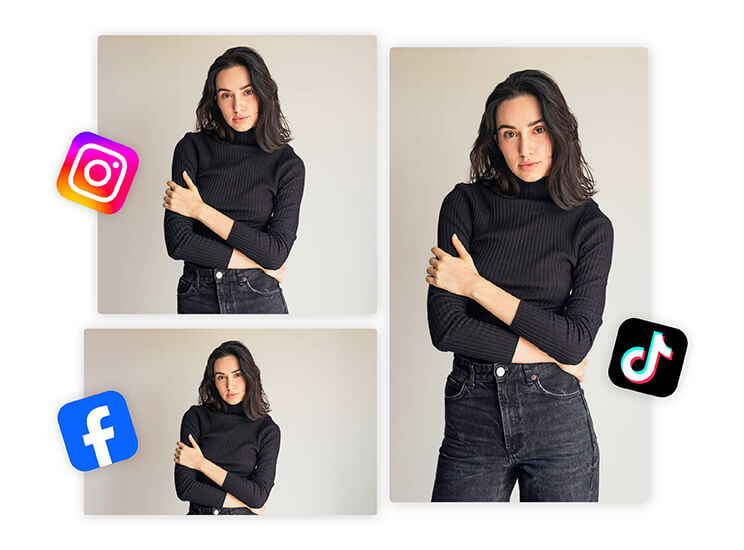
Perfecting Images for Social Media
Different platforms compress and resize photos in their own ways, which can leave uploads looking pixelated. By resizing and adjusting resolution beforehand, your posts stay clear, polished, and scroll-stopping.
Whether it’s Instagram, LinkedIn, or Facebook, your images will stand out in the feed.
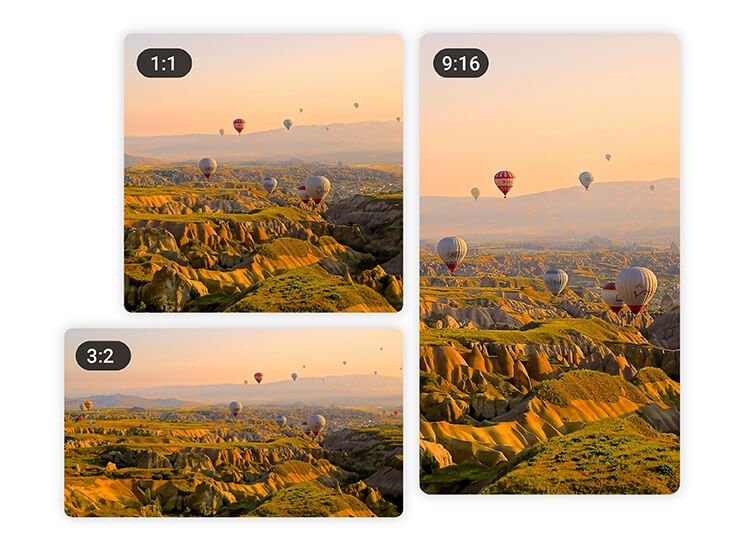
Optimizing Photos for Everyday Use
From email attachments to website uploads, sometimes you just need a file that’s the right size without sacrificing quality.
Resizing ensures your images fit their purpose (smaller for quick sharing, larger for impactful displays), while maintaining sharpness and balance.
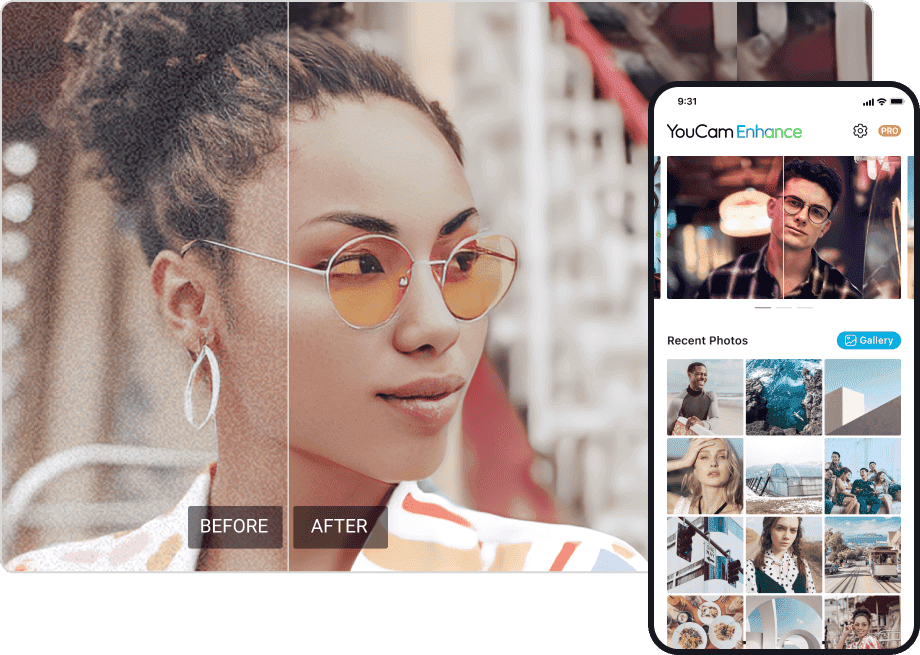
Benefits of Using an Online Image Resolution Changer
- Quick and effortless: Resize or upscale photos in just seconds
- AI-powered precision: Optionally enhance with Photo Enhancer for sharper details
- Online and accessible: No downloads required, just open and edit
- Preserve quality: Adjust size without distortion or pixelation
- Versatile use: From social sharing to print projects, photos always look their best
How to Change Image Resolution Online
The process is quick, simple, and completely online. Resizing your photos only takes a few steps. Here’s what you need to do:
Upload your image
Select the photo you want to resize and add it to the tool.

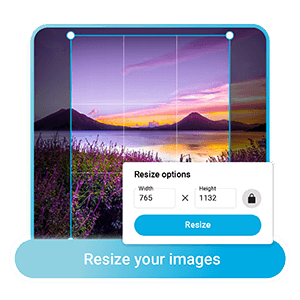
Adjust resolution
Choose your preferred size or dimensions. The tool will optimize resolution for sharp results.
Save your image
Download your resized photo instantly, ready for sharing or printing.
Image Resolution Changer FAQs
How do I change the resolution of an image?
You can change the resolution of an image using an online image resolution changer like YouCam Online Editor. Simply upload your photo,resize it to adjust the resolution, and download the improved version. This process enhances sharpness and detail without requiring advanced editing skills or software, making it quick and accessible for anyone.
How to convert image to high resolution JPEG?
To convert an image to a high-resolution JPEG, use an online photo enhancer like YouCam Online Editor. The tool automatically sharpens details, reduces pixelation, and improves overall clarity, giving you a high-quality file ready for printing, sharing, or professional use.
Can I change the resolution of an image?
Yes, you can change the resolution of an image easily with online tools. By uploading your photo to an image resolution changer, the AI-powered software enhances sharpness, scales pixels intelligently, and outputs a higher-quality version. This process ensures your image looks clear and crisp whether used for social media, printing, or professional purposes.
How to change photo resolution without Photoshop?
You can change photo resolution without Photoshop by using free online tools like YouCam Online Editor. Upload your picture, allow the AI-powered enhancer to automatically improve resolution, and download the upgraded version. This method is fast, user-friendly, and requires no technical skills, making it the easiest way to get sharper, higher-quality photos.

