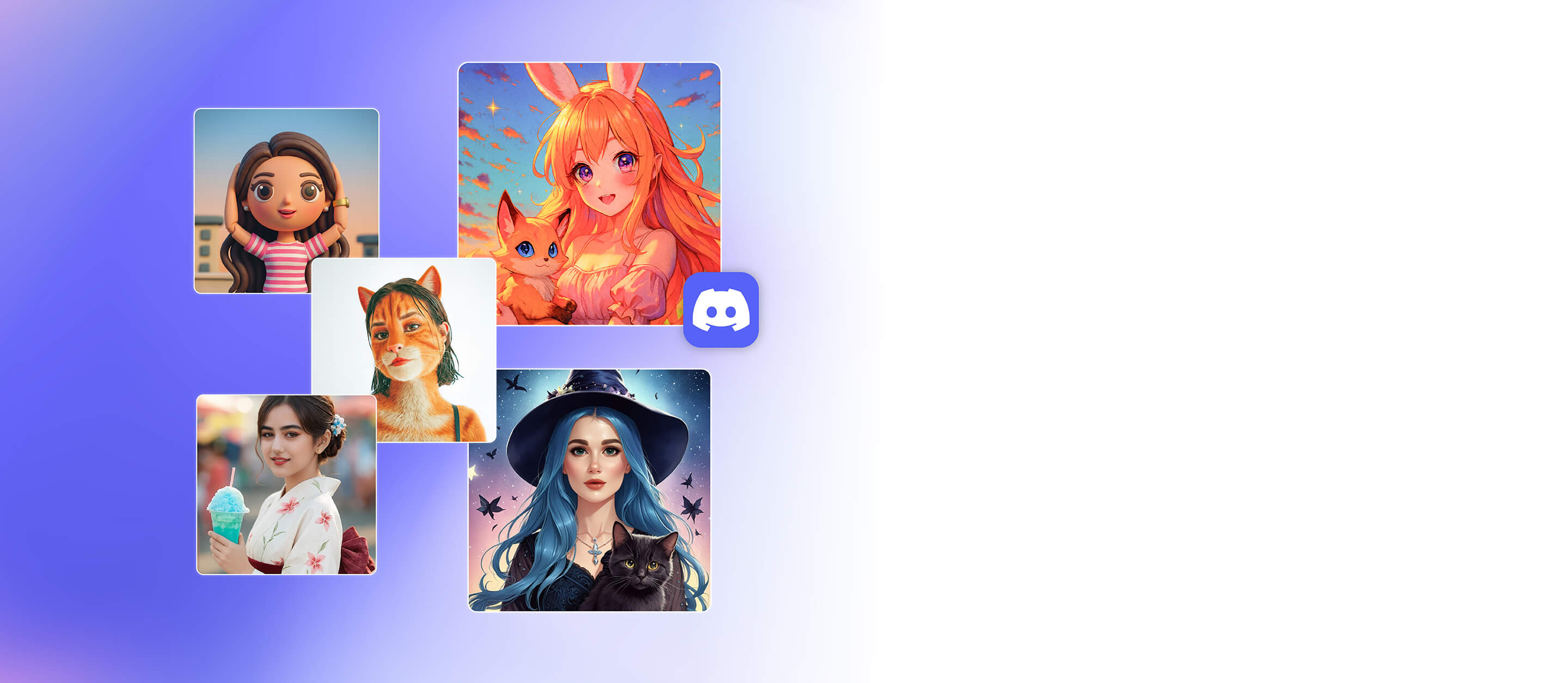
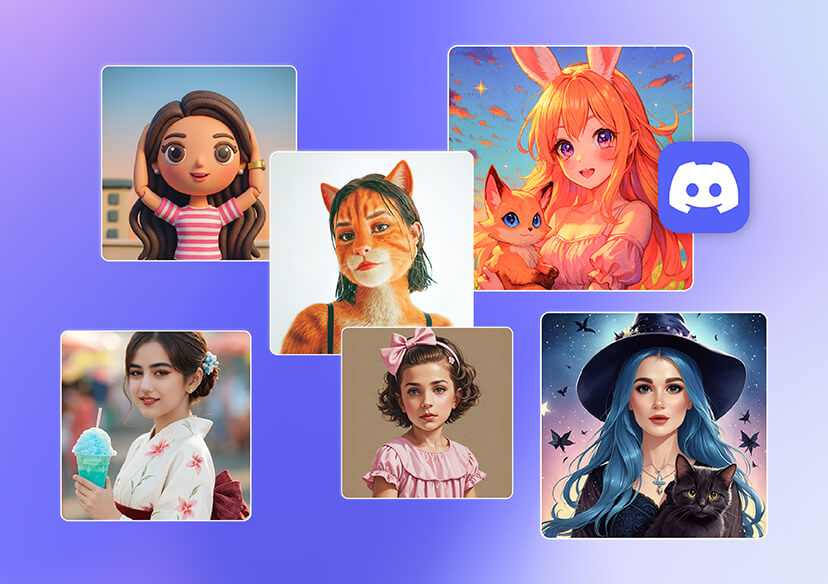



Bring Your Ideas to Life With AI
With a text-to-image Discord PFP maker, your imagination is the only limit.
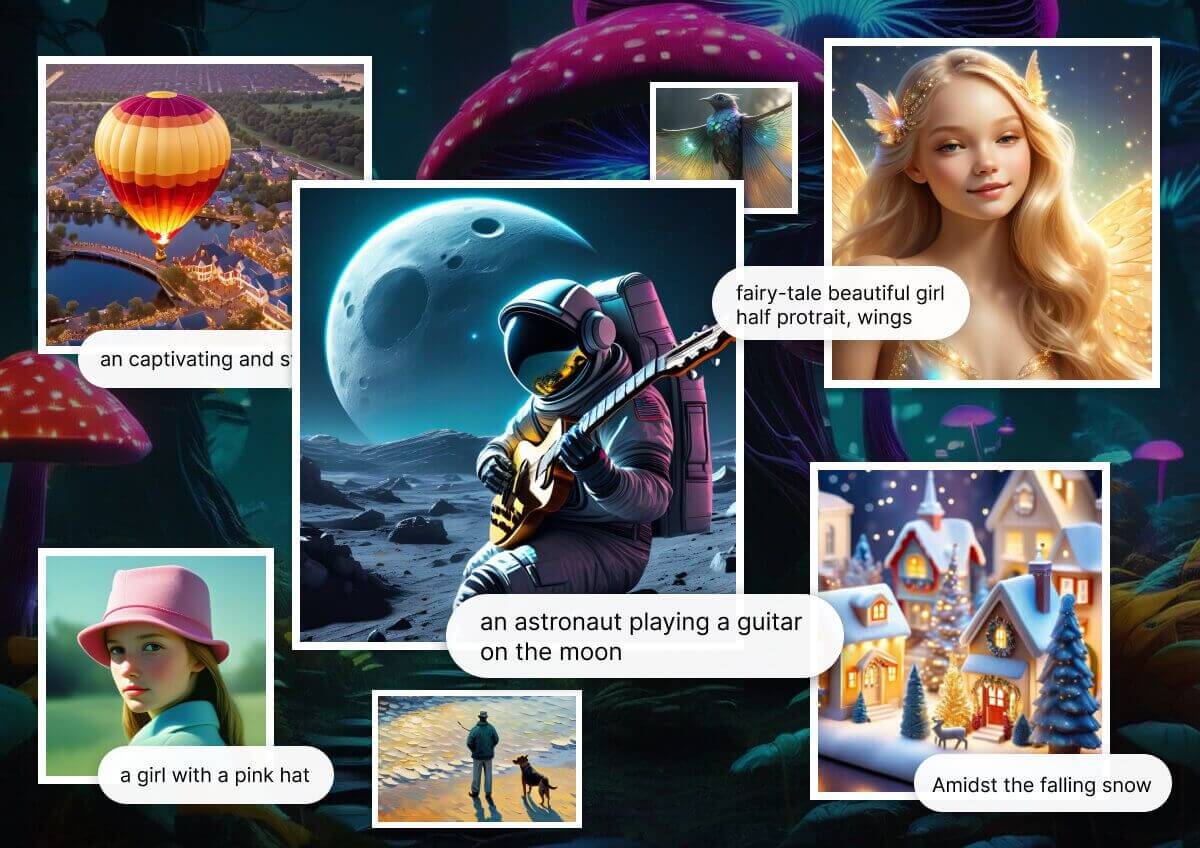
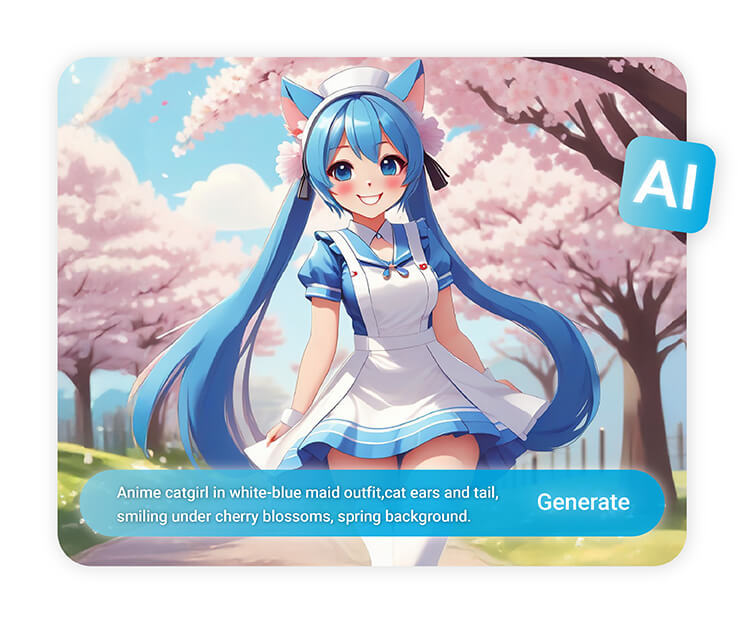
Just type a prompt, and AI instantly generates a unique profile picture—whether it's a futuristic cyborg, anime character, or fantasy hero.
Show Off Your Personality
Your Discord profile picture is more than just an icon. It’s a chance to tell people who you are before you even type a word.
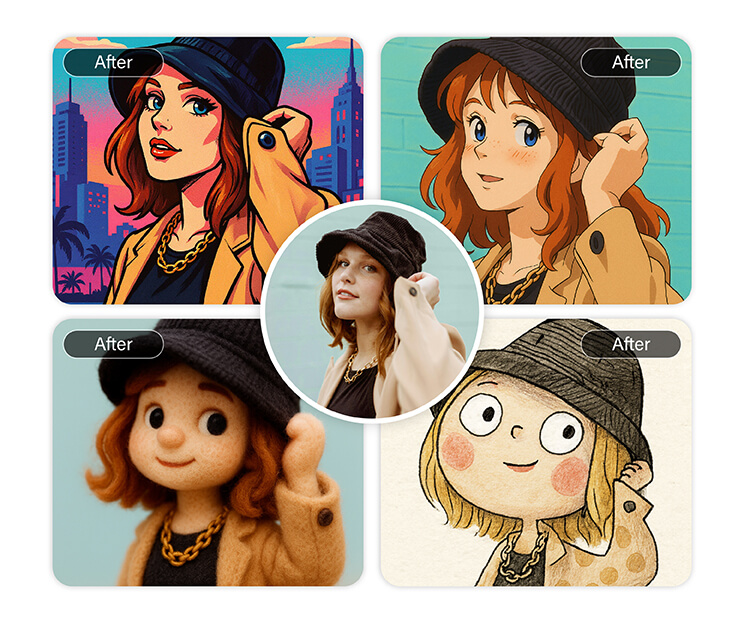
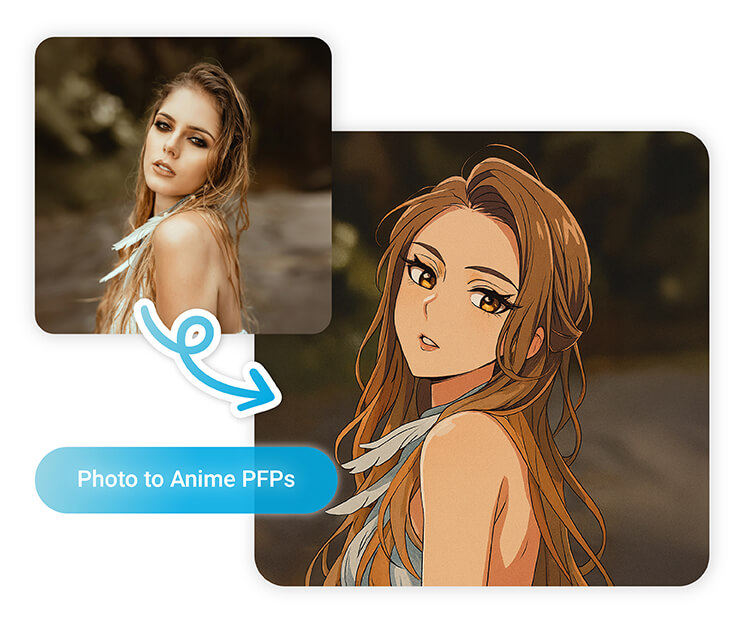
With a Discord PFP maker, you can turn your everyday photo into something artistic, quirky, or bold.
Experiment With Different Aesthetics
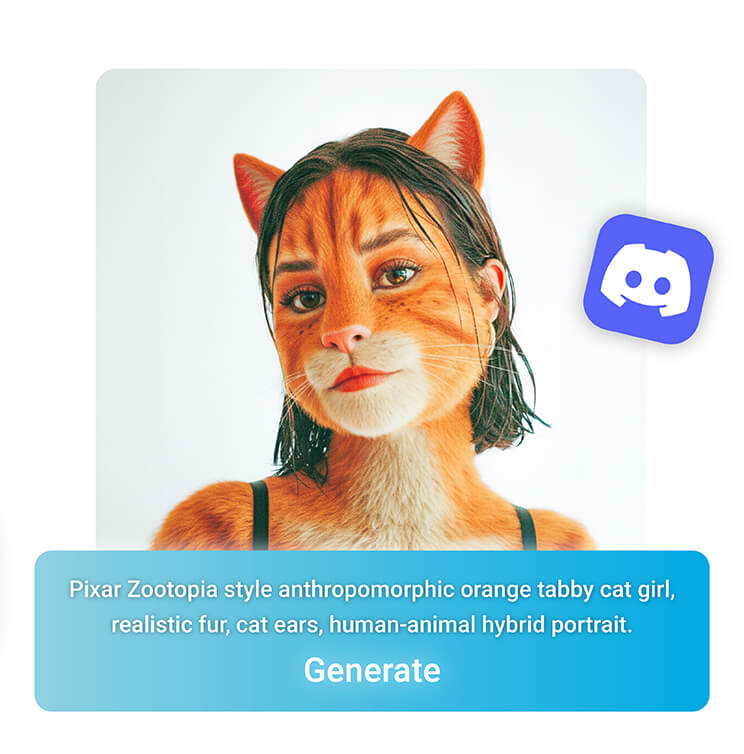
Why settle for one style when you can try them all? Use the Discord PFP maker to test out anime looks, dreamy pastel edits, bold neon filters, or sleek minimalist designs.
Change your profile picture as often as your mood changes. On Discord, your look can evolve with you.
Match Your PFP to Your Gaming Identity
Gamers love building a persona, and your Discord PFP is part of that. Add cyberpunk glow, futuristic armor, or fantasy edits to match your favorite game.
Whether you're a warrior, mage, or speedrunner, your PFP captures your in-game identity and makes you instantly recognizable.
Why Use YouCam’s Discord PFP Maker?
- AI-Powered Creativity: Generate stunning profile pictures from text prompts.
- Endless Styles: From anime to cyberpunk to fantasy, find your perfect look.
- Easy & Fast: Upload, edit, and save your new PFP in clicks.
How to Create Your Discord Profile Picture
Creating a unique Discord PFP with YouCam Online Editor is quick, easy, and fun. With just a few simple steps, you can turn your ideas into a striking profile picture that reflects your personality.
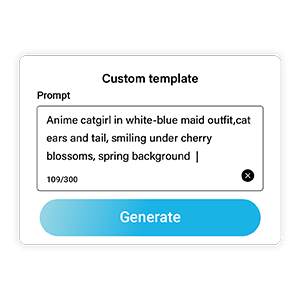
Enter your prompt
Describe the character, style, or aesthetic you want to create

Generate Your Image
Watch as your custom Discord PFP comes to life instantly.
Save and Refine
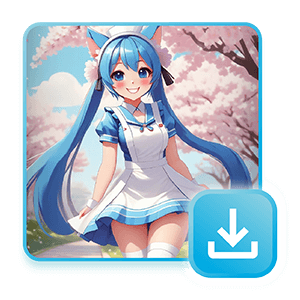
Save your new Discord profile picture or make additional edits until it's perfect.
Discord PFP Maker FAQs
How do I change my Discord profile image?
To change your Discord profile image, open Discord and go to User Settings > My Account. Click on your current avatar, upload your new image, and adjust the crop if needed.
Using a free Discord PFP maker like YouCam Online Editor lets you create a unique, eye-catching profile picture before uploading it to your account.
What should my Discord profile picture be?
Your Discord profile picture should reflect your personality, interests, or gaming identity. Whether it’s a custom AI-generated avatar, a stylized selfie, or a playful cartoon image, your PFP should stand out in chats and servers.
Using a Discord PFP maker allows you to experiment with different styles, colors, and themes until you find the perfect look.
How do I put a picture on Discord?
To put a picture on Discord, go to User Settings > My Account, then click on your profile picture and select Change Avatar. Choose your image from your device, adjust the crop, and save.
For a unique look, consider creating a Discord profile picture with YouCam’s AI-powered PFP maker before uploading it.
Can I make a Discord profile picture with AI?
Yes! Using a text-to-image AI tool like YouCam Online Editor, you can generate a completely unique Discord profile picture.
Simply type a creative prompt, pick a visual style, and let the AI create a personalized PFP. You can edit or tweak the image further to ensure it perfectly fits your Discord identity.
What size should a Discord profile picture be?
For best results, Discord profile pictures should be 128x128 pixels or larger, with a square format. This ensures your avatar looks sharp across desktop, mobile, and server icons.
Using a Discord PFP maker allows you to create images in the correct size and style, making your profile picture both clear and visually appealing.
How can I make my Discord PFP stand out?
To make your Discord PFP stand out, use vibrant colors, unique styles, or AI-generated designs.
Experiment with anime, cyberpunk, fantasy, or minimalist aesthetics, and consider adding creative details like stickers or frames.
A Discord PFP maker like YouCam Online Editor helps you craft a profile picture that is distinctive, eye-catching, and memorable.

