
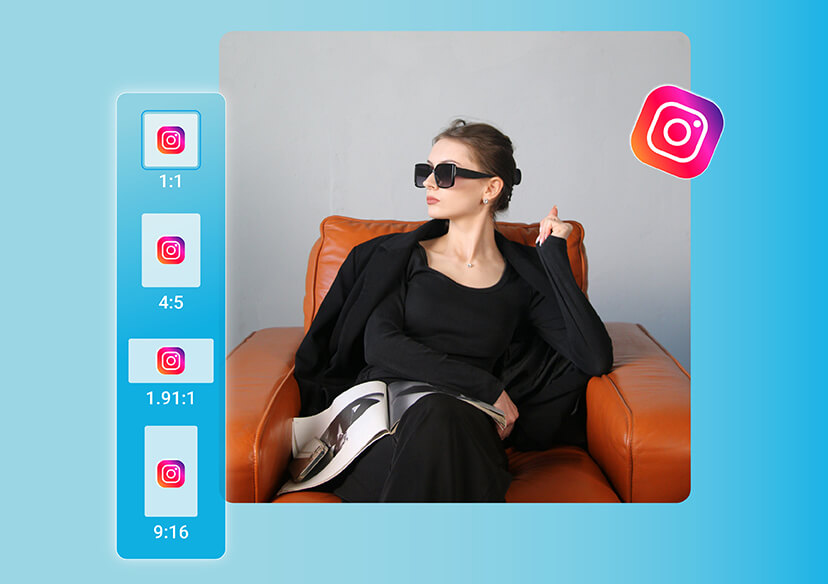




Online Instagram Photo Resizer
Elevate your Instagram feed with perfectly resized photos.




Why You Should Resize Images for Instagram
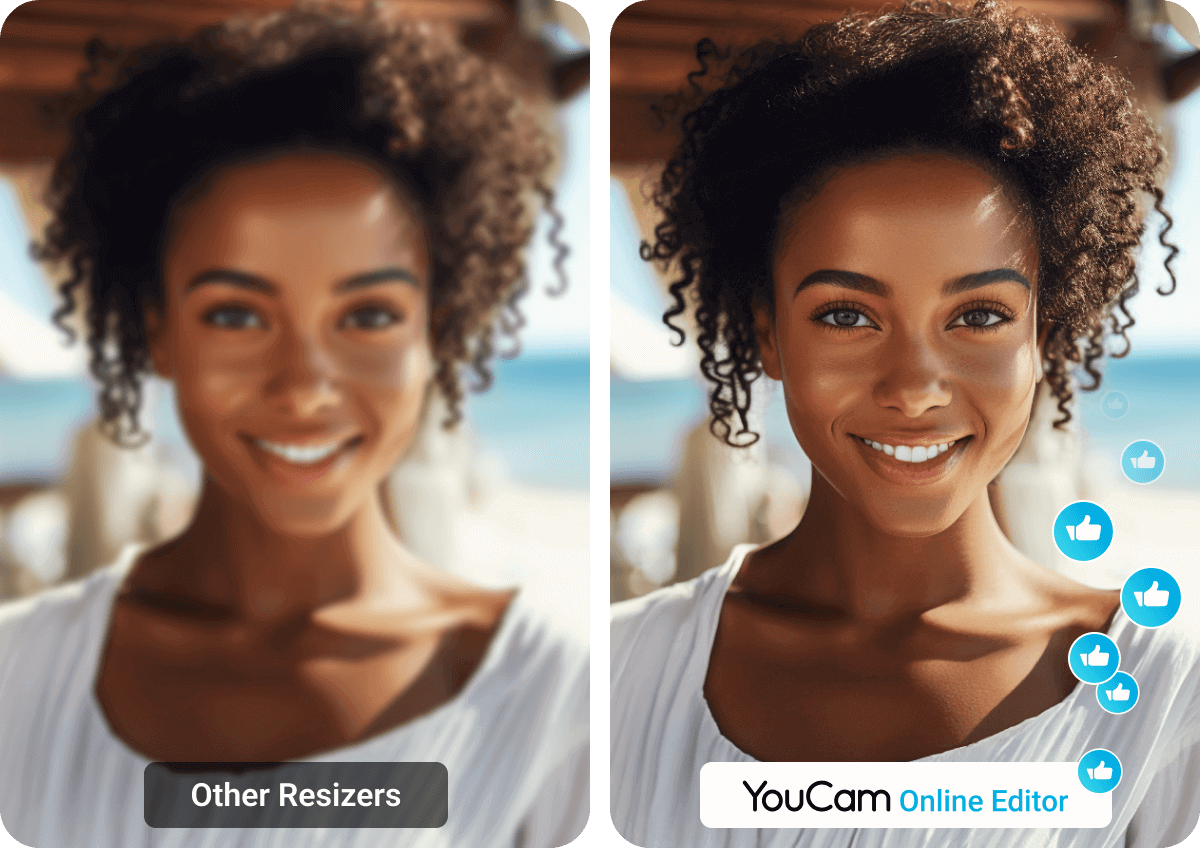
Instagram requires specific image sizes, and the wrong dimensions can crop or blur your photos.
An online Instagram photo resizer ensures every image fits perfectly - from profiles to posts - maintaining quality and looking professional across all devices.
Instagram Image Sizes You Should Know
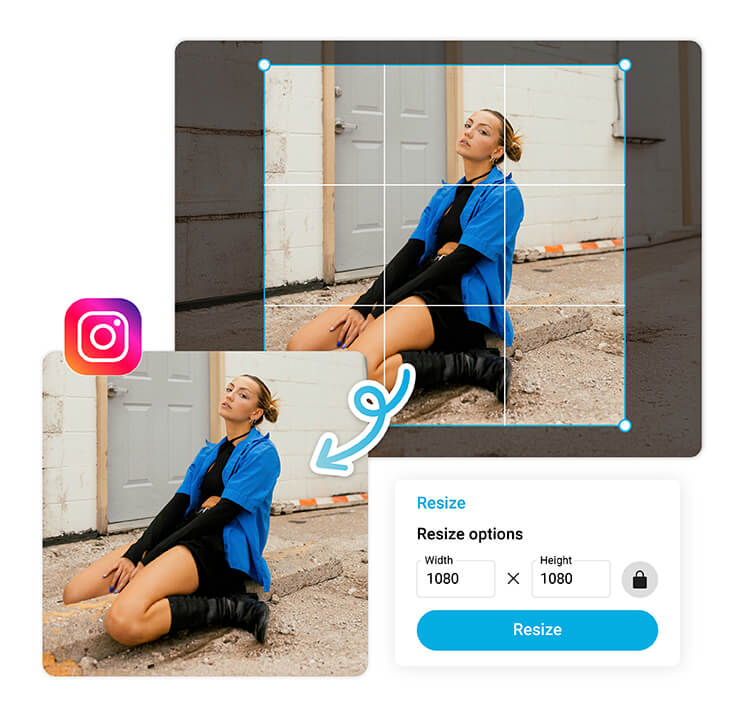
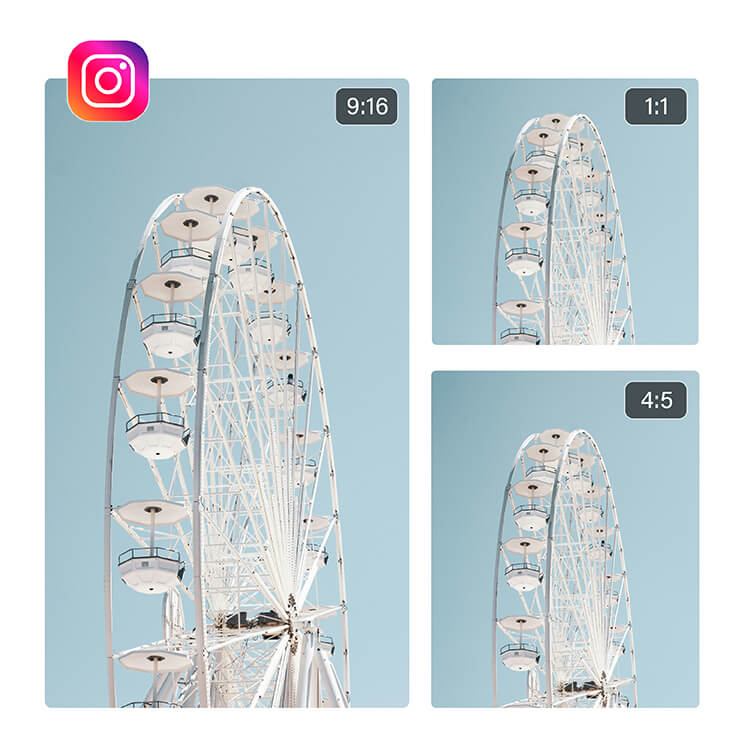
Knowing the right dimensions helps you get the best results when you resize for Instagram. Feed posts look sharp at 1080 x 1080 pixels for square, 1080 x 1350 for portrait, and 1080 x 566 for landscape photos. Instagram Stories and Reels shine at 1080 x 1920 pixels.
With the Instagram image resizer, you can switch between these formats effortlessly and never worry about awkward cropping again.
Resize for Every Instagram Format in One Click
Each Instagram format needs different dimensions. The online resizer lets you adjust and preview instantly.
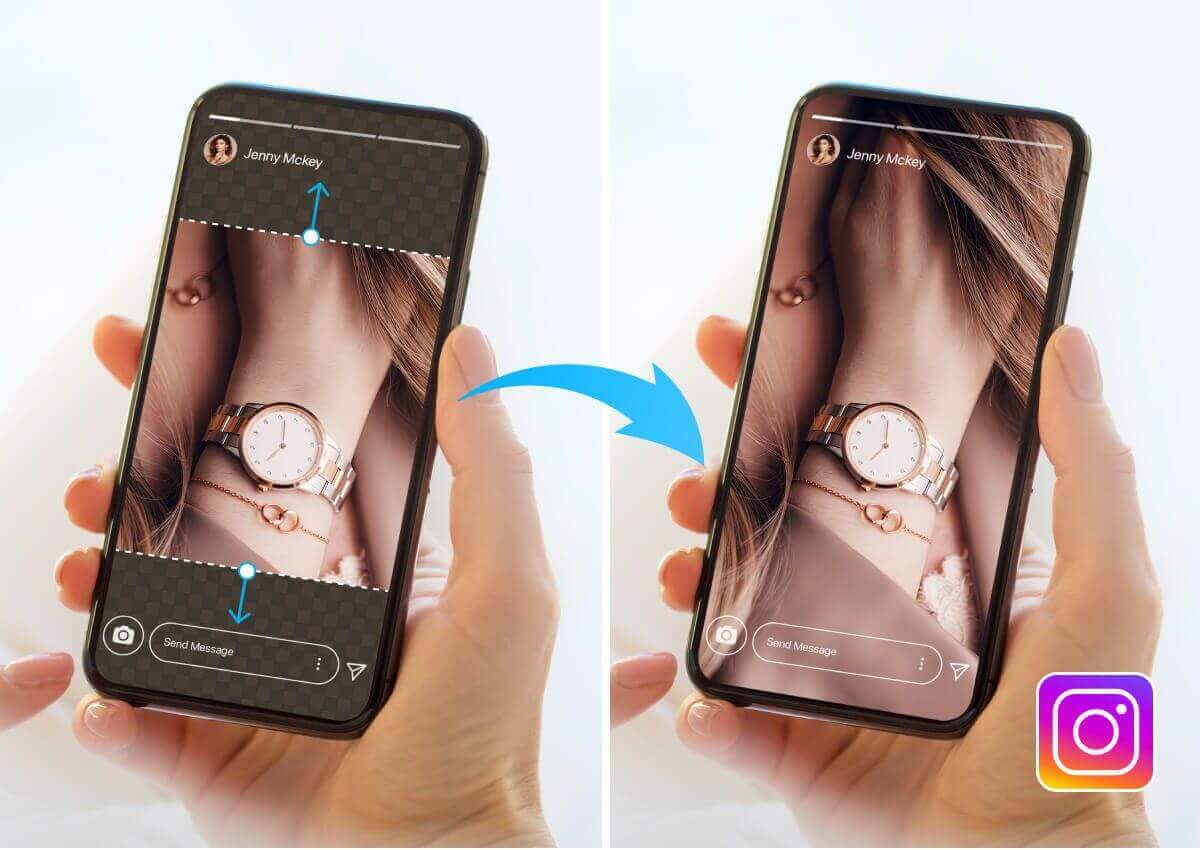
Need more space? The AI Extender intelligently expands your photo while preserving every detail.
Keep Your Aesthetic Consistent Across Posts
A polished Instagram grid starts with consistency.
When you resize images for Instagram using YouCam Online Editor, every photo maintains the same proportions and visual rhythm. This uniform look helps your brand or personal profile stand out.
How to Resize Images for Instagram Online
Resizing your photos for Instagram is quick and effortless with YouCam Online Editor. Follow these simple steps to make your images Instagram-ready in seconds.

Upload Your Image
Choose a photo from your computer or mobile device

Resize for Instagram
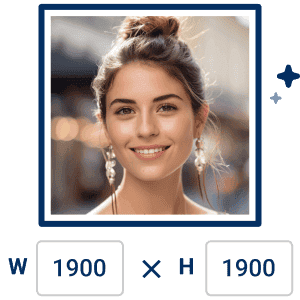
Select your desired format and adjust using the Instagram photo resizer. You can also use the AI Extender to expand your photo.
Download and share
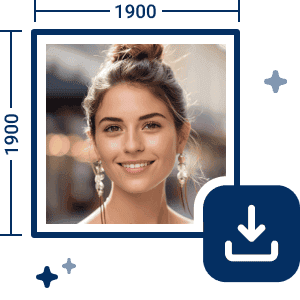
Save your resized image instantly and upload it to Instagram.
Instagram Photo Resizer FAQs
How do I get my entire picture to fit on Instagram?
To make your full photo fit on Instagram, use an Instagram photo resizer like YouCam Online Editor. It automatically adjusts your image to the right aspect ratio for posts, stories, or reels. You can also use the AI Extender tool to expand your background naturally so nothing important gets cropped out.
How do I stop Instagram from cutting off photos?
Instagram crops images that don’t match its set dimensions. To prevent this, upload your photo to an Instagram image resizer before posting. With YouCam Online Editor, you can resize, reposition, or extend the background using AI tools, ensuring your entire photo appears perfectly within Instagram’s frame, without unwanted cropping.
How to resize a photo for Instagram without cropping?
You can resize images for Instagram without cropping by using online Instagram photo resizer. Simply upload your picture, select the format you want, and use the AI Extender to expand edges if needed. This keeps your full image visible while perfectly fitting Instagram’s size requirements.
How to resize an image for Instagram on iPhone?
To resize an image for Instagram on iPhone, open your browser and visit YouCam Online Editor. Upload your photo and adjust the size as needed. You can also use the AI Extender to fill extra space or adjust aspect ratios automatically, all directly from your iPhone, no app required.

