



Online YouTube Thumbnail Resizer
Resize and extend your thumbnails instantly. Perfect dimensions, zero hassle.





Resize Your Way to the Perfect First Impression
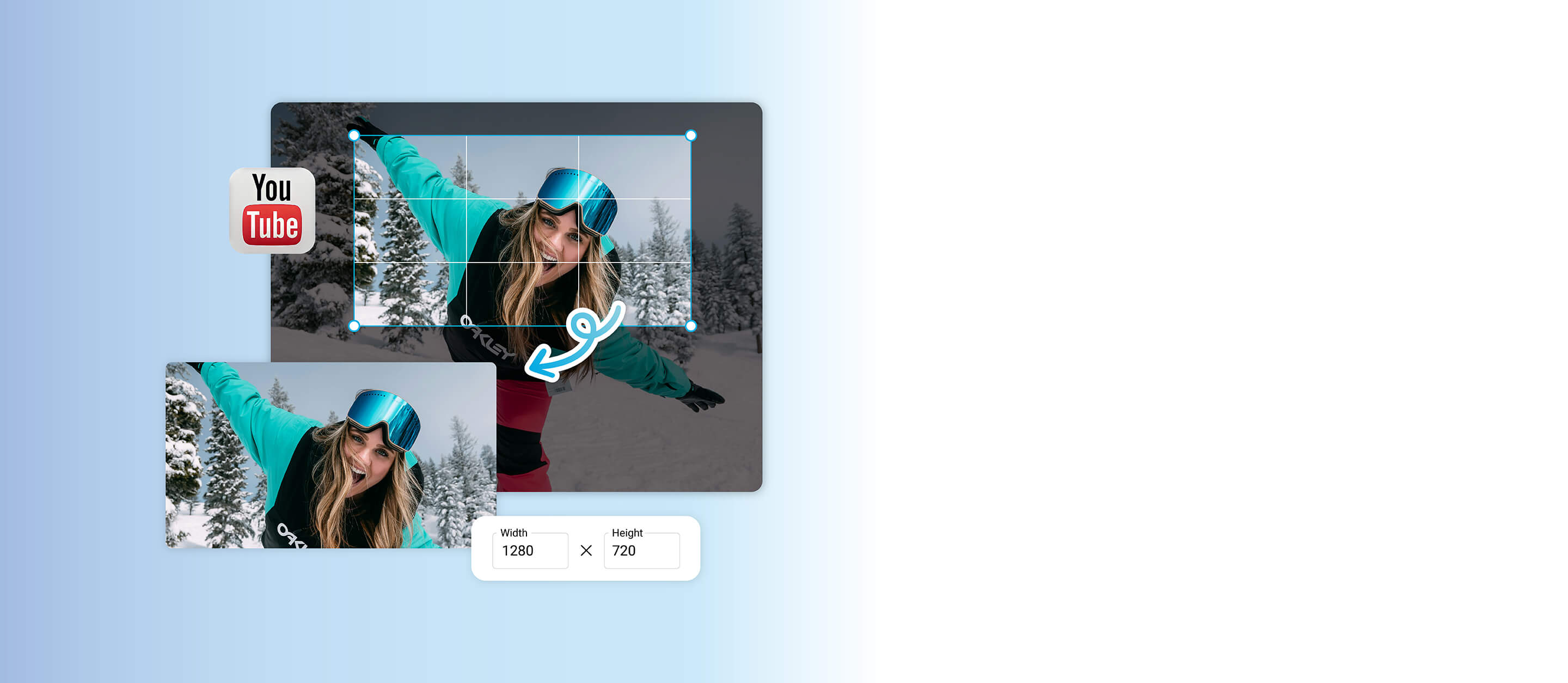
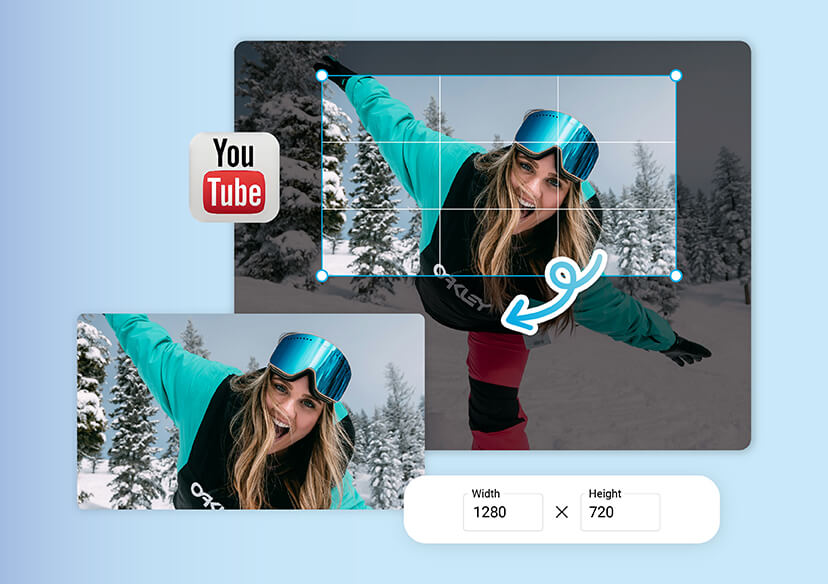
With the YouTube thumbnail resizer, you can instantly fit your image to YouTube’s exact dimensions without losing quality.
Whether you’re creating tutorials, vlogs, or product reviews, the right size ensures your visuals look sharp on every screen.
Go Beyond Borders with the AI Extender
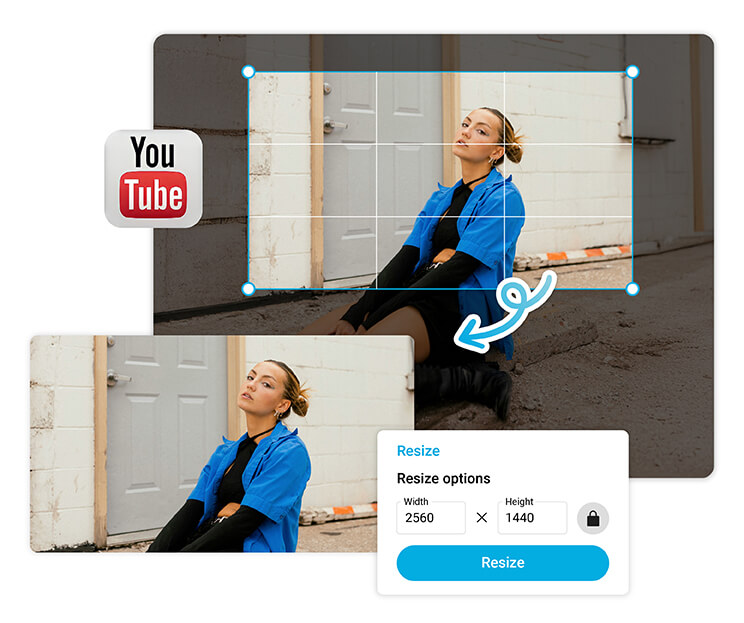
The AI Extender expands your image seamlessly while keeping every detail natural and on-theme. It’s perfect for adjusting compositions, adding text space, or giving your visuals a cinematic look.
No manual editing, no Photoshop skills needed, just one click for a flawless extension.

Why Resizing Your Thumbnail Actually Matters
YouTube’s algorithm favors clear, engaging visuals that grab attention in seconds.
With our YouTube thumbnail resizer, you can make sure your design fits the platform perfectly, preventing blurry or misaligned images.
The Ultimate YouTube Thumbnail Size Guide
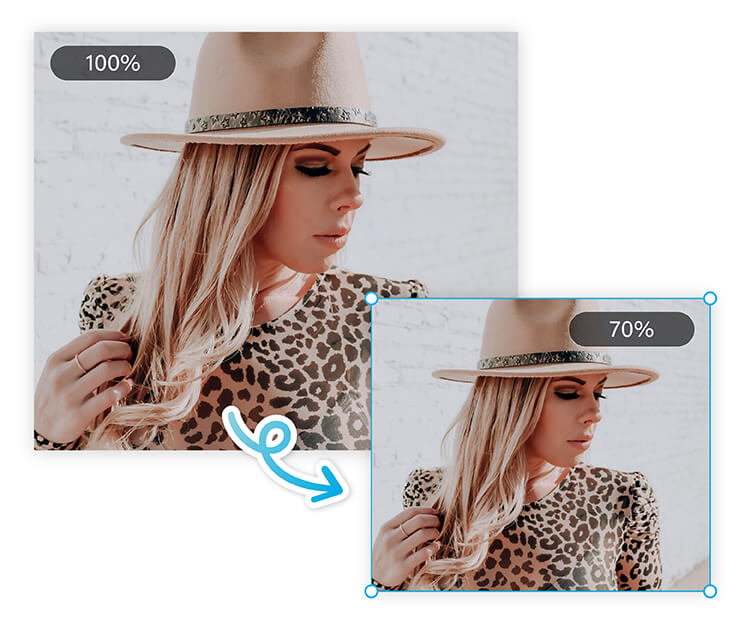
The sweet spot for YouTube thumbnails is 1280 x 720 pixels, with a 16:9 aspect ratio. Simply upload your image, choose your size, and let YouTube thumbnail resizer handle the rest.
Whether you’re optimizing for mobile or desktop, your thumbnail will stay crisp, clickable, and ready to impress.
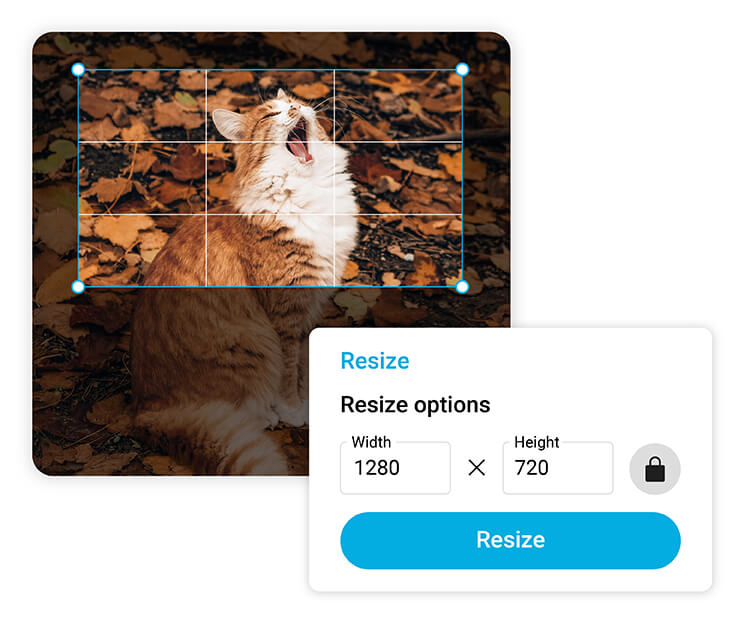
How to Use the YouTube Thumbnail Resizer
It only takes a few clicks to create the perfect thumbnail. No sign-ups, no steep learning curve - just upload, adjust, and go.

Upload Your Image
Choose the thumbnail you’d like to resize or extend.


Resize or Extend
Use the simple Resize tool for instant dimensions, or try the AI Extender to expand your background seamlessly.

Preview & Download
See your finished thumbnail in full quality, then download it for YouTube instantly.
YouTube Thumbnail Resizer FAQs
Is YouTube thumbnail 16:9 or 4:3?
YouTube thumbnails use a 16:9 aspect ratio, the same as standard video dimensions. This ensures your thumbnail looks perfect across devices, including mobile, desktop, and TV displays.
Which size is used for YouTube thumbnails?
The recommended YouTube thumbnail size is 1280 x 720 pixels, with a 16:9 aspect ratio. This resolution keeps your image sharp and clear while meeting YouTube’s upload requirements.
What do most YouTubers use for thumbnails?
Most YouTubers create thumbnails at 1280 x 720 pixels with a bold subject, bright colors, and readable text. Tools like a YouTube thumbnail resizer make it easy to achieve professional results.
What makes a thumbnail stand out?
A great thumbnail features high contrast, expressive faces, and clear text that reflects the video’s content. Eye-catching colors and balanced composition help it stand out in crowded feeds.
How do I resize a picture for a YouTube thumbnail?
You can use an online YouTube thumbnail resizer. Simply upload your image, choose the correct size (1280 x 720 pixels), and download your resized thumbnail ready for upload.
Why is my thumbnail not fitting on YouTube?
If your thumbnail doesn’t fit, it’s likely not sized to 1280 x 720 pixels or the 16:9 aspect ratio. Using a YouTube thumbnail resizer ensures perfect proportions and full visibility on all devices.

