



Photo Filter App
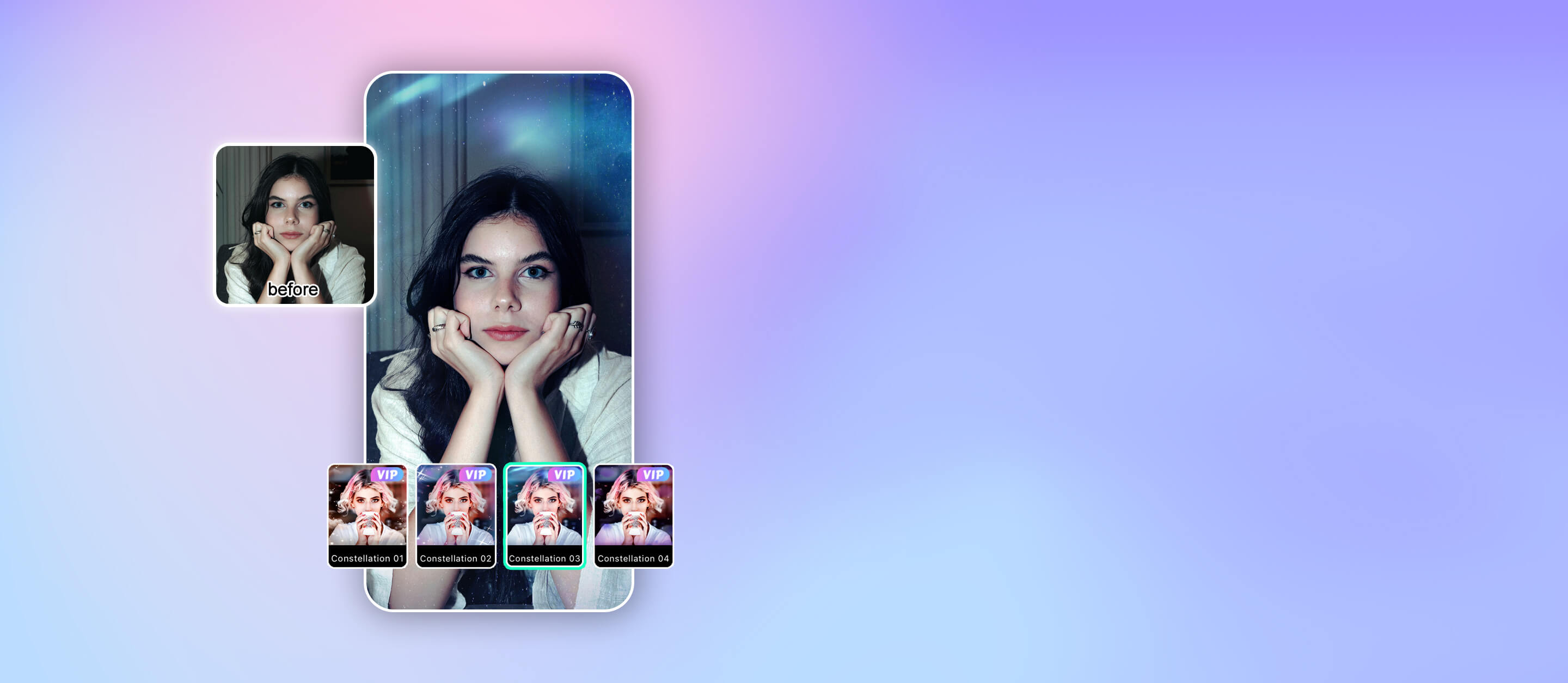
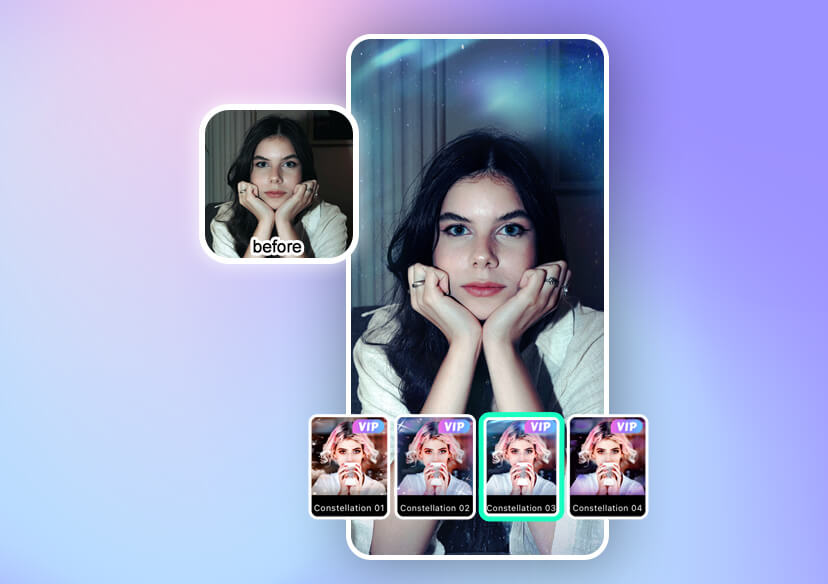
Create stunning photos instantly with the best photo filter app: YouCam Perfect. Apply 600+ filters, effects, and styles to enhance every shot with ease. Perfect your selfies and content in seconds with an all-in-one photo filter app.
Download App for FreeTry It OnlineHow to Add Filters to Photos with AI
Editing your photos is incredibly simple. Here’s how to do it in seconds:

Upload Photo
Open YouCam Perfect and upload your image from your gallery or take a new photo instantly.

Select Your Favorite Filter
Browse through the filter library and tap to preview different styles in real time.

Apply & Adjust
Fine-tune the filter intensity and adjust brightness, contrast, and saturation to get your perfect look.

Save & Share
Download your edited photo in high quality and share it directly on your favorite social platforms.
Try the Best Photo Filter App
YouCam Perfect combines advanced AI technology with an intuitive interface—making it perfect for beginners, creators, and professionals alike. Why YouCam Perfect stands out:
- AI-powered smart filters
- Beginner-friendly interface
- High-quality results in seconds
- Ideal for social media, marketing, and personal use

Turn Photos into Art with YouCam Perfect
YouCam Perfect is a creative tool that transforms your images into art. With AI-driven effects, you can instantly:
- Create cinematic tones
- Apply vintage or film-inspired styles
- Add aesthetic color grading
- Turn photos into paintings or illustrations
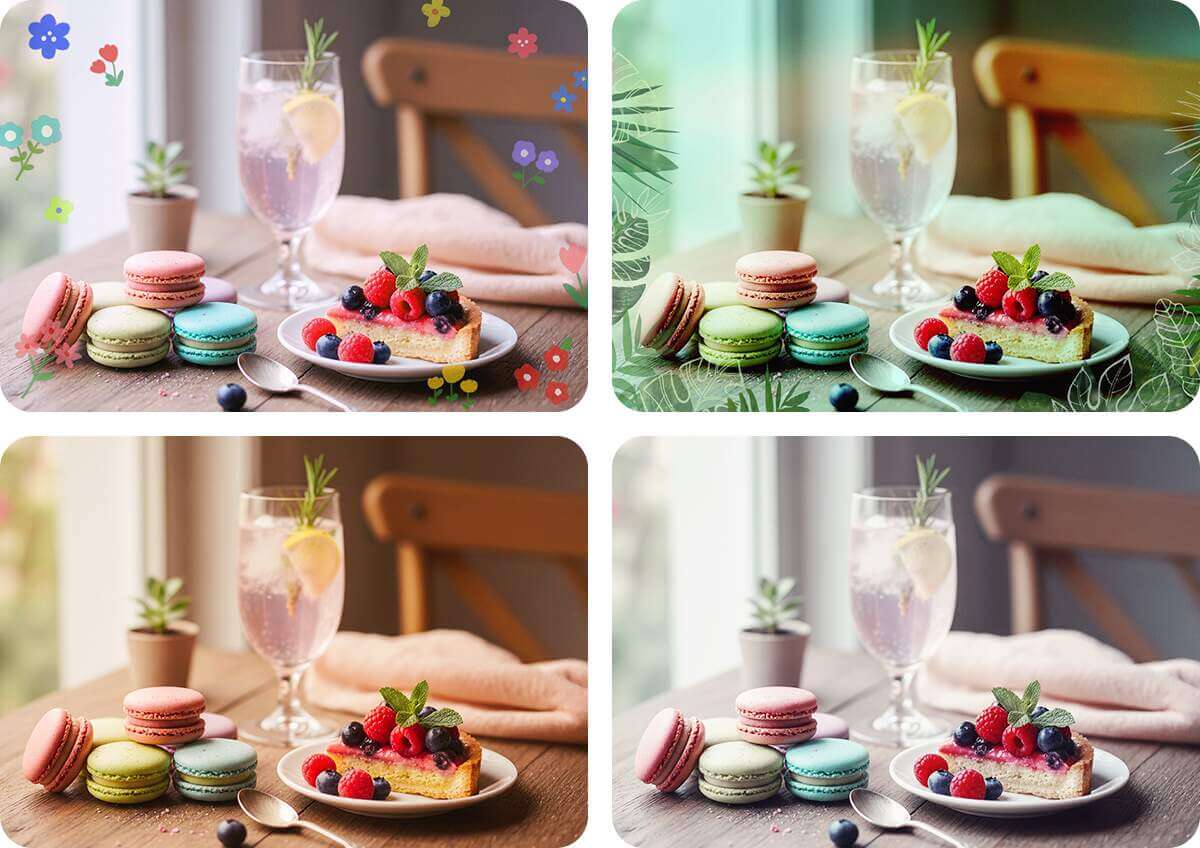
600+ Photo Filters & Effects to Try
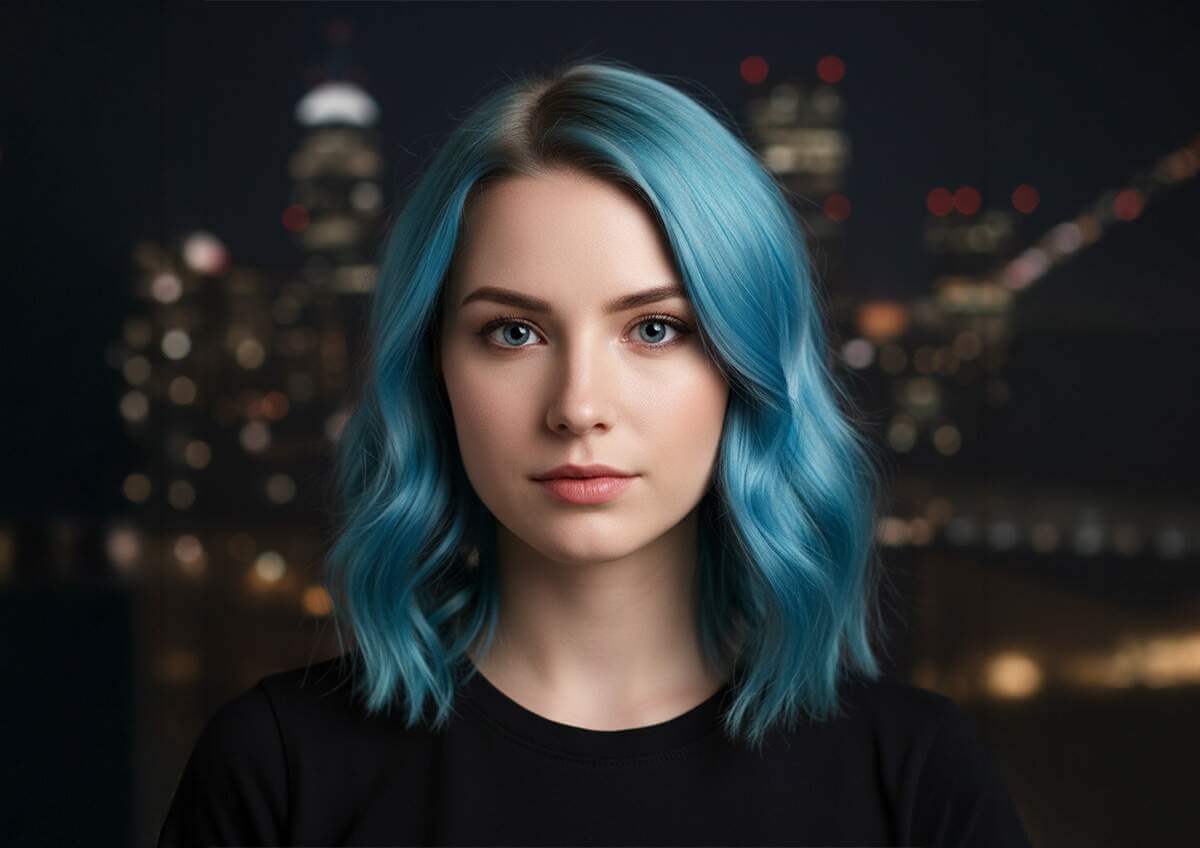
With 600+ filters and effects, you’ll always find the perfect match for your style:
- Beauty filters for portraits
- Vintage and retro styles
- Seasonal and trendy aesthetics
- Professional-grade color presets
No matter your vibe—minimal, bold, dreamy, or cinematic—this best camera filter app has you covered.
Pic Filter App FAQs
What app has the best photo filters?
YouCam Perfect is widely considered one of the best photo filter apps thanks to its AI features, ease of use, and huge filter selection.
What is the filter app everyone is using?
Many creators and social media users are using AI-powered apps like YouCam Perfect for fast, high-quality edits and trendy filters.
What is the best photo effect app?
The best app combines powerful features with simplicity. YouCam Perfect delivers both, making it ideal for beginners and professionals.
What are the most popular photo filter trends?
Current trends include:
- Vintage film looks
- Soft aesthetic tones
- Cinematic color grading
- AI-generated artistic filters

