






Fix Old Photos with Photo Restoration App
Add vibrant neon effects to your photos in seconds with bold glows and eye-catching light accents. Create a cyberpunk inspired, scroll stopping look instantly with the best photo restoration app: YouCam Enhance
Download App for FreeRestore Photos OnlineHow to Restore Old Photos

Upload Your Photo
Open the photo restoration app and tap on the ‘Photo Enhance’ tool to get started. Upload the images you want to unblur or unpixelate.


Apply Photo Repair
Tap ‘Enhance’ to auto-enhance your photo. The AI instantly adjusts lighting, sharpness and color for best results.

Download Enhanced Photo
Review your enhanced photo and see if any further adjustments are needed. Then, download the image to your device.
Restore Old Photos Back to Life with AI
Revive Faded Memories in One Tap
No professional editing skills or expensive restoration services needed. With advanced AI photo repair and enhancement technology, YouCam Enhance transforms damaged, blurry, or aging photos into clear, high resolution images you can cherish and share again.
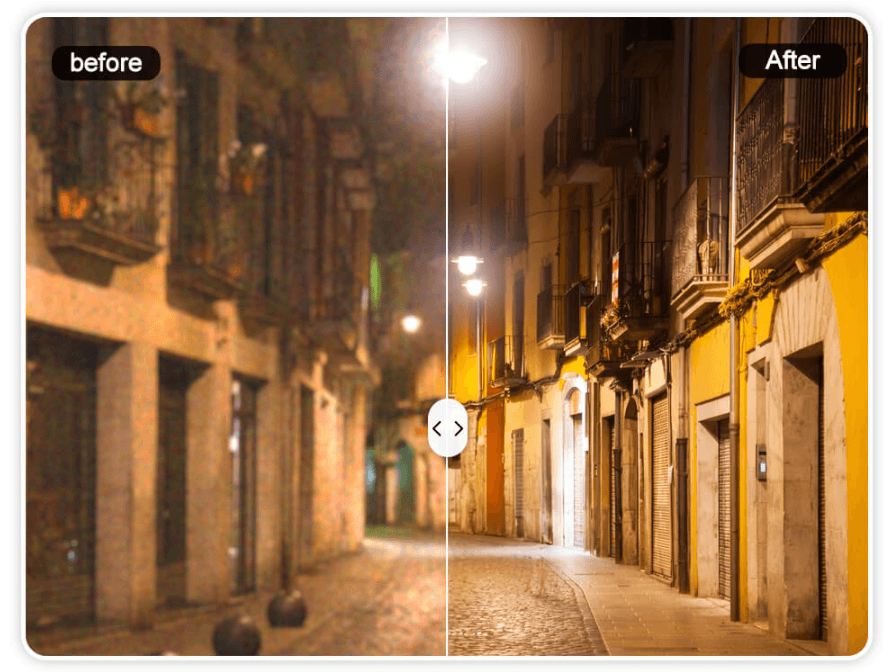
Refine every detail with built in AI photo enhancement tools. Adjust brightness, exposure, sharpness, and white balance in seconds to bring out natural tones and clarity. You can also colorize black and white photos, upscale low resolution images, and improve overall photo quality for crystal clear digital sharing or high quality printing at any size.
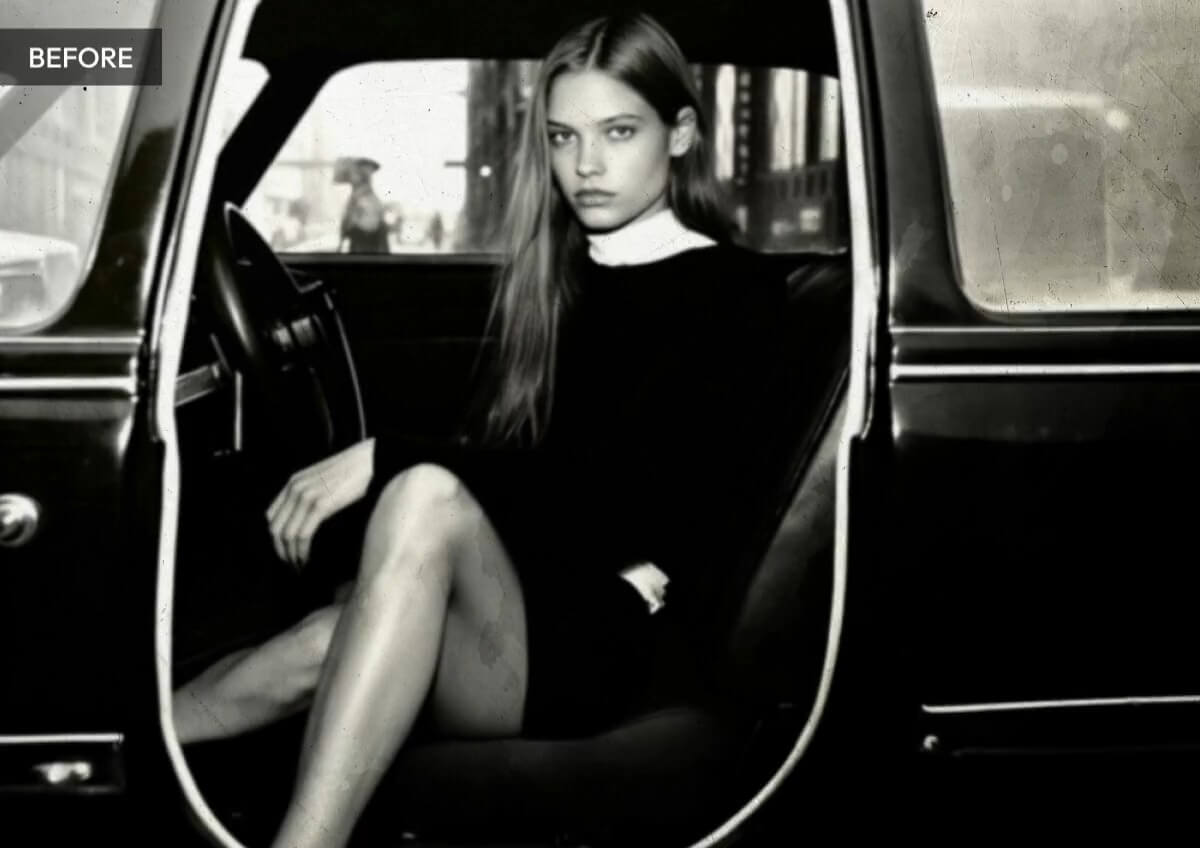
Remove Grain, Noise, and Scratches
Old photos often contain grain, noise, and visible scratches that take away from the details. With our photo restoration app, you can remove noise, reduce grain, and erase scratches automatically in one tap. The photo restoration technology cleans up imperfections while keeping faces and fine details sharp and natural.
AI Photo Enhancer App FAQs
What free app can I use to clean up a photo?
You can use a free photo restoration app like YouCam Enhance to clean up a photo instantly. It removes blur, reduces noise, fixes scratches, and enhances details using AI, all without requiring professional editing skills.
What is the best photo enhancement app?
The best photo enhancement app is one that uses AI to automatically improve clarity, sharpness, and lighting. YouCam Enhance stands out for its one tap photo enhancer, image upscaler, and old photo restoration features that quickly turn low quality images into high resolution results.
What is the best free photo enhancer?
A top free photo enhancer is YouCam Enhance, which offers AI powered tools to sharpen blurry photos, remove grain, and improve overall image quality. It is beginner friendly and delivers professional looking results in seconds.
What apps can I use to enhance an old photo?
You can use an AI photo restoration app like YouCam Enhance to restore and enhance old photos. It repairs damage, removes scratches, colorizes black and white images, and increases resolution for clearer, more vibrant memories.
Is there a free app to make pictures clearer?
Yes. YouCam Enhance is a free AI photo enhancer that makes pictures clearer by sharpening details, reducing blur, and improving lighting automatically. Simply upload your image and let the AI enhance it in one tap.

