



Straighten a Picture Online in Seconds
Fix a tilted photo fast with YouCam Online Editor





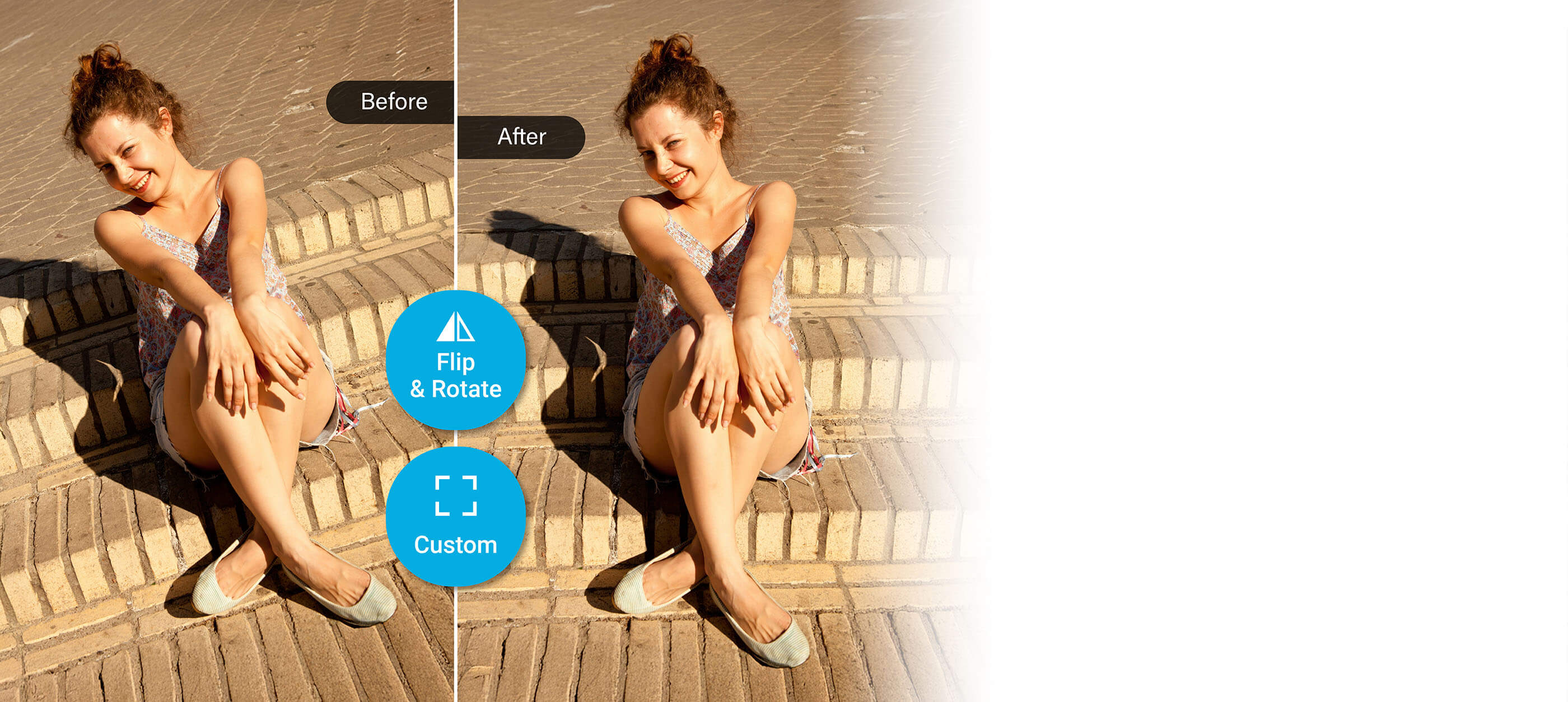
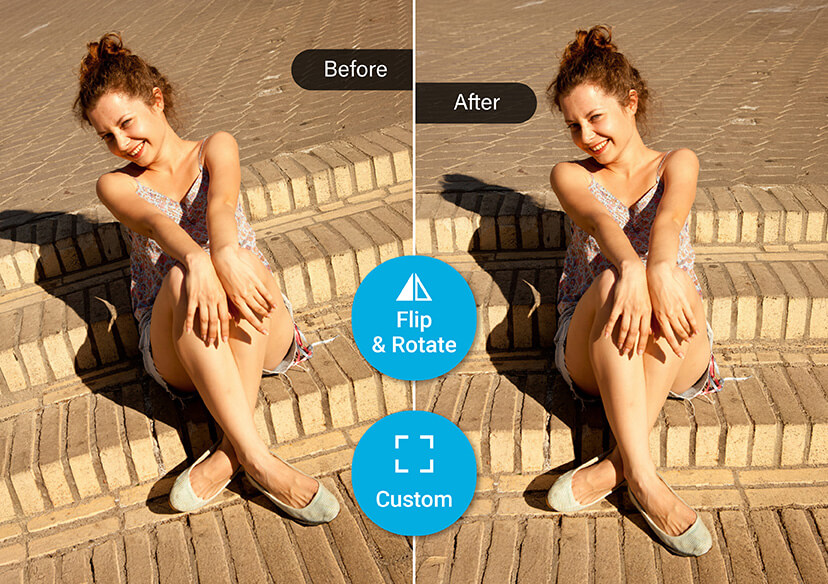
You Took a Great Photo - But It’s Just a Little Crooked
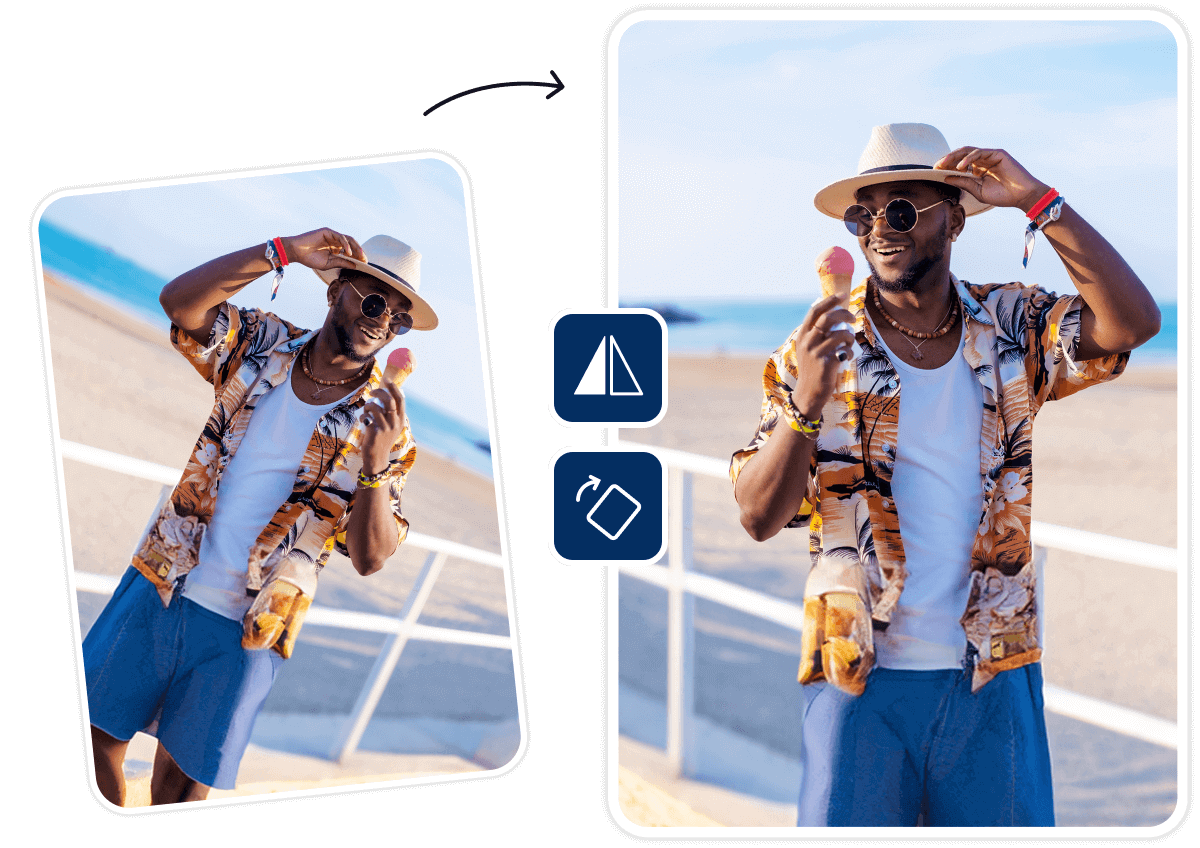
Whether it’s a perfect sunset or a family gathering, sometimes the angle is just slightly off. A tilted horizon or leaning background can distract from an otherwise great image. That’s where an online photo straightener comes in, no need for pro editing tools. Just upload and realign in seconds. A small tweak makes a big visual difference.
Framing Photos for Print or Social Media
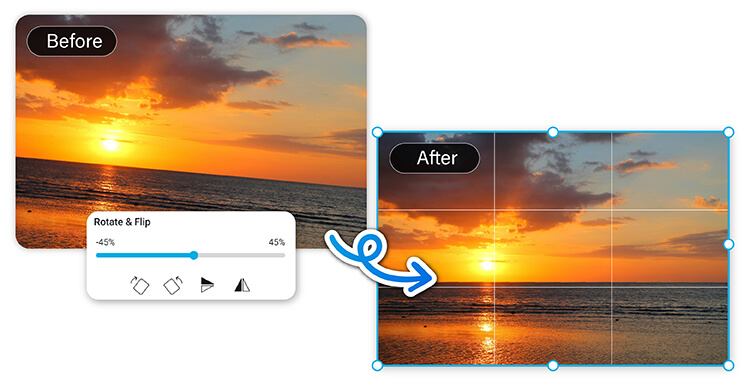
Before printing a photo or posting it online, alignment matters. A slanted image can look unpolished, especially in a frame or Instagram grid. A quick pass through a photo straightener ensures your image looks its best. No software downloads, just an easy online photo straightener that works in your browser.
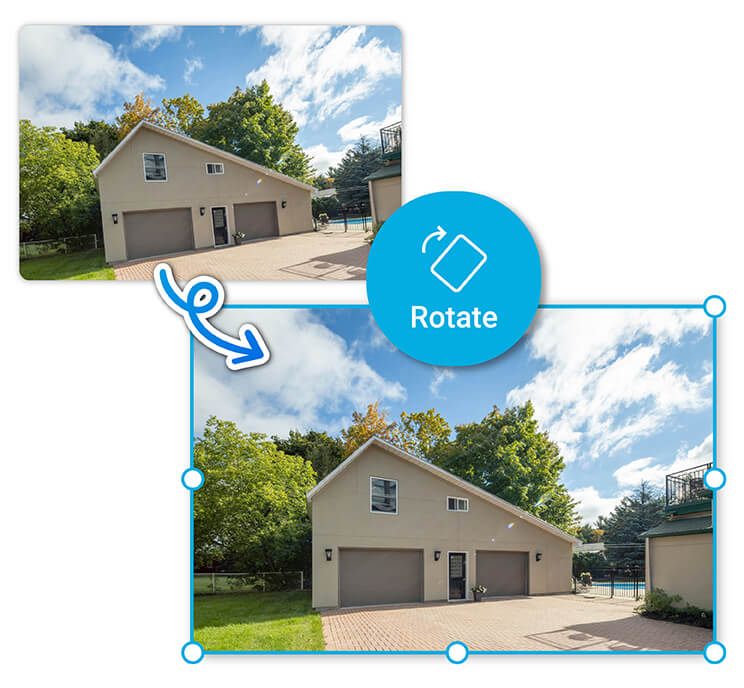
Straighten Real Estate or Product Shots
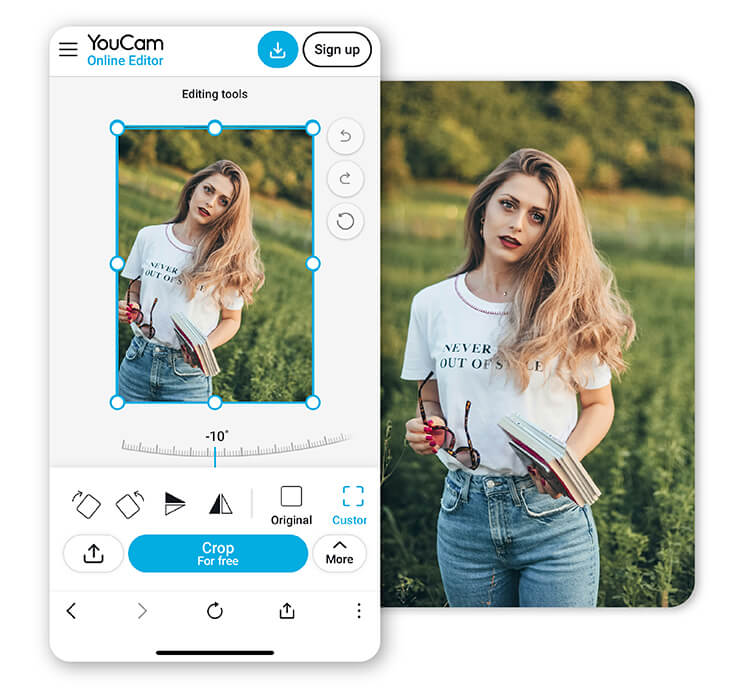
Selling a home or showcasing products? Clean, balanced visuals build trust. If a photo looks off-kilter, it can feel unprofessional. A quick fix with a photo straightener helps present your images more clearly and confidently. Use an online photo straightener to adjust angles with zero editing experience needed.
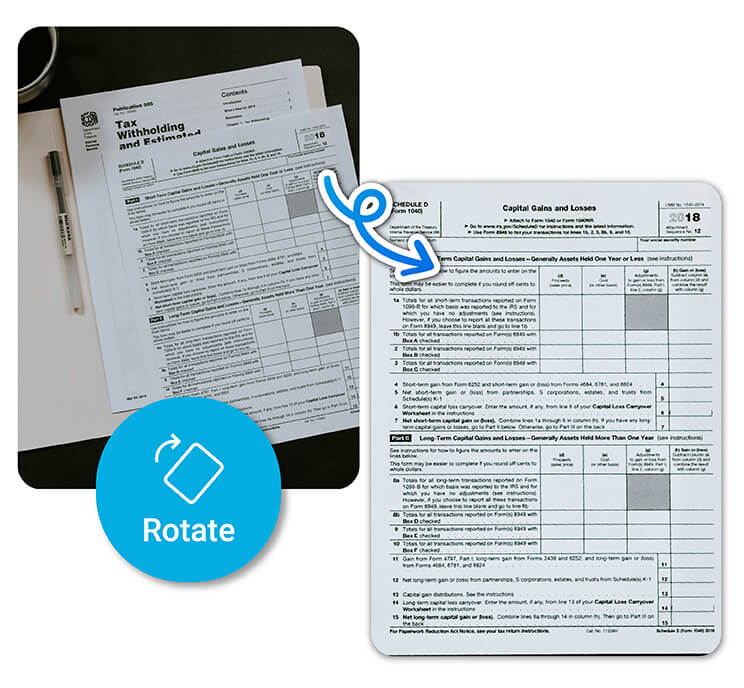
Straighten Photos of Documents or School Projects
When you scan or snap a photo of a document, it’s often slightly tilted. This can make text harder to read or look messy in a presentation. A fast, browser-based online photo straightener helps tidy things up. Perfect for students, teachers, and anyone prepping materials on the fly.
Benefits of Online Photo Straightener
- Fast and frustration-free
No need to download clunky software or open a design app. Just upload your photo, straighten it, and you’re done in seconds.
- No editing skills needed
You don’t have to be a designer to get clean, professional-looking images. The interface is made for real people, not pros.
- Perfect for all kinds of photos
From vacation shots and social posts to product pics and scanned docs — if it’s tilted, we’ll help you straighten it up.
How to Straighten a Picture Online
Straightening a photo doesn’t have to be complicated. In fact, it only takes a few clicks. Whether your shot is slightly tilted or completely off-center, our online photo straightener makes it easy to fix. Here’s how it works:
Upload a Photo
Start by selecting the image you want to straighten: a scenic shot, product photo, or photo of a document. Just drag and drop or click to upload.

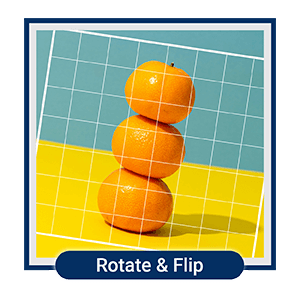
Navigate to the Flip & Rotate Tool
Once your image loads, open the Flip & Rotate tool. Use the slider to adjust the angle until everything looks perfectly aligned.
Save & Share
Happy with the result? Click to download your newly straightened photo.
Photo Straightener FAQs
How do you straighten your photo?
You can straighten your photo quickly using an online photo straightener in YouCam Online Editor. Simply upload the image, use the rotate or alignment tool to adjust the angle, and save the result. This is perfect for fixing crooked horizons, tilted portraits, or slightly off-center shots, no software or editing experience required.
How to straighten out old photos?
To straighten old photos (whether scanned or digital) use a photo straightener tool online. Upload the image, then rotate or align it to correct any tilt from scanning or camera angle. This method works great for restoring vintage prints or making old family photos look neat and professional.
Can you straighten a photo on an iPhone?
Yes, you can straighten a photo on an iPhone using the built-in Photos app. Just open the photo, tap “Edit,” then choose the crop tool. You’ll see a rotate dial to adjust the angle. For more precise control or advanced edits, you can also use an online photo straightener directly in your mobile browser.
Or use a professional photo straightener app like YouCam Perfect. You can flip and rotate your photo and enhance the photo quality within a few taps.

