

Pimple Remover Online
Remove pimples, red spots and blemishes from a face photo with an AI pimple remover. Upload a photo, apply the retouch and download a clear-skin result.


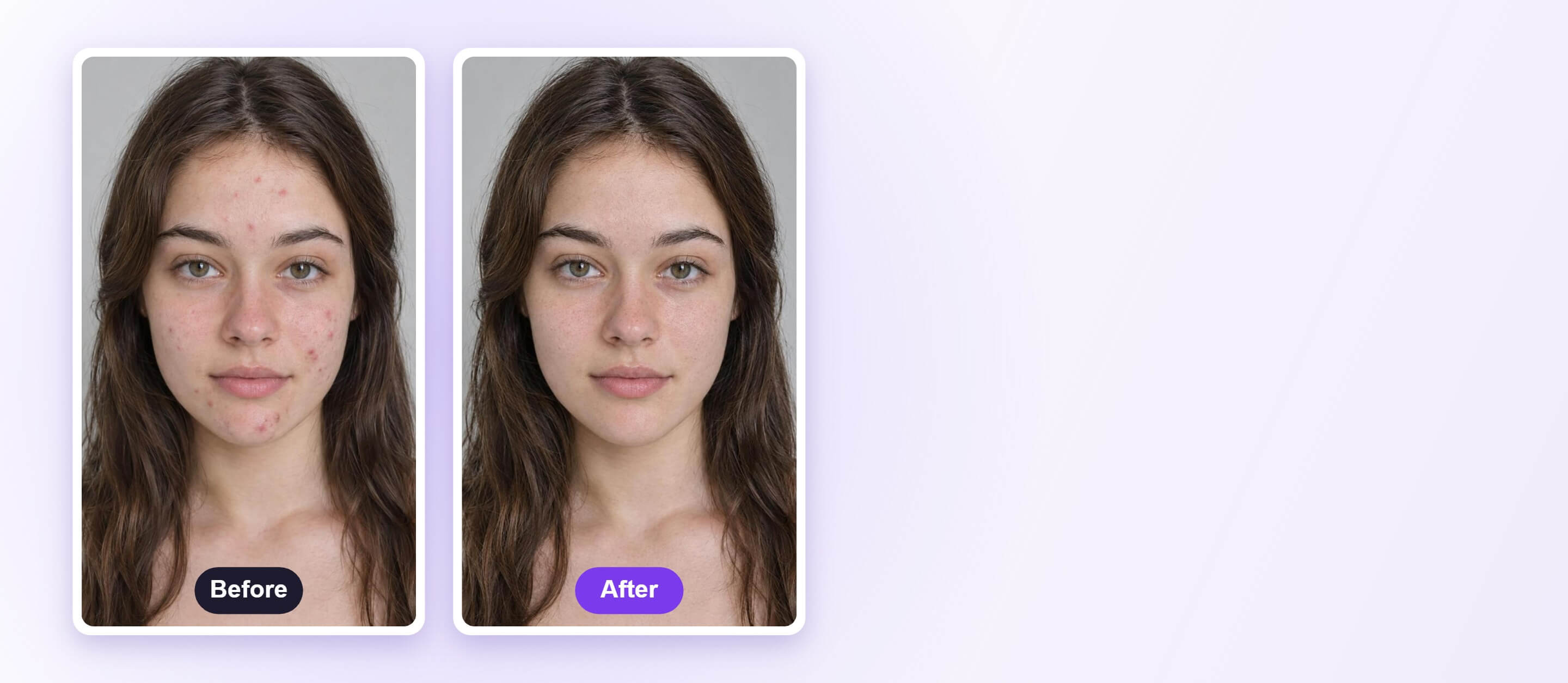
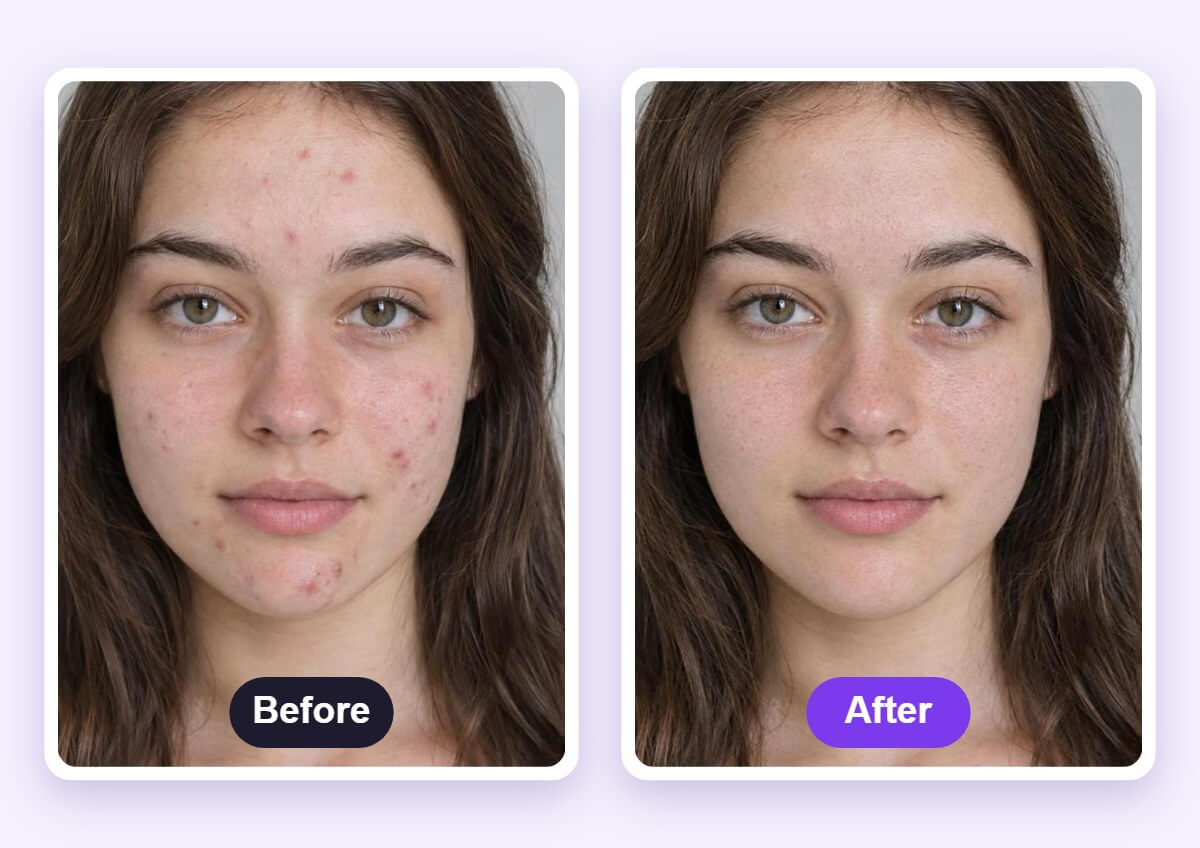
See Clear Skin Before and After
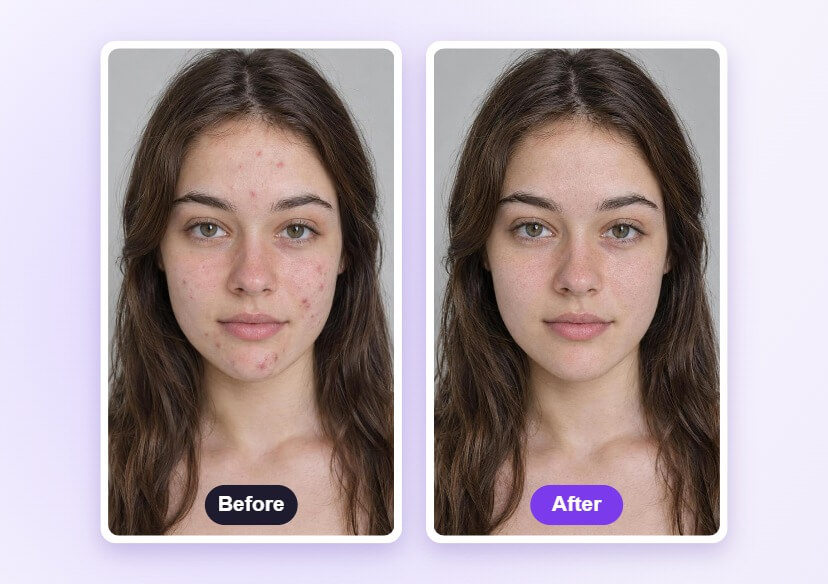
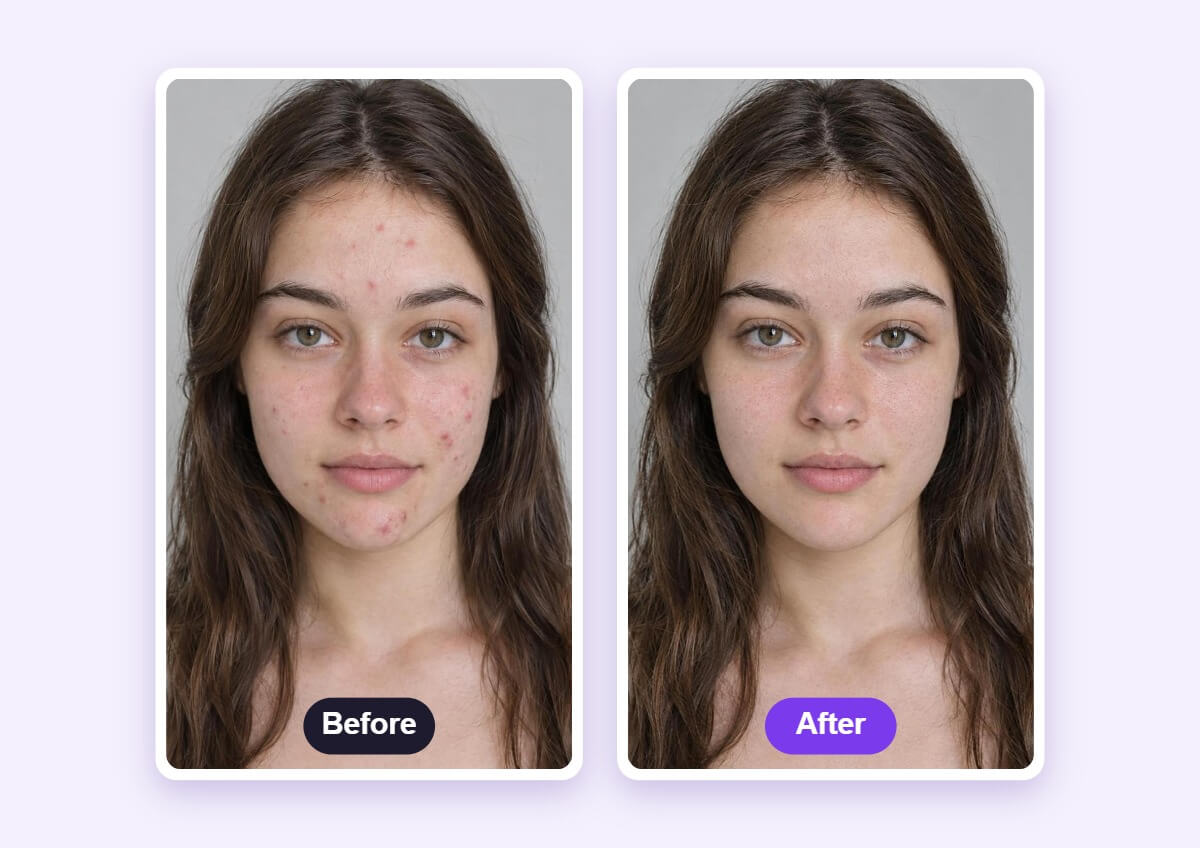
A retouch is easier to judge side by side. Compare the original with the result to check that spots are gone while the skin still looks like skin.
How to Remove Pimples with AI
Upload a Face Photo
Choose a sharp, front-facing photo in good light so the tool can find every spot on the face.

Apply Blemish Removal
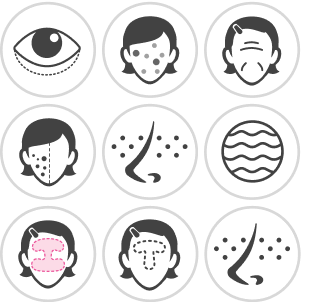
Open Face Retouch and choose Spots or Blemish. Raise or lower the intensity until spots fade but skin texture stays.
Compare and Download
Check the result against the original photo, then download the retouched image.
Clear Spots, Keep Natural Skin
The retouch aims to clear pimples and red spots while keeping pores and fine skin texture, so the face does not look over-smoothed. Use it for selfies, profile photos and portraits.
FAQs: Pimple Remover
What is an AI pimple remover?
An AI pimple remover finds pimples, red spots and small blemishes in a face photo and blends them into the surrounding skin. You upload a photo, apply the retouch and compare the result with the original.
What kind of photo works best?
A sharp, front-facing photo in even light works best. Very blurry, dark or heavily filtered photos make spots harder to find.
Will my skin look too smooth?
Compare the result with the original and lower the strength if the skin looks too smooth. The aim is to clear spots while keeping natural texture.
Can it remove more than pimples?
Face Retouch also works on other common areas such as eye bags and wrinkles, so you can finish a portrait in one place.
Does it remove acne scars completely?
Not always. Large, raised or deep marks may only fade instead of disappearing, and results depend on the photo. It edits photos and is not a skin treatment.
How do I save the retouched photo?
After you compare the result with the original, download the photo from the editor.

