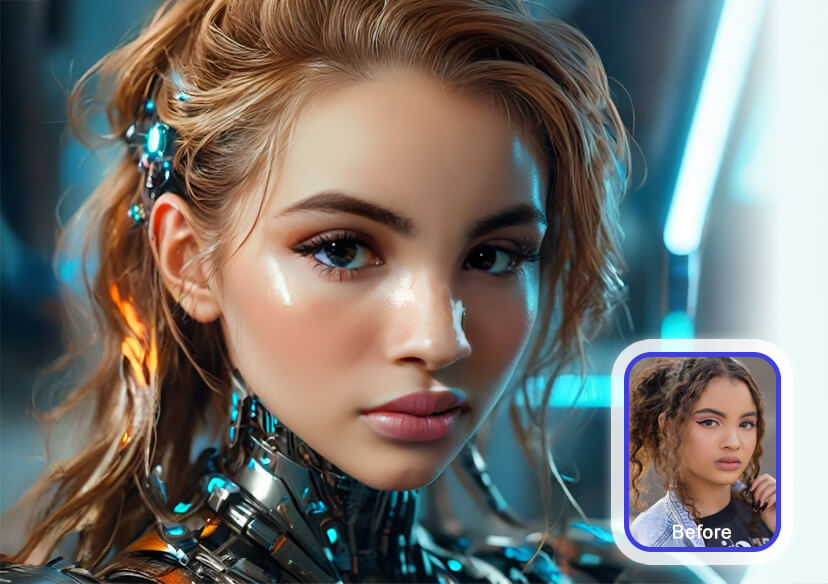




Pixverse AI Video Generator
Create cinematic AI-generated videos in seconds — just upload an image or type a prompt, and watch PixVerse and YouCam Online Editor turn your vision into stunning motion.



How to Generate Videos With Pixverse AI
Upload Your Photo
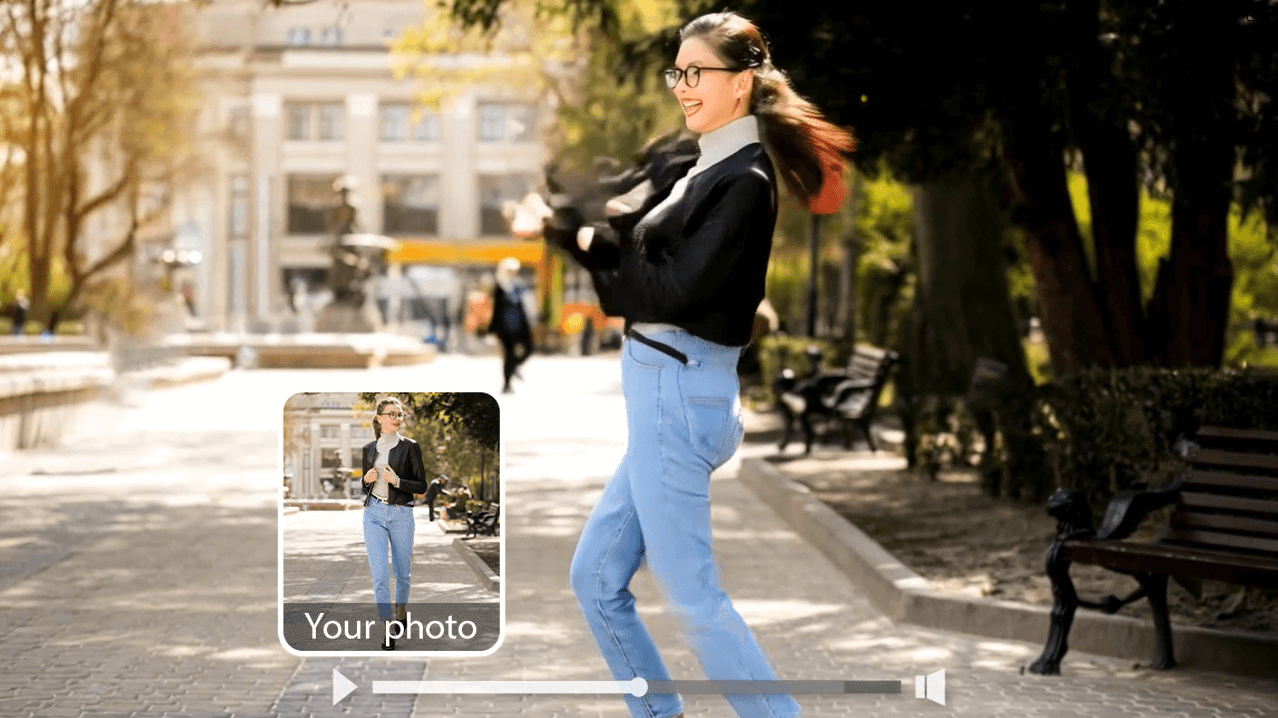
Upload a photo to turn into a video. For the most optimal results, use a clear image. (Supported formats: JPG, JPEG, PNG, TIFF, and GIF.)


Choose Pixverse for Video Generation
Choose from multiple Pixverse models and enter a prompt to generate your video.
Generate and Download
Click 'Generate’ to create your AI video. Your viral video will be processed and available in in your gallery to download.
Viral Social Content Made Easy
Create viral videos online with YouCam Online Editor and PixVerse AI. From kiss or hug animations to superhero makeovers and body morphing effects, you can easily join trending challenges or craft unique social content that stands out.
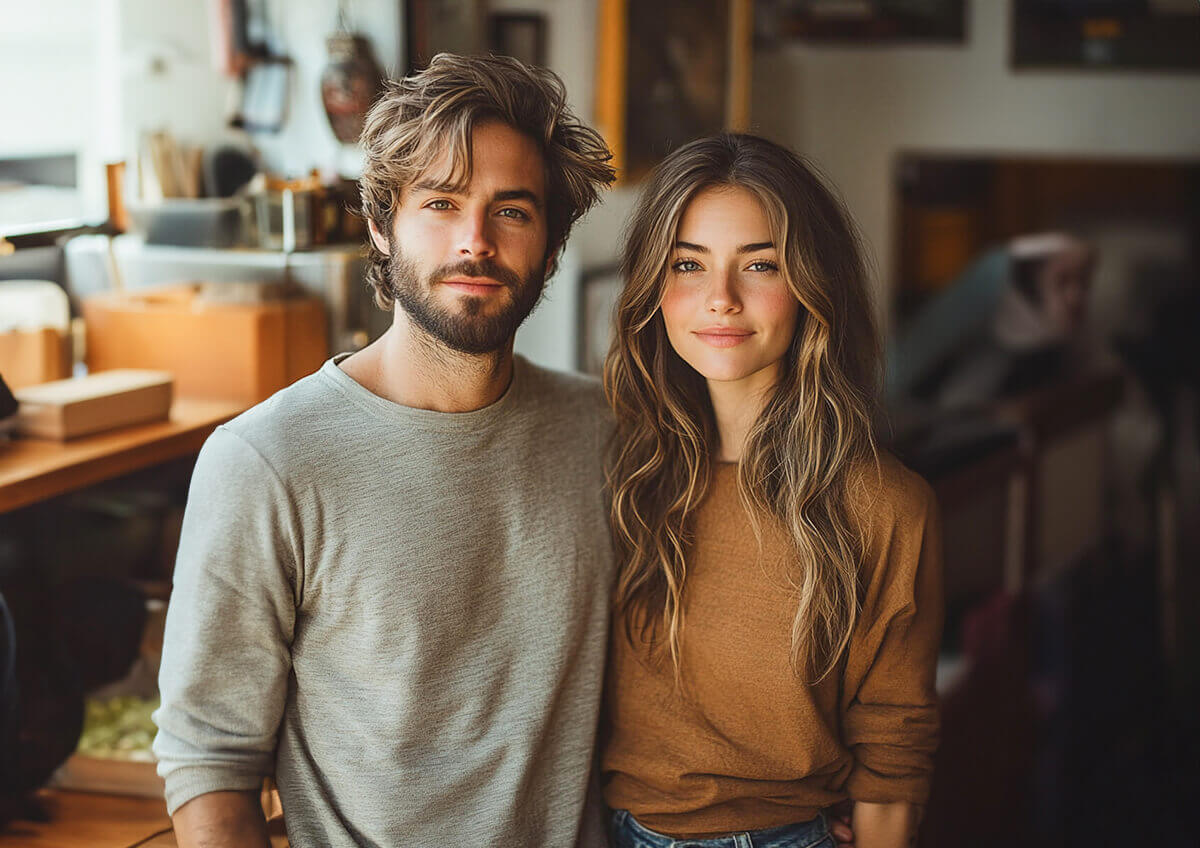
Create AI Videos from Prompts or Photos
Turn your ideas into motion using a text prompt or reference image. YouCam Online Editor and PixVerse instantly generate high-quality AI videos that match your creative vision in minutes.
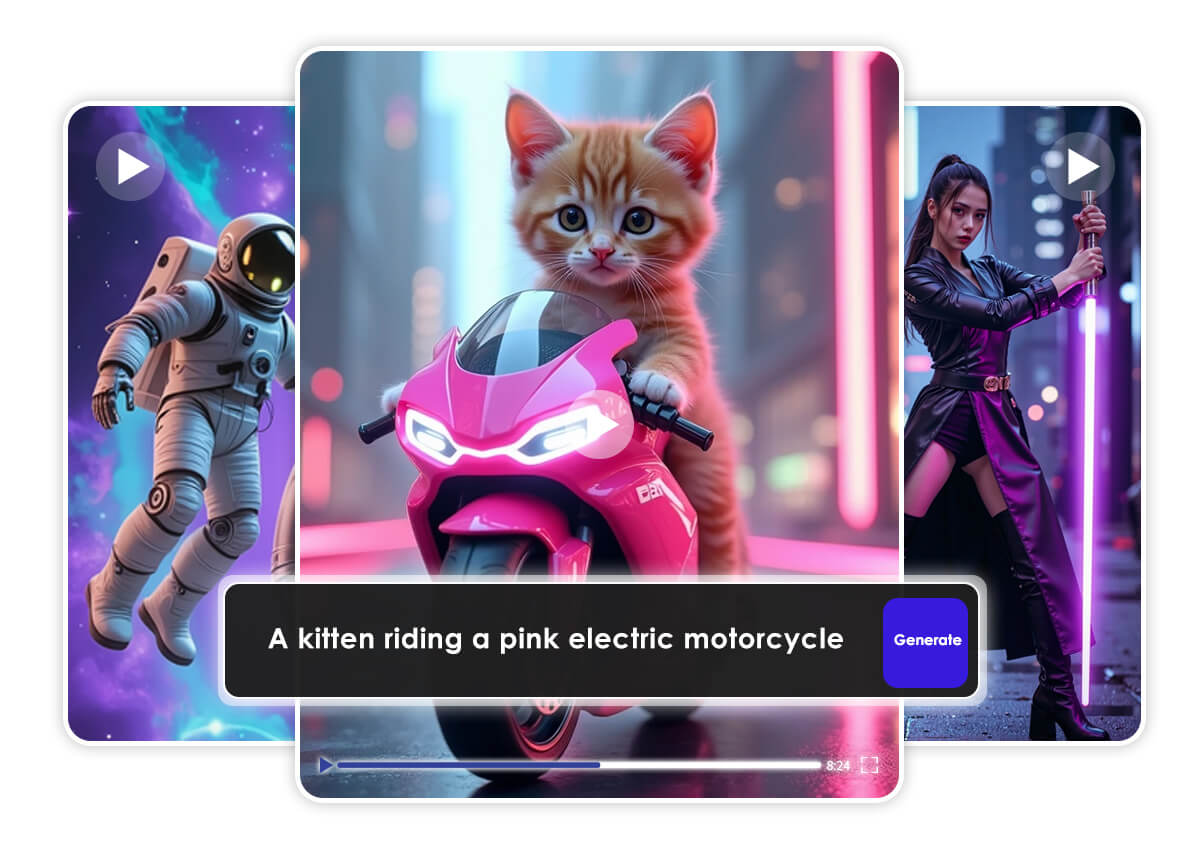
Smooth and Realistic Animation
Enjoy lifelike, cinematic videos powered by PixVerse AI’s advanced motion and physics engine. Every clip looks natural, detailed, and ready for social media or storytelling.
Pixverse AI Video Generator FAQs
Is PixVerse AI free to use?
Yes, PixVerse AI offers a free plan that lets you create AI-generated videos online. You can test its core features without payment, while advanced features and higher-quality exports may require an upgrade or credits.
Is PixVerse AI safe to use?
Yes, PixVerse AI is safe to use. It runs on secure cloud-based servers, and your uploaded photos or prompts are processed privately. When accessed through trusted platforms like YouCam Online Editor, you can create and download your videos safely.
What is PixVerse AI, and how does it work?
PixVerse AI is an AI video generator that turns images or text prompts into short, animated videos. Using advanced AI models and motion physics, it analyzes your input and generates realistic or cinematic motion to bring your ideas to life.
What kind of videos can PixVerse AI create?
PixVerse can create a wide range of videos, including hugging or kiss animations, body morphs, object transformations, superhero makeovers, and more. You can use it for social media trends, creative storytelling, or marketing clips.
Where can I use PixVerse AI videos?
You can use PixVerse AI videos anywhere—on Instagram, TikTok, YouTube Shorts, or any platform where short-form video performs well. They’re perfect for content creators, brands, and anyone looking to go viral online.
What is PixVerse AI V3.5, V4, V4.5, and V5?
These are different model versions of PixVerse AI that improve video quality, motion accuracy, and realism with each update. For example, V4 and V4.5 introduced smoother animation and better character consistency, while V5 delivers even more lifelike, cinematic effects.

