

Plastic Surgery Simulator
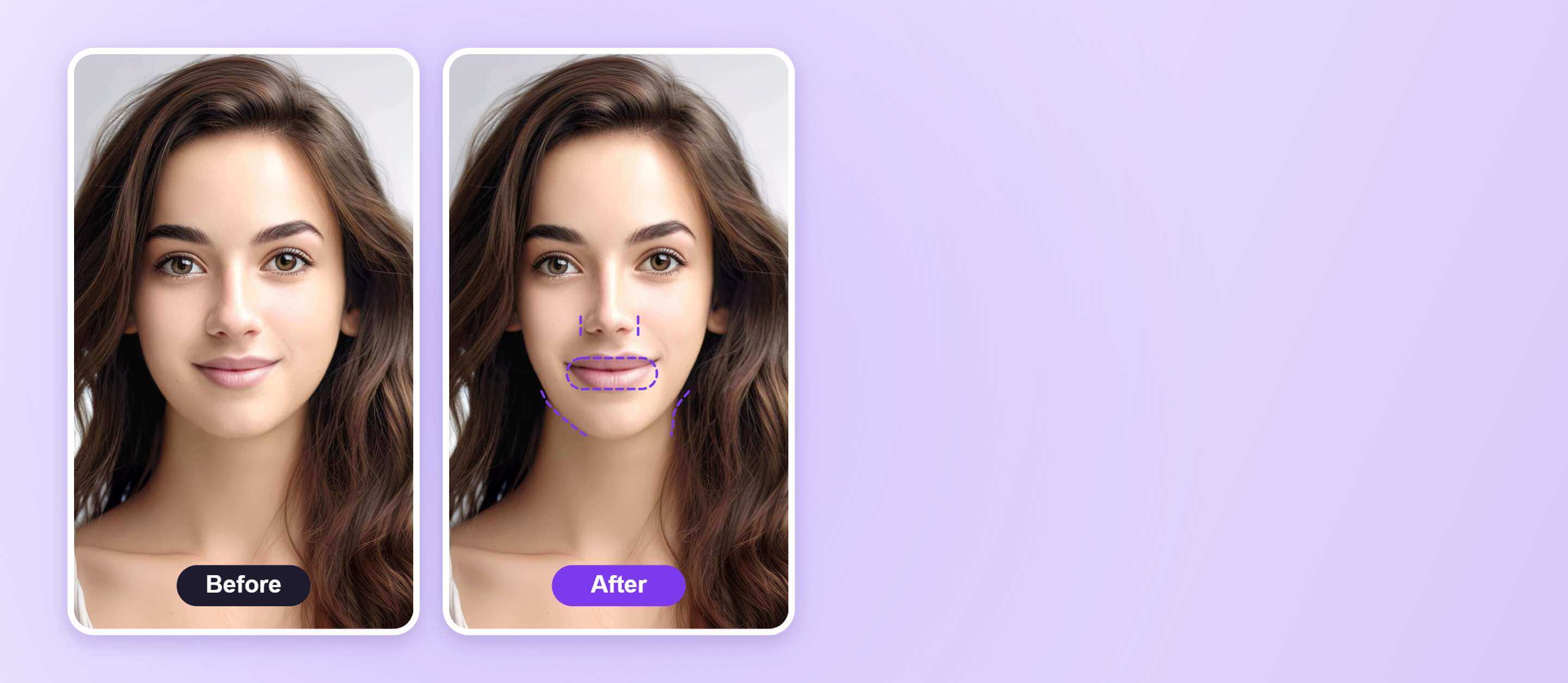
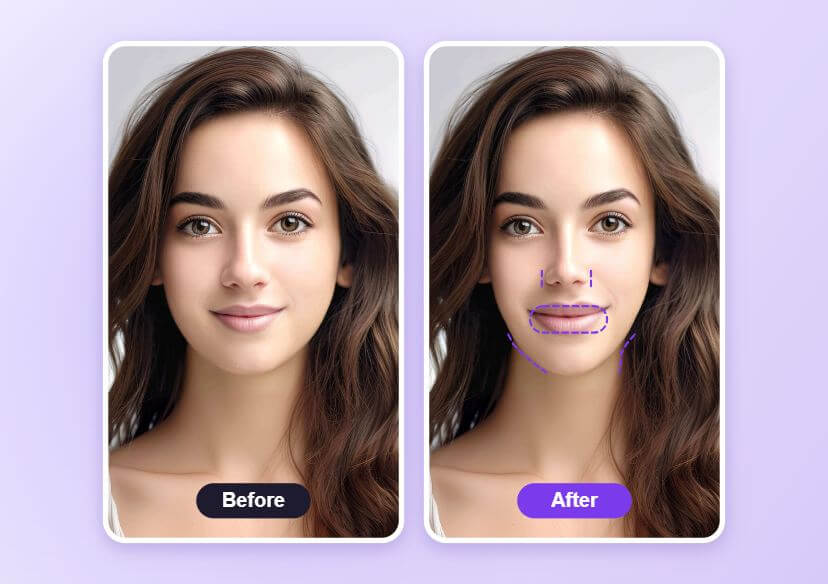
Preview face changes, such as a slimmer nose, a more defined jawline or fuller lips, with an AI plastic surgery simulator. Upload a photo and compare it with the original.




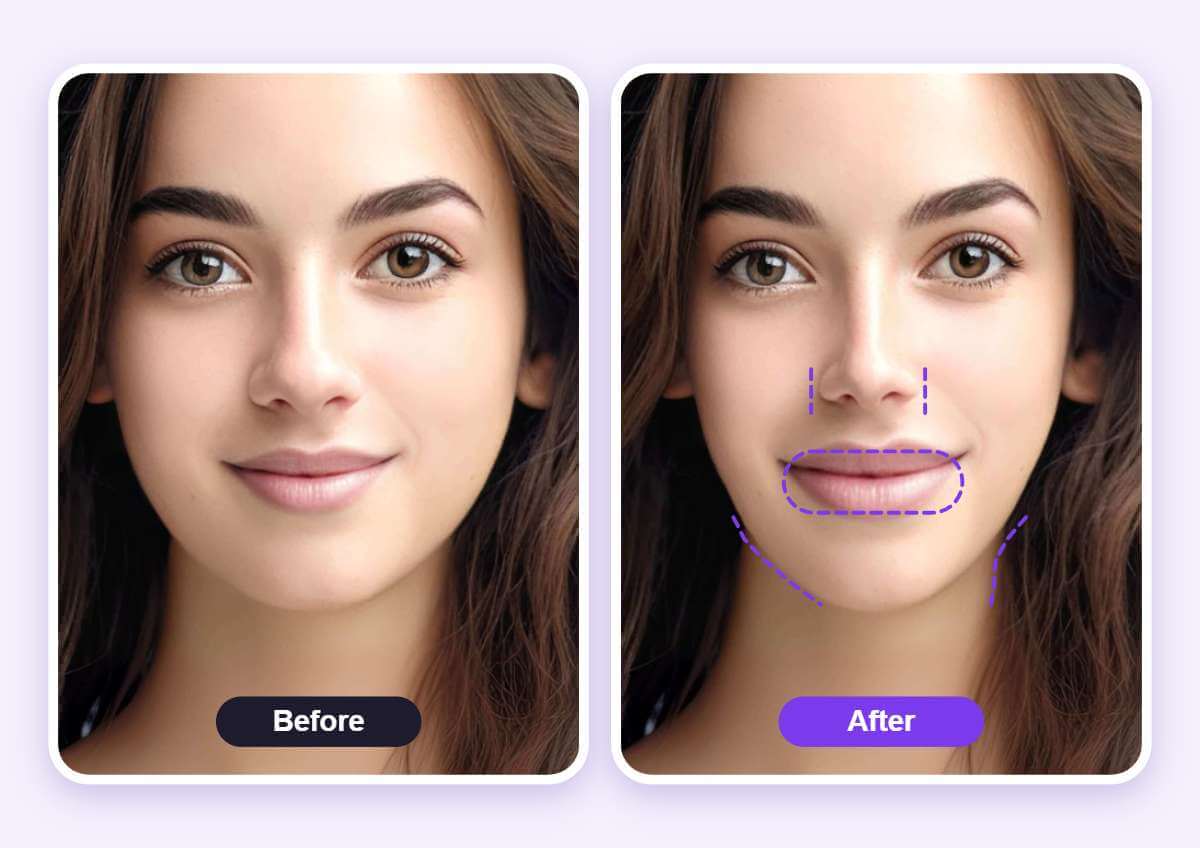
See the Face Change Before and After
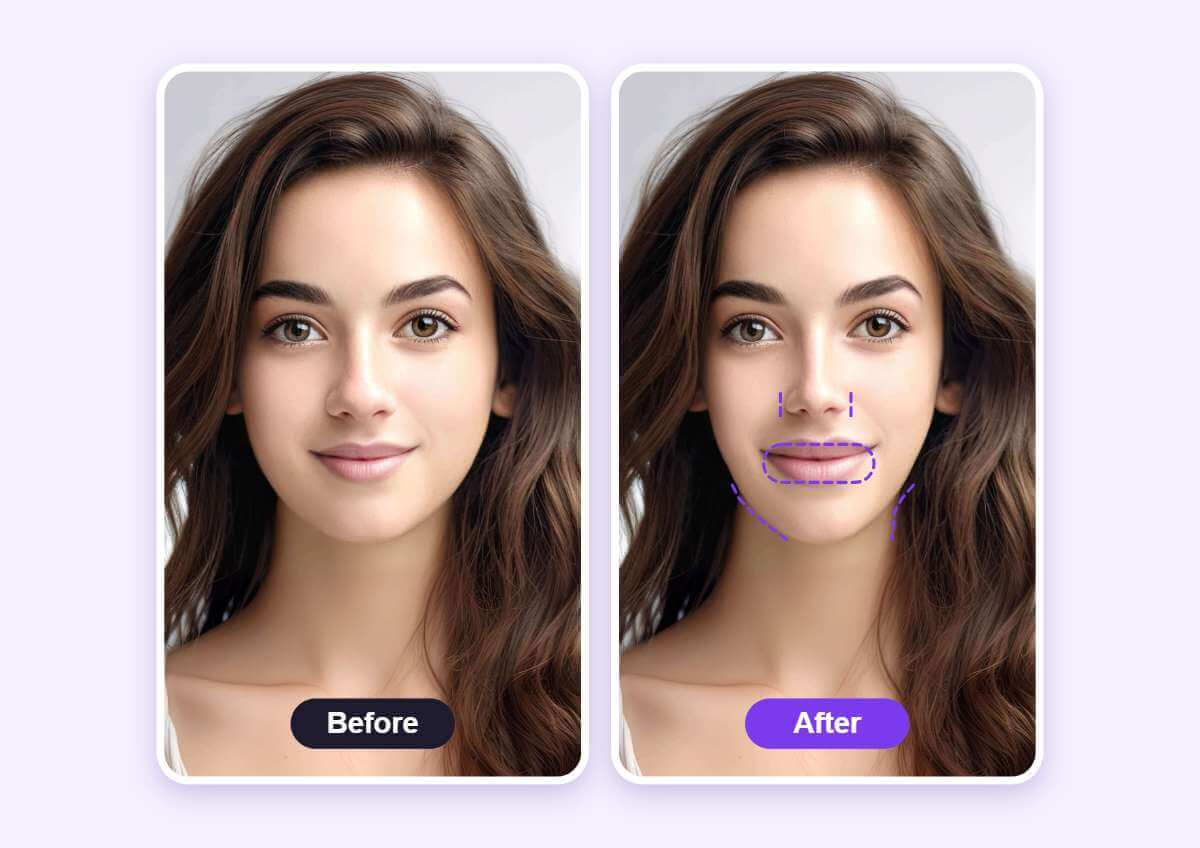
Side by side, you can judge whether a small edit looks natural. Dashed purple lines on the After photo mark where the jaw, nose and lips were in the original.
How to Use a Plastic Surgery Simulator
Upload a Front-Facing Photo
Choose a sharp photo facing the camera in even light so the tool can find the face.

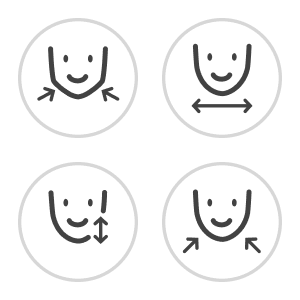
Adjust the Face Controls
Pick the feature you want to preview and drag its slider a little at a time.
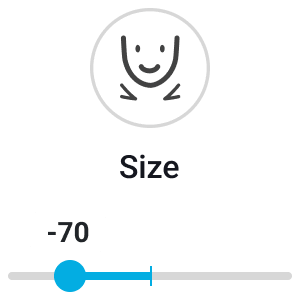
Compare and Download
Check the result against the original photo, then download the edited image.
Compare One Change at a Time
Adjust one feature at a time and compare each change with the original photo. The preview is a visual edit of one photo and not a medical plan.
FAQs: Plastic Surgery Simulator
What is a plastic surgery simulator?
It is a photo editor that previews facial changes, such as a slimmer nose or a more defined jaw. You upload a photo, adjust sliders and compare the result with the original.
Does it show what surgery would really do?
No. It is a visual edit of one photo. Real procedures and results depend on your face and a doctor.
What photo works best?
A sharp, front-facing photo in even light without glasses or heavy shadows gives the most believable preview.
How do I keep it natural?
Move the sliders in small steps and compare with the original often.
Can I preview more than one feature?
Face Reshape has several controls, so you can adjust more than one feature in the same photo.
How do I save the edited photo?
After you compare the result with the original, download the photo from the editor.

