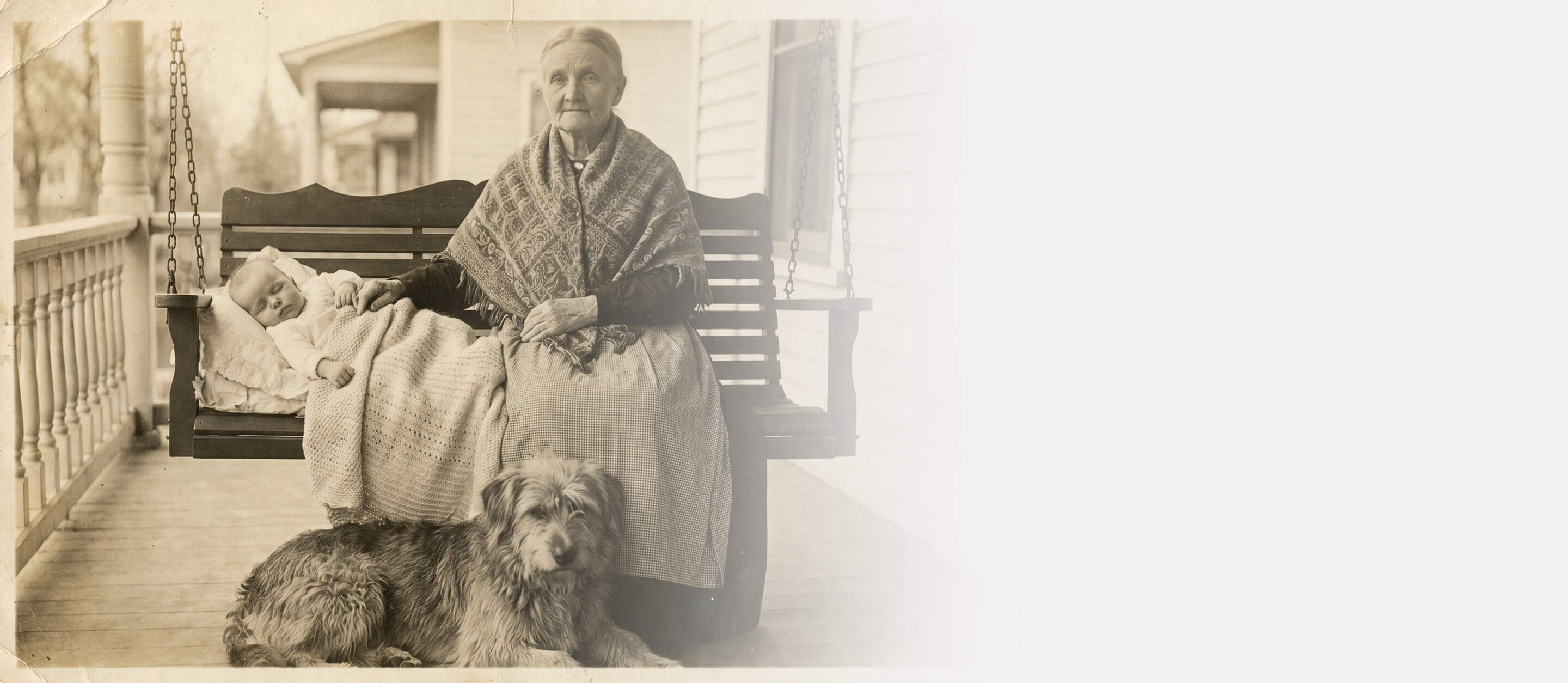






Restore Faded Photos
Restore Faded Photos effortlessly with YouCam’s Photo Repair tool. Powered by advanced AI, this feature revives washed-out colors, enhances contrast, and brings old memories back to life in just a few clicks.




What is Photo Repair?
A Photo Repair Tool is an AI-powered solution that restores faded or discolored photos by enhancing colors, contrast, and details while keeping the image natural and balanced. Key technologies include:
- Color Correction
Automatically detects and restores washed-out colors to their original vibrancy. - Contrast Enhancement
Adjusts brightness and contrast to bring back details and dimension. - AI Colorization & Reconstruction
Generative AI to intelligently rebuild and enhance color information for realistic, high-quality results.
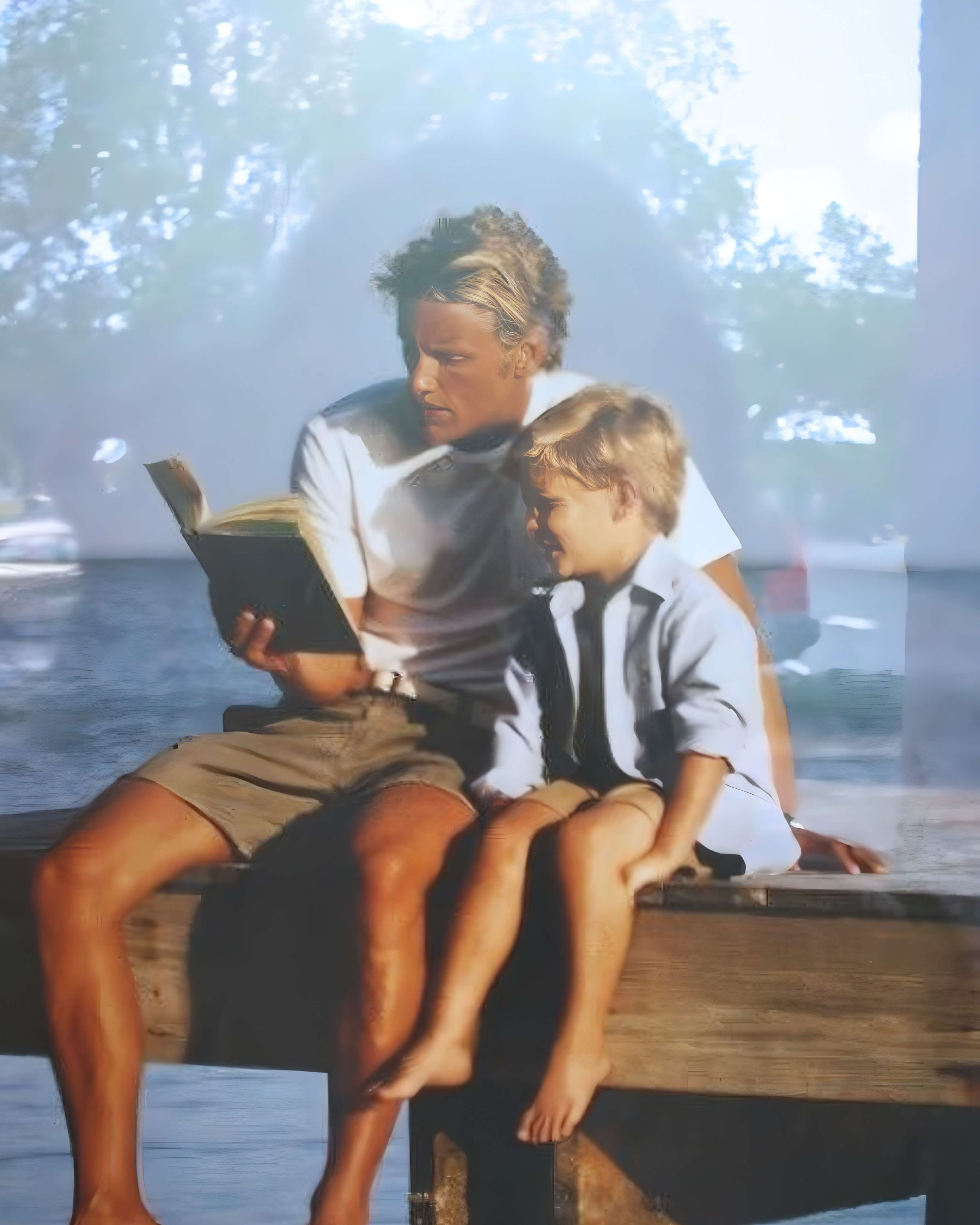
How To Restore Faded Photos Online
Here are three simple steps to restore your old images:

Upload Your Image
Upload an old, faded photo. We support JPG, JPEG, and PNG formats.

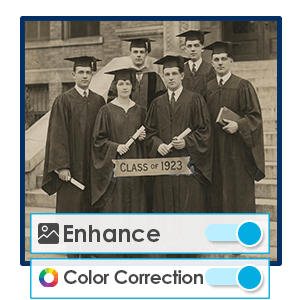
Start AI Repair
You can choose whether to enhance, remove scratches, correct colors, and lighting.

Generate & Save
AI automatically restore your old faded photos, download once satisfied!
Revive Vintage Memories
Photos taken years ago often lose their original color due to light exposure and aging. A photo restoration tool can bring back natural tones, making images look closer to how they originally appeared. Perfect to help users reconnect with important personal or historical moments.
Restore Black & White Photos
Black-and-white photos often lack color information due to historical limitations in photography or aging over time. Restoring color with AI can intelligently add realistic tones and enhance contrast, bringing these images back to life with vibrant, natural-looking results.
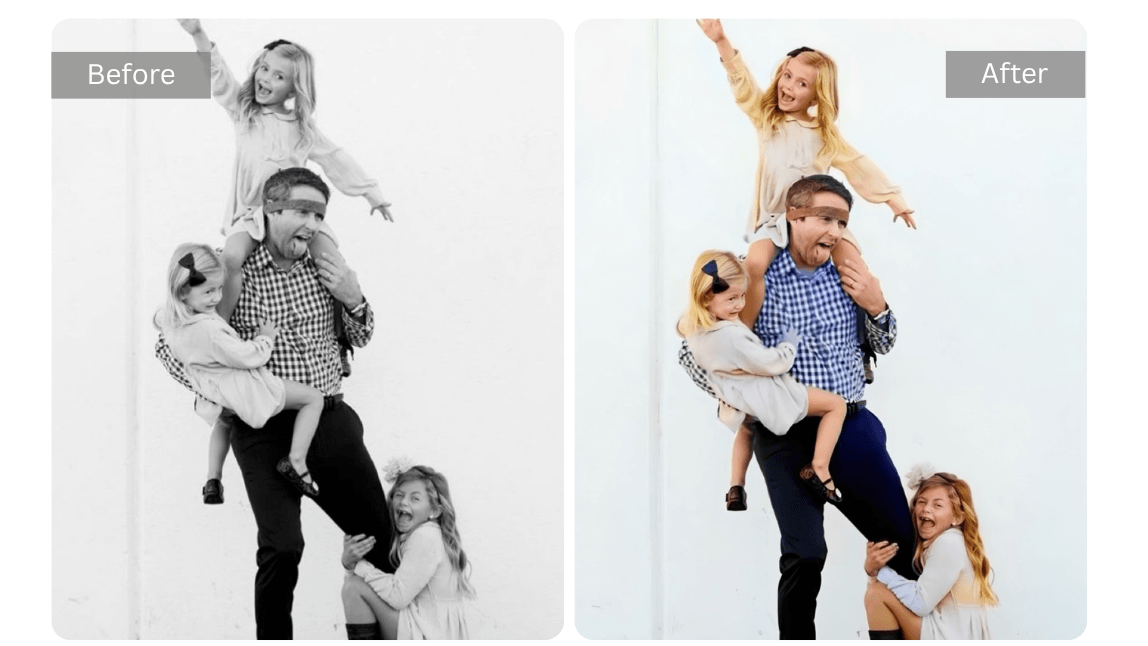
Upgrade Content for Digital Use
For bloggers, marketers, or content creators, faded visuals can reduce engagement and perceived quality. Restoring damaged photos helps create more visually appealing content, allowing users to maintain a professional look across websites and social platforms.
Frequently Asked Questions When Restoring Faded Photos
What does it mean to restore faded photos?
Restoring faded photos means enhancing images that have lost color, contrast, or detail over time. AI-powered tools like YouCam Enhance’s Photo Repair feature can automatically recover colors, improve clarity, and bring old photos back to life.
How does AI restore faded photos?
AI restoration tools analyze the image to detect faded areas, color loss, and low contrast. Using advanced image processing, tools like YouCam Enhance intelligently enhance tones, restore details, and rebalance colors for natural-looking results.
Can I restore old printed or scanned photos?
Yes, AI tools are especially effective for restoring old printed or scanned photos. YouCam Enhance’s Photo Repair feature can reduce fading, enhance sharpness, and improve overall image quality, making vintage photos look clearer and more vibrant.
Will restoring faded photos change the original look?
High-quality AI tools are designed to enhance photos while preserving their original appearance. YouCam Enhance maintains natural textures and tones, ensuring the restored image looks authentic rather than over-processed.
Is it easy to restore faded photos with AI?
Yes, restoring faded photos is quick and simple with AI. With YouCam Enhance’s Photo Repair feature, you can upload your photo and let the AI automatically enhance colors and details—no editing skills required.

