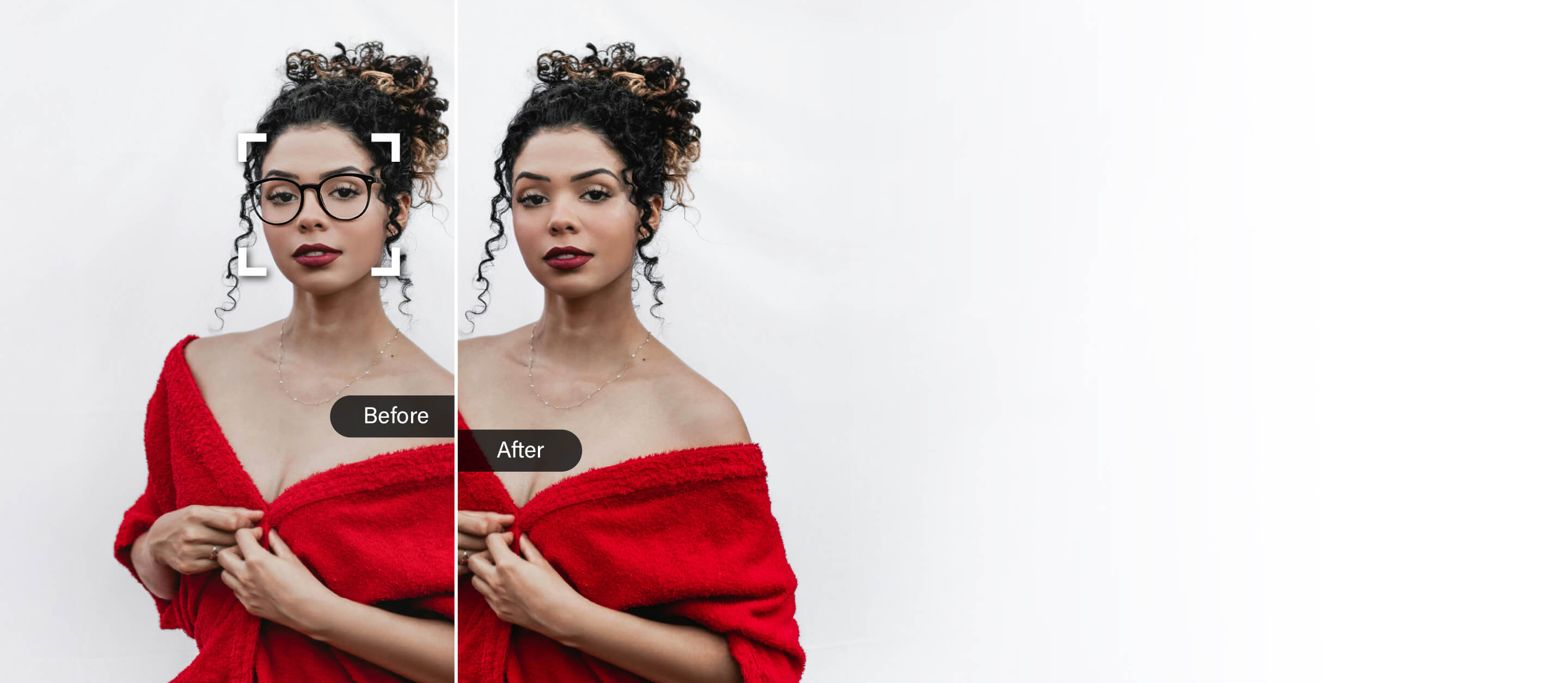




Remove Glasses From Photo with AI
Say goodbye to glasses in just seconds with ai glasses remover.


AI Remove Glasses From Photo
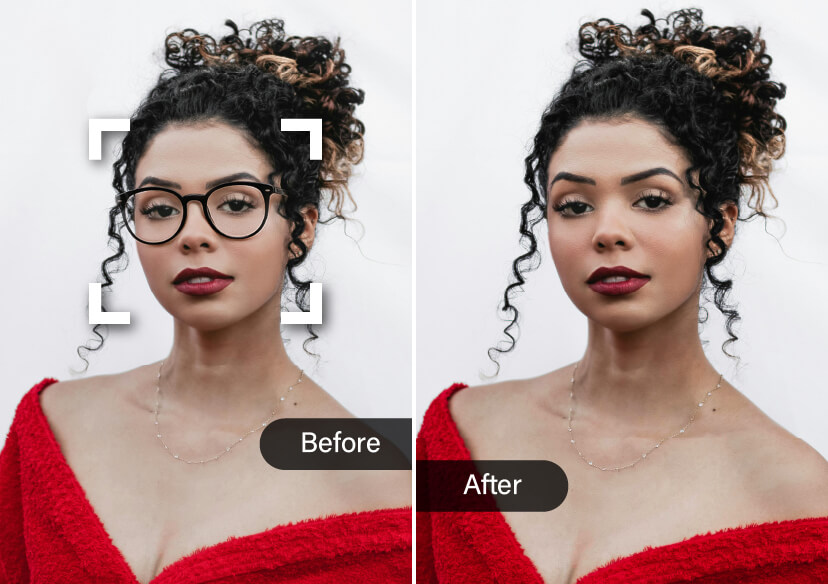
No more glare, reflections, and frames in the way! With our smart AI Object Removal tool, you can instantly remove glasses from any photo.
Whether you're editing a profile pic, cleaning up a headshot, or just curious to see a glasses-free version of yourself, our tool makes it quick, easy, and impressively realistic.
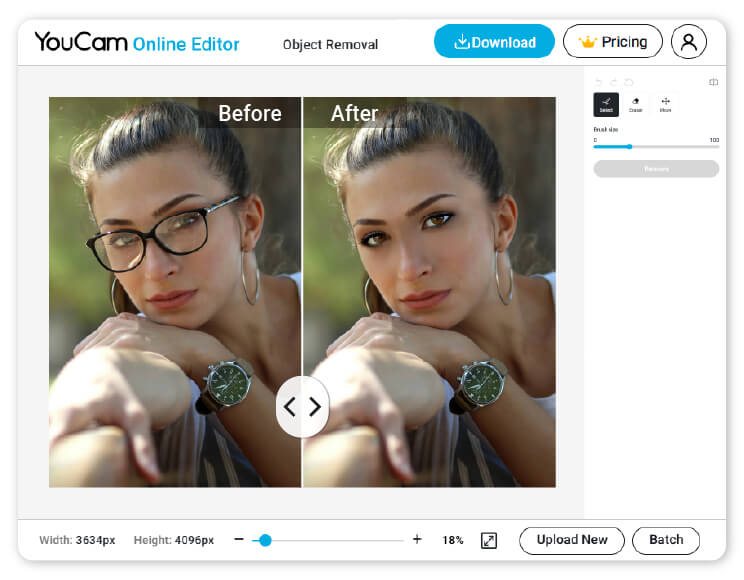
How to Remove Glasses from Photo Using YouCam Online Editor
No need for complicated software or editing skills—YouCam’s online tool makes it super simple to remove glasses from photo in just a few clicks. Here's how it works:

Upload Your Photo with Glasses
Start by uploading the image you want to edit—just drag and drop or select it from your device.

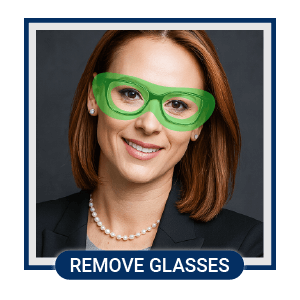
Highlight Glasses to Be Removed
Use the brush tool to quickly highlight the glasses. The AI will instantly remove the glasses from photo and fill in the area seamlessly.

Download Your Image
Preview the final result and hit download. Your clean, glasses-free photo is ready to go!
Perfect Your Profile Picture
Glasses can create glare or hide your eyes in photos—especially under bright lights.
Use our AI to remove glasses from photo and reveal your natural look in seconds. Ideal for LinkedIn, dating apps, or anywhere first impressions count.
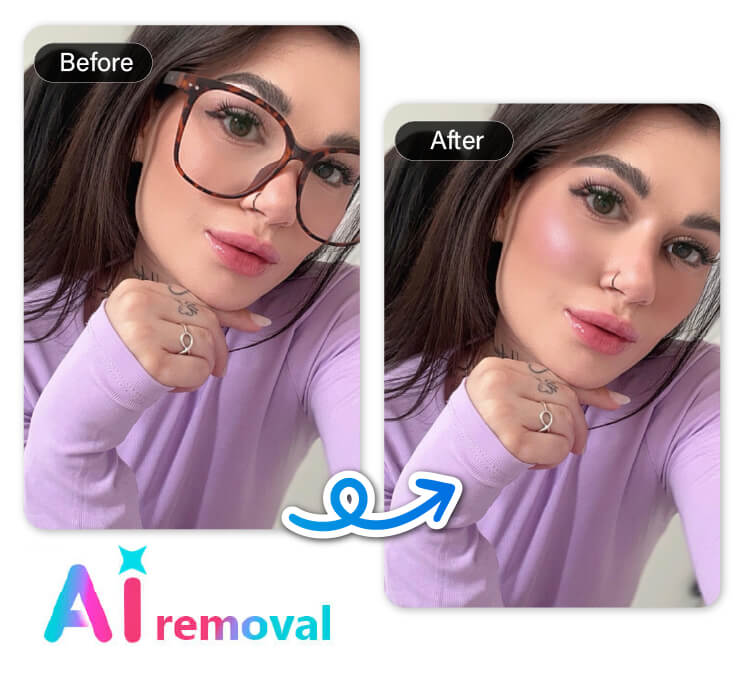
Remove Sunglasses and Reveal Your Natural Look
Our photo editor makes it simple to remove sunglasses from any picture with just a click. No complicated editing skills needed, just upload your photo and let the AI do the rest. Instantly transform your images and bring out the true details hidden beneath those sunglasses.
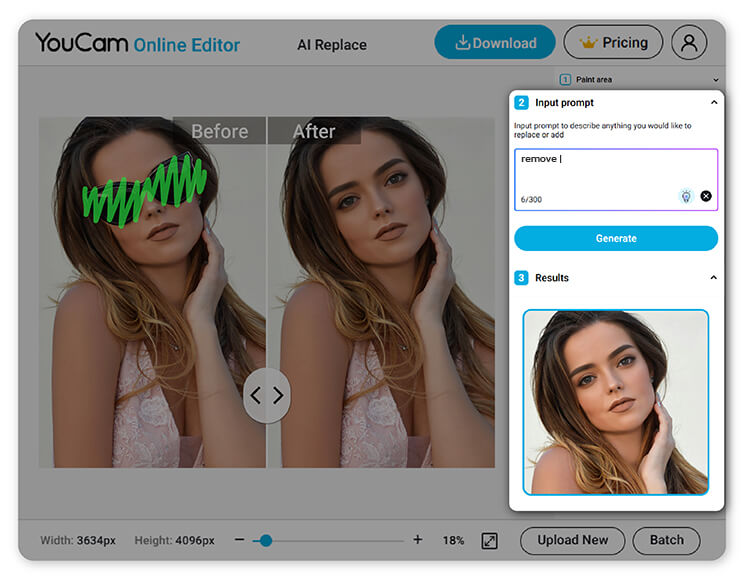
See Your Photos Clearly Without Glasses
Captured a once-in-a-lifetime moment, but your glasses stole the spotlight? Whether it’s reflections or shadows, our AI can clean up the shot and bring focus back to you. Remove glasses from photo and make your big day shine.
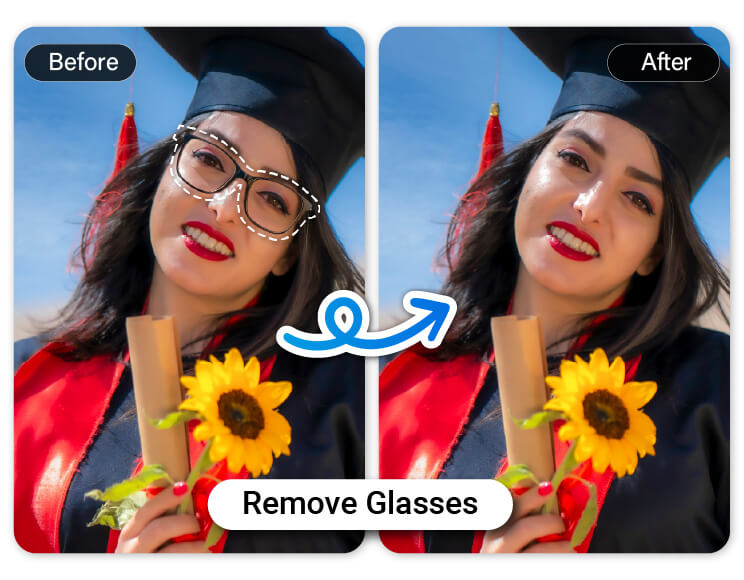
Upgrade Business Headshots
Need a sleek, glasses-free version of your professional photo for resumes or marketing materials? Instead of scheduling a whole new shoot, just upload your image and let the AI do the rest. It's the fast, effortless way to remove glasses from photos and get a polished result.
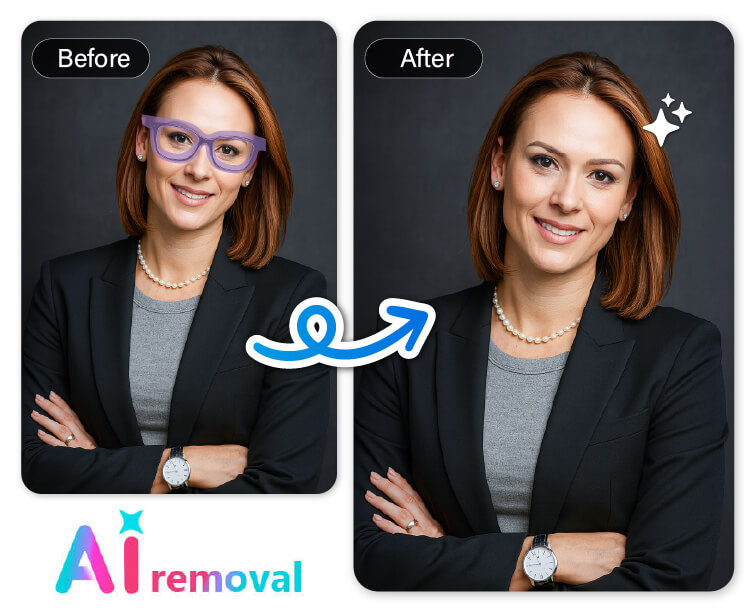
AI Object Removal Online
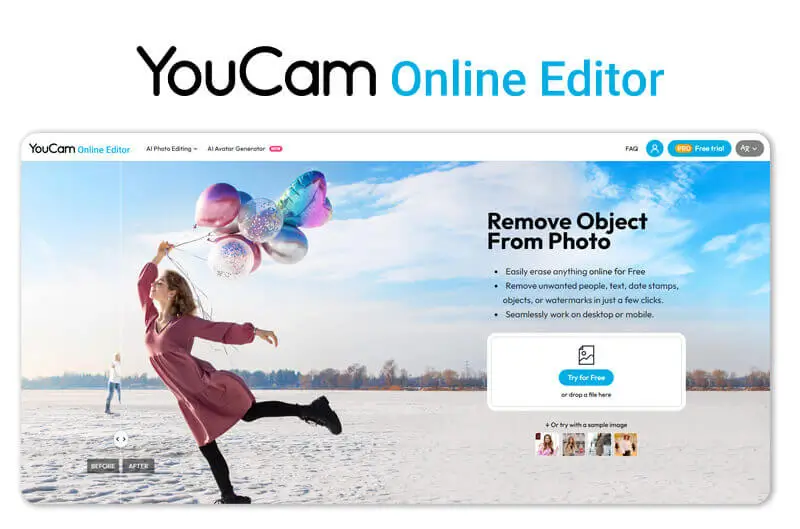
Powerful AI Object Removal combines automatic detection with manual selection tools to accurately identify and remove unwanted objects.
With advanced algorithms and seamless blending technology, removed areas merge naturally into the background for high-quality results.
Remove Glasses From Photo FAQs
How do I remove glasses from a picture?
It’s easier than you think! With YouCam Online Editor, you can remove glasses from a photo in just a few steps—no editing experience required.
Simply upload your image, highlight the glasses, and let the AI handle the rest. It intelligently fills in the area where the glasses were, giving you a natural-looking result in seconds.
How to remove glasses from a photo free online?
You can do it 100% free with YouCam Online Editor. Just head to the site, upload your photo, and use the smart brush tool to select the glasses. The AI will automatically remove them and clean up your image. It’s quick, beginner-friendly, and doesn’t cost a thing.
Can I remove glasses glare from a photo?
Yes, you can! If your photo has distracting glare from your glasses, YouCam Online Editor can help.
Just highlight the area with the glare, and the AI will smooth it out as it removes the glasses, so no need for retakes or pro-level tools. It’s a great way to restore clarity to your favorite shots.

