






Remove People from Photos App
Want to remove unwanted people from your photos? Use a remove people from photos app powered by AI to edit your images seamlessly in seconds.
Download APP for FreeRemove People OnlineImprove Photos by Removing People Instantly
If strangers or photobombers ruin your shots, an app to remove someone from photo offers the simplest solution. AI automatically detects unwanted people and reconstructs the background naturally—no manual editing needed.
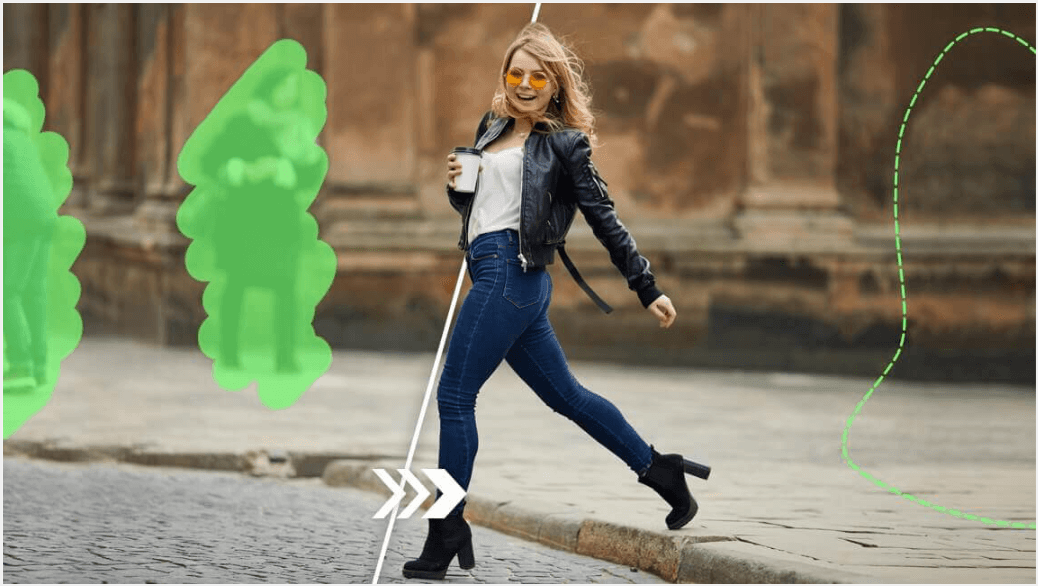
Make Photos Cleaner for Social Media
Crowded backgrounds can hurt engagement on Instagram, TikTok, or YouTube.
A remove people from photos app removes distractions while preserving natural textures and colors, ensuring your images look polished.
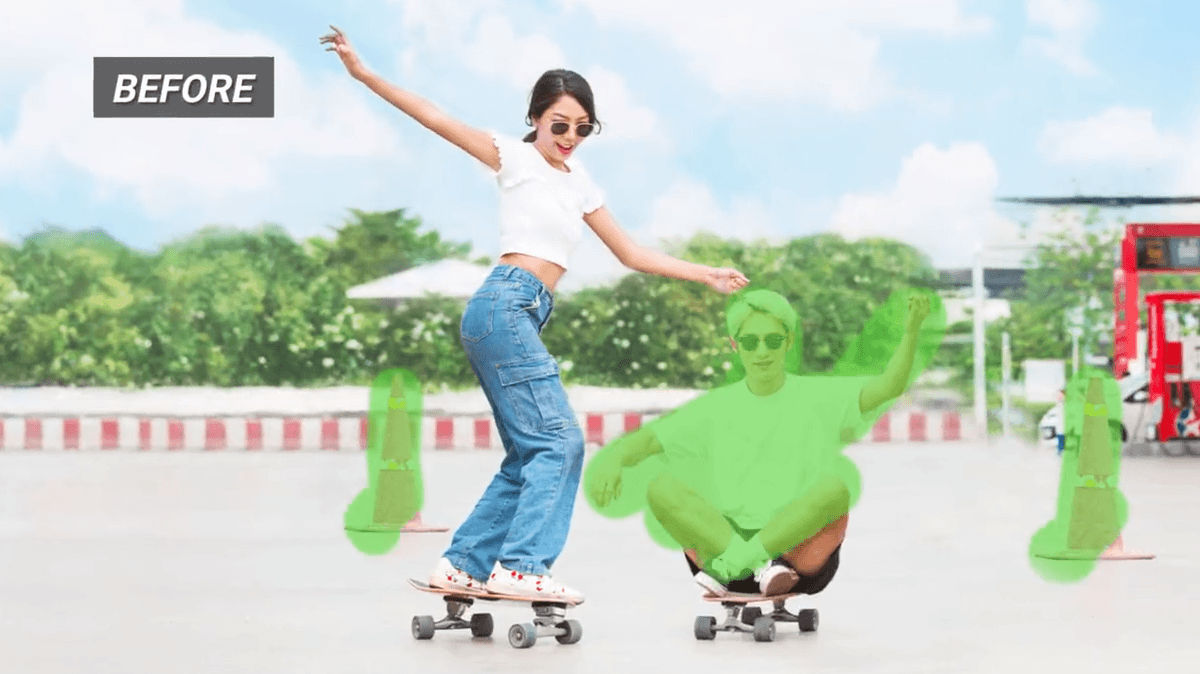
Remove People Without Ruining Your Photo
Manual removal can often damage backgrounds or leave awkward gaps. AI-powered apps analyze surrounding areas and reconstruct missing pixels, producing a seamless, natural-looking image—even in complex scenes.
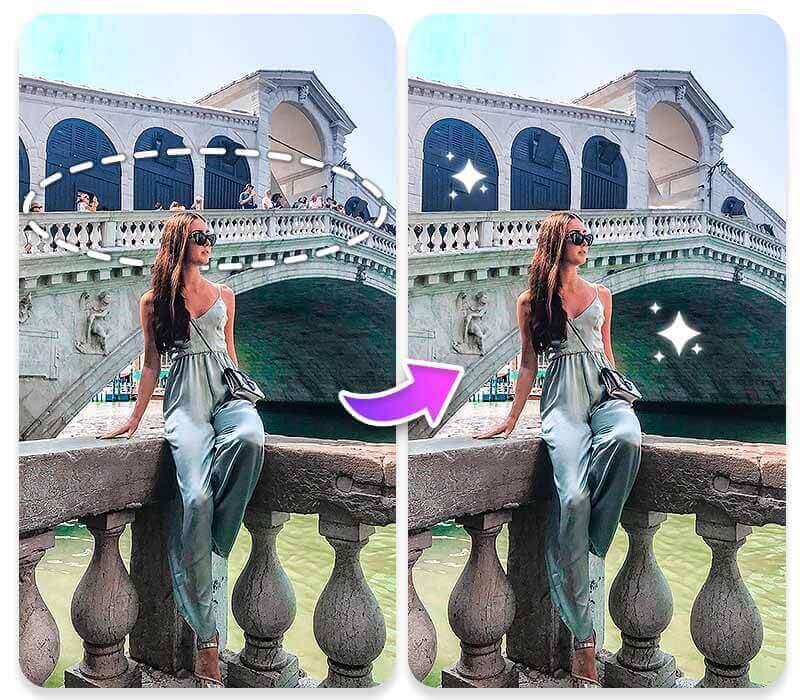
How to Use App to Remove Someone from Photo
Use an app to remove someone from a photo effortlessly. AI automatically detects unwanted people and erases distractions, reconstructing the background seamlessly.

STEP 1: Upload Your Photo
Drag and drop or select your image file to start removing people from photos.
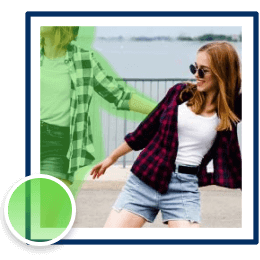
STEP 2: Select the People to Remove
Highlight unwanted people with the brush tool or tap to select. AI automatically analyzes the scene. You can also adjust the brush size for greater precision when refining the painted area.

STEP 3: Remove and Download
Tap “Remove,” and the app to remove someone from photo erases people while reconstructing the background seamlessly. Download your clean, professional-looking image ready to share.
FAQ: Remove People from Photos App
Can I remove people from photos without Photoshop?
Yes. AI online tools and remove people from photos apps allow instant editing without professional software.
Will removing people ruin my photo quality?
No. Advanced AI preserves textures, lighting, and natural details while reconstructing backgrounds.
Can AI remove multiple people at once?
Yes. Most apps to remove a person from a photo allow multiple selections for crowded scenes or group shots.
Is removing people from photos apps easy to use for beginners?
Absolutely. No design skills are required—just upload, select, remove, and download.

