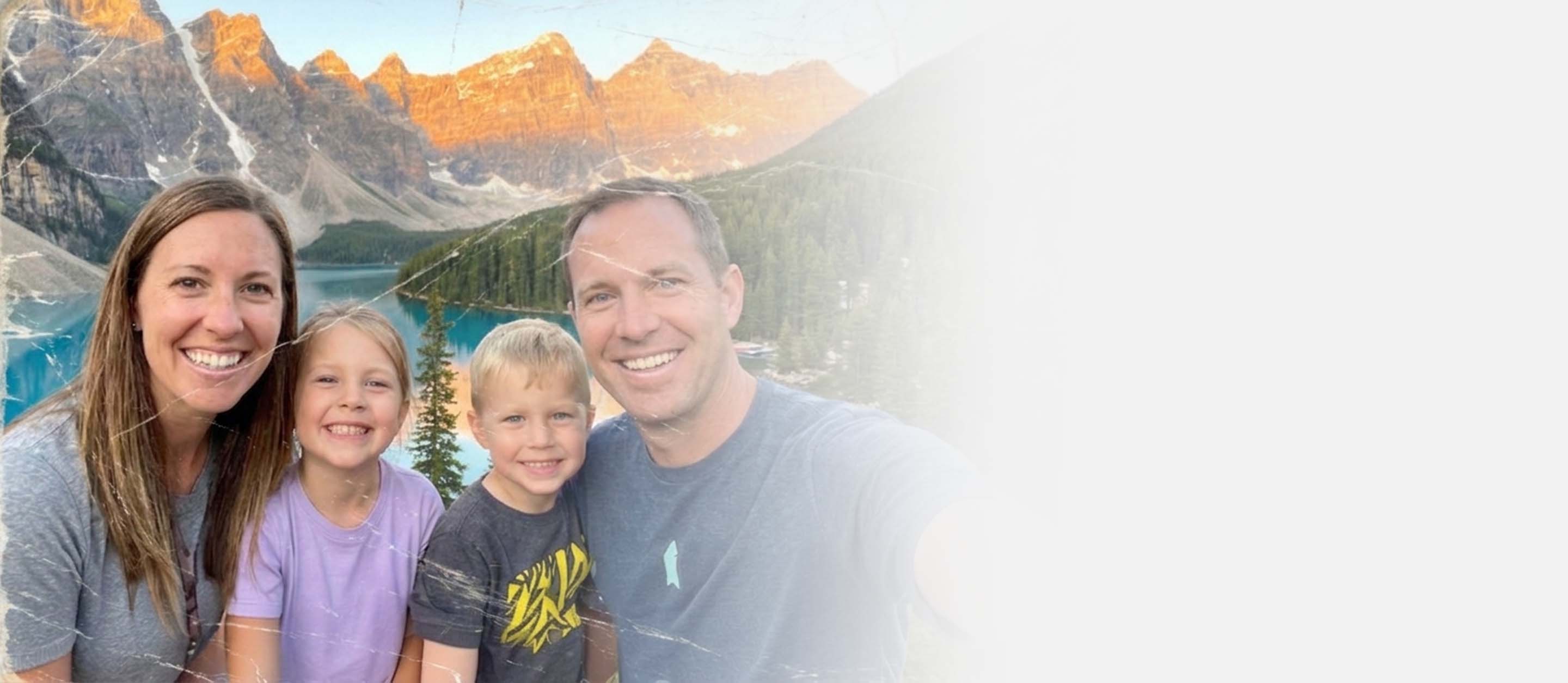
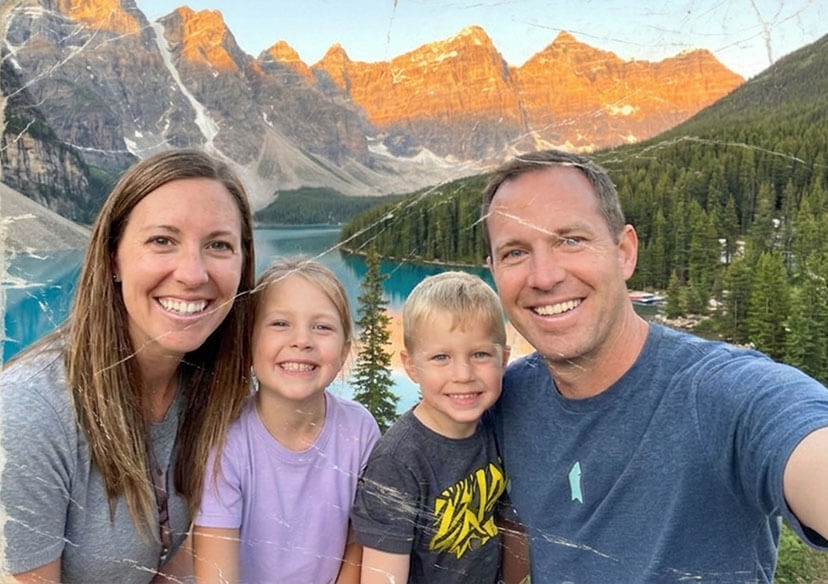





Remove Scratches from Photo
Remove unwanted scratches from your photos effortlessly with YouCam's Photo Repair feature. Powered by advanced AI, it lets you erase scratches, dust, and imperfections in just a few clicks—no editing skills required.




What is a Photo Scratch Remover?
A Photo Scratch Remover is an AI-powered tool that removes unwanted imperfections from photos while keeping the image natural and seamless. Key technologies include:
- Inpainting
Reconstructs scratched or damaged areas by matching surrounding textures. - Detail Restoration
Enhances fine details and smooths out imperfections to restore a clean look. - AI-Powered Reconstruction
Generative AI rebuilds complex areas, ensuring high-quality and realistic results.

How To Remove Scratches From A Photo Online
Here are three simple steps to repair damaged photos:

Upload Your Image
Upload a photo with scratches. We support JPG, JPEG, and PNG formats.

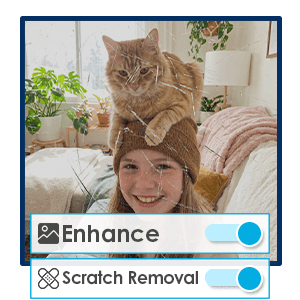
Start AI Repair
You can choose whether to enhance, remove scratches, correct colors, and lighting.

Generate & Save
AI automatically erases the scratches, download once satisfied!
Restore Old Family Photos
Old printed photos often develop scratches, dust, or crease marks over time. A photo scratch remover helps digitally repair these imperfections by using AI-powered inpainting. Ideal for archiving or reprinting cherished photos.
Fix Scratched Paintings
Fix scratched paintings with precision by analyzing surface damage and surrounding textures, out AIl can accurately detect and remove scratches while preserving the original brushstrokes, colors, and fine details of the artwork.
Enhance Photos for Social Sharing
Even minor scratches or marks can reduce the visual quality of photos shared online. Whether it's a vintage shot or a recently scanned image, removing scratches helps improve overall clarity and presentation, suitable for social media or digital portfolios without requiring advanced editing skills.
Frequently Asked Questions When Removing Scratches
What is a Photo Scratch Remover?
A Photo Scratch Remover is an AI-powered tool that detects and removes scratches, dust, and imperfections from images. Tools like YouCam Enhance’s Photo Repair feature use advanced AI restoration technology to fix damaged areas while preserving the original image details.
How does an AI scratch remover work?
AI scratch removers analyze the image to detect scratches, spots, or noise, then reconstruct the damaged areas using surrounding visual data. With YouCam Enhance’s Photo Repair, this process is automated to deliver smooth, natural-looking results without visible artifacts.
Can I remove scratches from old or scanned photos?
Yes, AI-powered tools like YouCam Enhance’s Photo Repair are designed for restoring old or scanned photos. They can effectively remove scratches, reduce fading, and enhance clarity, making vintage images look clearer and more refined.
Will removing scratches affect image quality?
High-quality AI tools are built to enhance—not degrade—image quality. YouCam Enhance’s Photo Repair improves details while removing imperfections, ensuring the final image looks sharp, clean, and natural.
Is a Photo Scratch Remover easy to use?
Yes, most AI Photo Scratch Removers are designed to be user-friendly and require no editing experience. With tools like YouCam Enhance’s Photo Repair feature, you can simply upload your image and let the AI automatically detect and remove scratches, delivering clean and natural-looking results in just a few clicks.

