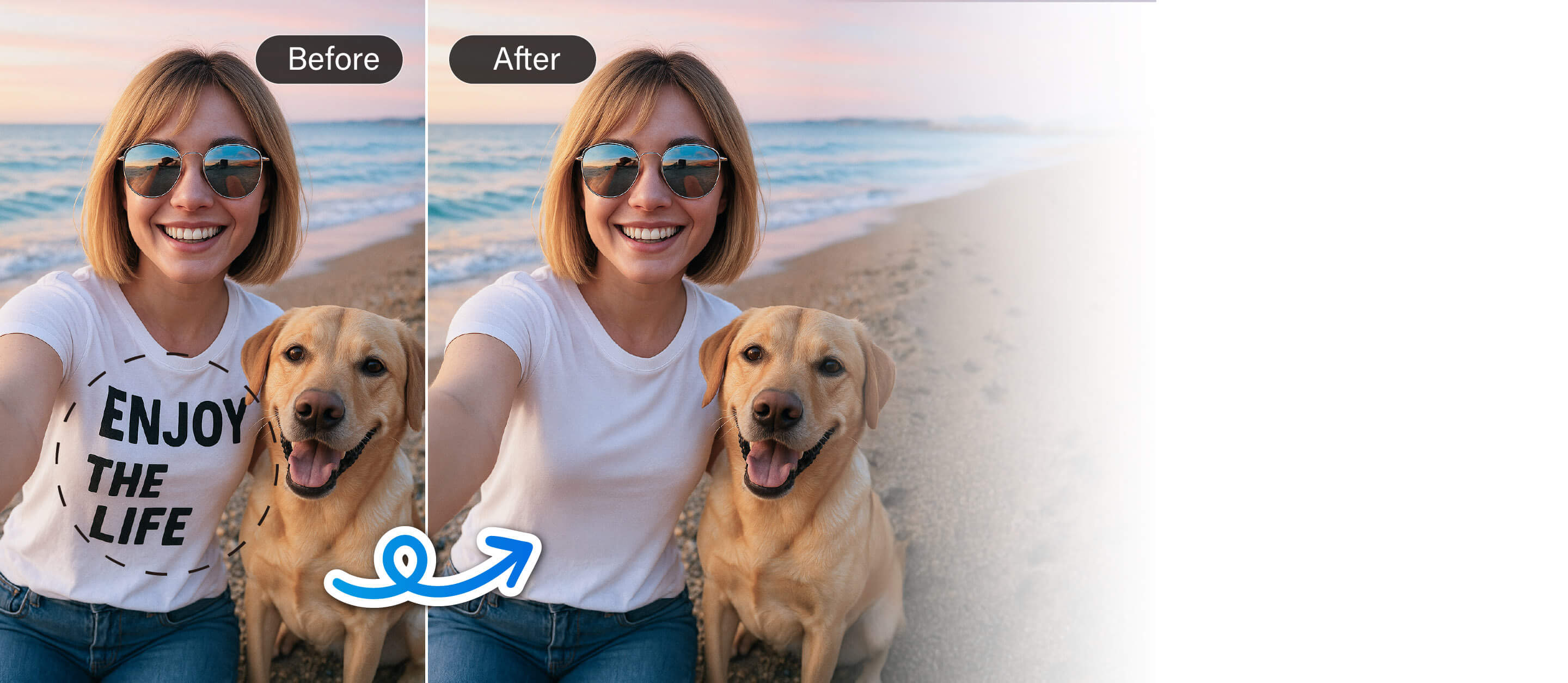
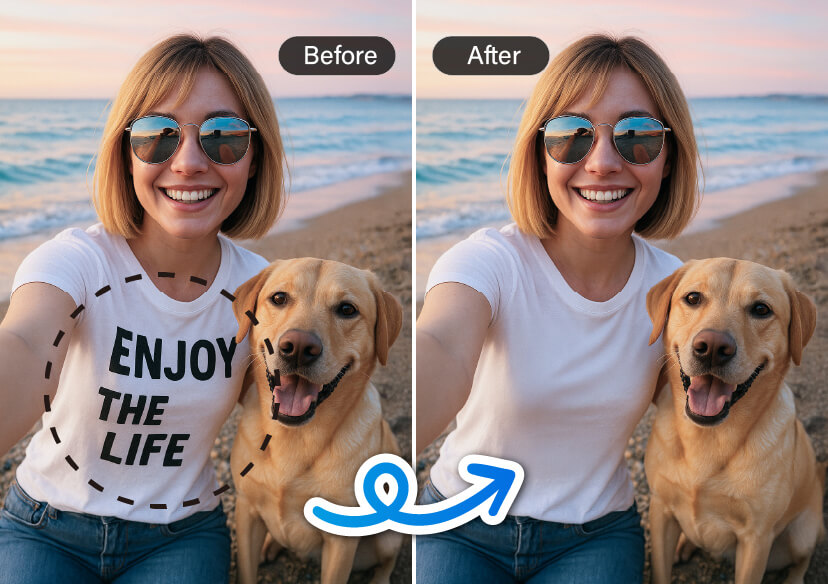




Remove Scribbles from Photos Instantly with AI
Say goodbye to unwanted scribbles or text—our powerful AI cleans up your images in seconds, transforming them into flawless, share-worthy shots.




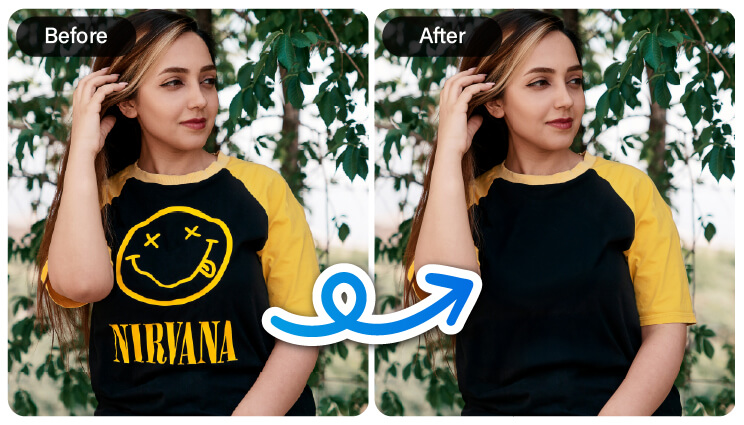
Remove Text From a T-Shirt
Tired of that awkward text on your favorite t-shirt ruining your photo? With just a few clicks, our AI magically erases any words, no editing skills needed. Whether it’s a brand name, slogan, or random print, it's gone in seconds. Clean, polished, and ready to post—like it was never there in the first place.
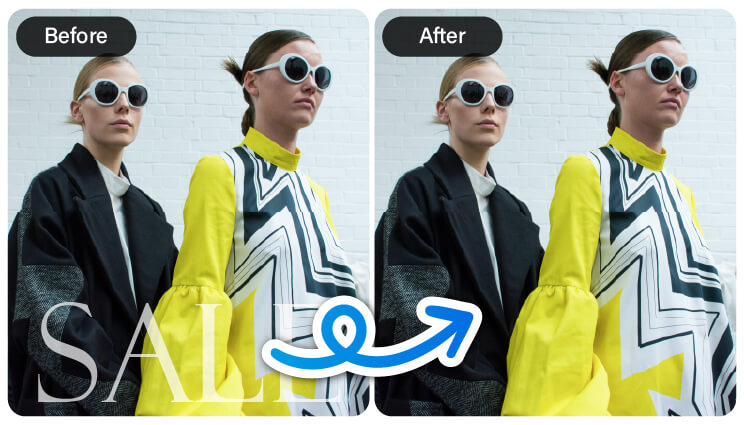
Remove Text From a Poster
Want to highlight the artwork, not the advertising? Instantly remove distracting text like “Sale” or “Limited Offer” from any poster with smart AI cleanup. Your image stays sharp and clean - just the visual you love, without the noise. Perfect for mood boards, prints, or aesthetic edits that deserve the spotlight.
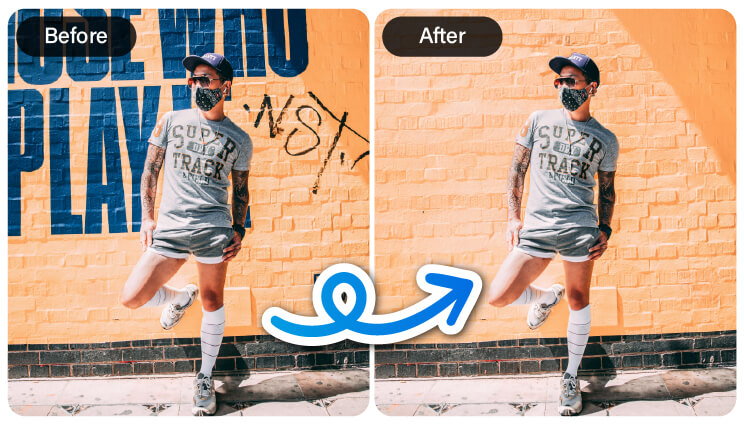
Remove Text From a Background
Unwanted signs or scribbles ruining your shot? Our AI makes it easy to erase text from backgrounds—whether it's writing on a wall, street signs, or random graffiti. In seconds, you’ll have a clean, distraction-free image that puts the focus right where it belongs. Perfect for travel photos, creative projects, or just tidying up your feed.
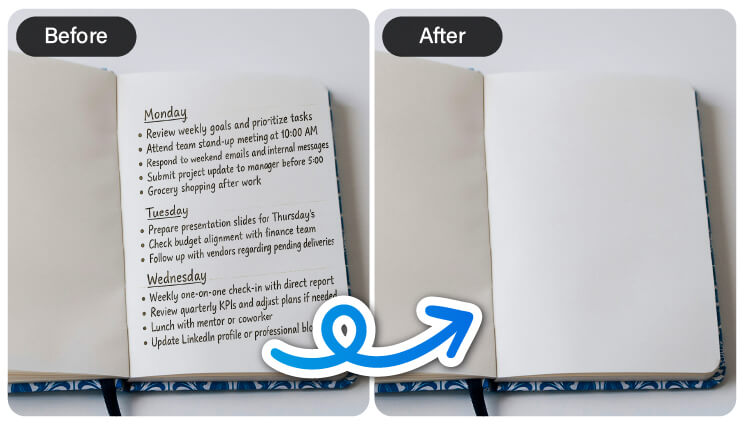
Remove Text From a Notebook
How about a fresh start on your notes? With AI, you can instantly remove any text, doodles, or scribbles from your notebook photos, leaving you with a clean, blank page. It’s perfect for creating templates, reusing layouts, or giving your content a polished, professional look. No mess, no hassle—just a crisp, empty canvas ready for anything.
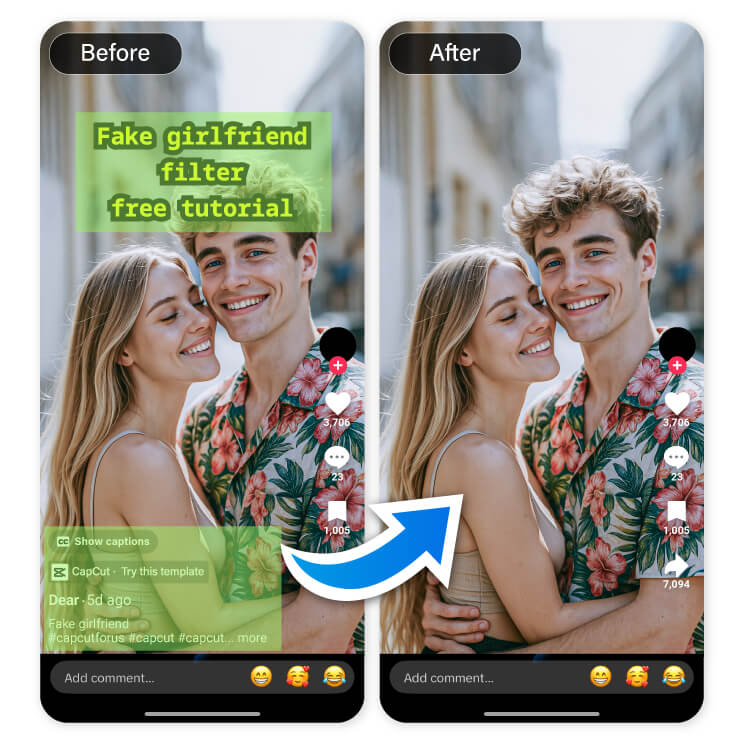
Remove Text From a TikTok Screenshot
Captured the perfect TikTok moment but don’t want the captions or usernames? Easily remove any text from your TikTok screenshots with AI—no editing skills needed. Clean up your image in seconds and keep the focus on what matters most. It’s the fastest way to turn a screenshot into a share-worthy photo.
How to Remove Scribbles from Photo
Ready to remove scribbles and unwanted text from your photos? With YouCam Online Editor, it’s fast, easy, and surprisingly fun. Just follow these simple steps to clean up your image and make it look exactly the way you want.
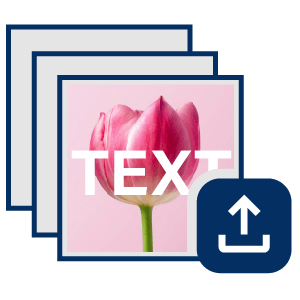
Upload Your Photo
Choose the image you'd like to edit—whether it's covered in doodles, text, or random marks.

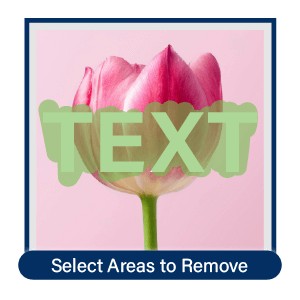
Highlight Scribbles & Text
Use the brush tool to mark any scribbles, words, or areas you want to erase. Don’t worry about precision—our AI's got you covered.
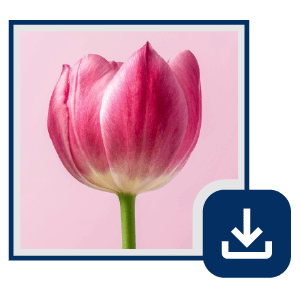
Remove & Save
Watch the magic happen! The AI Object Removal tool will instantly erase the highlighted areas, leaving your photo clean, clear, and ready to download.
Remove Scribbles From Photo FAQs
Is there a way to remove marker from a photo?
Yes! You can easily remove marker lines or scribbles from a photo using the YouCam Online Editor’s AI Object Removal tool. Just upload your image, highlight the marked areas, and let the AI erase them in seconds. It’s fast, effortless, and doesn’t require any editing experience.
How do I remove a doodle from a photo?
Removing doodles from a photo is simple with the YouCam Online Editor. The AI Object Removal tool lets you highlight any hand-drawn marks or sketches and instantly erases them while keeping the rest of your image intact. It's perfect for cleaning up scanned pages, artwork, or digital notes.
Can I remove scribbles from a picture?
Absolutely! With the YouCam Online Editor AI Object Removal tool, you can easily remove scribbles, text, or any unwanted marks from a picture. The smart AI ensures clean results in just a few clicks—no advanced editing skills needed.
How do I erase text from a photo?
To erase text from a photo, simply upload your image to the YouCam Online Editor and use the AI Object Removal tool to highlight the text you want gone. The AI will seamlessly remove it, leaving your image clean and distraction-free.
How to remove unwanted text from pictures?
Use the YouCam Online Editor’s AI Object Removal tool to quickly delete any unwanted text from your pictures. Whether it’s captions, watermarks, or random notes, the AI detects and erases them with precision, giving you a polished final image.

