




Shadow Remover: Remove Shadow From Photo for Free!
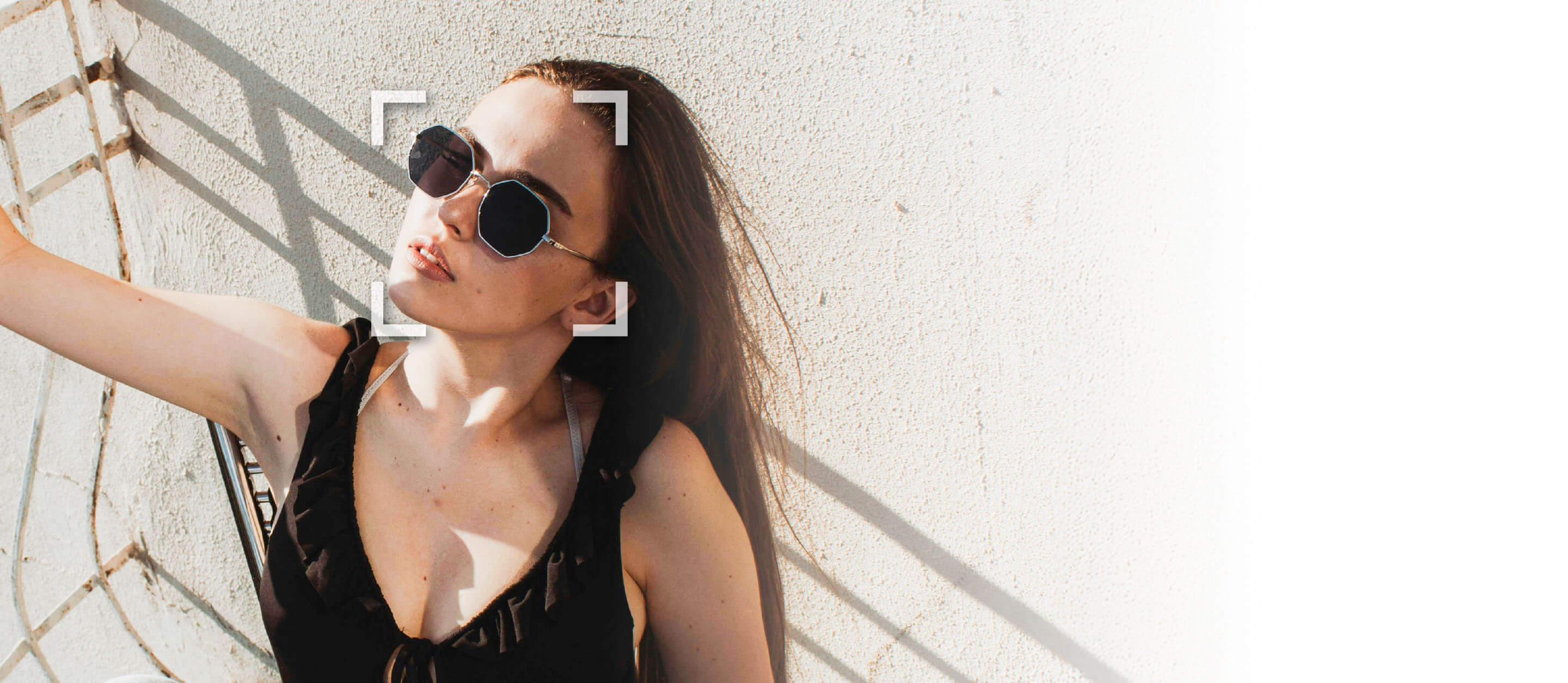
Easily remove shadows from photo online for free, no apps or editing experience required. In just seconds, you can brighten your image, highlight what matters using a shadow remover, and give your photo a polished, professional finish.
Download App
Remove Shadows from Photos with a Shadow Remover
- Instant AI-Powered Shadow Removal: Automatically detect and erase unwanted shadows from any photo with advanced AI technology, no manual editing needed.
- Restore Natural Lighting: Brighten and balance your image by removing harsh or uneven shadows, revealing true colors and details.
- Perfect for Any Photo: Ideal for portraits, product shots, and outdoor scenes where lighting doesn’t go as planned.
How to Remove Shadow From a Photo Online
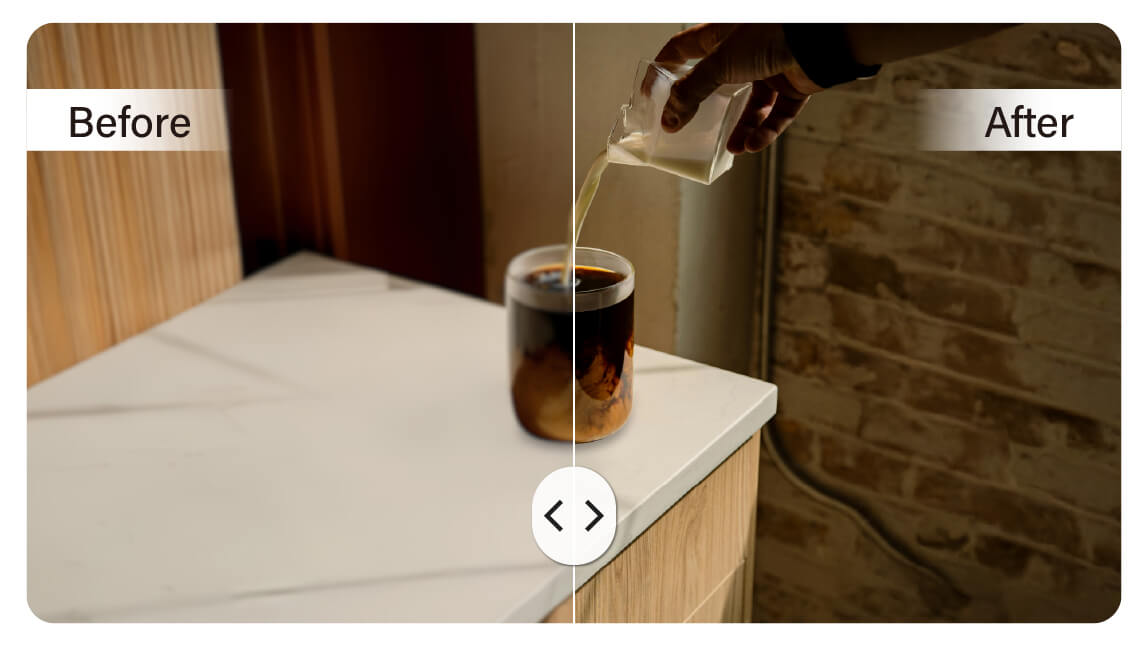
Got harsh shadows ruining your perfect shot? Our online shadow removal tool makes it easy—just upload your photo, brush over the shadowed areas, and watch them fade away in seconds. Whether it's a face or a background, you’ll get a clean, bright result instantly. Works on both iPhone and Android for fast, flawless edits on the go!
Upload Your Image
Click “Try for Free” or simply drag and drop your image onto the page. The tool supports JPG, JPEG, PNG, TIFF, and GIF formats.

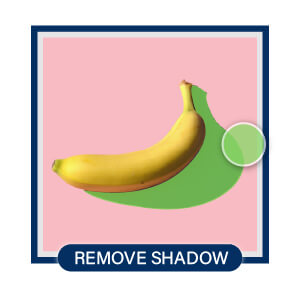
Highlight Shadows to Remove
Use the brush to remove shadows. Gently brush over the shadowed areas. The tool takes care of the rest.
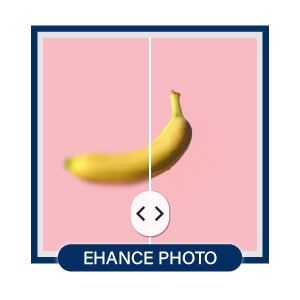
Enhance Your Photo
Adjust brightness, contrast, or add a filter for the perfect finish.
Save the Image
Download your edited photo in high quality, ready to share.
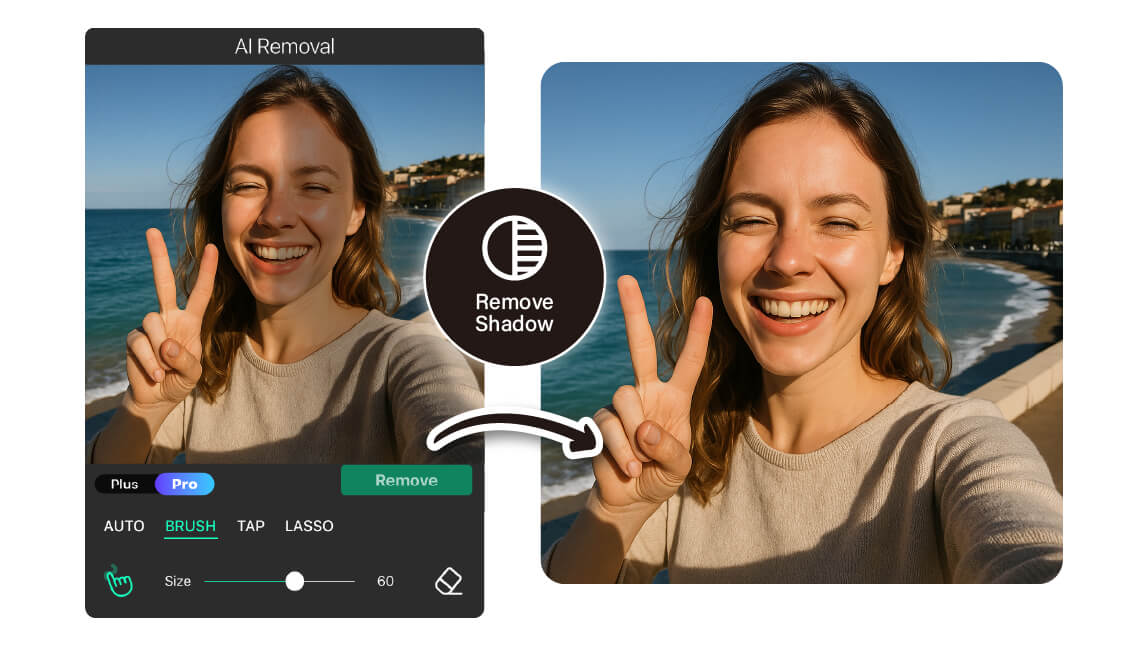
Remove Shadows From Faces
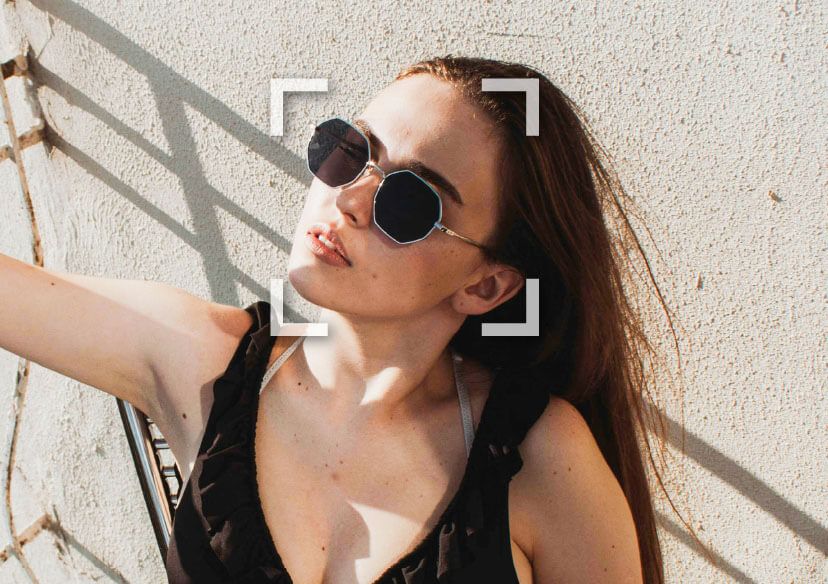
Harsh shadows on your face can ruin an otherwise perfect photo—but don't worry, we’ve got you. Our online photo editor makes it easy to remove unwanted shadows with just a few clicks, bringing out your natural glow. Whether it’s a selfie taken in tricky lighting or a candid moment that deserves better, we’ll help your face look clear, bright, and photo-ready.
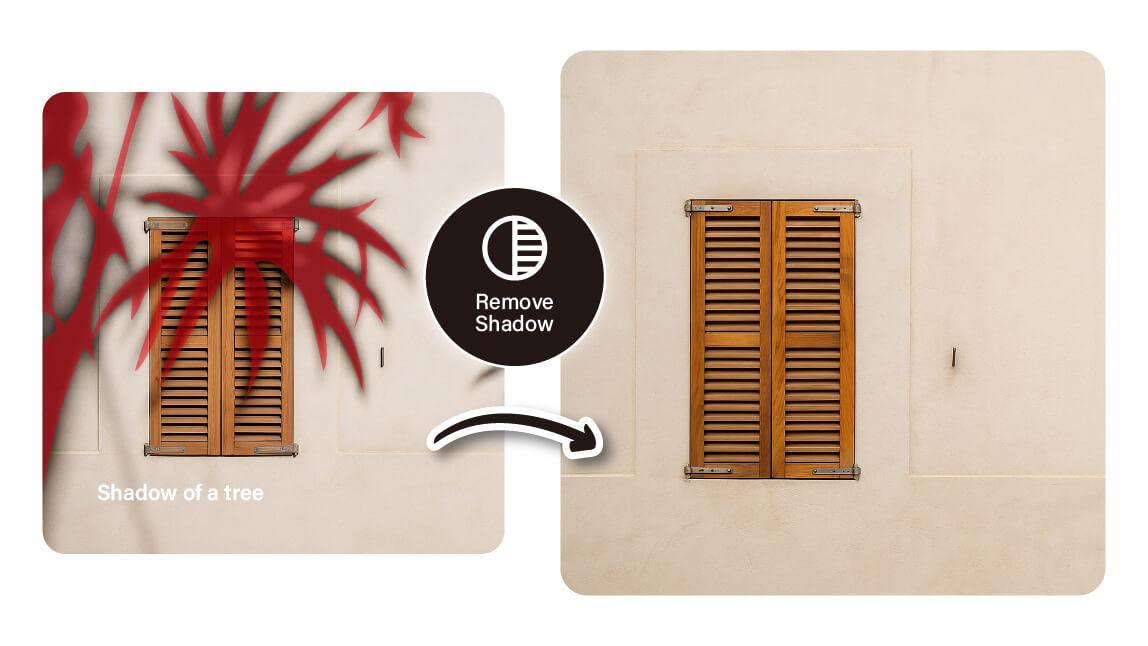
Remove Shadows From Pictures
Shadows can add drama, but sometimes they just get in the way. Whether it’s a skyline, a product shot, or a beautiful landscape, unwanted shadows can distract from the details that matter. Our online photo editor helps you lift those shadows and bring your images back to life, no editing skills needed. Clean, clear, and exactly how you imagined it.
Bring Out the Best in Every Pixel
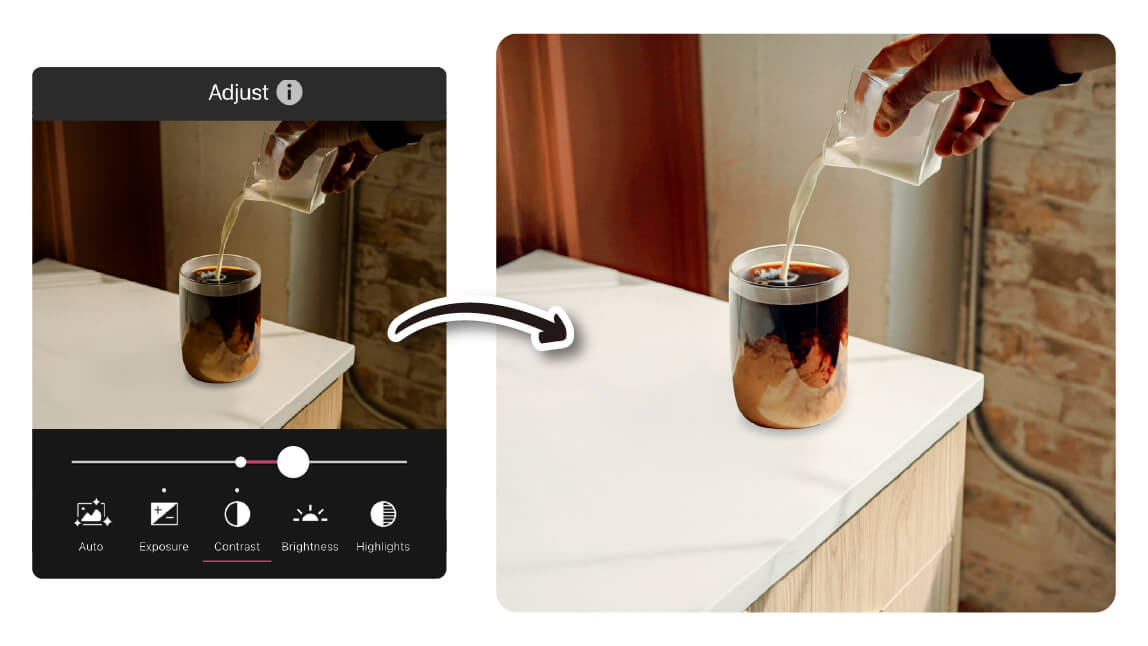
Once the shadows are gone, it’s the perfect time to enhance your photo. Adjust brightness, contrast, or saturation to make your image more vivid and balanced. You can also apply filters for a specific mood or style. A few simple tweaks can turn a good photo into a great one—bright, clear, and ready to share.
Adjust Light and Color
Fine-tune your photo’s lighting and color to match your vision. After removing shadows, you can easily boost brightness, fix tones, and enhance color balance for a polished, natural look. It’s the final touch that makes your image shine.
Remove Shadows FAQs
Can you remove a shadow from a picture?
Yes, you can easily remove a shadow from a picture using AI-powered tools. YouCam Online Editor is one of the best options available, offering a free and user-friendly way to erase unwanted shadows. With its AI Object Removal feature, the tool detects and blends shadowed areas seamlessly into the background. No design experience is needed—just upload your photo, highlight the shadow, and let the AI do the rest. It's perfect for enhancing portraits, product shots, or scenic photos.
How to remove shadow from image online free?
To remove a shadow from an image online for free, use YouCam Online Editor. This AI-powered platform offers a simple Object Removal feature that works directly in your browser. Upload your photo, brush over the shadowed area, and the editor will erase it instantly while maintaining natural-looking results. There's no need to download software or create an account. It's one of the easiest and most reliable free solutions for shadow removal.
How do I completely remove shadows?
You can completely remove shadows from your photos by using an advanced AI editor like YouCam Online Editor. Its AI Object Removal tool is specifically designed to erase shadows and other unwanted elements with precision. Simply upload your image, select the shadowed area, and let the technology reconstruct the background naturally. The tool uses intelligent algorithms to ensure a clean and realistic edit. It's fast, free, and requires no prior editing experience.
Can you make a shadow disappear?
Yes, you can make a shadow disappear from your photo using YouCam Online Editor. The platform’s AI Object Removal tool allows you to erase shadows in seconds by simply brushing over the area. It’s ideal for cleaning up lighting issues in selfies, portraits, or product photos. The AI automatically fills in the space with a smooth, natural background, making the edit look flawless. Best of all, it’s free to use and accessible online.
What is a shadow remover?
A shadow remover is a photo editing tool (or app) that helps eliminate unwanted shadows from images. It enhances lighting and clarity, especially on faces, objects, or backgrounds affected by poor lighting.
What app removes shadows from photos effectively?
The YouCam Perfect app offers more advanced shadow removal tools. It provides AI-powered editing like “Auto Detect”, “Lasso”, and “Tap” to select and remove harsh shadows on faces, backgrounds, and even objects—giving your photo a clean, natural look.
Can I remove shadows from faces in selfies?
Absolutely. Both YouCam Online Editor and YouCam Perfect are great for removing facial shadows in selfies. YouCam Perfect offers extra precision and fine-tuning for more complex edits, like uneven lighting across the face.

